Flutter Super Grid

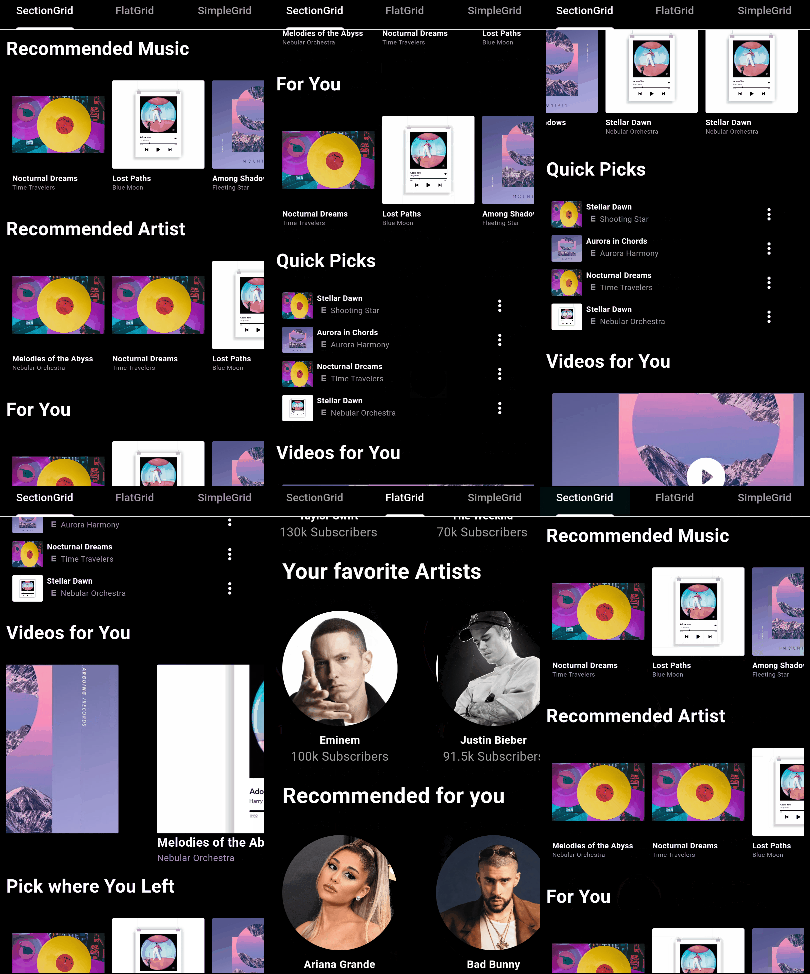
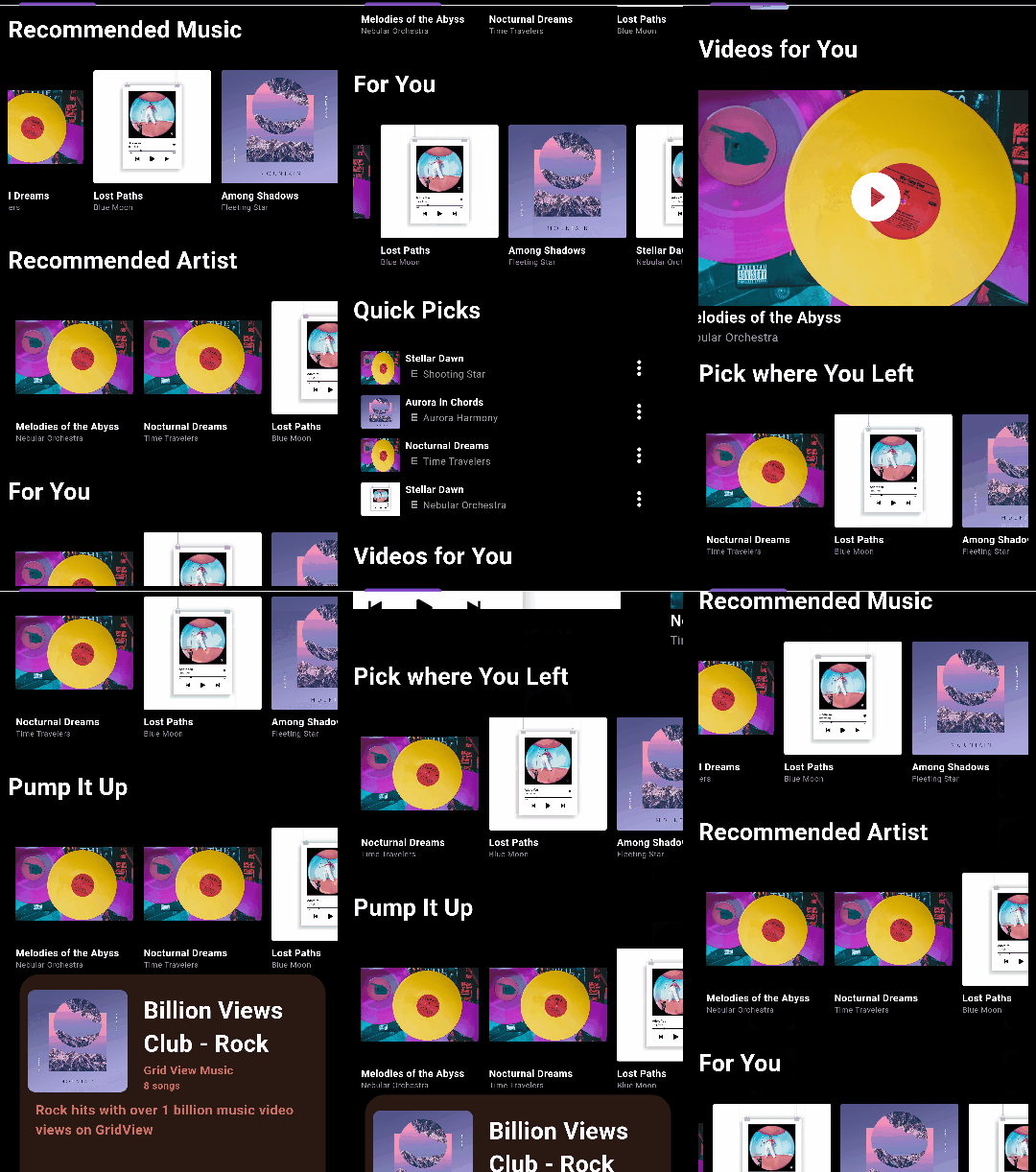
A customizable Flutter package for displaying grid views of sections.
Installation
Add the following to your pubspec.yaml file:
dependencies:
  flutter_super_grid: ^1.0.9
Then, run:
$ flutter pub get
Features
- Customizable grid view with sections and various configuration options.
- Support for item tap callbacks with section and item indices.
- Option to invert the row and display the grid horizontally.
- Section titles with customizable styling and alignment.
SectionGridView
Usage
import 'package:flutter_super_grid/flutter_super_grid.dart';
SectionGridView(
sections: yourSectionsList,
renderItem: (itemData) {
return YourCustomItemWidget(itemData);
},
itemsPerRow: 3,
)
FlatGridView

Usage
import 'package:flutter_super_grid/flutter_super_grid.dart';
FlatGridView(
data: yourDataList,
renderItem: (itemData) {
return YourCustomItemWidget(itemData);
},
itemsPerRow: 3,
)
SimpleGridView

Usage
import 'package:flutter_super_grid/flutter_super_grid.dart';
SimpleGridView(
data: yourDataList,
renderItem: (itemData) {
return YourCustomItemWidget(itemData);
},
)
Configuration Table
| Configuration |
Type |
Default Value |
Description |
data |
List |
- |
The data to display in the grid (SimpleGridView and FlatGridView). |
sections |
List |
- |
The sections to display in the grid (SectionGridView only). |
renderItem |
Function |
- |
Function that renders each item in the grid. |
onNewItemAdded |
Function or null |
null |
Callback when a new item is added (SectionGridView and FlatGridView). |
onPressed |
Function or null |
null |
Callback when an item is pressed (SectionGridView and FlatGridView). |
itemsPerRow |
int |
0 |
Number of items per row or column (applies when isFixed is false). |
itemSize |
double |
120.0 |
The size of items in the main axis. |
minItemDimension |
double |
120.0 |
Minimum dimension (width or height) of each grid item (applies when isFixed is false). |
verticalSpacing |
double |
10 |
Vertical spacing between items. |
horizontalSpacing |
double |
10 |
Horizontal spacing between items. |
isFixed |
bool |
false |
Whether the grid item size is fixed. |
horizontal |
bool |
false |
Whether the grid view is horizontal. |
invertedRow |
bool |
false |
Whether to invert the row. |
adjustGridToStyles |
bool |
false |
Whether to adjust the grid to styles. |
style |
SectionGridViewStyle |
- |
Style configuration for the grid view. |
itemContainerStyle |
ContainerStyle |
ContainerStyle() |
Style for the container of each item (FlatGridView only) (applies when isFixed is false). |
footerWidget |
Widget |
SizedBox |
Widget to be displayed as a footer (SectionGridView and FlatGridView). |
gridViewHeight |
double |
300 |
Height of the gridview. |
gridViewWidth |
double |
double.infinity |
Width of the gridview. |
containerWidth |
double |
double.infinity |
Width of the main container (applies when it's greater than gridViewWidth). |
containerHeight |
double |
300 |
Height of the main container (applies when it's greater than gridViewHeight). |
physics |
ScrollPhysics or null |
null |
The physics of the scroll view. |
Documentation
For detailed documentation, see API Documentation.
License
This project is licensed under the MIT License - see the LICENSE.md file for details.
Issues and Contributions
Feel free to contribute to this project.
If you find a bug or want a feature, but don't know how to fix/implement it, please fill an issue.
If you fixed a bug or implemented a feature, please send a pull request.
