

 v2.1.5
m3_carousel
Material Design 3 輪播圖(https://m3.material.io/components/carousel/overview)的 Flutter 實作。
45喜歡 1630近 30 天下載160Pub 分數
AndroidiOSWebmacOSWindowsLinux
Material Design 3 輪播圖(https://m3.material.io/components/carousel/overview)的 Flutter 實作。

以下為英文專案原文快照,最新內容請造訪 GitHub。
A flutter implementation of the Material Design 3 carousel.
Built on the CarouselView.
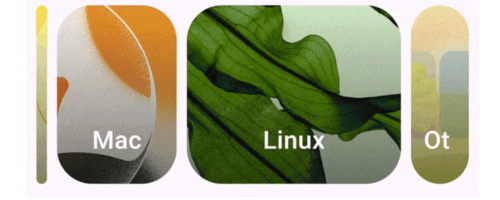
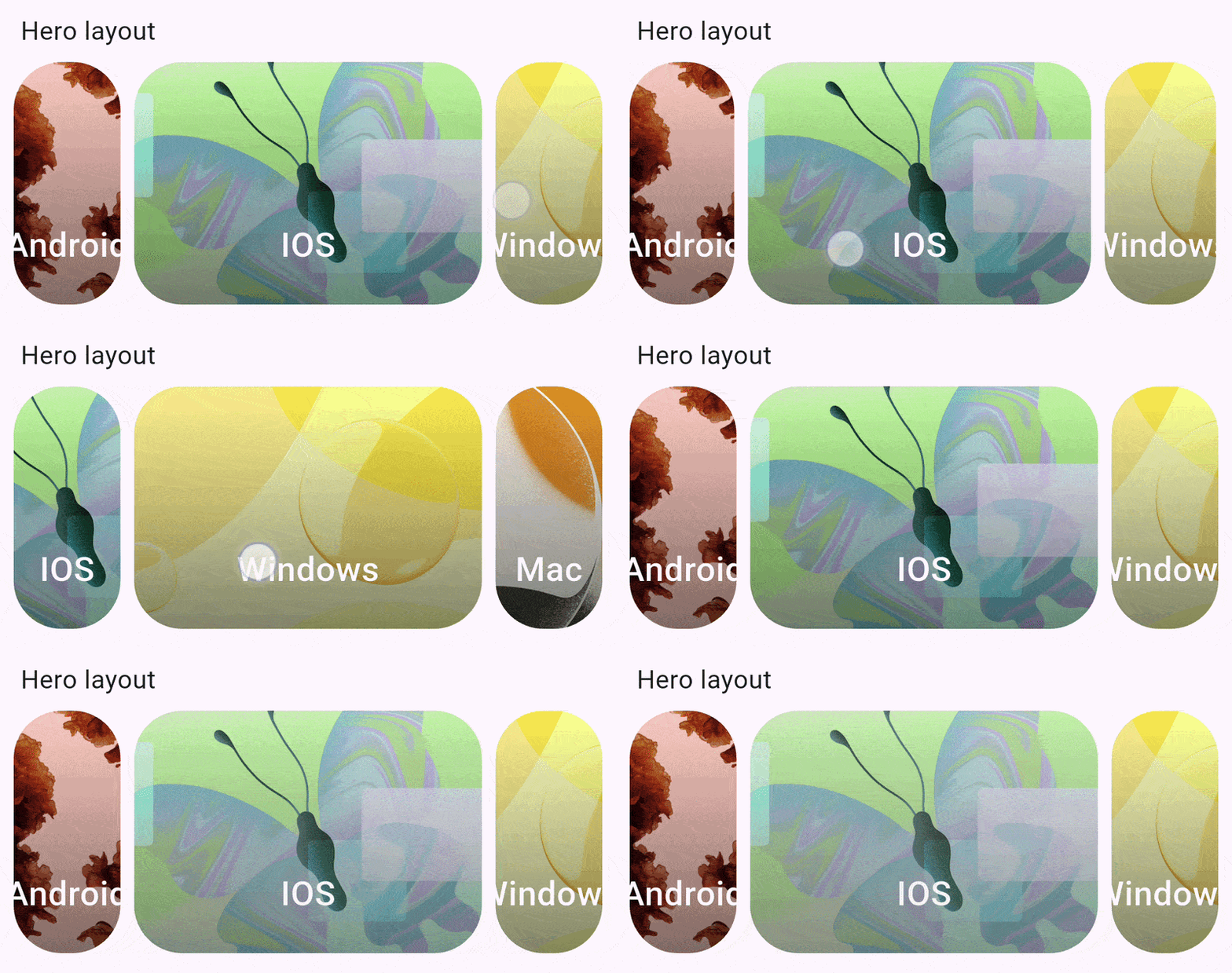
Hero carousel with support for "left", "center" and "right" alignments.
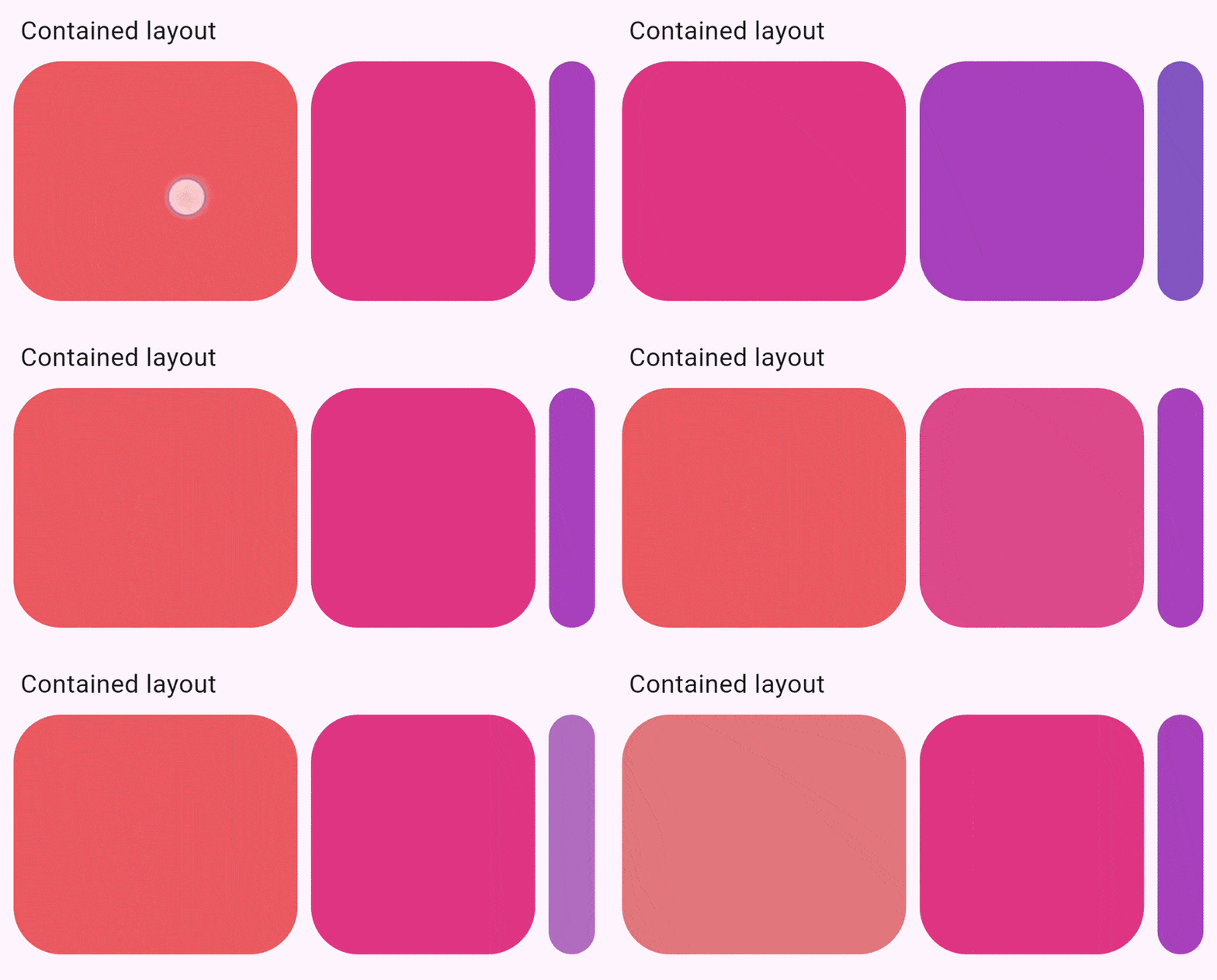
Contained carousel. Extended view inclusive.
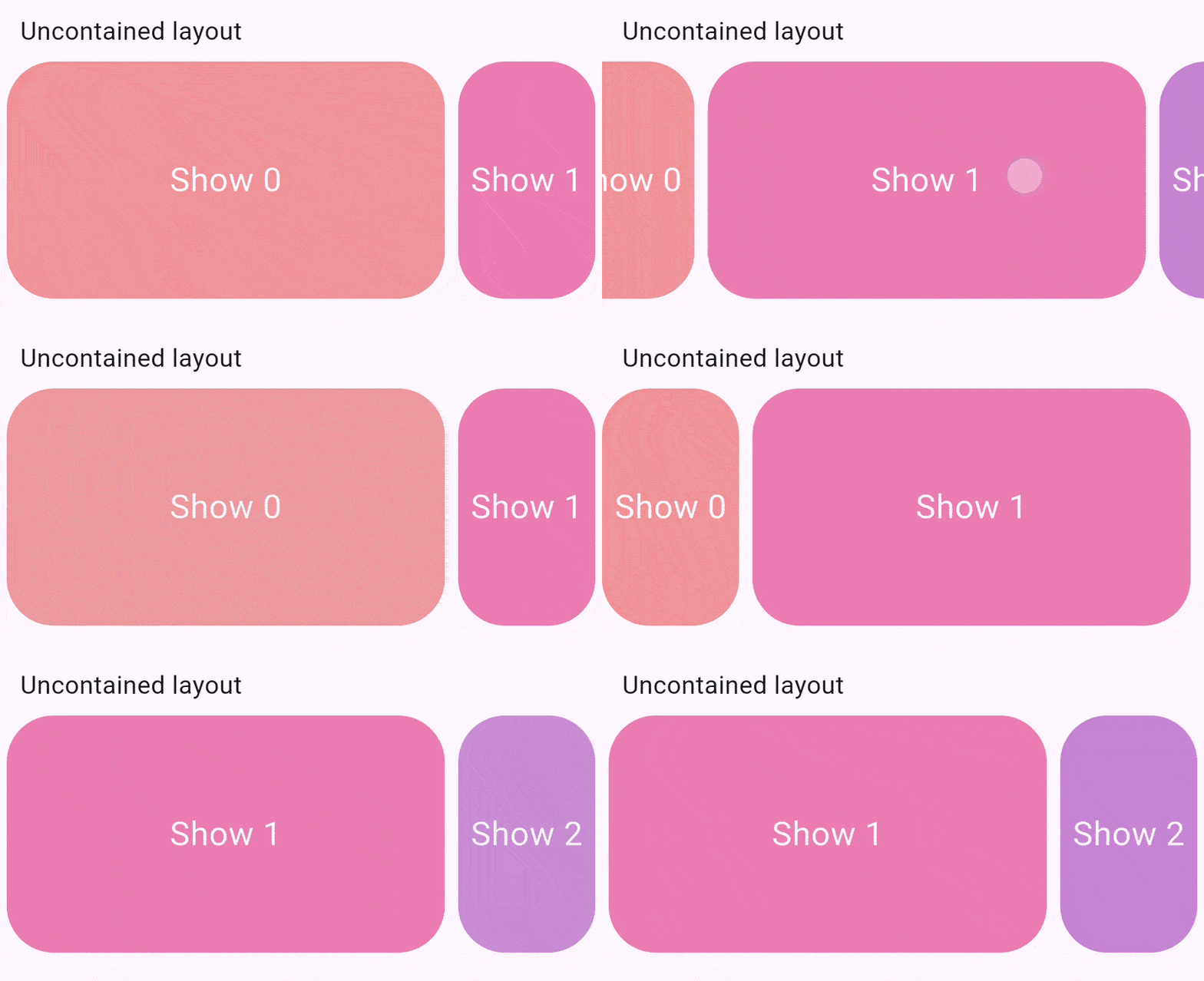
Uncontained carousel.
Horizontal or vertical scrolling via axis.
In your pubspec.yaml
dependencies:
  m3_carousel: ^2.1.4 # requires Dart => ^3.12.0, Flutter >=3.38.0
import "package:m3_carousel/m3_carousel.dart";

M3Carousel(
    type: CarouselType.hero,
    heroAlignment: HeroAlignment.center,
    axis: Axis.horizontal,
    onTap: (int tapIndex) => log(tapIndex.toString()),
    children: List<Widget>.generate(10, (int index) {
        return ColoredBox(
            color: Colors.primaries[index % Colors.primaries.length]
                .withValues(alpha: 0.8),
            child: const SizedBox.expand(),
        );
    }),
),
See example/lib/main.dart for complete examples.
Use of CarouselView is govern by the Flutter Authors LICENSE
MIT license
依賴清單 4 項
^1.18.0{"sdk":"flutter"}{"sdk":"flutter"}^2.0.0先依使用情境篩選,再比較專案活躍情況,最後到原始儲存庫確認使用要求。
“A repository is the most basic element of GitHub.”
GitHub Docs — About repositories ↗