

 v0.1.0
sms_user_consent
請求使用者的電話號碼(支援雙卡)和/或同意讀取簡訊,而無需新增任何權限
85喜歡 93近 30 天下載160Pub 分數
Android
實現 Android 簡訊使用者同意 API 的 Flutter 插件

以下為英文專案原文快照,最新內容請造訪 GitHub。
Request user's phone number (supports dual sim) and/or consent to read SMS without adding any permissions, using Android's SMS User Consent API
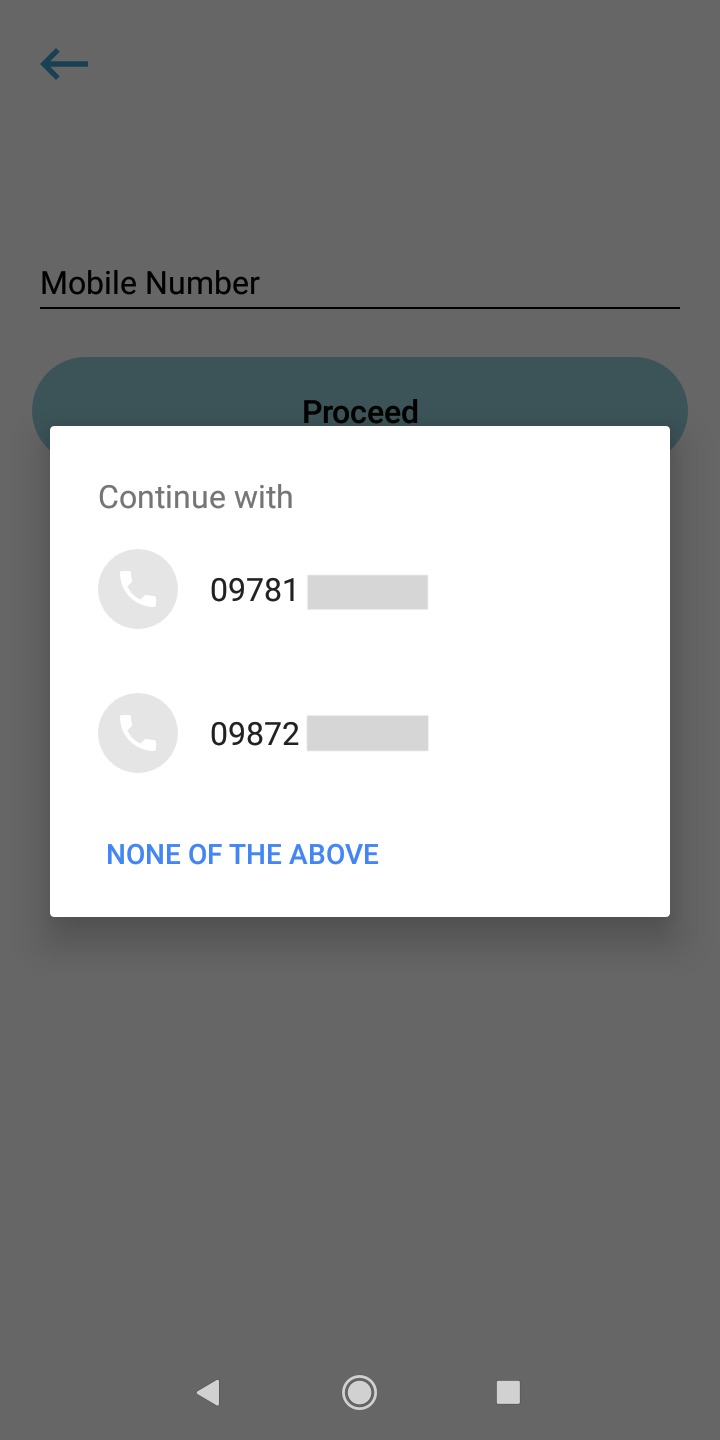
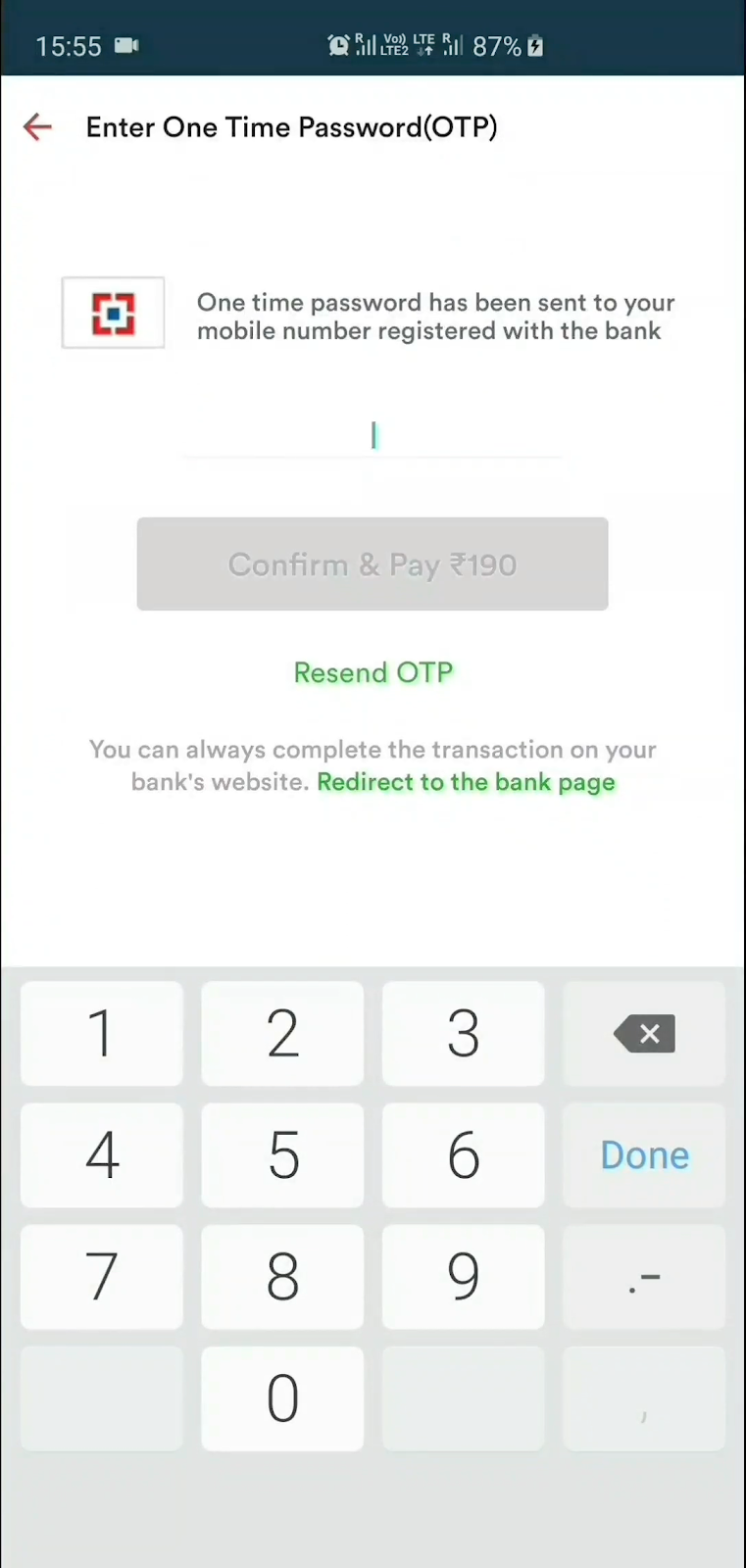
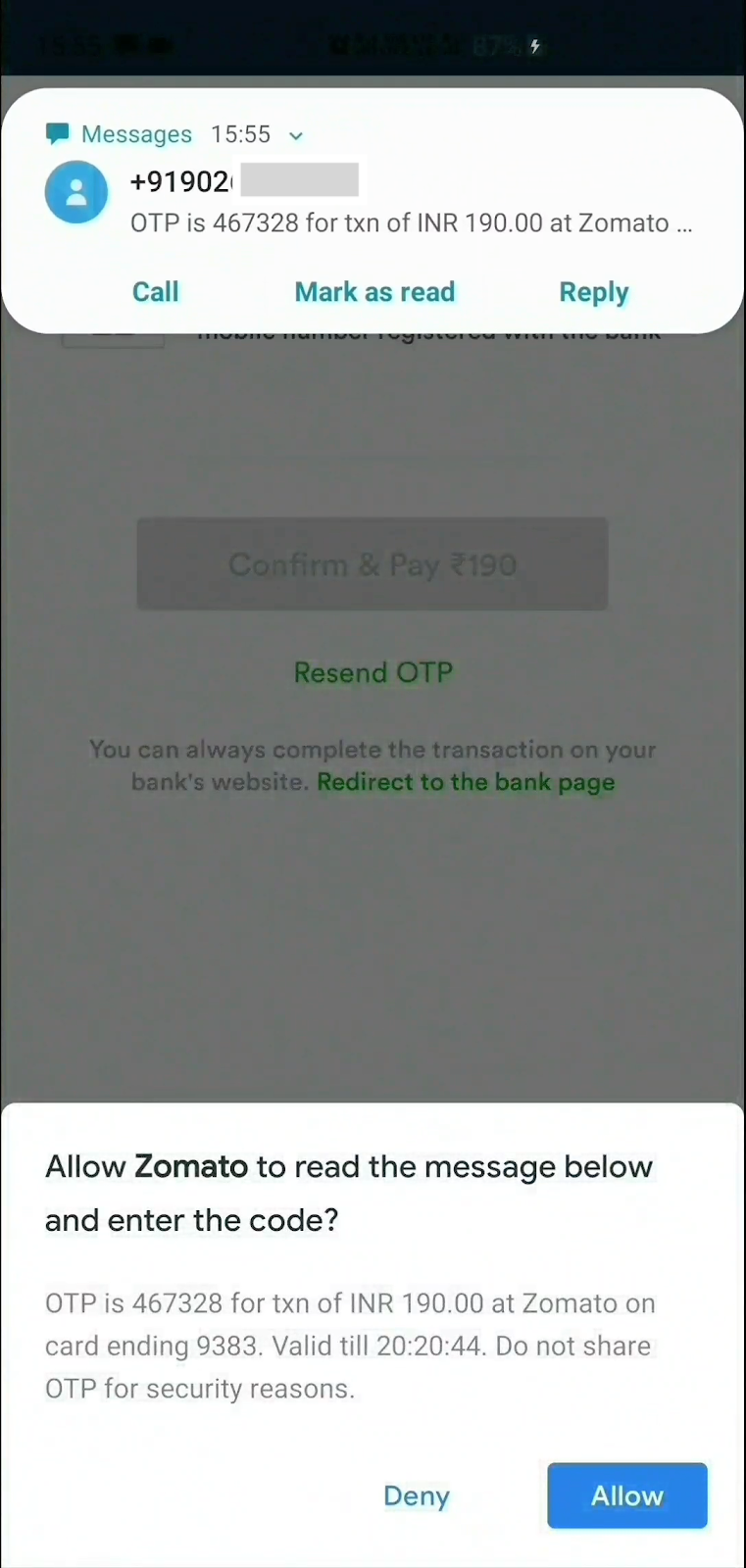
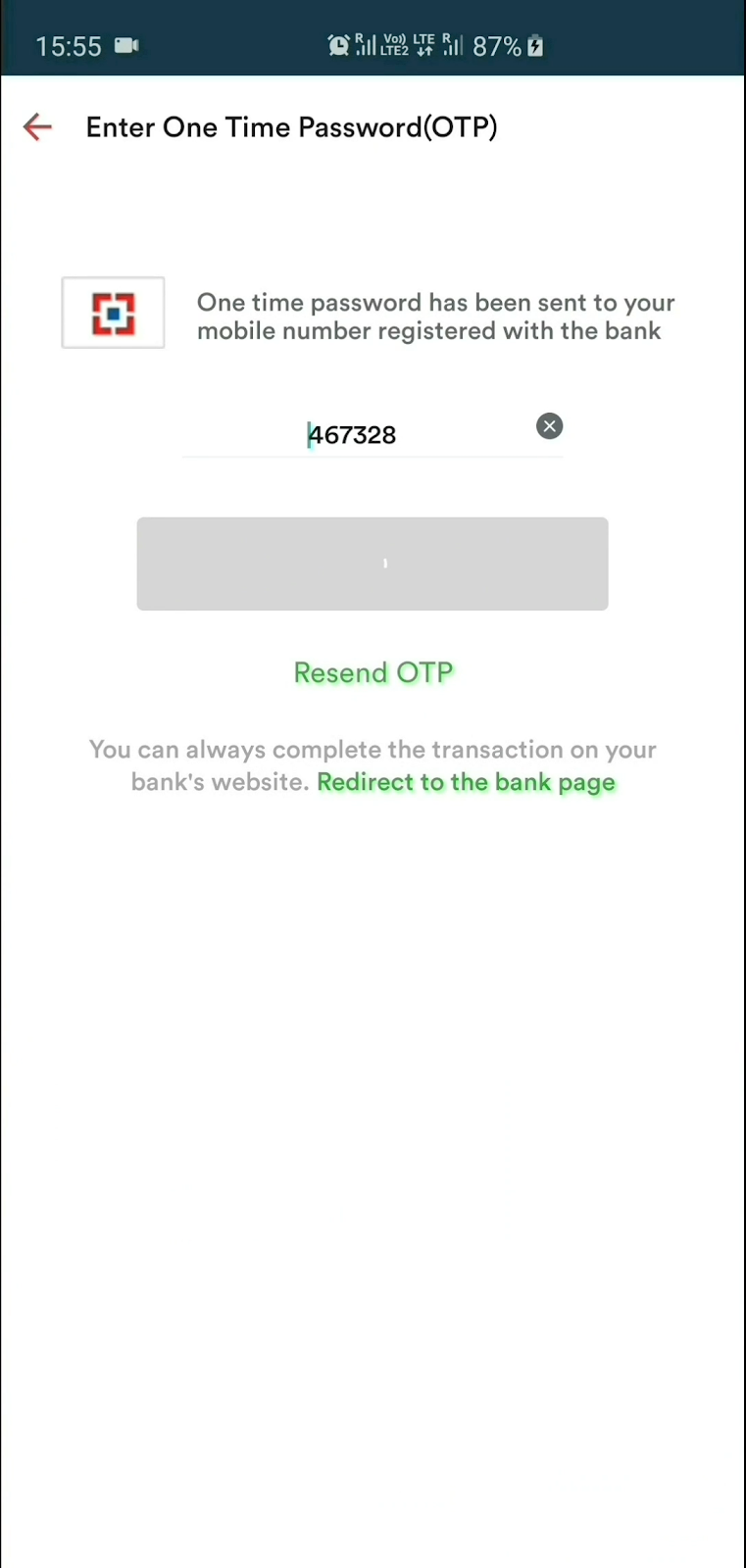
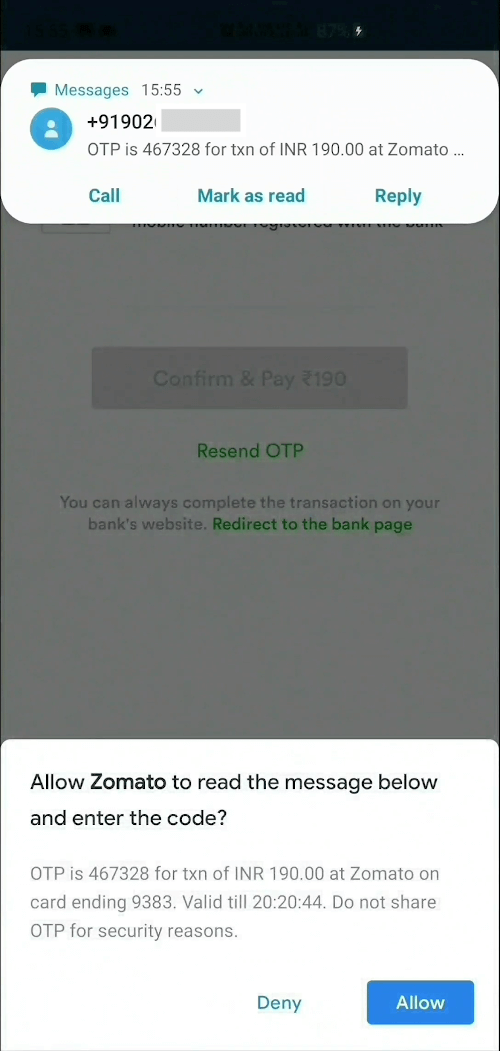
1] Create an instance, optionally supply phone number listener and sms listener
SmsUserConsent smsUserConsent = SmsUserConsent(
        // optionally, do something when user selects a number.
        // You can even add/update this listener later on by simply
        // calling smsUserConsent.updatePhoneNumberListener(updatedListener)
        phoneNumberListener: () {},

        // optionally, do something when user receives sms.
        // You can even add/update this listener later on by simply
        // calling smsUserConsent.updateSmsListener(updatedListener)
        smsListener: () {}
);
2a] OPTIONAL : Request user's phone number
smsUserConsent.requestPhoneNumber();
Once the user selects a phone number, it can be accessed as
smsUserConsent.selectedPhoneNumber;
2b] OPTIONAL : Request to receive SMS
smsUserConsent.requestSms();
or you can specify the phone number you wish to capture the SMS from
smsUserConsent.requestSms(senderPhoneNumber: sender_number);
Once the user receives a SMS and the user taps Allow, it can be accessed as
smsUserConsent.receivedSms;
3] Finally, dispose the instance
smsUserConsent.dispose();
As per the SMS User Consent API, message will be received by the plugin only if it meets these criteria:
MIT © 2020 Harsh P
依賴清單 2 項
{"sdk":"flutter"}{"sdk":"flutter"}先依使用情境篩選,再比較專案活躍情況,最後到原始儲存庫確認使用要求。
“A repository is the most basic element of GitHub.”
GitHub Docs — About repositories ↗