搜尋套件、儲存庫與 APP 分類

sms_user_consent 封面
套件詳情v0.1.0

sms_user_consent

請求使用者的電話號碼(支援雙卡)和/或同意讀取簡訊,而無需新增任何權限

Android
近 30 天下載
93
喜歡數
85
Pub 分數
160

安裝套件

flutter pub add sms_user_consent

套件介紹

根據套件公開資料產生的選型評估,僅供參考。

sms_user_consent 套件讓 Flutter 應用程式能在不需明確權限的情況下,請求使用者的電話號碼和/或同意讀取 Android 上的簡訊。它利用 Android 內建的簡訊權限系統,讓使用者透過標準系統對話框授予权限。該套件支援雙 SIM 設備,確保在多樣化的 Android 硬體上相容。非常適合需要 OTP 驗證或基於簡訊的驗證應用程式,簡化流程同時維持隱私與安全性。

適用情境

  • OTP 驗證
  • 基於簡訊的驗證
  • 雙卡設備支援
  • 保護隱私的簡訊存取
  • 用戶同意收集

主要特色

  • 無需額外權限
  • 雙卡相容
  • 僅支援 Android
  • 系統級同意對話框
  • 電話號碼檢索

適合對象

  • 需要OTP輸入的應用
  • 認證流程
  • 無需清單權限的簡訊讀取
  • 面向Android的應用程式
  • 最小權限應用

使用建議

  • 僅限 Android
  • 需要使用者互動
  • 僅限簡訊讀取
  • 不支援 iOS
  • 依賴系統級同意

原始 README

以下為關聯原始碼儲存庫的 README 原文快照,最新內容請造訪原始碼儲存庫。

sms_user_consent

Request user's phone number (supports dual sim) and/or consent to read SMS without adding any permissions, using Android's SMS User Consent API

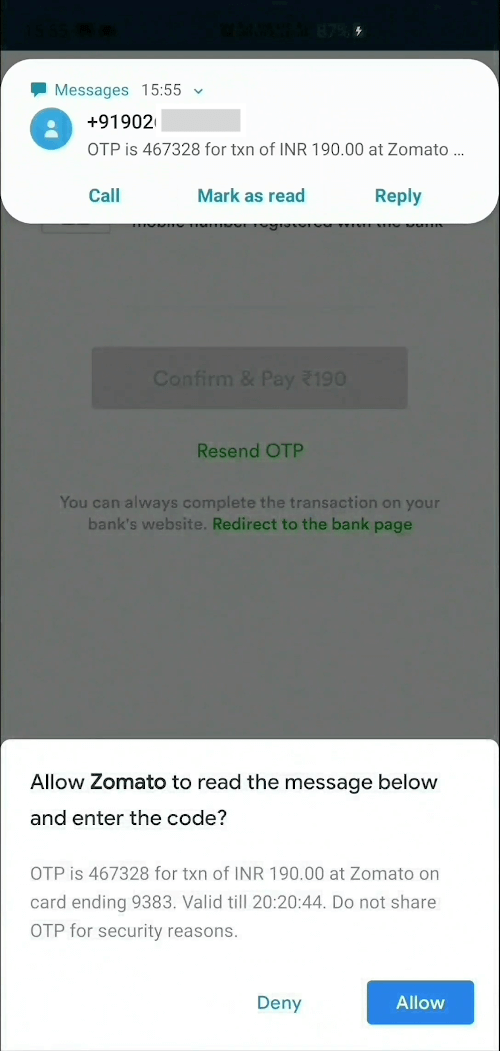
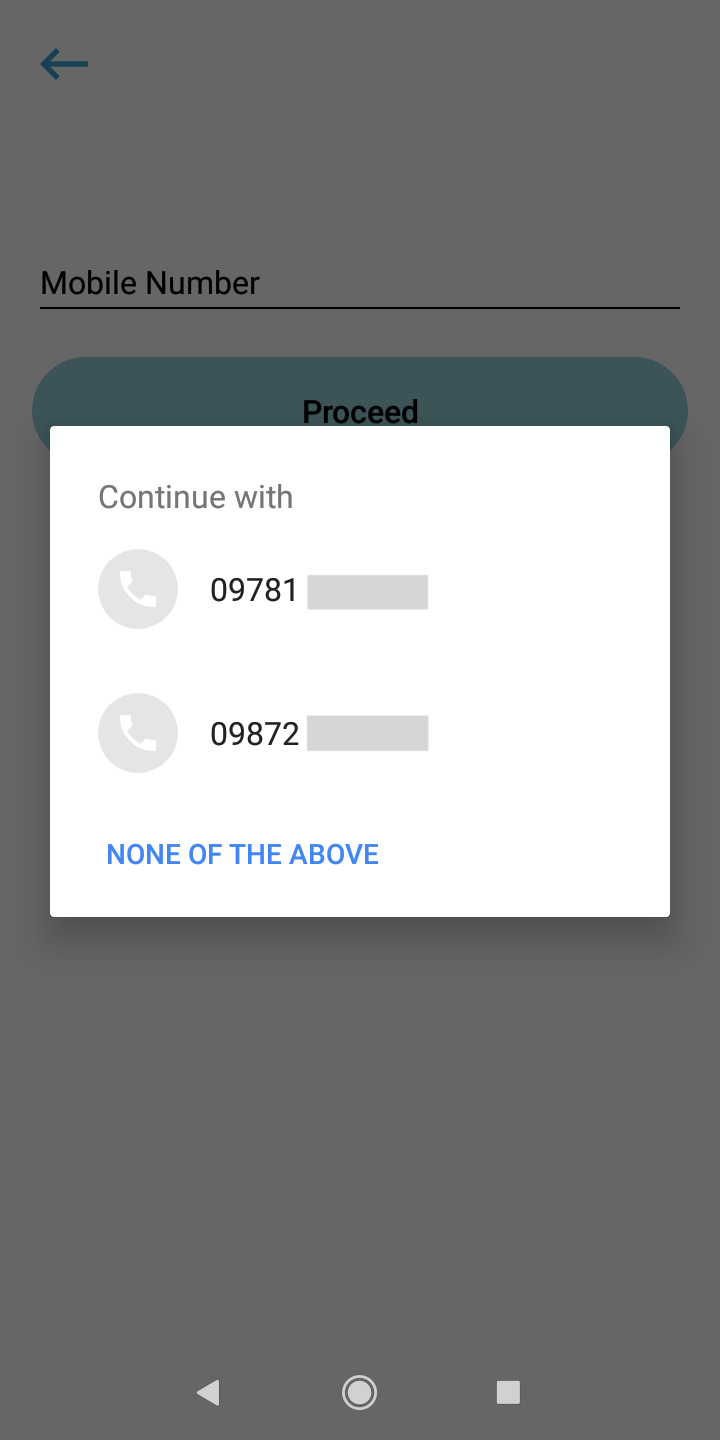
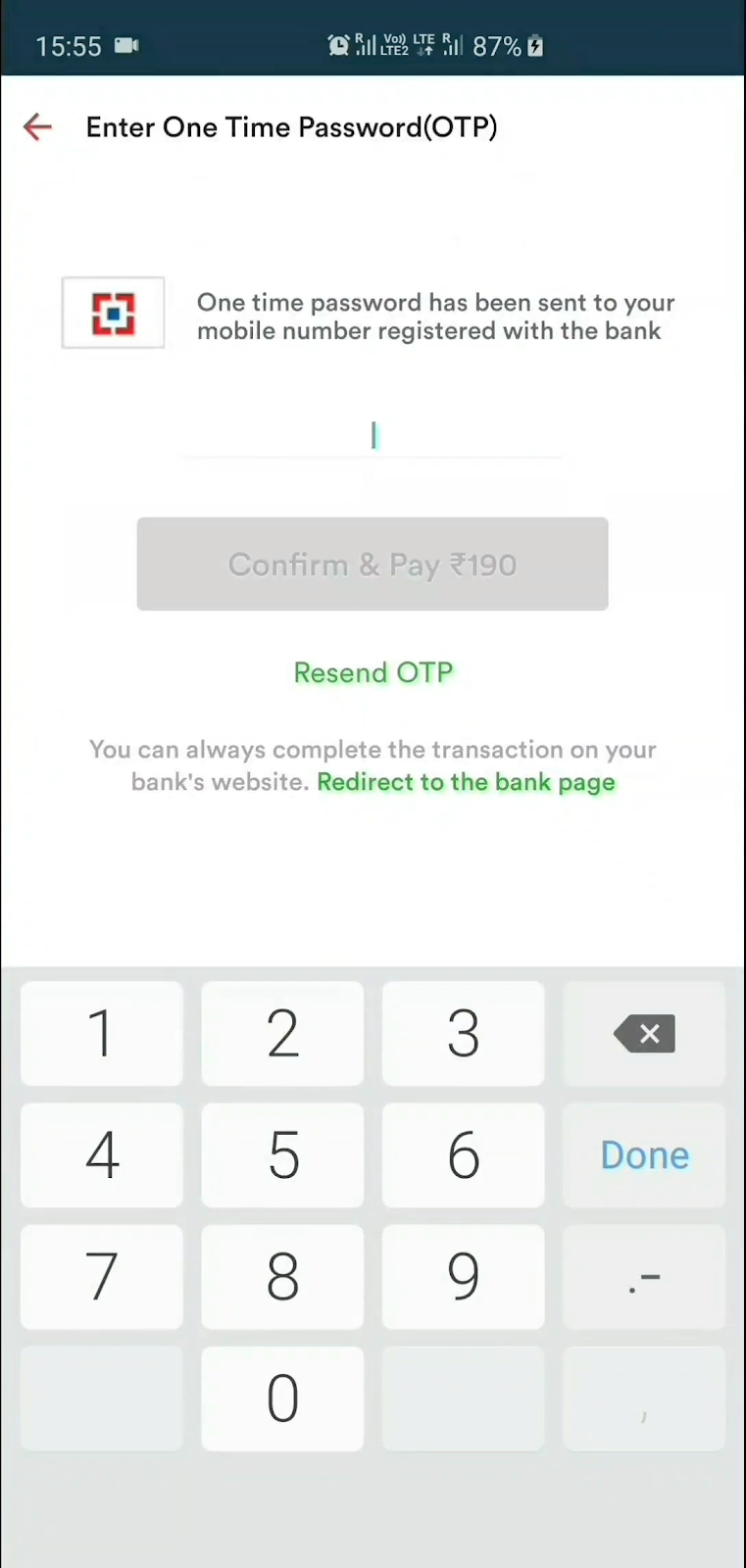
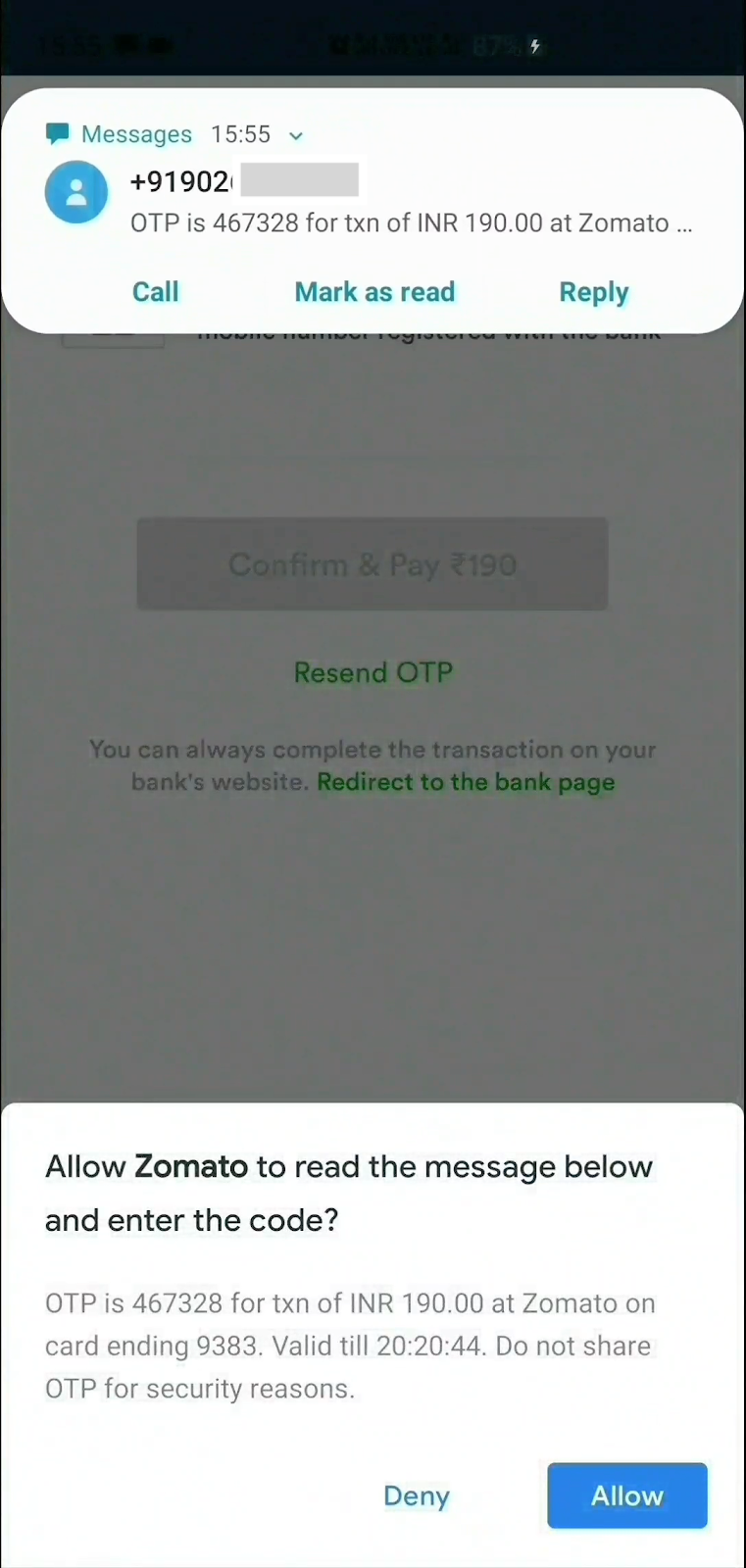
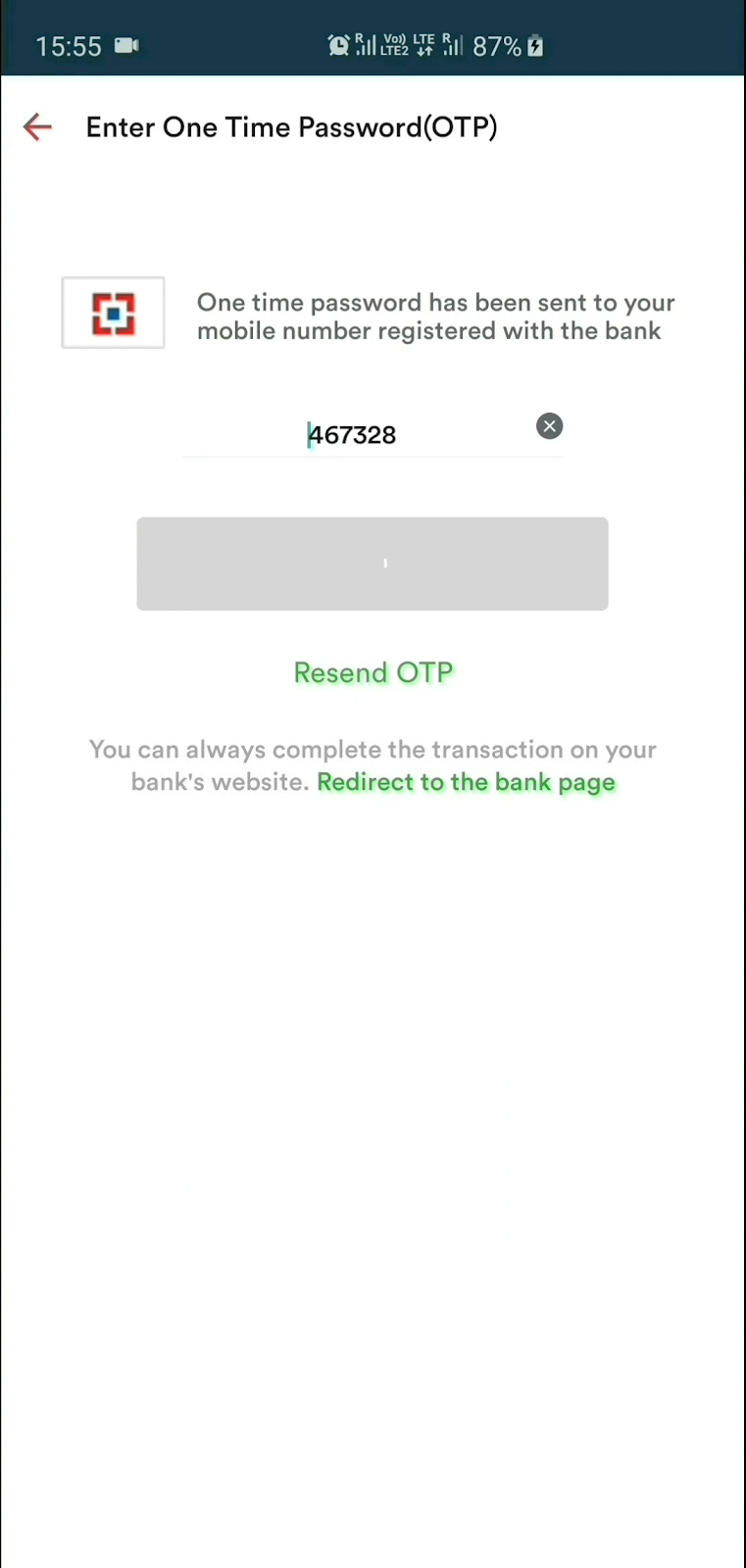
Screenshots

Steps to use

1] Create an instance, optionally supply phone number listener and sms listener

SmsUserConsent smsUserConsent = SmsUserConsent(
        // optionally, do something when user selects a number.
        // You can even add/update this listener later on by simply 
        // calling smsUserConsent.updatePhoneNumberListener(updatedListener)
        phoneNumberListener: () {},
        
        // optionally, do something when user receives sms.
        // You can even add/update this listener later on by simply 
        // calling smsUserConsent.updateSmsListener(updatedListener)
        smsListener: () {}
);

2a] OPTIONAL : Request user's phone number

smsUserConsent.requestPhoneNumber();

Once the user selects a phone number, it can be accessed as

smsUserConsent.selectedPhoneNumber;

2b] OPTIONAL : Request to receive SMS

smsUserConsent.requestSms(); 

or you can specify the phone number you wish to capture the SMS from

smsUserConsent.requestSms(senderPhoneNumber: sender_number);

Once the user receives a SMS and the user taps Allow, it can be accessed as

smsUserConsent.receivedSms;

3] Finally, dispose the instance

smsUserConsent.dispose();
Note

As per the SMS User Consent API, message will be received by the plugin only if it meets these criteria:

  • The message contains a 4-10 character alphanumeric string with at least one number.
  • The message was sent by a phone number that's not in the user's contacts.
  • If you specified the sender's phone number, the message was sent by that number.

Contributing

  • Found a bug or idea to improve the plugin? Send a PR.
  • Found this plugin helpful and want to thank me? I love :coffee:
  • Want to hire me for a gig? Let's talk on LinkedIn

License

MIT © 2020 Harsh P

所屬分類

原始碼儲存庫

使用此套件的專案

暫無相關資料。