
 v2.0.0+1
sliding_up_panel
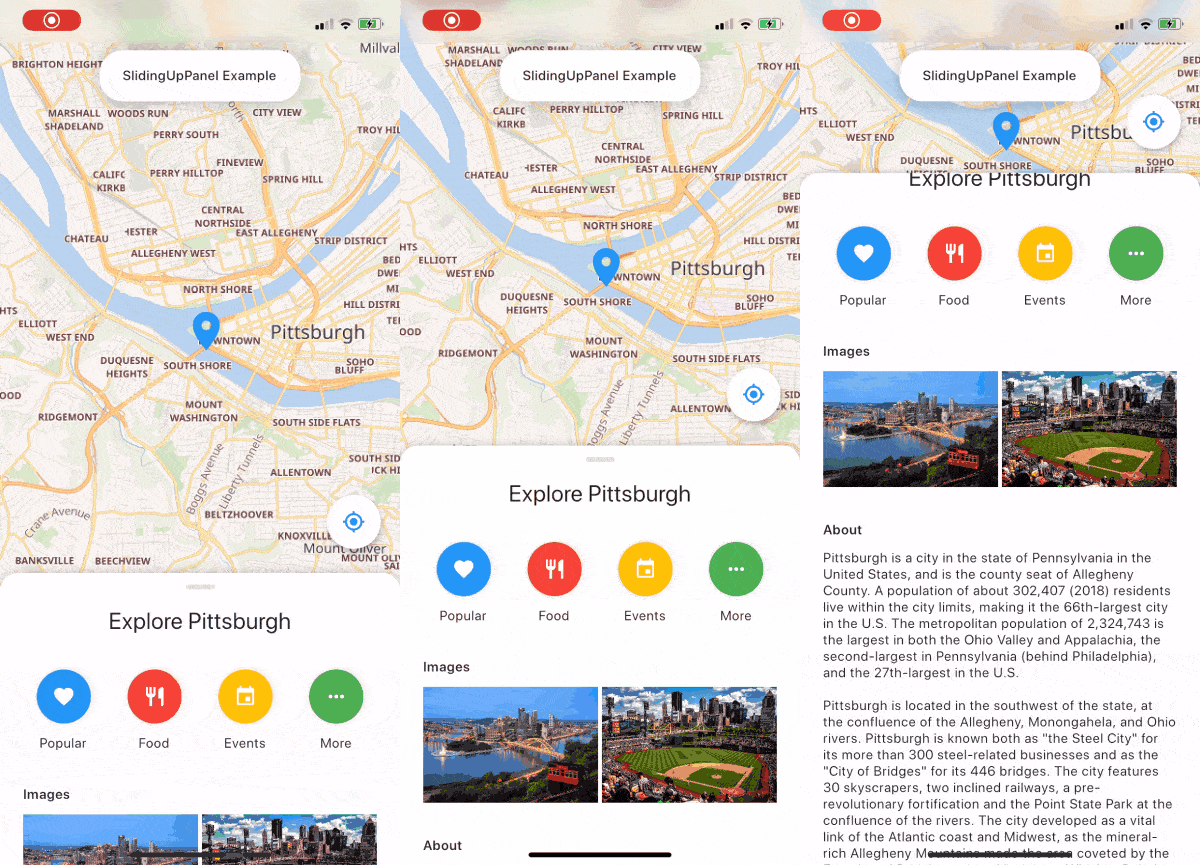
一個可拖曳的 Flutter 小部件,讓實作 SlidingUpPanel 變得更容易!
2890喜歡 836近 30 天下載140Pub 分數
AndroidiOSWebmacOSWindowsLinux
使用 Flutter 建立的音樂播放器。由 @ashwinkey04 維護
 v2.0.0+1
一個可拖曳的 Flutter 小部件,讓實作 SlidingUpPanel 變得更容易!
YouTube Explode 庫的 Dart 版本。無需 YouTube API 金鑰即可支援多個 API 功能。
 v2.0.7
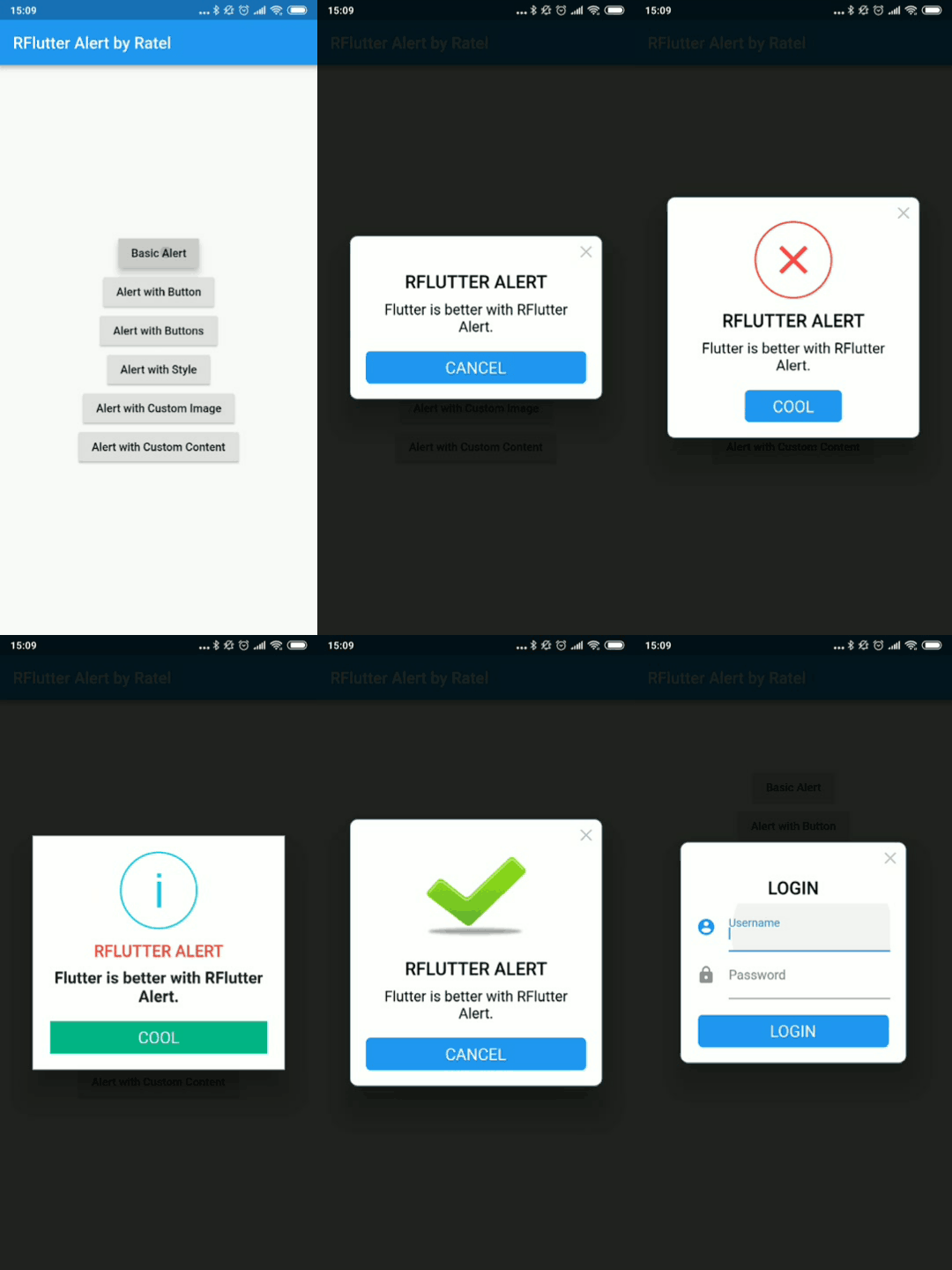
RFlutter Alert 是一個超級可自訂且易於使用的 Flutter 提示/彈出對話方塊。您可輕鬆建立可重複使用的提示樣式,或隨意新增任意數量的按鈕。
一個無限滾動文字的 Flutter 小部件。提供多種自訂選項,包括自訂滾動方向、持續時間、曲線以及每輪之後的暫停。
一個外掛,可在 Flutter 中呼叫原生 APP 開啟檔案並回傳字串結果,支援 iOS(UTI)、Android(Intent)、PC(FFI)與 Web(dart:html)
一個讓動畫更容易的 Flutter 庫。它允許將動畫設定與使用者介面分離。
用於從設備儲存中查詢音訊/歌曲資訊(如標題、藝術家、專輯等)的 Flutter 插件。
Flutter 剪貼簿支援文字、豐富文字(HTML)和影像。
 v1.0.2
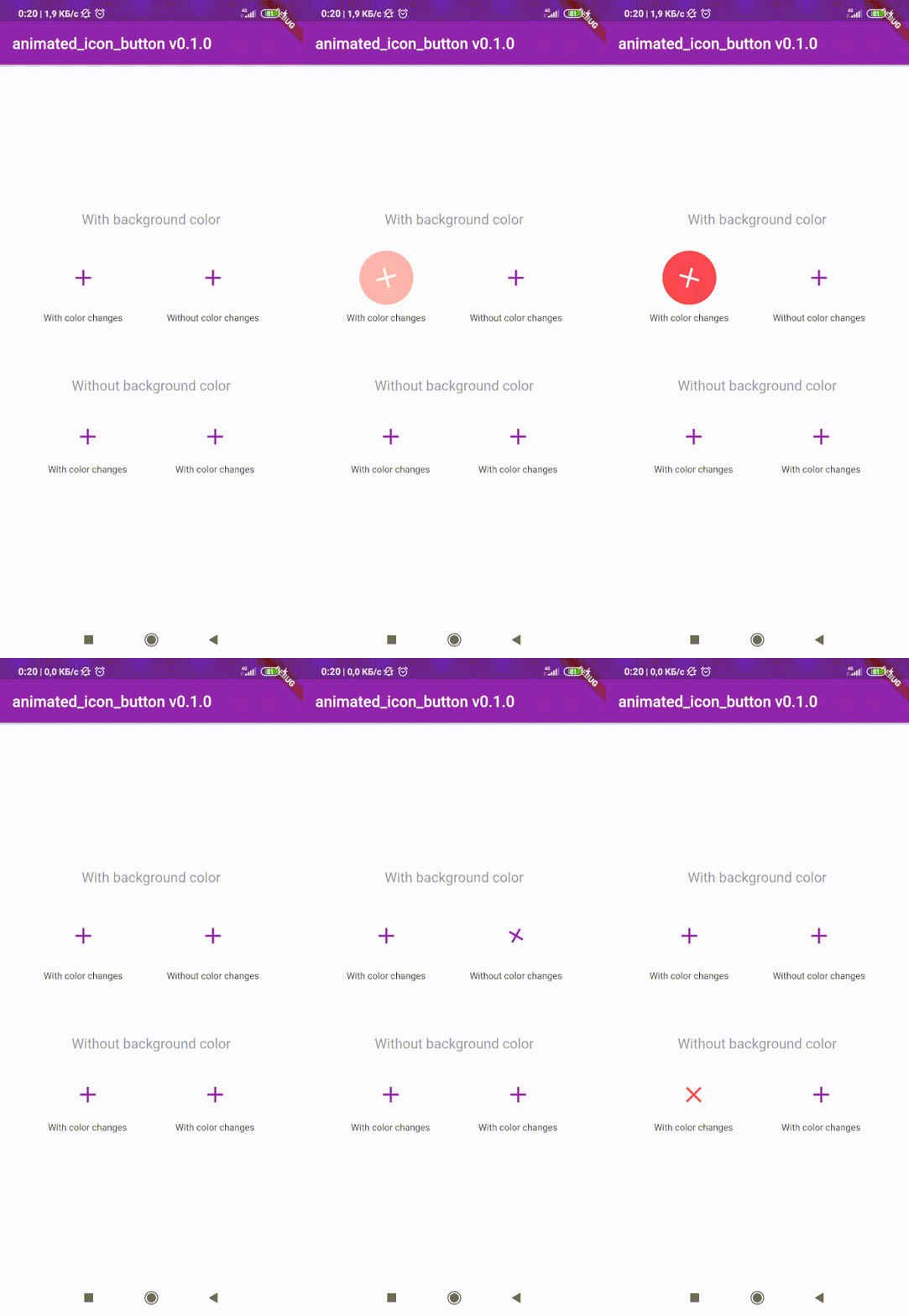
用於建立自訂動畫 IconButton 的 Flutter 套件。包含所有可用圖示。基於原生 IconButton。
^1.0.2^3.1.0^0.18.3^0.1.2+8^3.0.6^1.0.0^4.3.2{"sdk":"flutter"}^8.0.8^2.0.5^1.1.0^0.13.3^0.9.18^2.2.0^2.5.3^3.2.0^2.0.0-nullsafety.1^6.0.1^1.4.5^2.0.4^2.0.3^2.0.0+1^2.0.0+3^2.1.1^1.10.9+1^0.9.2{"sdk":"flutter"}以下為英文專案原文快照,最新內容請造訪 GitHub。
stars forks
issues Contrinutors License Release
| Get it on F-Droid | Get it on F-Droid | https://www.buymeacoffee.com/assets/img/custom_images/orange_img.png |
Download and install Git.
Fork Raag
Clone your fork of the project locally. At the command line:
$ git clone https://github.com/YOUR-GITHUB-USERNAME/raag.git
Open Raag in your favourite editor (VS Code, Android Studio etc)
To install the dependencies run the following command in the terminal.
$ flutter pub get
Connect your Android emulator or your mobile device to your computer.
Build the application in your device by clicking Run run button or run the following in terminal.
$ flutter run
| https://raw.githubusercontent.com/raag-music/raag/HEAD/fastlane/metadata/android/en-US/images/phoneScreenshots/1.png | https://raw.githubusercontent.com/raag-music/raag/HEAD/fastlane/metadata/android/en-US/images/phoneScreenshots/2.png |
| https://raw.githubusercontent.com/raag-music/raag/HEAD/fastlane/metadata/android/en-US/images/phoneScreenshots/3.png | https://raw.githubusercontent.com/raag-music/raag/HEAD/fastlane/metadata/android/en-US/images/phoneScreenshots/4.png |
To contribute to this project you can FORK & clone 🍴 the project as mentioned in Setting up your development environment, and make an issue on bug fixing or adding new features, and make a PR 😊.
This project is licensed under the GPL General Public License v2.0.
A few resources to get you started if this is your first Flutter project:
For help getting started with Flutter, view the online documentation, which offers tutorials, samples, guidance on mobile development, and a full API reference.