
 v2.0.3
fancy_shimmer_image
用於輕鬆使用圖片的套件,這些圖片會自動快取,並且在載入時具有漂亮的即時(但可設定)閃爍效果
219喜歡 3320近 30 天下載140Pub 分數
AndroidiOSWebmacOSWindowsLinux
rodrigobastosv/fancy-shimmer-image open-source repository details.
以下為英文專案原文快照,最新內容請造訪 GitHub。

Package created for the purpose of uploading images from the internet, giving the possibility of showing a beautiful Shimmer animation while the images are not loading. And it is still possible to create a widget to be shown in case the image upload fails for some reason.
This package is basically a union of two known packages:
You can use the package on the fly by simple passing a URL of an image to the FancyShimmerImage widget.
FancyShimmerImage(
  imageUrl: 'https://images.unsplash.com/photo-1465572089651-8fde36c892dd?ixlib=rb-1.2.1&ixid=eyJhcHBfaWQiOjEyMDd9&w=1000&q=80',
),
That will produce a image that's is cacheable by default and that has a default (grey) Shimmer animation. Similar to result below:

If you don't like the default widget behavior, you can set the background colors of the image, the color of the shimmer base effect, and the color of the highlighted effect.
FancyShimmerImage(
  imageUrl: 'https://static.businessinsider.sg/2018/12/12/5c1c90f8e04d6243c7019cf6.png',
  shimmerBaseColor: randomColor(),
  shimmerHighlightColor: randomColor(),
  shimmerBackColor: randomColor(),
)
By randomizing the colors you can have a result similar to this:
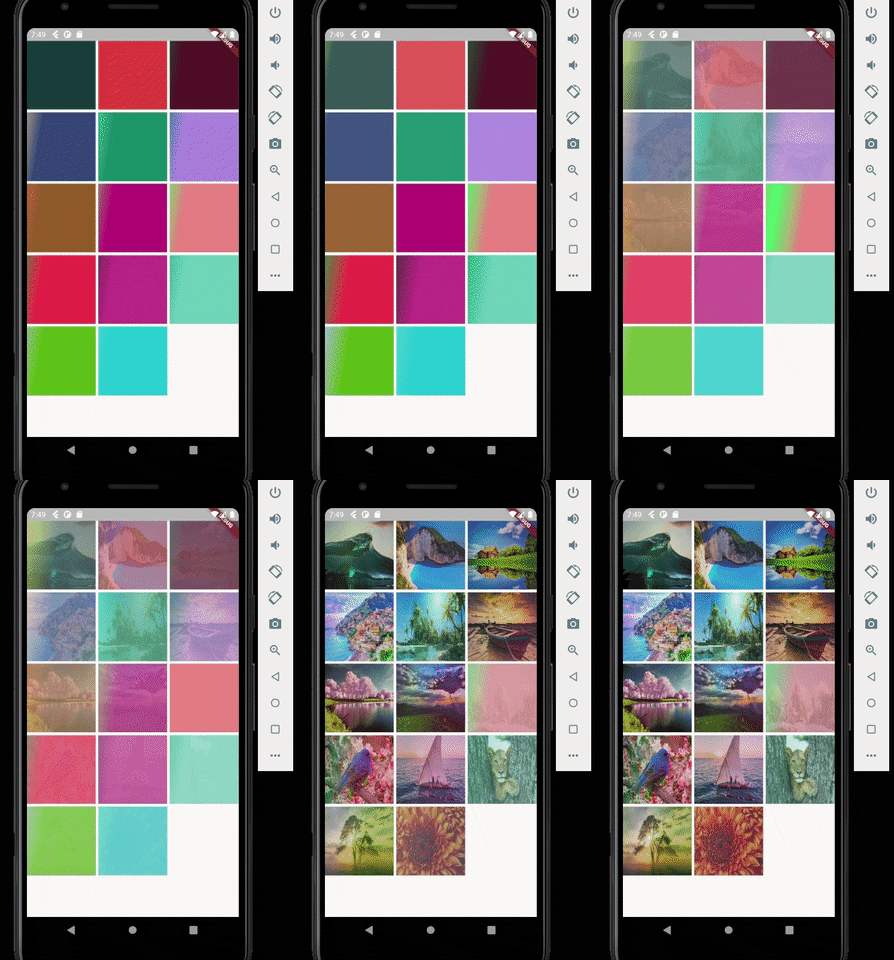
Other thing you can do is to configure the direction of the Shimmer and it's speed. In the above example i configured it to have top to bottom direction and 300 milliseconds of speed.

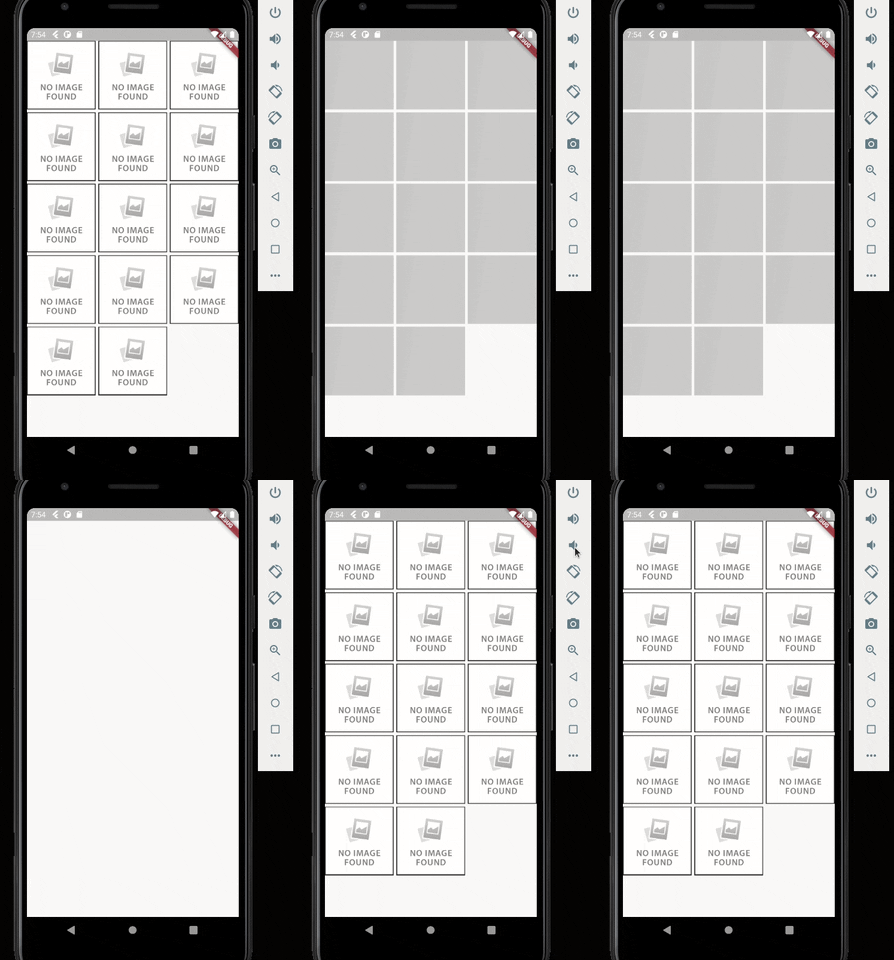
One last step you can configure is to configure the widget that will appear in case the image upload fails for some reason. In this case just pass the desired widget in the errorWidget parameter. If no value is passed, a default error widget will be used.
FancyShimmerImage(
  imageUrl: 'https://static.businessinsider.sg/2018/12/12/5c1c90f8e04d6243c7019cf6.png',
  errorWidget: Image.network('https://i0.wp.com/www.dobitaobyte.com.br/wp-content/uploads/2016/02/no_image.png?ssl=1'),
)

依賴清單 4 項
{"sdk":"flutter"}^3.2.3^3.0.0{"sdk":"flutter"}先依使用情境篩選,再比較專案活躍情況,最後到原始儲存庫確認使用要求。
“A repository is the most basic element of GitHub.”
GitHub Docs — About repositories ↗