

 v0.1.7
flutter_storyboard
一個用於顯示您所有組件故事板的 Flutter 套件。
133喜歡 122近 30 天下載40Pub 分數
平台暫無資料
Flutter 故事板

以下為英文專案原文快照,最新內容請造訪 GitHub。


A Flutter Debug tool to see and test all your screens at once.
Online Demo: https://rodydavis.github.io/storyboard/
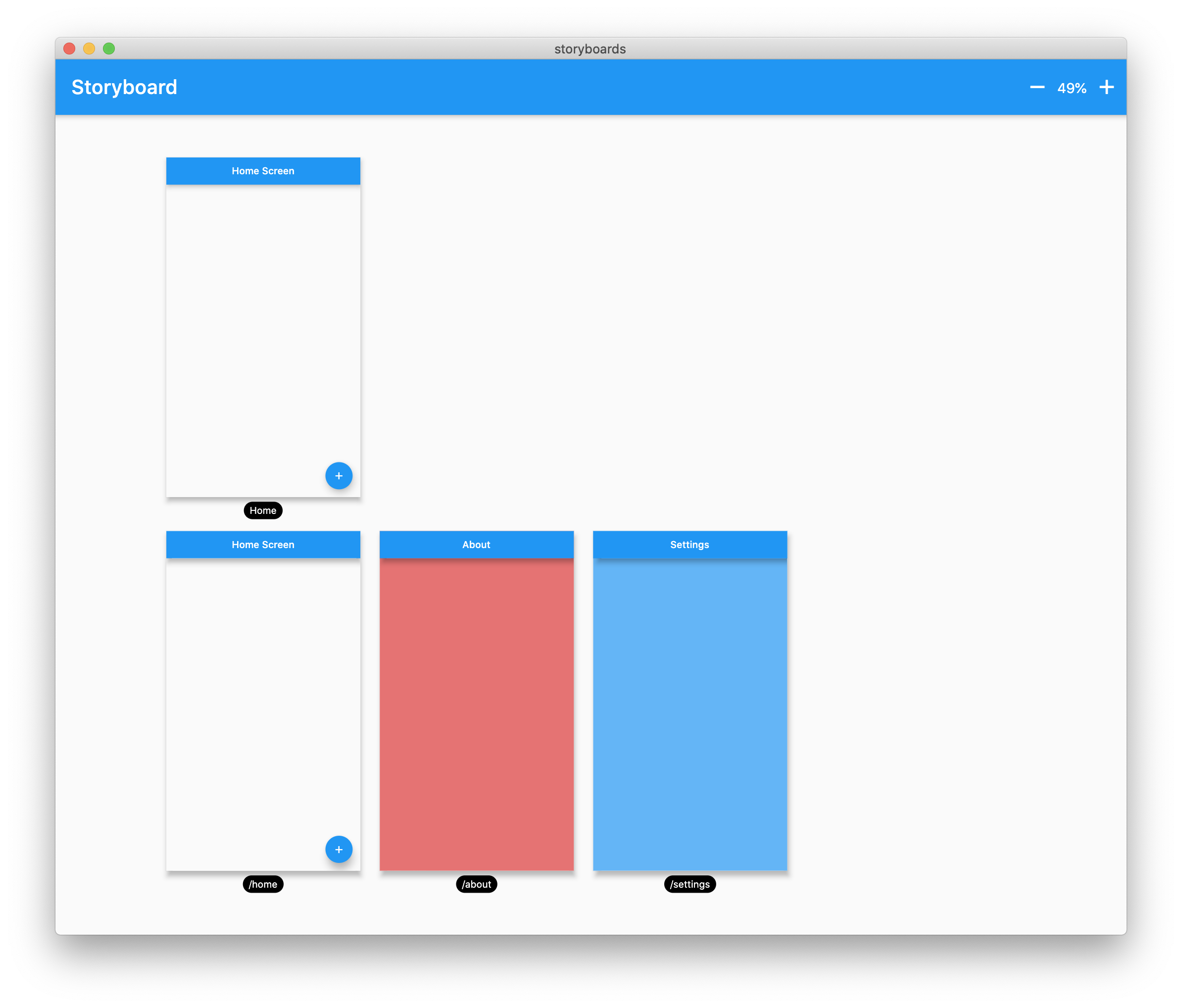
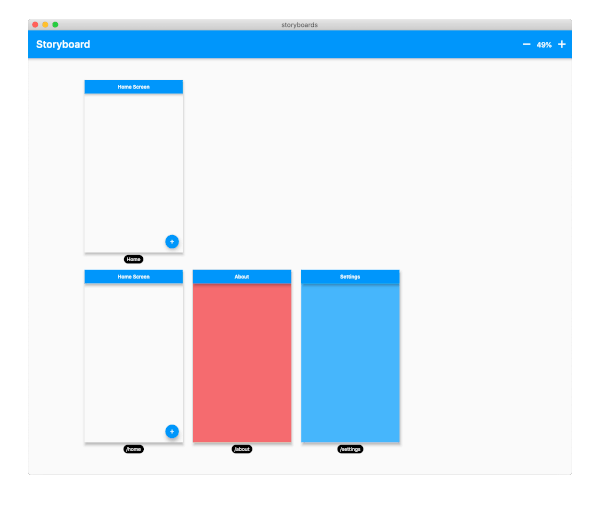
Wrap your MaterialApp with Storyboard.
return StoryBoard.material(
      child: MaterialApp(
        debugShowCheckedModeBanner: false,
        title: 'Flutter Storyboard Example',
        theme: ThemeData.light().copyWith(
          visualDensity: VisualDensity.adaptivePlatformDensity,
        ),
        darkTheme: ThemeData.dark().copyWith(
          visualDensity: VisualDensity.adaptivePlatformDensity,
        ),
        themeMode: ThemeMode.light,
        home: HomeScreen(),
        routes: {
          '/home': (_) => HomeScreen(),
          '/about': (_) => AboutScreen(),
          '/settings': (_) => SettingsScreen(),
        },
      ),
    );
Wrap your WidgetsApp with Storyboard.widgets(). Wrap your CupertinoApp with Storyboard.cupertino().
You can add any number of custom widgets to the canvas, including custom routes. You can add dummy data to the constructors here as it will render all default values.
customScreens: [
  SettingsScreen(),
  AboutScreen(),
  CustomWidget(title: 'Dummy Data'),
],
customRoutes: [
  RouteSettings(name: '/about'),
],
Now you can test all your screens with a hot reload! You can also disable the widget at any time by setting enabled to false. You will need to do a hot restart after you change this value.
依賴清單 3 項
{"sdk":"flutter"}^0.4.0{"sdk":"flutter"}先依使用情境篩選,再比較專案活躍情況,最後到原始儲存庫確認使用要求。
“A repository is the most basic element of GitHub.”
GitHub Docs — About repositories ↗