


v0.1.0
image_watermark
用於在影像上新增文字或圖片浮水的 Flutter 套件,您可自訂浮水的位置與顏色。
64喜歡 900近 30 天下載150Pub 分數
AndroidiOSWebmacOSWindowsLinux
image_watermark flutter 套件 https://pub.dev/packages/image_watermark

以下為英文專案原文快照,最新內容請造訪 GitHub。
Image watermark is flutter pacakge to add text watermark and image watermark on image,you can customize the position of watermark and color.
Based on Image pacakge.
Check on pub.dev
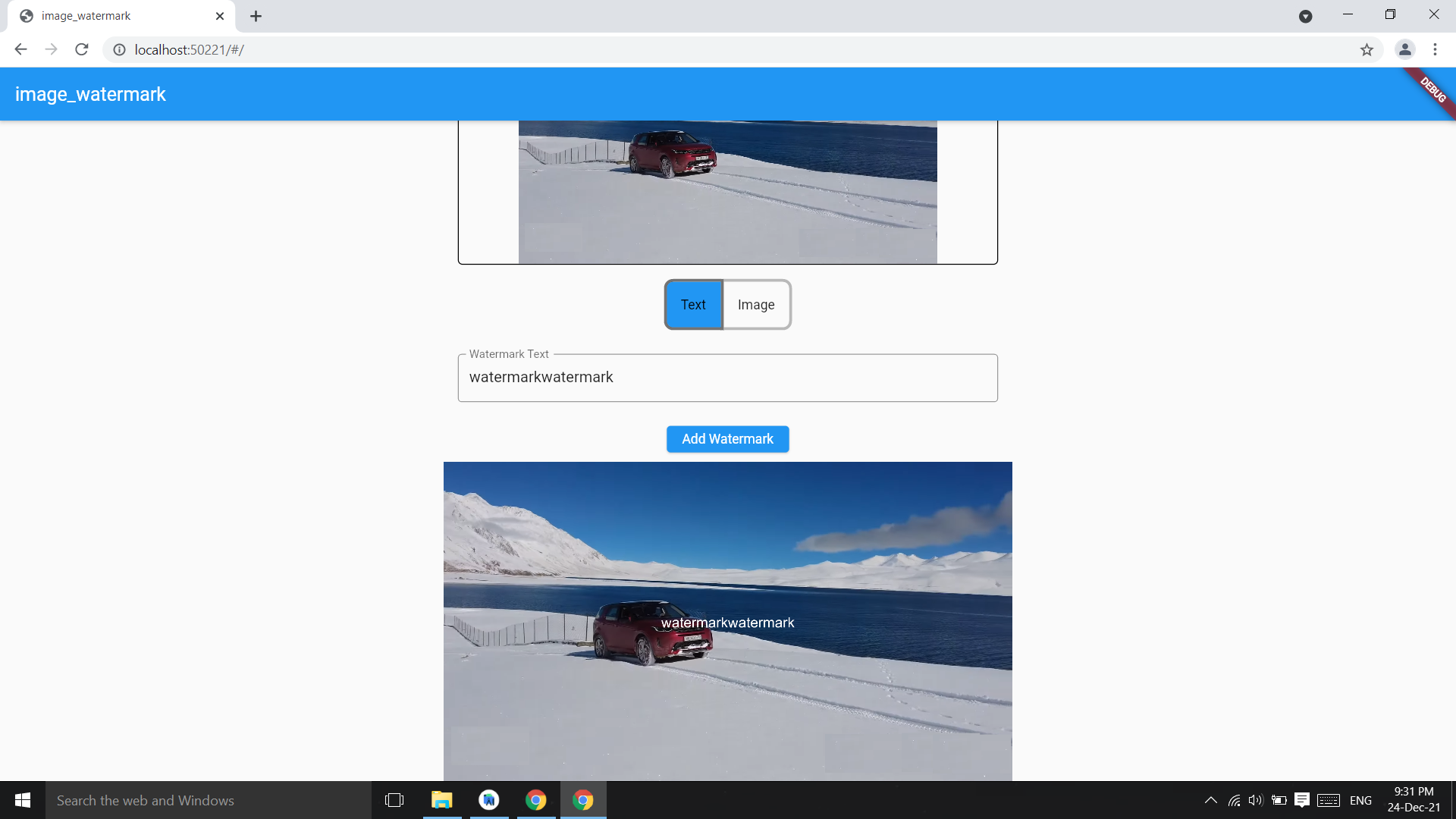
Add watermark text at center of image,parameter image bytes and string and it returns image bytes
final watermarkedImg =
  await ImageWatermark.addTextWatermark(
    imgBytes: imgBytes,
    watermarktext: 'watermarkText',
  );
final watermarkedImgBytes =
    await ImageWatermark.addTextWatermark(
            imgBytes: imgBytes, ///image bytes
            watermarktext: 'watermarkText', ///watermark text
            color: Colors.white, ///default : Colors.black
          );
Change the position of watermark
final watermarkedImg =
    await ImageWatermark.addTextWatermark(
            imgBytes: imgBytes,             ///image bytes
            watermarktext: 'watermarkText',      ///watermark text
            dstX: 20,                   ///position of watermark x coordinate
            dstY: 30,                   ///y coordinate
            color: Colors.green, ///default : Colors.black
          );
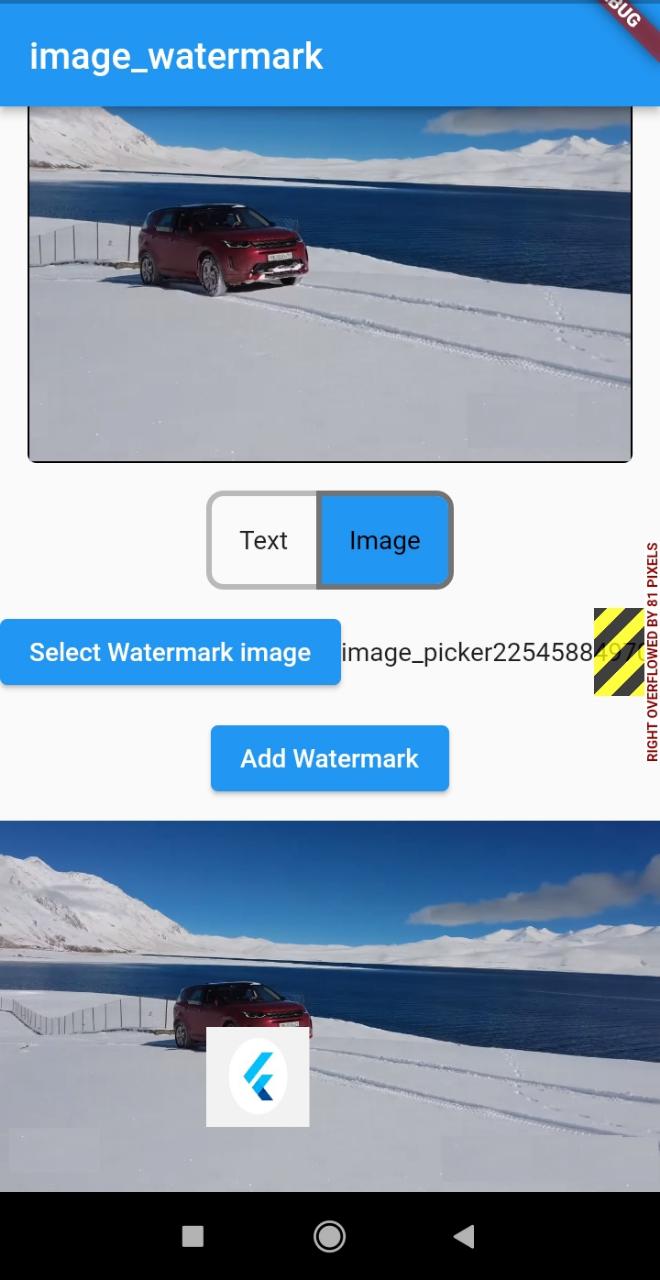
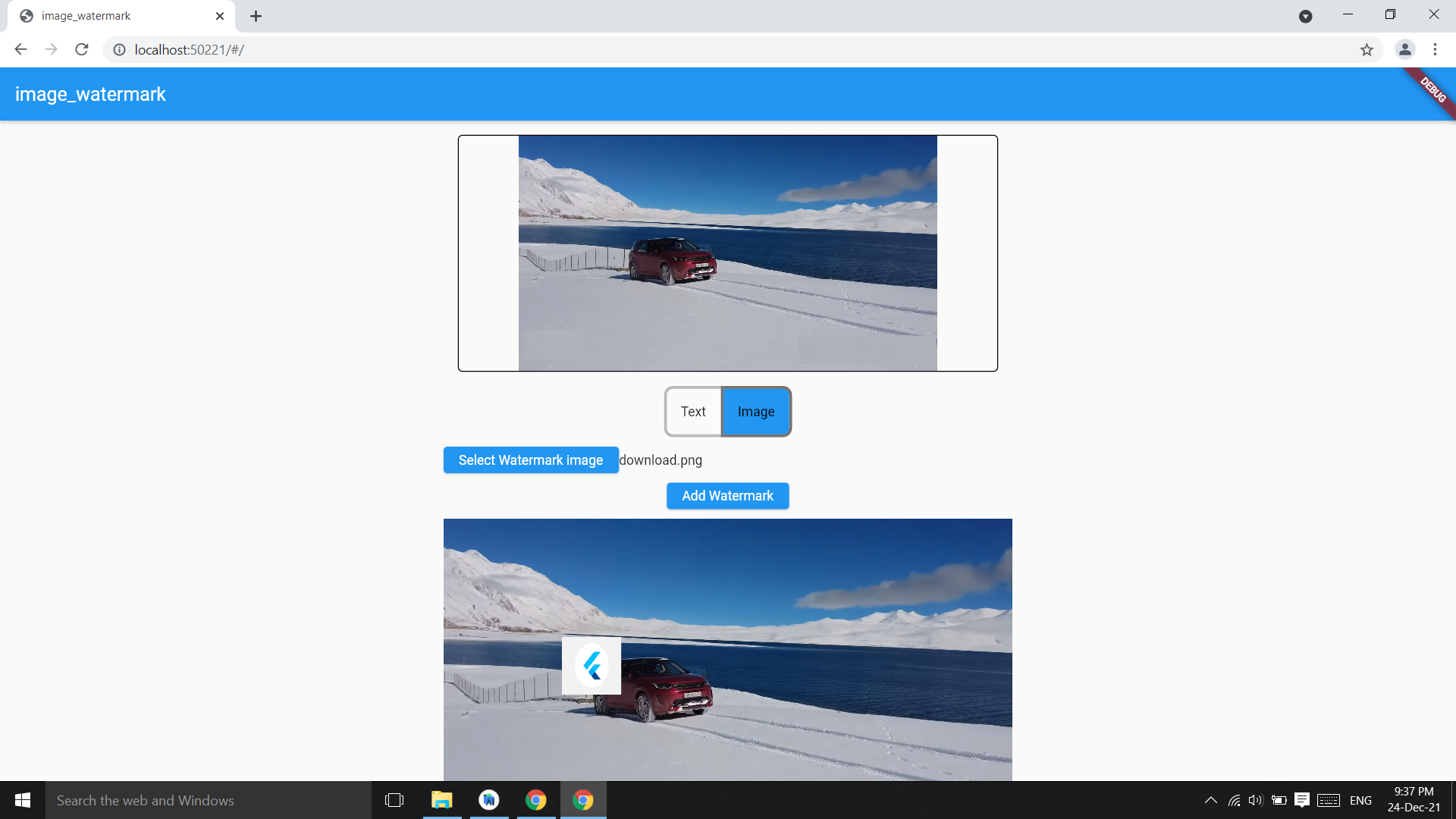
Add image as watermark on image
final watermarkedImgBytes =
    await ImageWatermark.addImageWatermark(
            originalImageBytes: imgBytes,
            waterkmarkImageBytes: watermarkImgByte,
          );
final watermarkedImgBytes =
    await ImageWatermark.addImageWatermark(
            originalImageBytes: imgBytes,  //image bytes
            waterkmarkImageBytes: imgBytes2, //watermark img bytes
            imgHeight: 200,   //watermark img height
            imgWidth: 200,    //watermark img width
            dstY: 400, //watermark position Y
            dstX: 400, //watermark position X
          );
Image package only have arial Fonts, you can change the font converting a .ttf font in .fnt format:
Download your font in .ttf format.
Convert the font to .fnt format using the next site.
Use ImageFont class, readOtherFontZip if you use .zip file; readOtherFont if you unzip and get the .fnt & .png files.
Add the font in pubspec.yaml:
  assets:
  - path/to/font.zip
Then use it as follows:
final assetFont = await rootBundle.load('path/to/font.zip');

final font = assetFont.buffer.asUint8List(assetFont.offsetInBytes, assetFont.lengthInBytes);

final bitMapFont = ImageFont.readOtherFontZip(font);

...

await ImageWatermark.addTextWatermark(
  imgBytes: imgBytes,
  font: bitMapFont, /// Font from .zip
  watermarkText: 'watermark text',
  dstX: 20,
  dstY: 40,
)
依賴清單 4 項
{"sdk":"flutter"}^4.1.7{"sdk":"flutter"}^3.0.1先依使用情境篩選,再比較專案活躍情況,最後到原始儲存庫確認使用要求。
“A repository is the most basic element of GitHub.”
GitHub Docs — About repositories ↗