Image Watermark
Languages

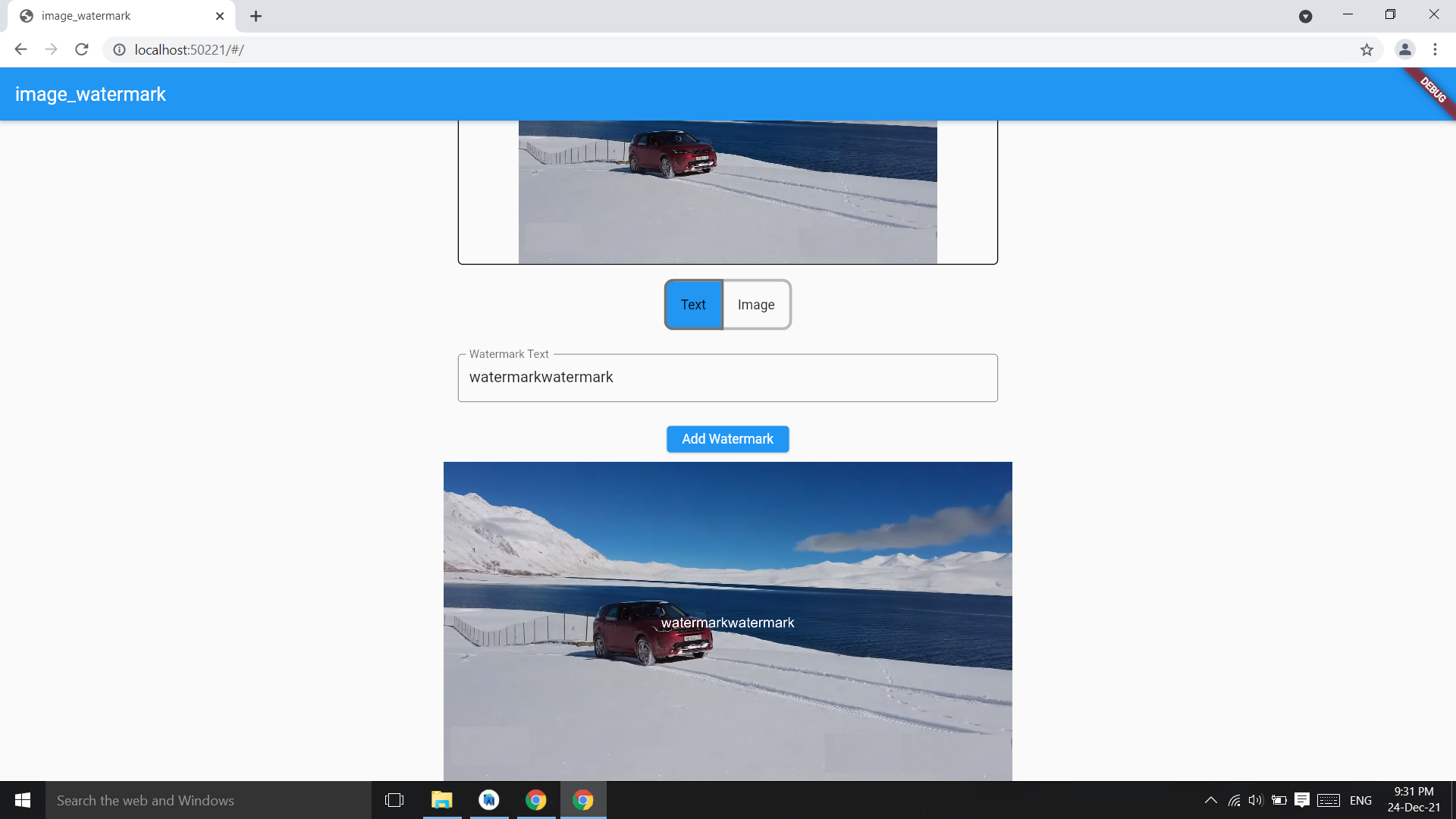
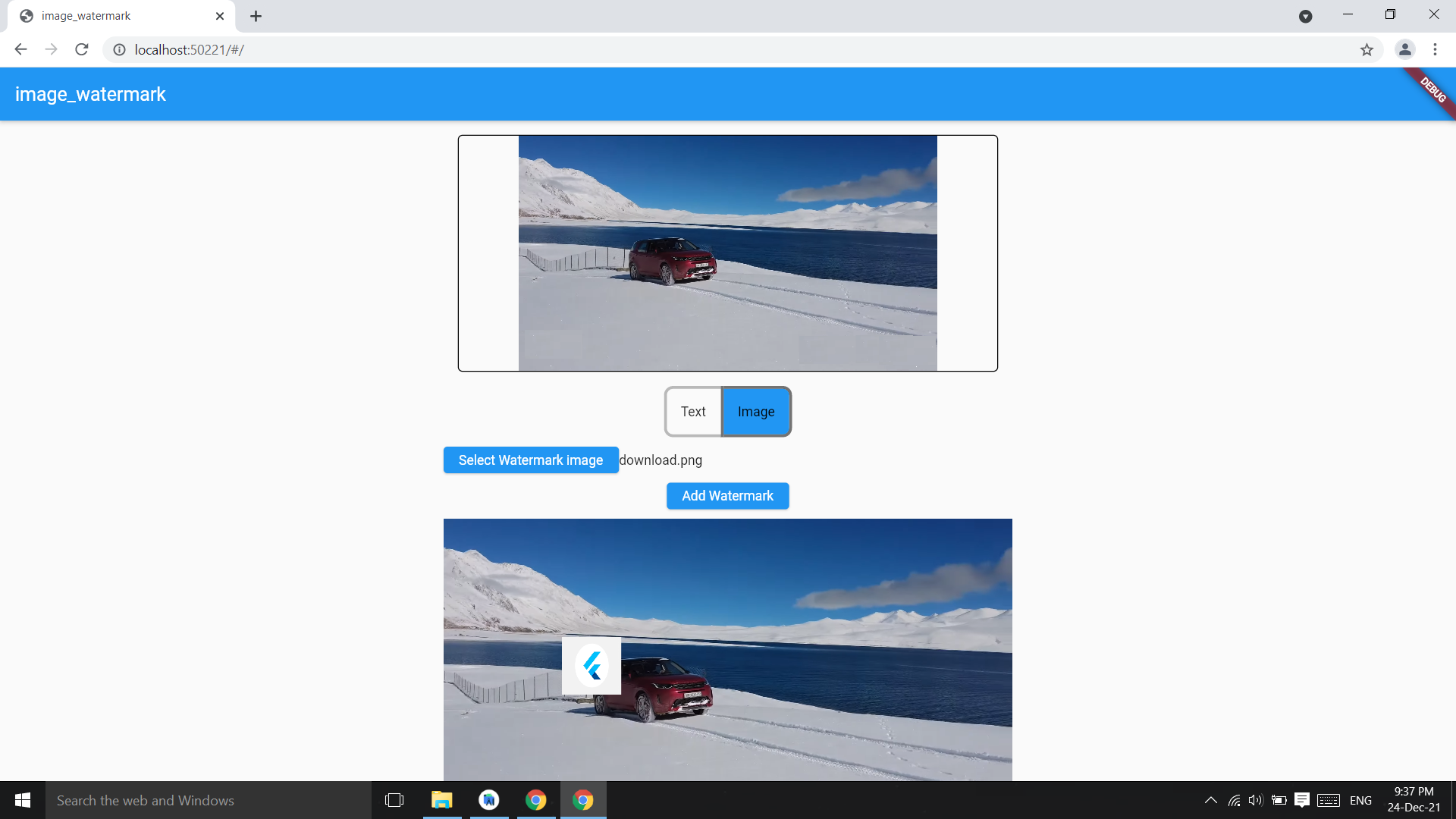
Image watermark is flutter pacakge to add text watermark and image watermark on image,you can customize the position of watermark and color.
Based on Image pacakge.
Check on pub.dev
Example code
Add watermark text at center of image,parameter image bytes and string and it returns image bytes
final watermarkedImg =
  await ImageWatermark.addTextWatermark(
    imgBytes: imgBytes,
    watermarktext: 'watermarkText',
  );
final watermarkedImgBytes =
await ImageWatermark.addTextWatermark(
imgBytes: imgBytes,
watermarktext: 'watermarkText',
color: Colors.white,
);
Change the position of watermark
final watermarkedImg =
await ImageWatermark.addTextWatermark(
imgBytes: imgBytes,
watermarktext: 'watermarkText',
dstX: 20,
dstY: 30,
color: Colors.green,
);
Add image as watermark on image
final watermarkedImgBytes =
    await ImageWatermark.addImageWatermark(
            originalImageBytes: imgBytes,
            waterkmarkImageBytes: watermarkImgByte,
          );
final watermarkedImgBytes =
await ImageWatermark.addImageWatermark(
originalImageBytes: imgBytes,
waterkmarkImageBytes: imgBytes2,
imgHeight: 200,
imgWidth: 200,
dstY: 400,
dstX: 400,
);
Add Fonts
Image package only have arial Fonts, you can change the font converting a .ttf font in .fnt format:
-
Download your font in .ttf format.
-
Convert the font to .fnt format using the next site.
-
Use ImageFont class, readOtherFontZip if you use .zip file; readOtherFont if you unzip and get the .fnt & .png files.
Example to change fonts
Add the font in pubspec.yaml:
  assets:
  - path/to/font.zip
Then use it as follows:
final assetFont = await rootBundle.load('path/to/font.zip');
final font = assetFont.buffer.asUint8List(assetFont.offsetInBytes, assetFont.lengthInBytes);
final bitMapFont = ImageFont.readOtherFontZip(font);
...
await ImageWatermark.addTextWatermark(
imgBytes: imgBytes,
font: bitMapFont,
watermarkText: 'watermark text',
dstX: 20,
dstY: 40,
)
Screenshots