v14.7.0
analyzer
此套件提供一個庫,可執行 Dart 程式碼的靜態分析。
327喜歡 2190萬近 30 天下載130Pub 分數
AndroidiOSmacOSWindowsLinux
使用 Flutter 建立的 WooCommerce 應用範本。與 WooCommerce 商店整合,連接並從 Flutter 為 iOS 和 Android 建立應用程式

以下為英文專案原文快照,最新內容請造訪 GitHub。

Official WooSignal WooCommerce App

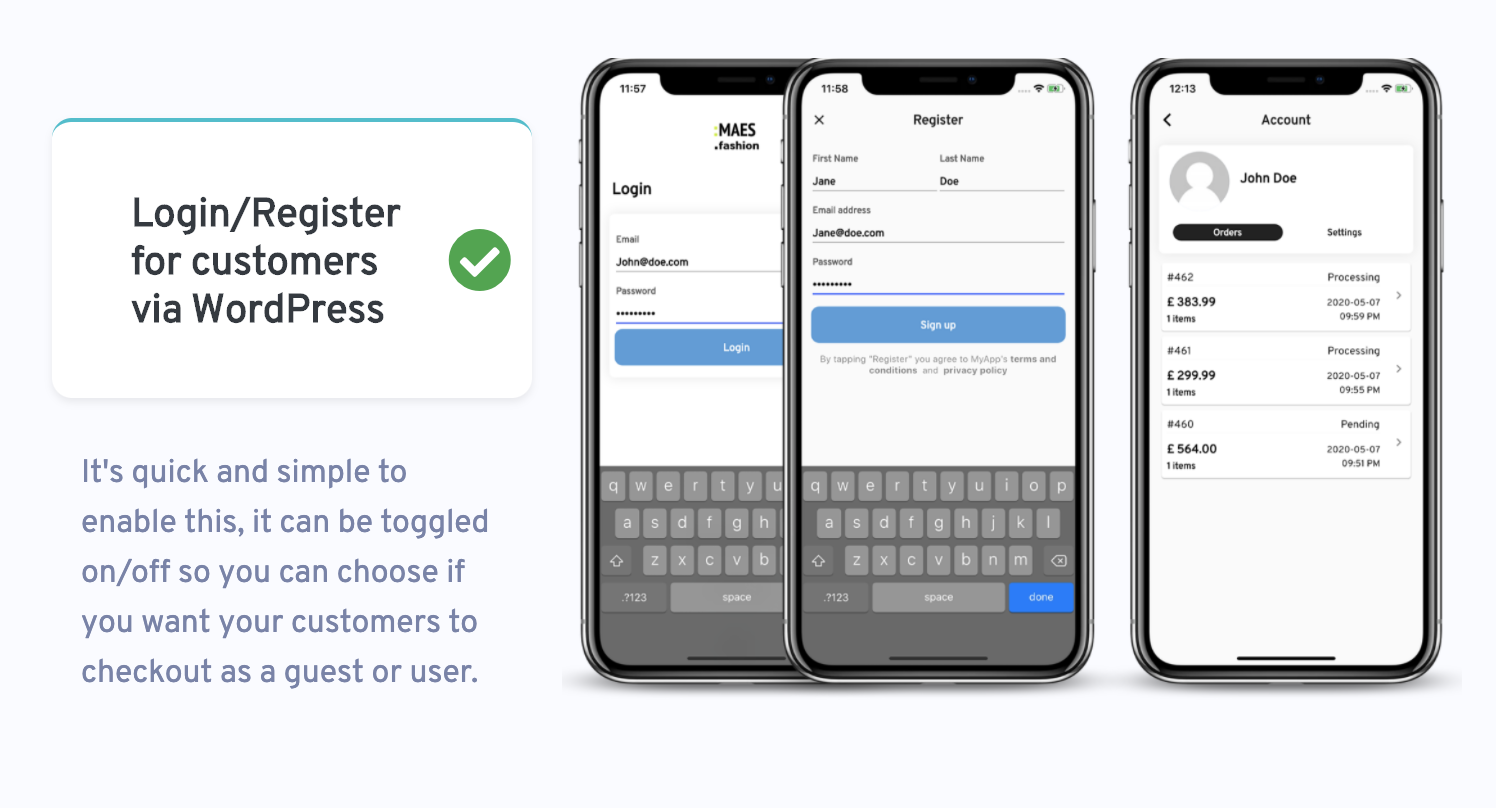
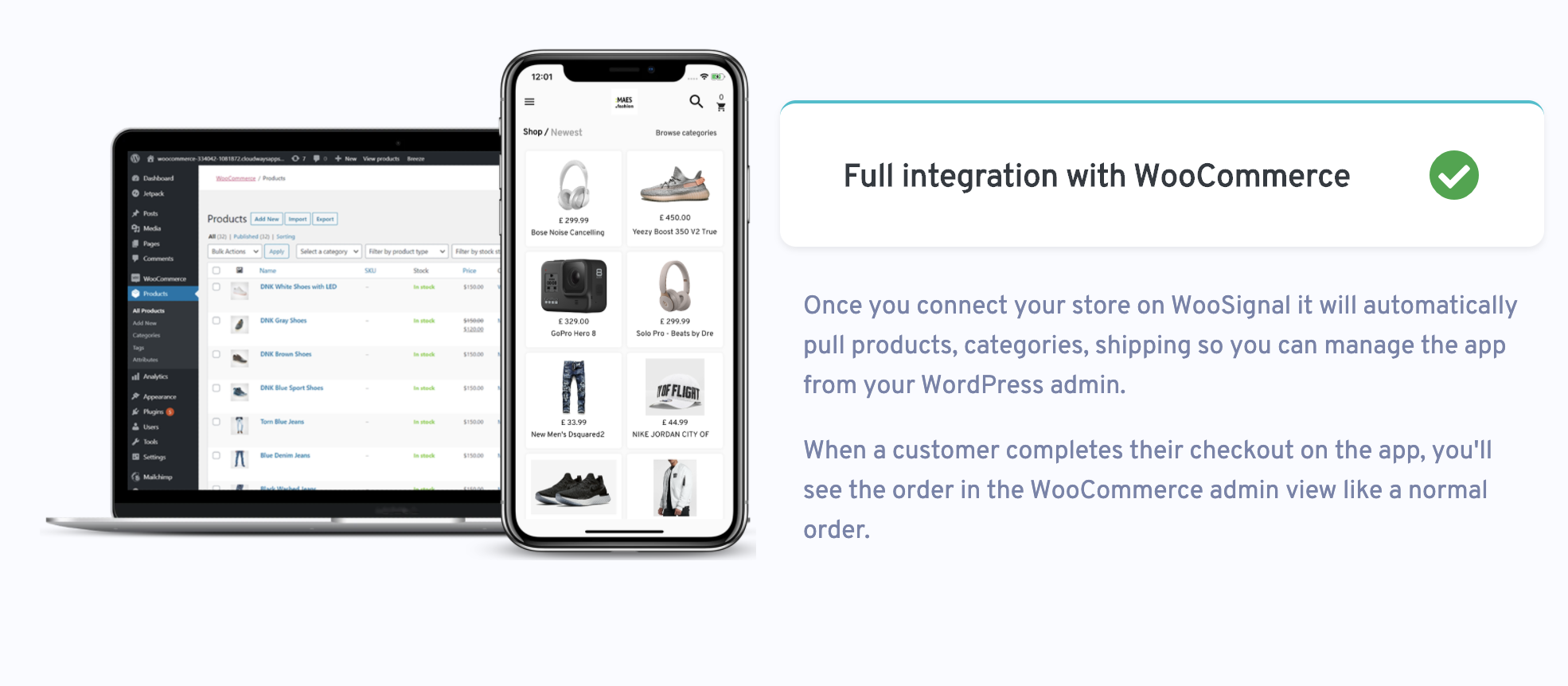
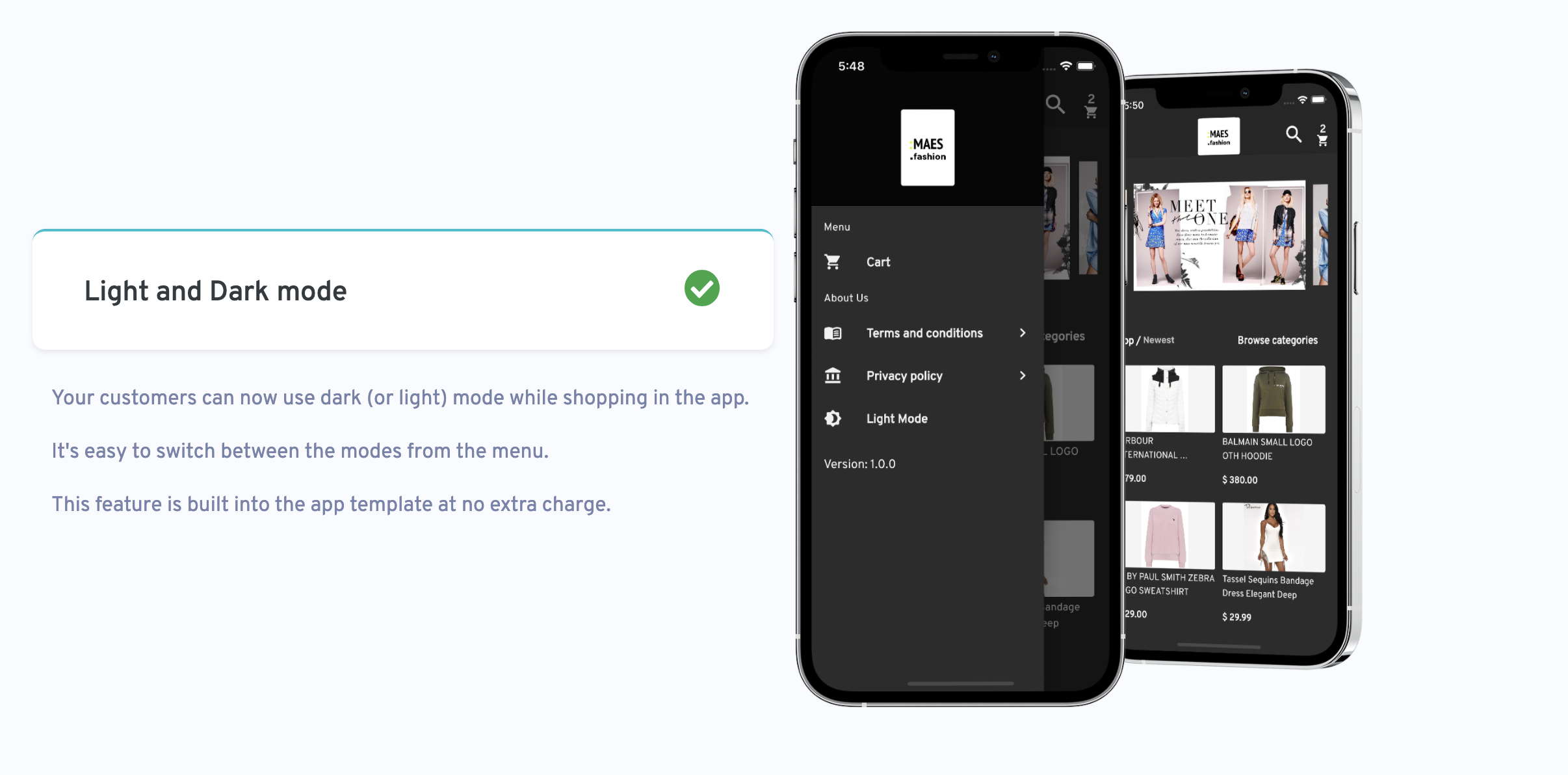
Label StoreMax is an App Template for WooCommerce stores. Your customers will be able to browse products, make orders and login via WordPress. You can also customise the look and feel of the app in the WooSignal dashboard.
You can also upload the app to the IOS app store and Google play store using Flutter.
Full documentation this available here
If you discover a security vulnerability within WooSignal, please send an e-mail support@woosignal.com
The Label StoreMax framework is open-sourced software licensed under the MIT license.
此套件提供一個庫,可執行 Dart 程式碼的靜態分析。
Firebase Core 的 Flutter 插件,支援連接到多個 Firebase 應用程式。
適用於 Firebase 云訊息傳遞的 Flutter 插件,一種跨平台訊息解決方案,可讓您在 Android 和 iOS 上可靠地傳遞訊息。
一個 Flutter 外掛程式,可讓您新增內嵌式 WebView、使用無頭 WebView,以及開啟應用程式內瀏覽器視窗。
提供一組 Flutter 網格佈局(錯落、馬賽克、拼花、編織等)。
一組以 Flutter 動畫呈現的載入指示器。深受 @tobiasahlin 的 SpinKit 啟發。
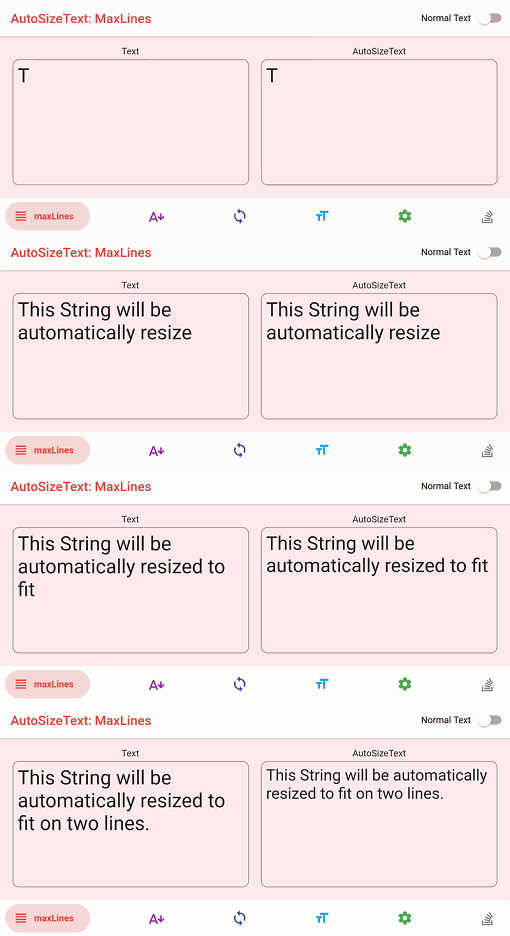
自動調整文字大小以完美適應其邊界範圍的 Flutter 小部件。
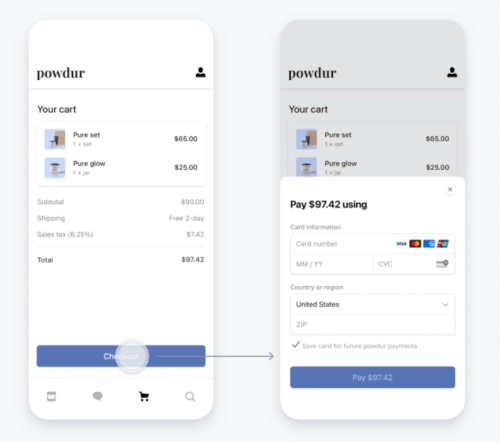
用於 Stripe 的 Flutter 庫。支援 PaymentSheets、Apple Pay 與 Google Pay、SCA、PSD2 等功能。
Flutter 套件,用於將 HTML 渲染為小組件,著重於正確性和可擴展性。
一個簡單但完全可自訂的 Flutter 評分條,還包含評分條指示器,支援任意分數的評分。
受到 Animate.css 啟發的美觀動畫,提供可自訂的小部件動畫,無需外部依賴。
Pretty Dio Logger 是一個 Dio 擬截器,以美觀且易於閱讀的格式記錄網路呼叫。
先依使用情境篩選,再比較專案活躍情況,最後到原始儲存庫確認使用要求。
“A repository is the most basic element of GitHub.”
GitHub Docs — About repositories ↗