v4.14.1
webview_flutter
一個 Flutter 插件,提供由系統 WebView 支持的 WebView 小部件。
4540喜歡 393萬近 30 天下載160Pub 分數
AndroidiOSmacOS
使用 Flutter 建構的簡易移動 RSS 客戶端

以下為英文專案原文快照,最新內容請造訪 GitHub。

A simplistic mobile RSS client
The repo of the full-featured desktop app can be found here.
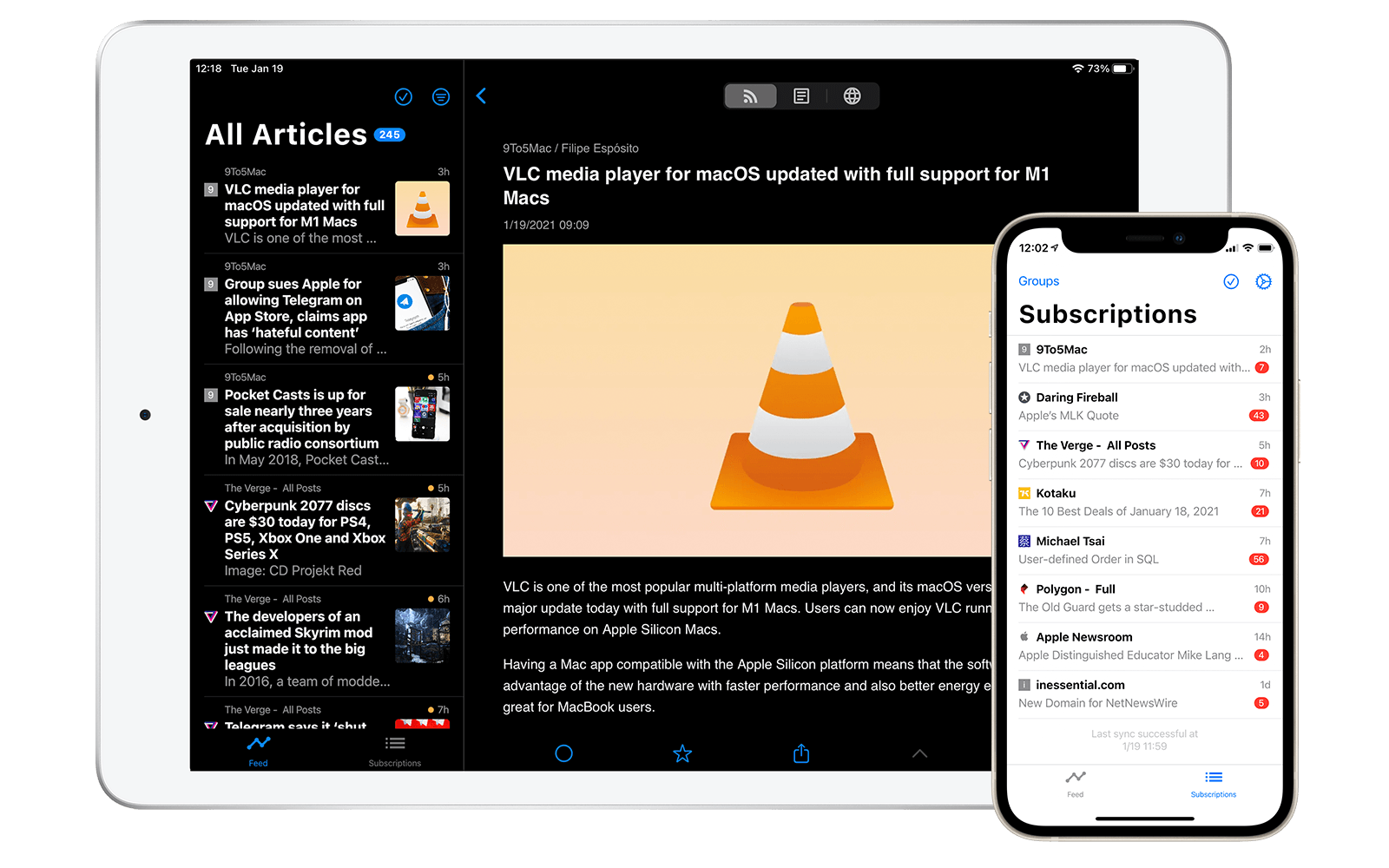
Fluent Reader Lite is a simplistic, cross-platform, and open-source RSS client.
The following self-hosted and commercial RSS services are supported.
Other key features include:
The following features from the desktop app are NOT present:
Help make Fluent Reader better by reporting bugs or opening feature requests through GitHub issues.
You can also help internationalize the app by providing translations into additional languages. You can read more about ARB files here or here.
If you enjoy using this app, consider supporting its development by donating through Paypal or Alipay.
BSD
一個 Flutter 插件,提供由系統 WebView 支持的 WebView 小部件。
Flutter 插件用於 SQLite,一個自我包含、高可靠性、嵌入式 SQL 資料庫引擎。
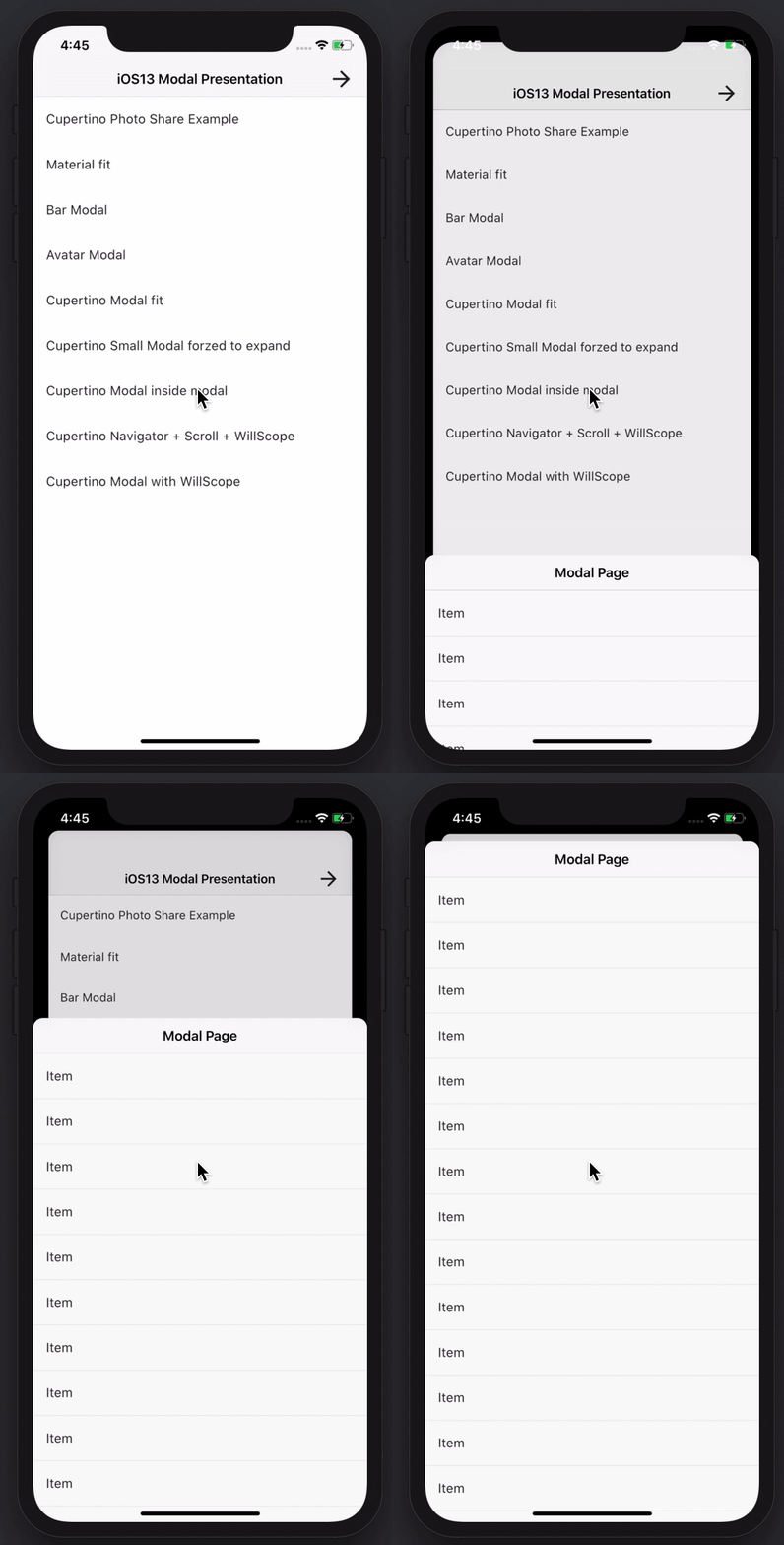
建立令人驚艷且強大的模態底部彈出式視窗。支援 Material、Cupertino iOS 13 或自訂風格
適用於 Flutter 的通用快取管理員。將網頁檔案儲存在裝置的儲存空間中,並使用 sqflite 儲存快取資訊。
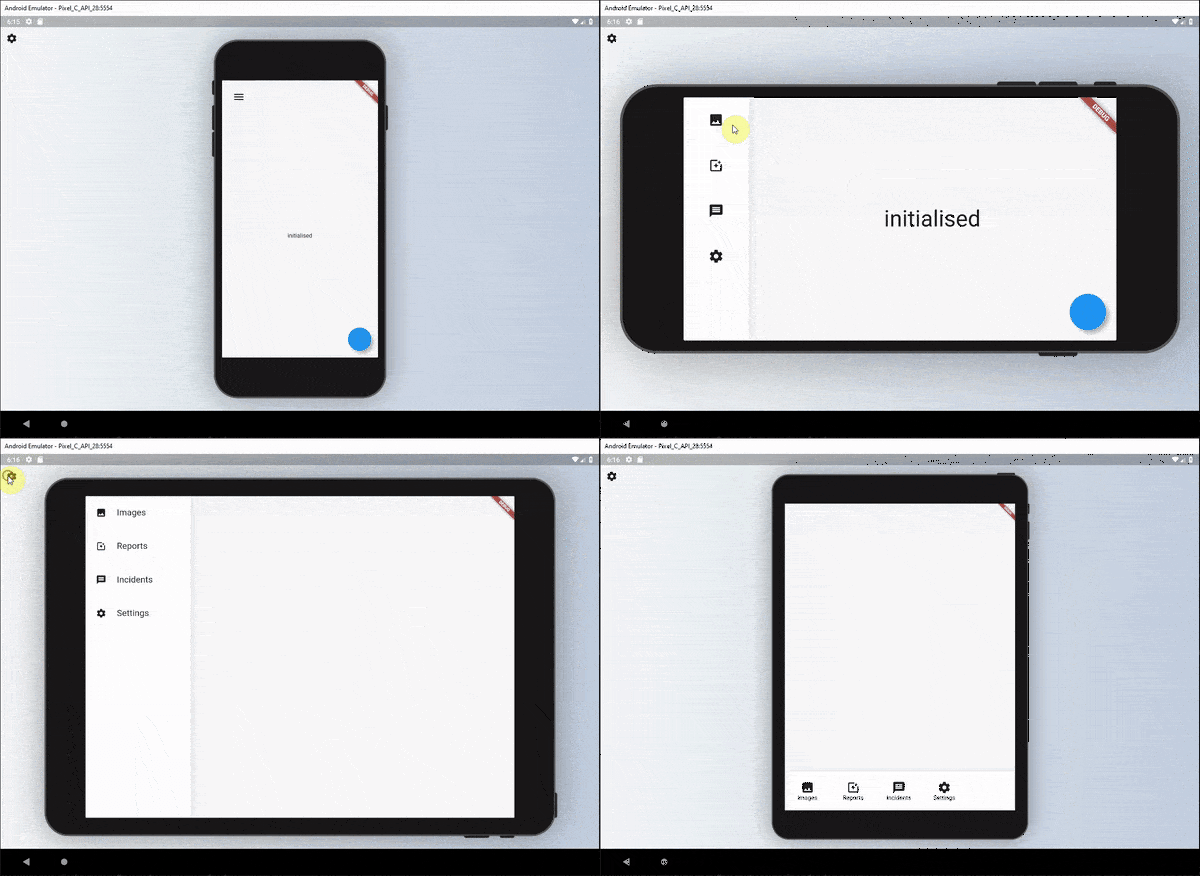
一組可用於為小部件定義可讀性響應式 UI 的小部件。
Jaguar 是一個為速度、簡單性和可擴展性而設計的生產就緒 HTTP 伺服器框架
中文拼音轉換庫。準確完整的漢字詞典。快速轉換。
適用於 Flutter(包含桌面端)的 Android App Links、Deep Links、iOS Universal Links 和自定義 URL 方案處理器。
一個提供元組資料結構的程式庫。
intl_utils 是一個 Dart 庫,可從 ARB 檔案產生 Dart 地區化程式碼。產生的程式碼依賴於 Intl 庫。
用於在瀏覽器外部解析和操作HTML內容的API。
SHA、MD5 和 HMAC 加密函數的實作。
依賴清單 28 項
{"sdk":"flutter"}{"sdk":"flutter"}^6.1.5+1^2.0.2^2.5.3^0.20.2^2.8.13^1.6.0^0.15.4^4.4.2^3.1.4^3.0.0^6.1.11^2.2.8+4^1.8.2^12.0.1^9.0.0^3.0.3^0.7.1^3.2.3^3.3.1^2.0.3^3.0.0^0.2.2^7.0.0^1.0.6^2.1.5{"sdk":"flutter"}先依使用情境篩選,再比較專案活躍情況,最後到原始儲存庫確認使用要求。
“A repository is the most basic element of GitHub.”
GitHub Docs — About repositories ↗