

 v0.0.2+1
time_picker_sheet
時間選擇器彈出層庫,可讓你擁有美觀的時間選擇器彈出層,並支援自訂設計以符合你的需求。
26喜歡 7近 30 天下載70Pub 分數
平台暫無資料
時間選擇器對話框庫

以下為英文專案原文快照,最新內容請造訪 GitHub。
A Time picker sheet library for flutter. You can also customize the widget inside the sheet to align with your requirement.
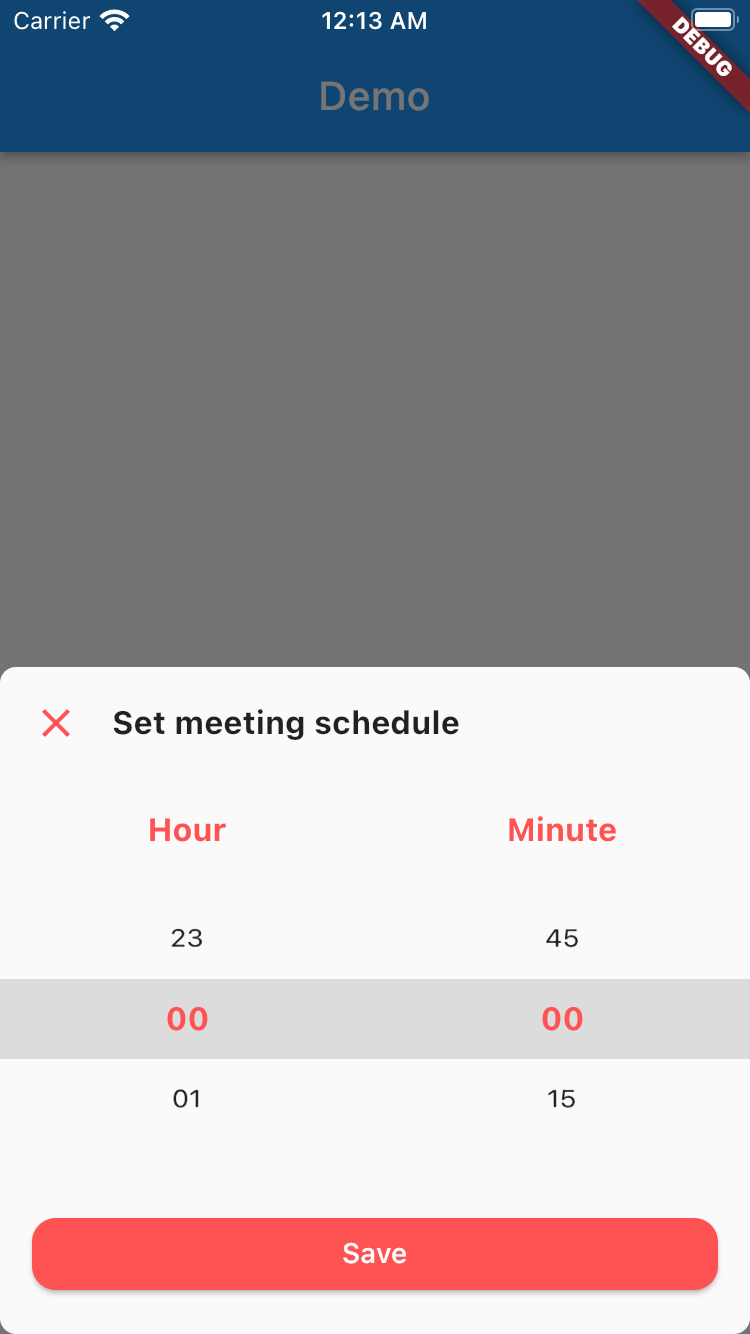
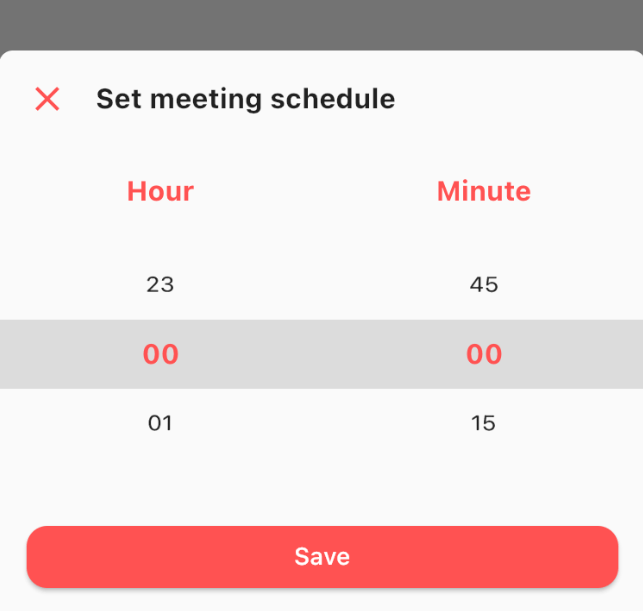
This is really simple and to the point actually, simply by doing this then your time picker sheet will goes up.
TimePicker.show(
    context: context,
    sheet: TimePickerSheet(
        sheetTitle: 'Set meeting schedule',
        hourTitle: 'Hour',
        minuteTitle: 'Minute',
        saveButtonText: 'Save',
    ),
);
If you wanna get the result from the time picker sheet then what you have to do is await the result. As you know if we wanna await the result we need to do it as an async process right? so please make sure to do so. The code must be like this
final result = await TimePicker.show<DateTime?>(
    context: context,
    sheet: TimePickerSheet(
        sheetTitle: 'Set meeting schedule',
        hourTitle: 'Hour',
        minuteTitle: 'Minute',
        saveButtonText: 'Save',
    ),
);
the result from the sheet is should be nullable DateTime, if user closed the sheet the result will be null, but if the user click on the save button
then the result should be the selected time as a DateTime, so you can get the hour & the minute.
What you can customize?
All these things already have default value, so if you want to change one of them please make sure to set it via constructor.
依賴清單 4 項
{"sdk":"flutter"}^1.0.2{"sdk":"flutter"}^1.0.0先依使用情境篩選,再比較專案活躍情況,最後到原始儲存庫確認使用要求。
“A repository is the most basic element of GitHub.”
GitHub Docs — About repositories ↗