


v3.0.0
flutter_html
Ein Flutter-Widget zum Rendern von statischem HTML und CSS als Flutter-Widgets.
2160Likes 828.00030-Tage-Downloads90Pub-Punkte
AndroidiOSWebmacOSWindowsLinux
DailyAL - MyAnimeList Client
Englischer Projektschnappschuss. Aktuelle Inhalte auf GitHub.



Note: The app has been delisted from the Google Play Store. Please use GitHub Releases or F-Droid to download the app.
Explore the extensive MyAnimeList database to discover your favorite anime and manga. Engage in forums with millions of discussions at your fingertips. Access detailed reviews and receive numerous recommendations for all anime and manga on MyAnimeList.
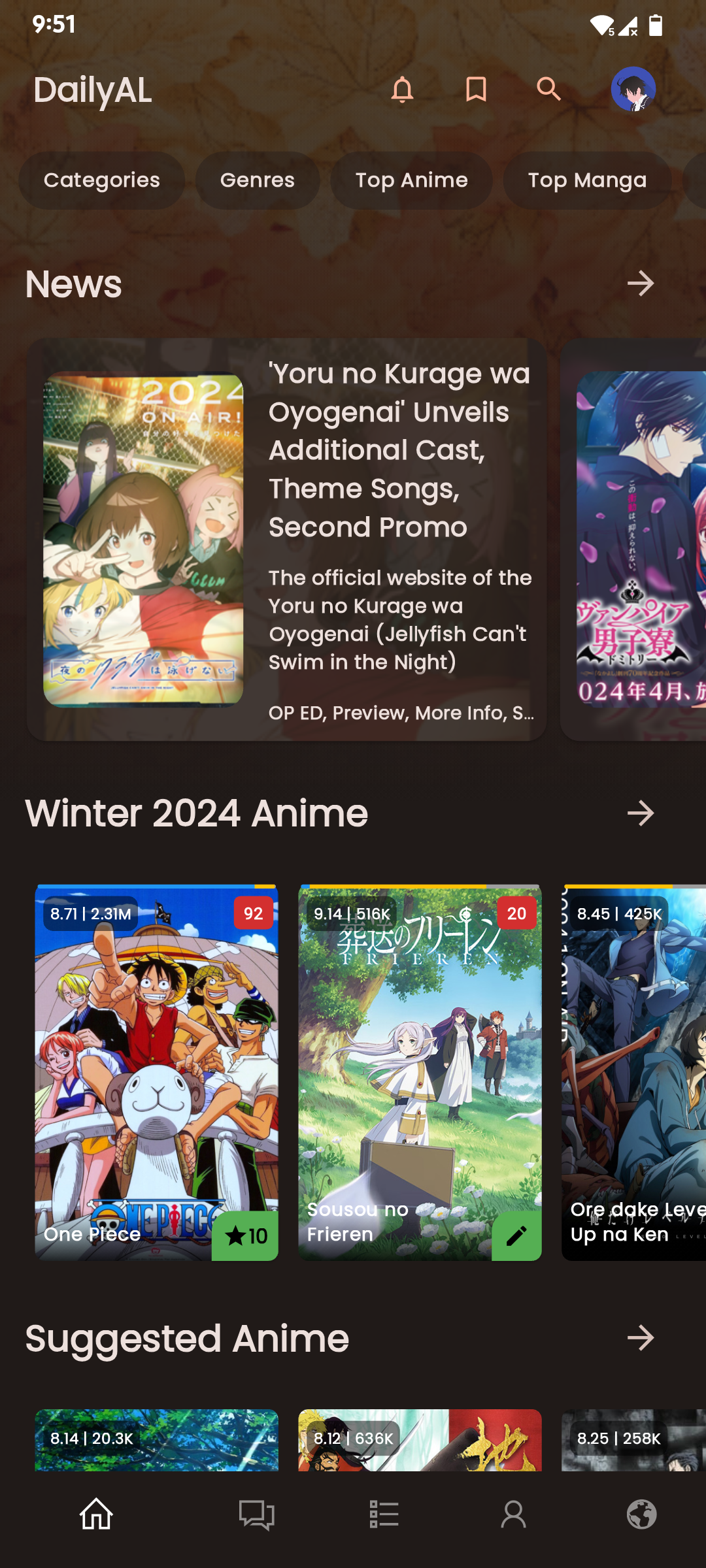
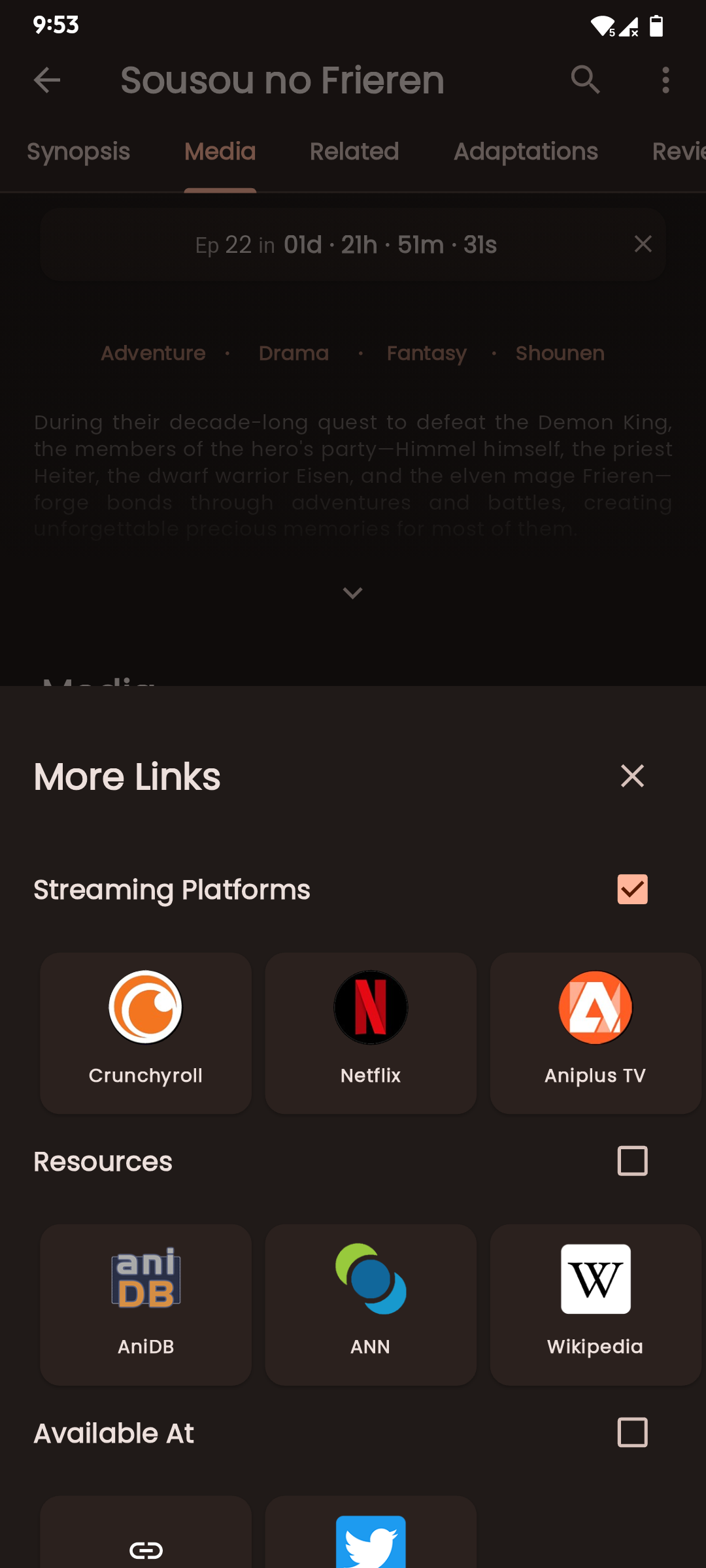
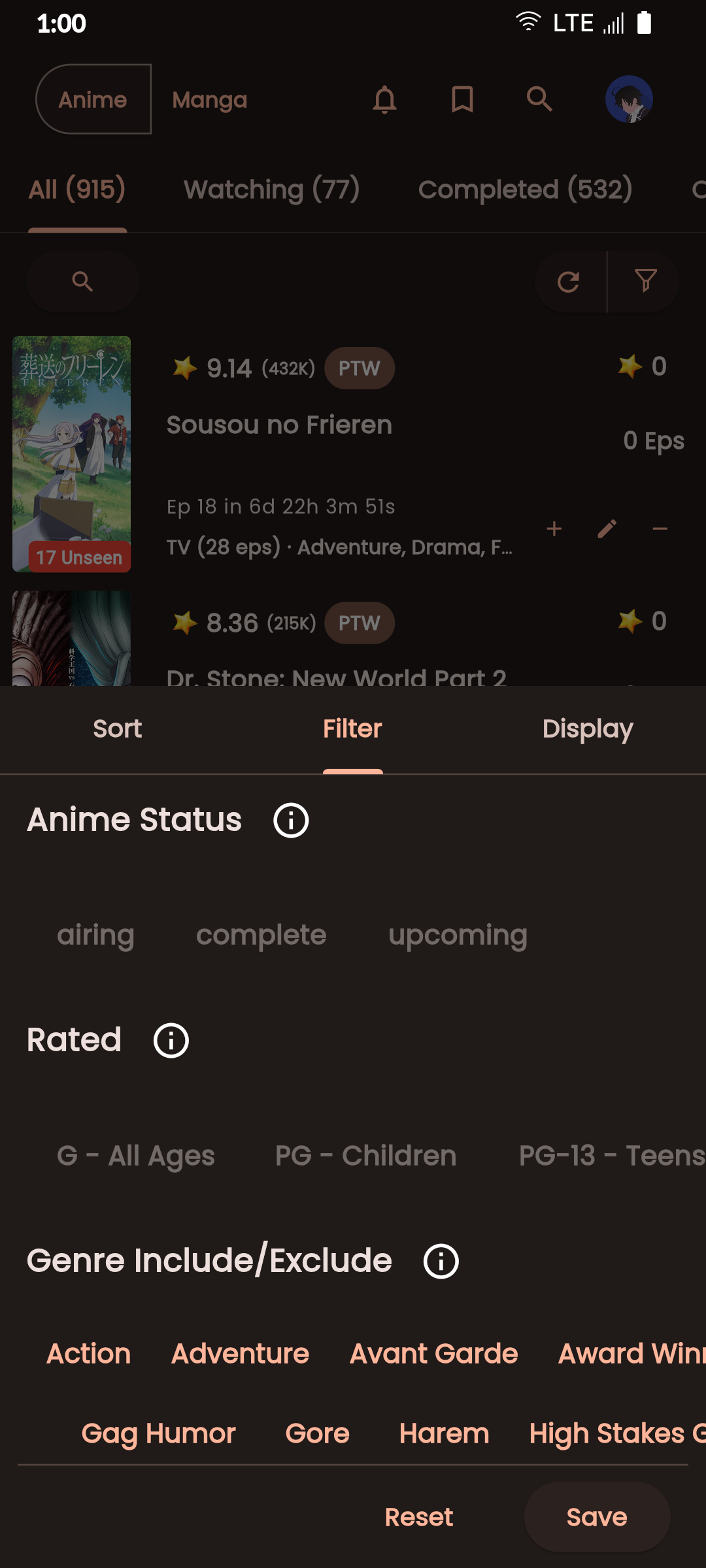
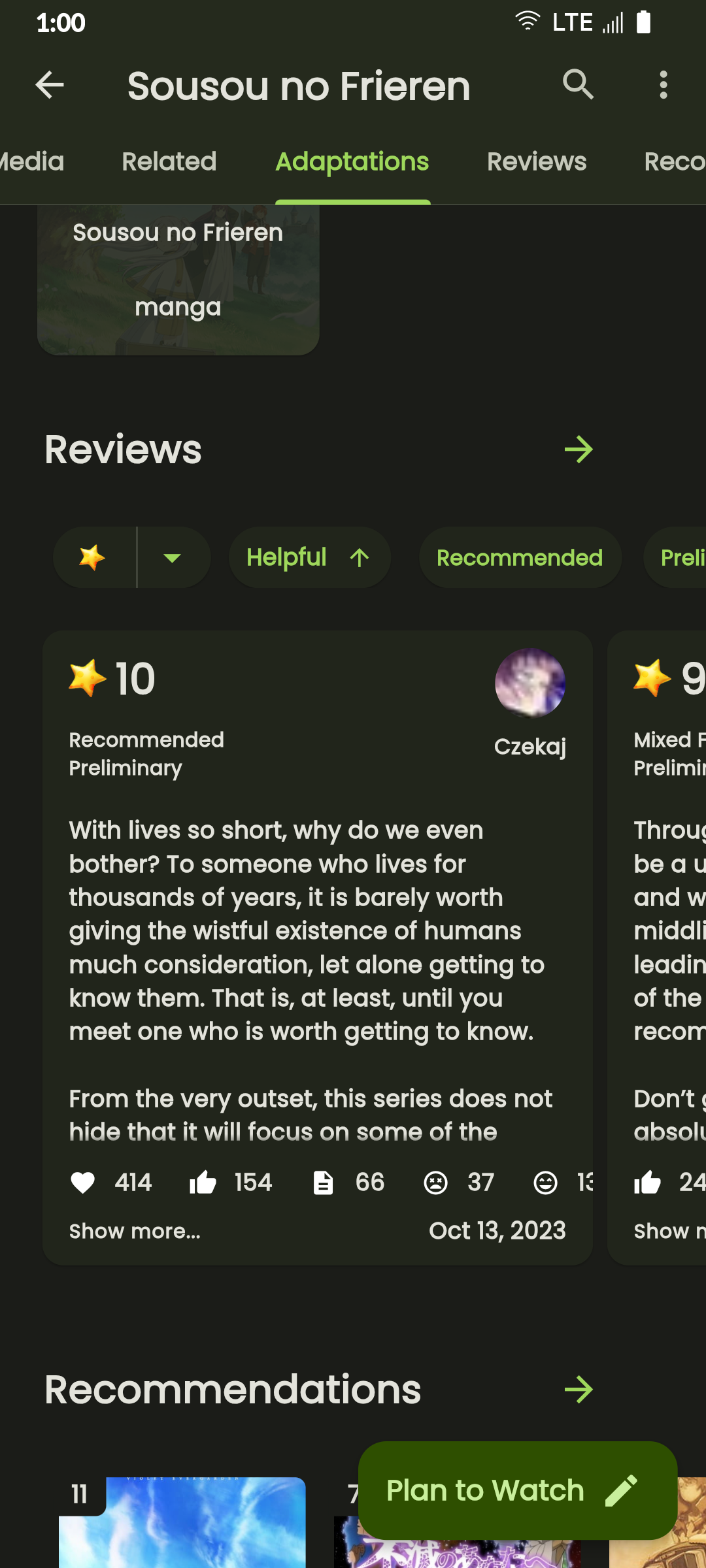
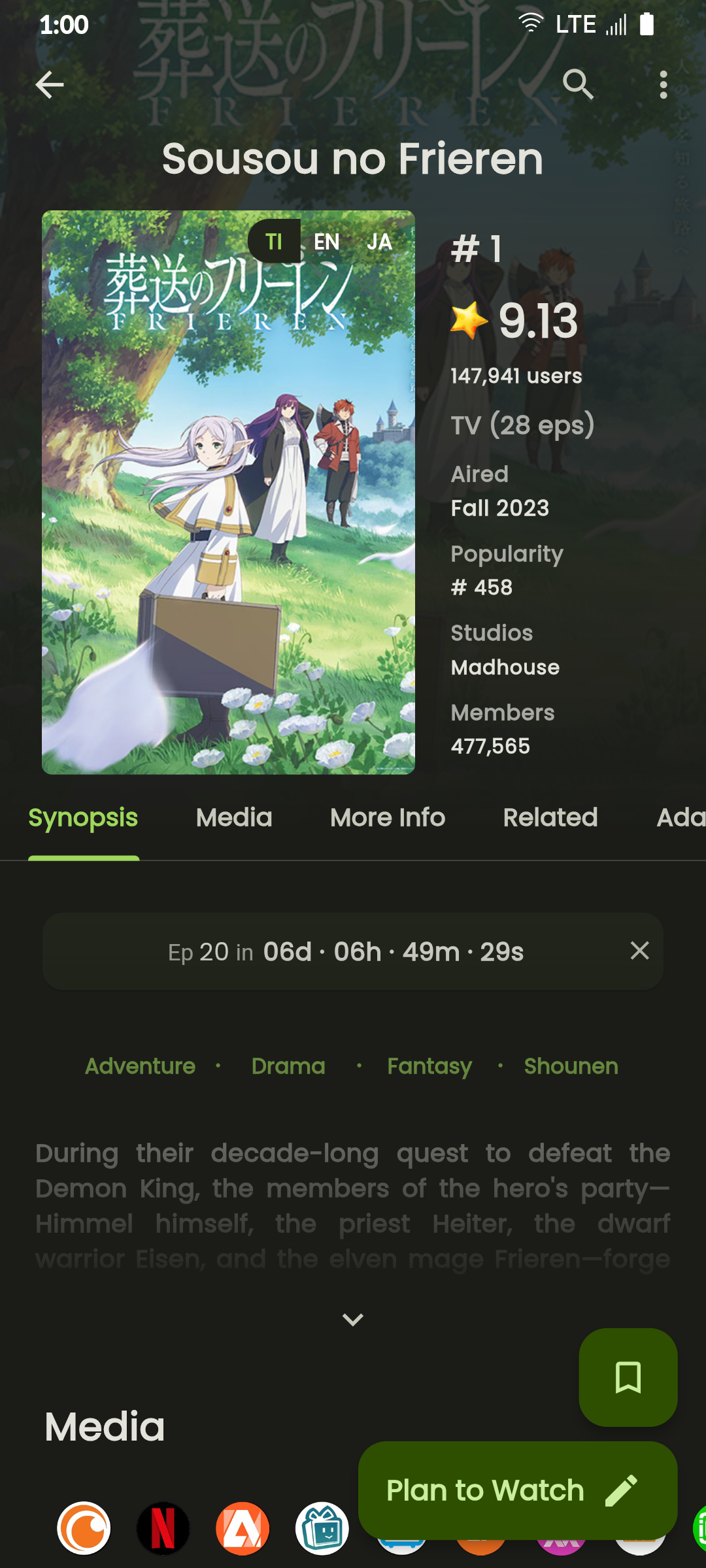
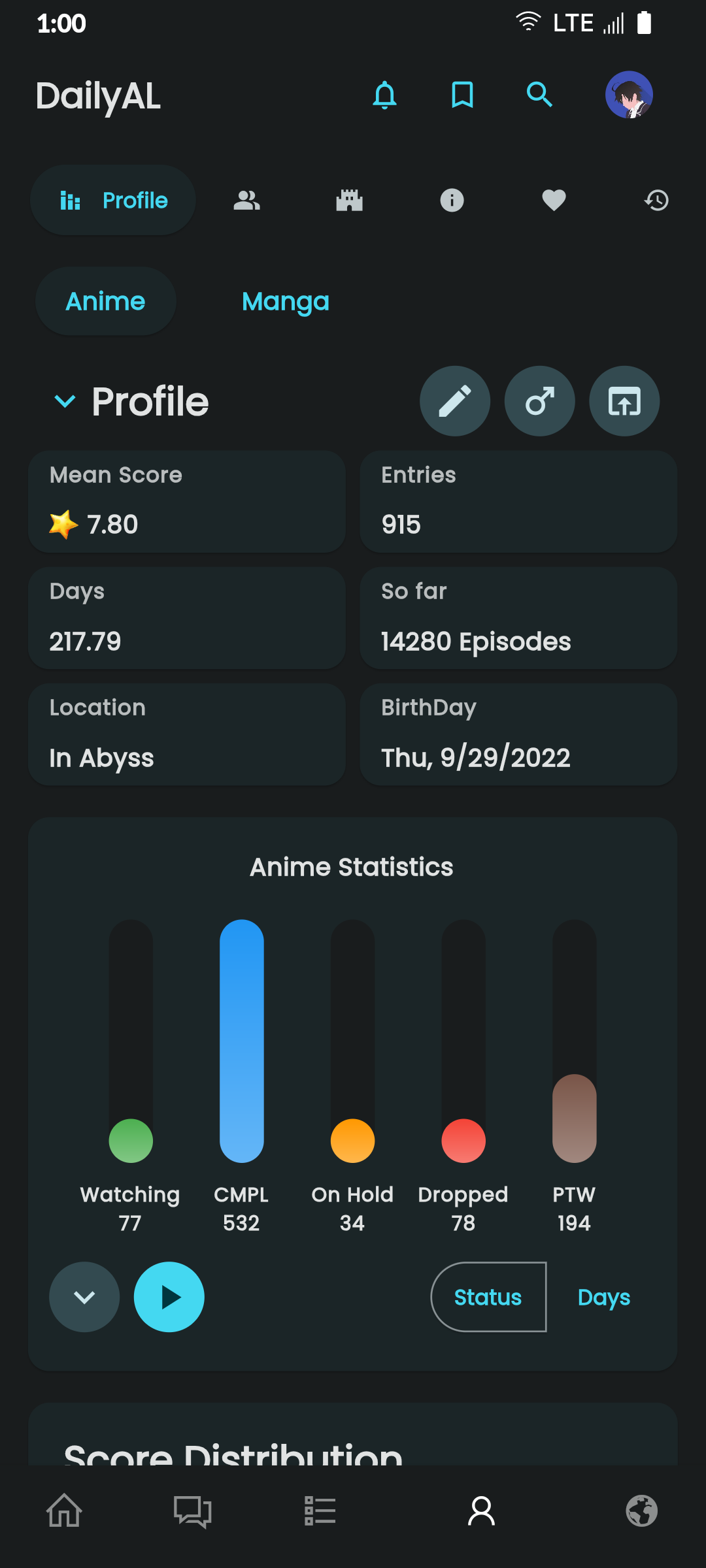
Discover Seasonal Anime, Top Upcoming Anime, Most Popular Anime, Anime Ranking Lists, All-time Favorites, and more.
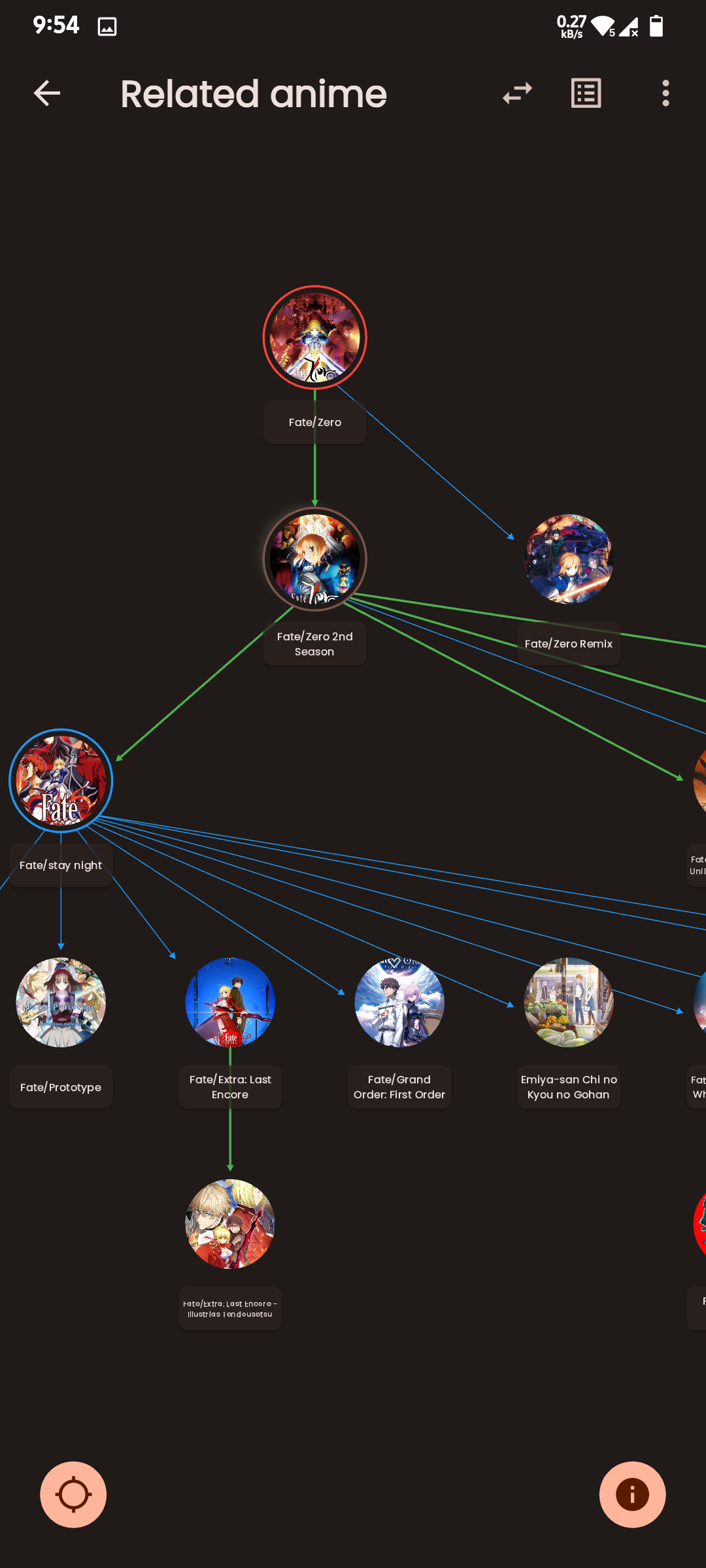
Access Anime/Manga Synopses, Related and Recommended content.
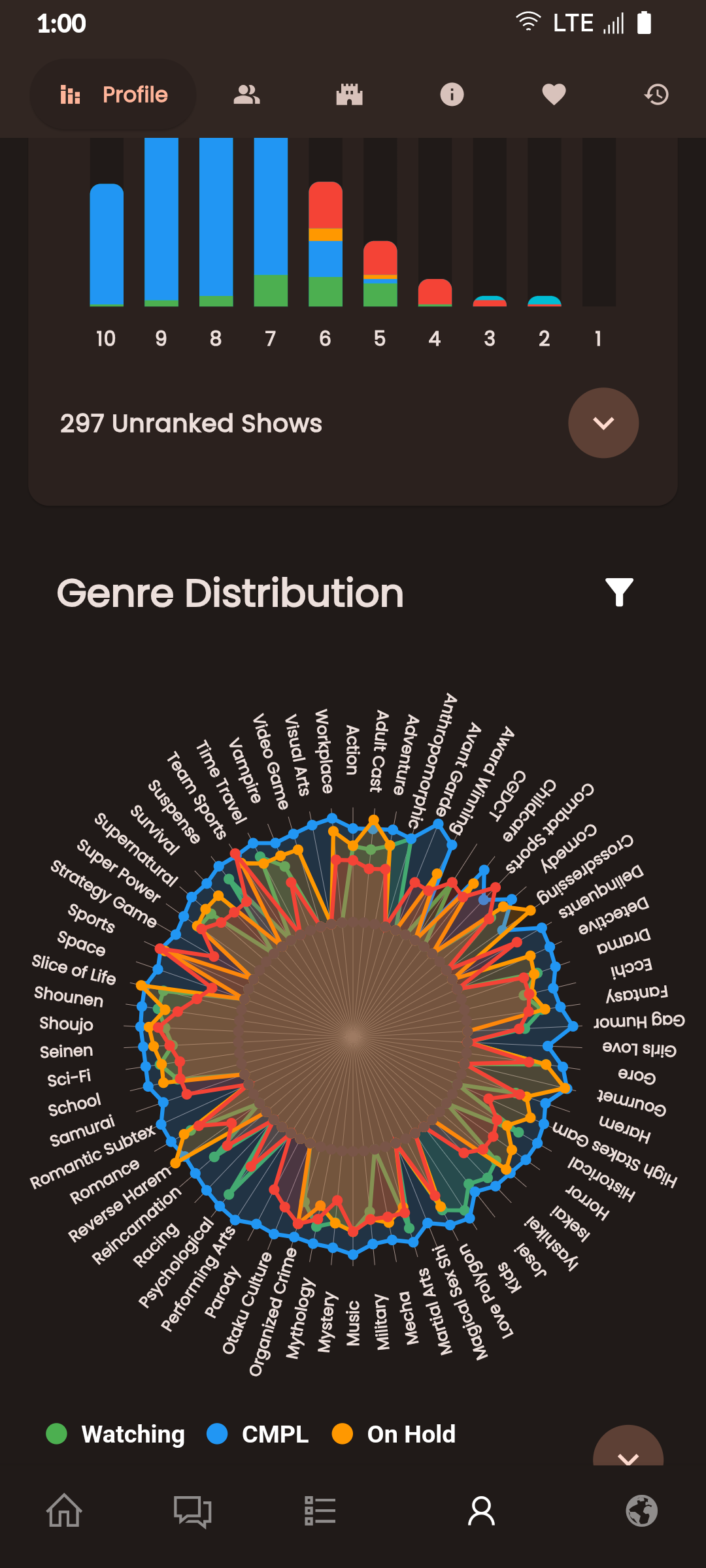
Read Detailed Anime reviews and view Anime/Manga Statistics.
Choose from 4 distinct Dark Themes: Spring, Summer, Fall, and Winter.
Customize the Bottom Navigation bar and adjust cache update frequency.
Perform advanced searches directly from the search bar using "@" and "#" with ease.
Experience faster search loading times with caching mechanisms.
Quickly Edit/Update your Anime/Manga List.
Sort your list by Title, List Score, Start Date, and Updated Date.
git clonedal-code.code-workspace to open the project in VSCodeupdate_gradle.sh to make the gradle files ready for developmentflutter pub get to install dependenciesflutter run or F5 in VSCodeintl generate to generate localization filesbuild runner to generate necessary filespython translate to generate translation files
Ein Flutter-Widget zum Rendern von statischem HTML und CSS als Flutter-Widgets.
 v5.1.2
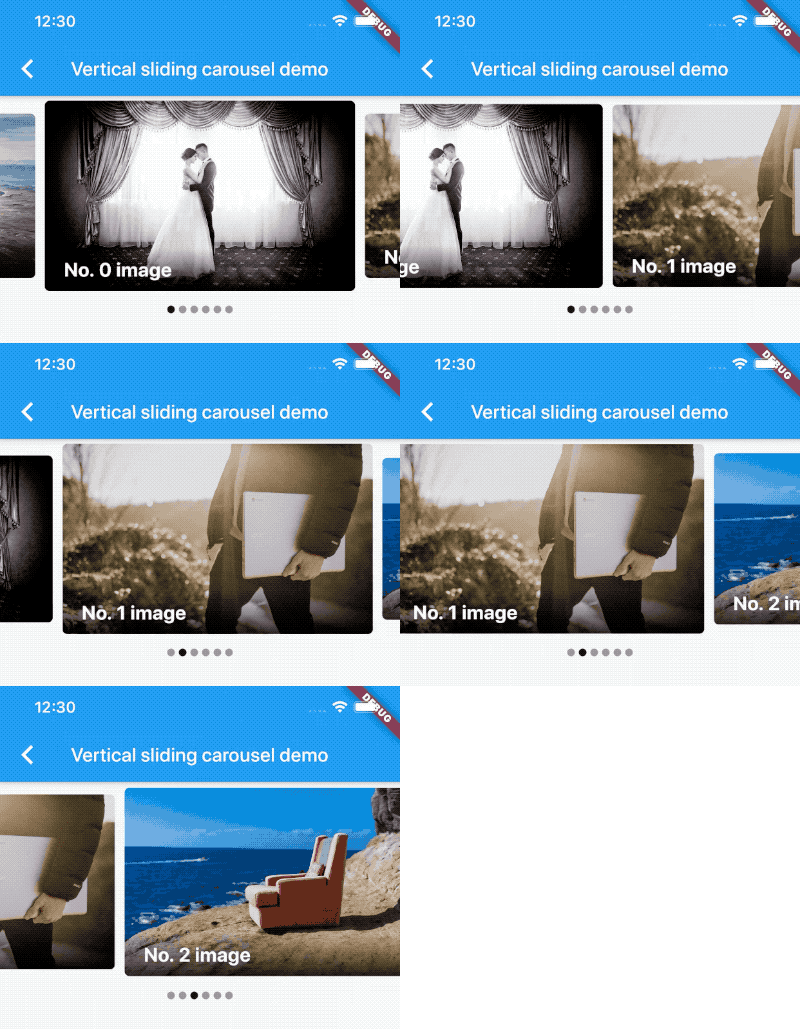
Ein Carousel-Slider-Widget, das unendliches Scrollen und benutzerdefinierte Kind-Widgets unterstützt.
Eine Liste mit Hilfsmethoden zum Programmatisch Scrollen zu einem Element.
Ein Widget, das die Sichtbarkeit seines Kindes erkennt und eine Rückruffunktion benachrichtigt.
Laden Sie Seiten mit Elementen verzögert und zeigen sie an, während der Benutzer nach unten scrollt.
Zum bestimmten Kind eines beliebigen Scrollwidgets in Flutter scrollen
Hilfsprogramm zum Umhüllen einer asynchronen Funktion mit automatischer Wiederholungslogik und exponentiellem Backoff, nützlich bei Netzwerkanfragen.
 v1.5.1
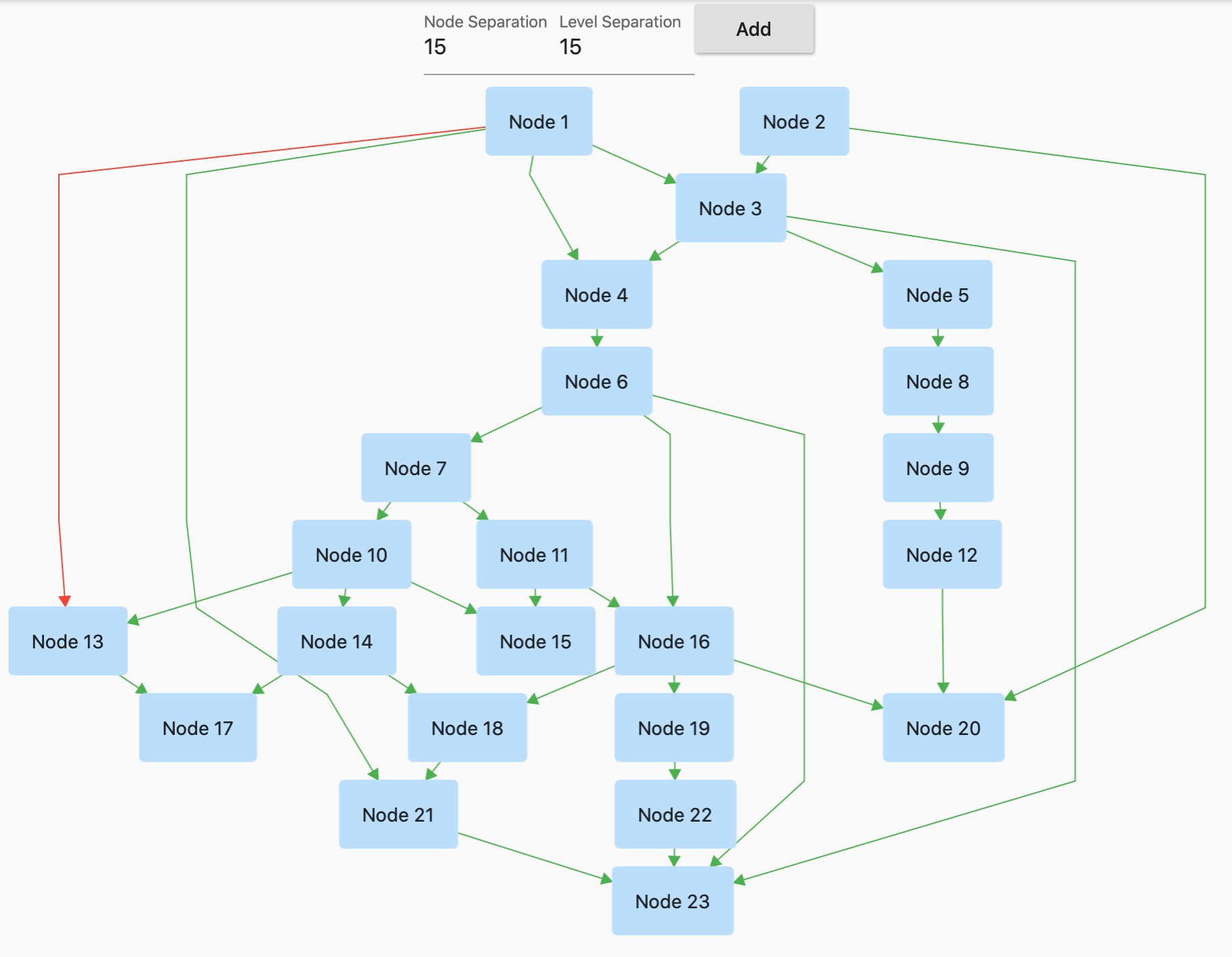
GraphView wird verwendet, um Daten in grafischen Strukturen anzuzeigen. Es kann Baumlayout, gerichtete und geschichtete Graphen anzeigen. Nützlich für Familienbaum, Hierarchieansicht.
 v3.1.0
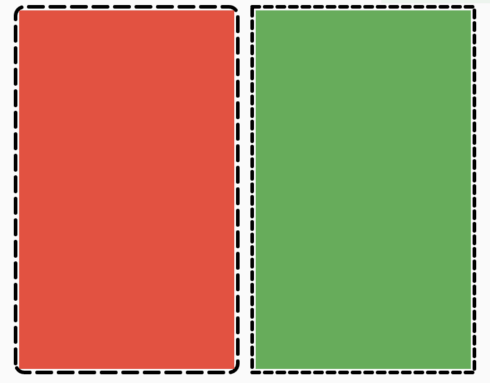
Ein Flutter-Paket, mit dem Benutzer einfach eine gepunktete Umrandung um jedes Widget hinzufügen können.
Dieser Plugin ermöglicht Flutter-Desktop-Anwendungen, die Systemleiste zu definieren.
Unveränderliche Sammlungen basierend auf den SDK-Sammlungen. Jede SDK-Sammlungsklasse wird in eine neue unveränderliche Sammlungsklasse und eine entsprechende veränderbare Builder-Klasse aufgeteilt.
Konfigurieren Sie jedes Flutter-Anwendung problemlos mit globalen Variablen mithilfe einer .env-Datei.
Abhängigkeiten 61 Einträge
{"sdk":"flutter"}^1.2.2^6.1.2^2.3.2^0.5.1^0.5.2^3.4.1^9.2.2^6.3.0^5.0.0^3.0.0^0.20.0^9.0.0^6.0.5^5.0.0^0.15.0^2.0.0^0.3.8^0.68.0^3.0.0-beta.2^3.0.1^10.0.2^5.1.0^20.1.0^0.10.0^2.1.0^3.5.1^1.0.1^1.1.2^4.0.0^2.1.0^3.1.2^3.0.0^0.4.0+2^0.15.0^5.6.0^4.0.0^2.0.3^1.7.0^10.1.2^5.1.0{"path":"./dal-api"}{"path":"./dal-api/dal_commons"}{"sdk":"flutter"}^1.0.0^1.1.1^1.18.0^8.1.2^11.3.1^2.1.4^9.0.0^2.1.1^1.2.0^0.7.0{"git":{"url":"https://github.com/JICA98/add_2_calendar.git"}}{"sdk":"flutter"}^4.0.1^6.7.1^2.1.7^2.8.4^3.16.13Nach Anwendungsfall filtern, Aktivität vergleichen und vor der Nutzung das Originalprojekt prüfen.
“A repository is the most basic element of GitHub.”
GitHub Docs — About repositories ↗