v7.2.0
google_sign_in
Flutter-Plugin für Google Sign-In, ein sicheres Authentifizierungssystem zum Anmelden mit einem Google-Konto.
3610Likes 2,5 Mio.30-Tage-Downloads160Pub-Punkte
AndroidiOSWebmacOS
Invoice Ninja: Desktop-/Mobil-Admin-Portal, erstellt mit Flutter

Englischer Projektschnappschuss. Aktuelle Inhalte auf GitHub.
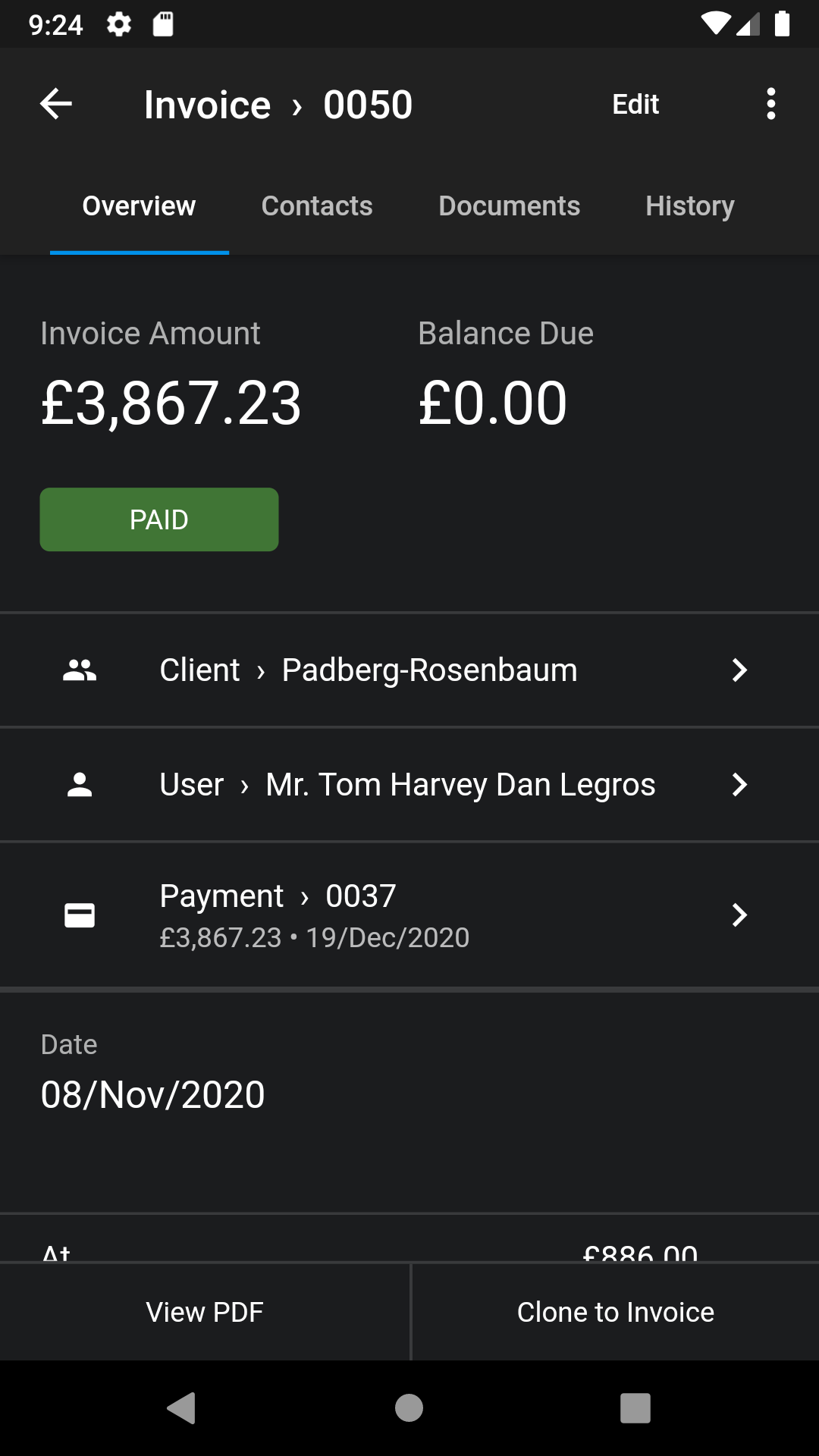
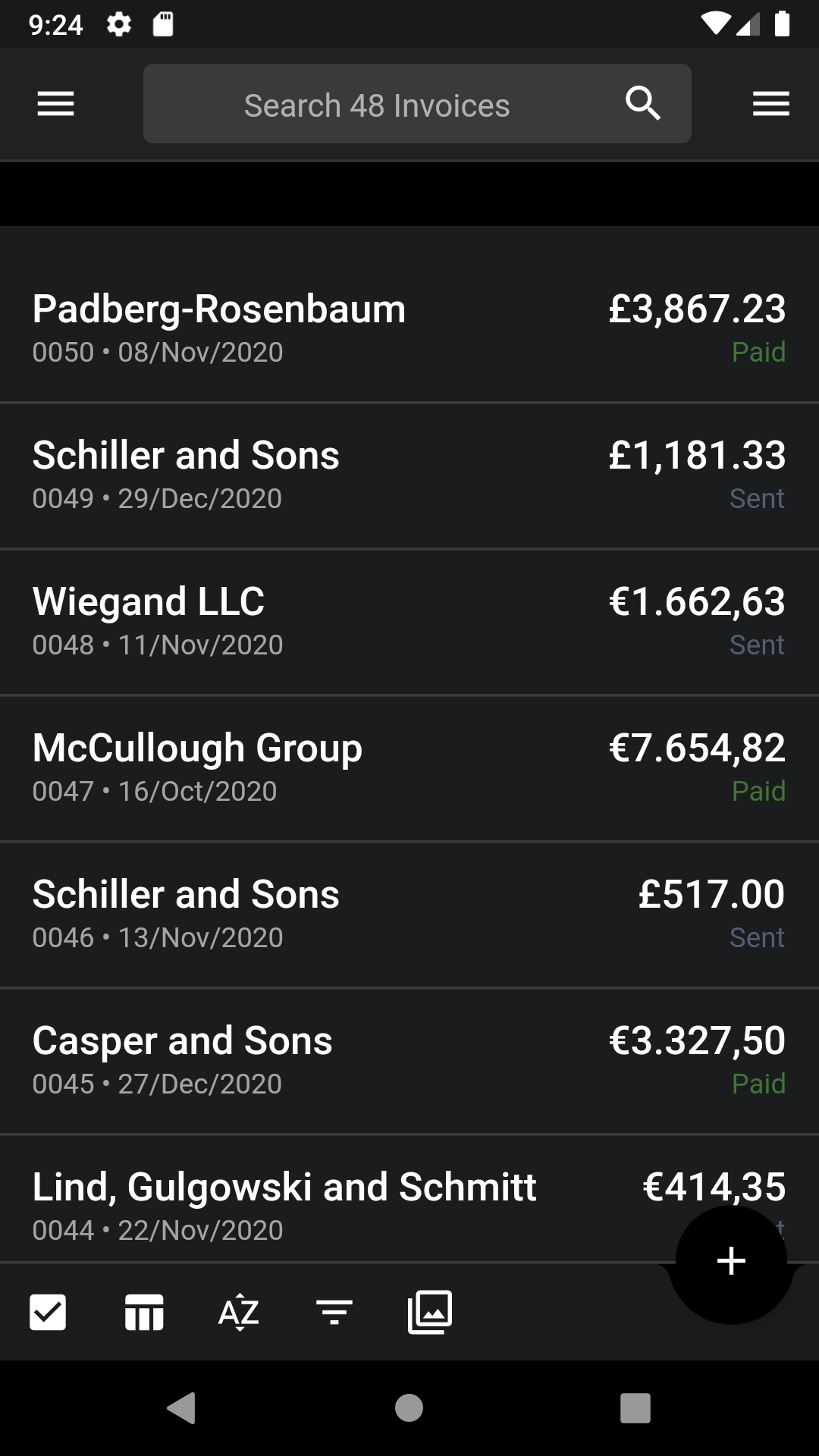
Client application for Invoice Ninja.


Initialize the config file
cp lib/.env.dart.example lib/.env.dart
Support running the code unsigned on Android
cp android/app/build.gradle.dev.kts android/app/build.gradle.kts
Run the app
flutter run
Note: if you don't have an Invoice Ninja backend setup you can test the app with these credentials:
demo@invoiceninja.comPassword0demo.invoiceninja.comcp lib/utils/oauth.dart.foss lib/utils/oauth.dart
cp lib/utils/app_review.dart.foss lib/utils/app_review.dart
cp lib/ui/app/upgrade_dialog.dart.foss lib/ui/app/upgrade_dialog.dart
cp lib/ui/app/pinput.dart.foss lib/ui/app/pinput.dart
cp android/app/src/main/AndroidManifest.foss.xml android/app/src/main/AndroidManifest.xml
cp android/settings.gradle.foss.kts android/settings.gradle.kts
cp pubspec.foss.yaml pubspec.yaml
rm pubspec.lock
The application was created using the Flutter Redux Starter.
The architecture is based off these two projects:
A High-level overview of the project structure:
lib/                     # Root Package
|
├─ data/                 # For data handling
│  ├─ mock/              # sample used for testing
│  ├─ models/            # Objects representing data
│  ├─ repositories/      # Source of data
|
├─ redux/                # manages app state
│  ├─ component/         # app building block
│     ├─ actions         # methods to update app state
|     ├─ middleware      # run in response to actions, execute before reducer
|     ├─ reducer         # intercepts actions, responsible for updating the state
|     ├─ selectors       # read data from the state, queries against your 'state database'
|     ├─ state           # immutable object that lives at the top of the widget hierarchy
|
├─ ui/                   # app views
│  ├─ component/         # views for different components
│    ├─ view/            # generel view for component
│    ├─ edit/            # change values on the views fields
|
├─ utils/                # Utility classes
The ui and redux folders contain components that are paired together. Put simply you will find an 'auth' folder in both the ui and redux folders.
For additional information on Redux architecture
flutter packages pub run build_runner build --delete-conflicting-outputs to regenerate the model files. It will also remove the old generated files so conflicts are avoided..flutter drive --target=test_driver/all_it.dart to run the testshttps://github.com/invoiceninja/invoiceninja#credits
We gladly accept contributions! If you'd like to get involved with development please join our Slack group or Discord Server.
Flutter-Plugin für Google Sign-In, ein sicheres Authentifizierungssystem zum Anmelden mit einem Google-Konto.
Flutter-Plugin zum Auswählen von Bildern aus der Android- und iOS-Bildbibliothek sowie zum Aufnehmen neuer Fotos mit der Kamera.
Ein Flutter-Plugin für In-App-Käufe. Bietet APIs zum Durchführen von In-App-Käufen über den App Store und Google Play.
Flutter-Plugin zum lokalen Authentifizieren über Biometrie, Passcode, PIN oder Muster.
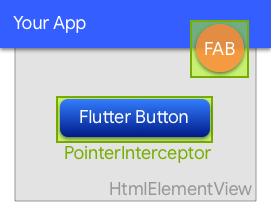
Ein Widget, das verhindert, dass Klicks von unterliegenden HtmlElementViews im Web verschluckt werden.
Ein Flutter-Plugin, das ein WebView-Widget mit Unterstützung durch die System-WebView bereitstellt.
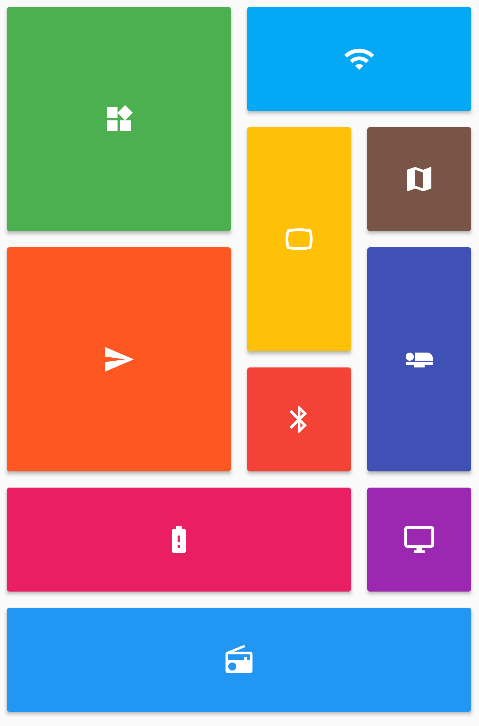
Bietet eine Sammlung von Flutter-Gitterlayouts (gestaffelt, Mauerwerk, Quilt, gewebt usw.).
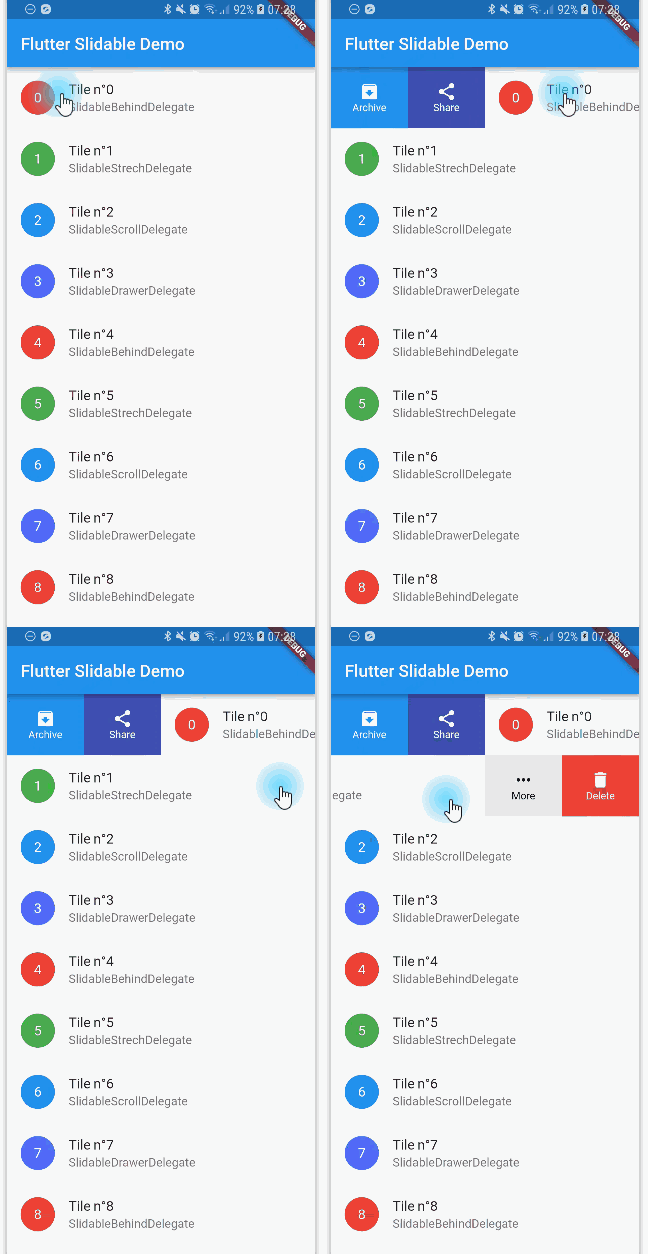
Eine Flutter-Implementierung eines verschiebbaren Listenartikels mit richtungsabhängigen Verschiebeaktionen, die abgeschlossen werden können.
Eine Reihe von Hilfs-Widgets, die eine Redux-Speicher bereitstellen und verbinden
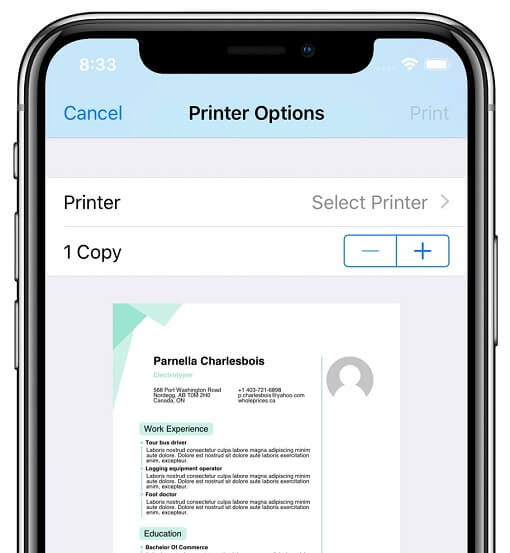
Plugin, das Flutter-Anwendungen ermöglicht, Dokumente auf kompatiblen Druckern unter Android, iOS, macOS, Windows und Linux sowie Web-Drucken zu generieren und auszudrucken.
Ein Flutter-Plugin für Android, iOS und Web, das das Zuschneiden von Bildern unterstützt
Werttypen mit Buildern, Dart-Klassen als Enums und Serialisierung. Diese Bibliothek ist die Laufzeitabhängigkeit.
Abhängigkeiten 73 Einträge
{"sdk":"flutter"}{"sdk":"flutter"}^1.0.0^7.2.0^2.0.4^3.2.3^3.0.1^0.10.0^0.5.0^1.5.0^2.0.2^2.0.6^7.0.7296^8.1.2^5.1.0^3.0.0^6.3.1^6.3.2^12.0.10.17.0^3.1.2^0.5.0-beta{"git":{"url":"https://github.com/theyakka/qr.flutter.git"}}^2.3.0^9.6.0^1.2.0^1.1.0^1.0.1^4.4.1^3.1.0^8.3.1{"git":{"url":"https://github.com/scopendo/flutter_rounded_loading_button.git","ref":"master"}}^3.0.2^0.5.0^2.0.0^11.0.1^10.3.2{"git":{"url":"https://github.com/BenPoell/FlutterBoardView.git"}}^0.9.0^0.0.3^0.1.3^6.2.0^1.2.6^5.11.0^11.0.0^2.14.0^7.0.1^0.3.0^3.1.0^0.7.0^0.7.0^0.1.1^1.0.0^1.15.0-nullsafety.4^4.0.0^12.2.0^0.0.4anyanyanyanyanyanyanyany{"sdk":"flutter"}^1.6.3{"sdk":"flutter"}^2.1.0^8.1.1^2.0.0^3.5.1^4.6.0Nach Anwendungsfall filtern, Aktivität vergleichen und vor der Nutzung das Originalprojekt prüfen.
“A repository is the most basic element of GitHub.”
GitHub Docs — About repositories ↗