 v3.0.0
modal_bottom_sheet
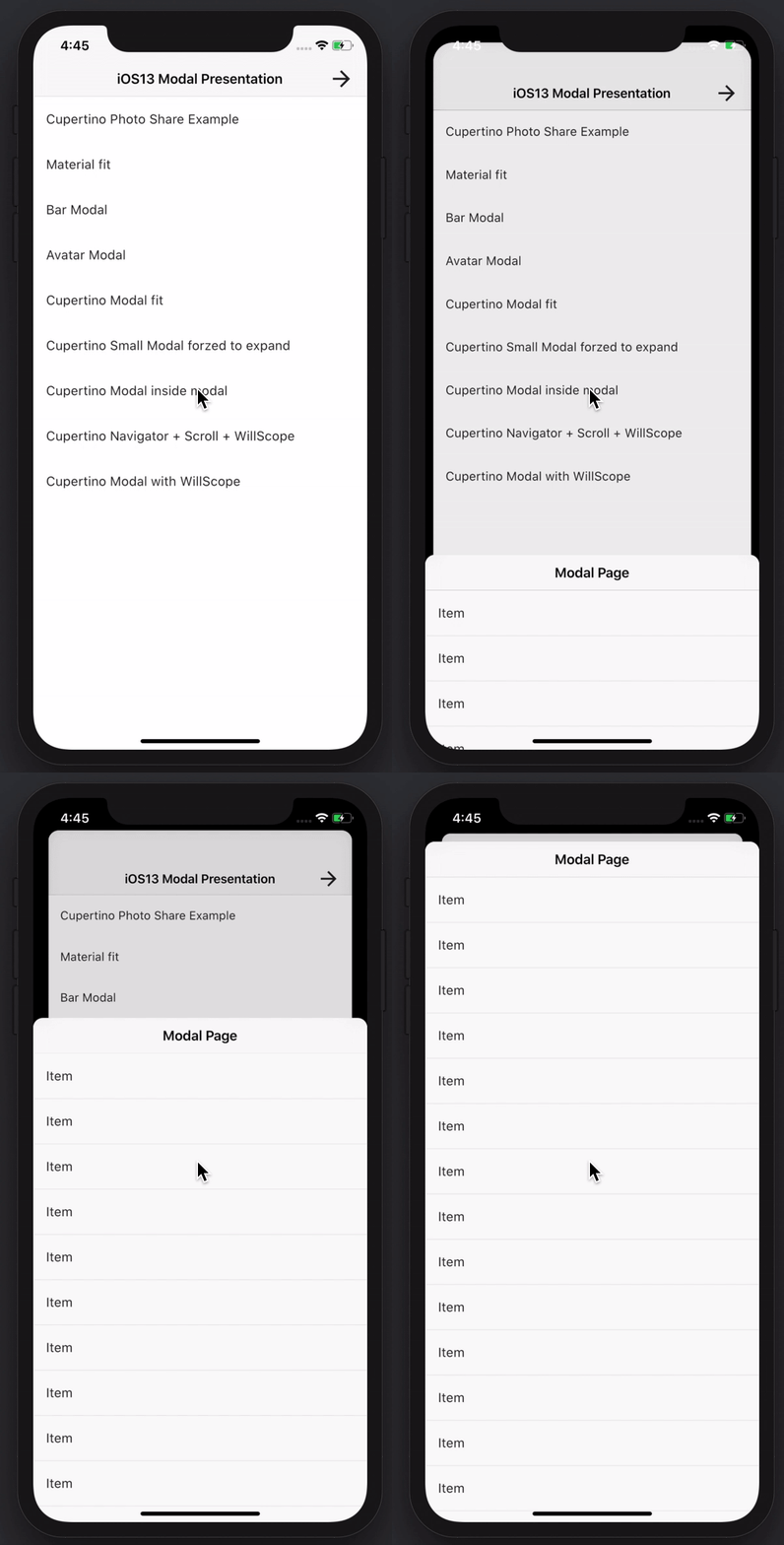
Erstellen Sie beeindruckende und leistungsstarke Modalseiten. Material, Cupertino iOS 13 oder erstellen Sie Ihre eigene Art
3600Likes 331.00030-Tage-Downloads150Pub-Punkte
AndroidiOSWebmacOSWindowsLinux
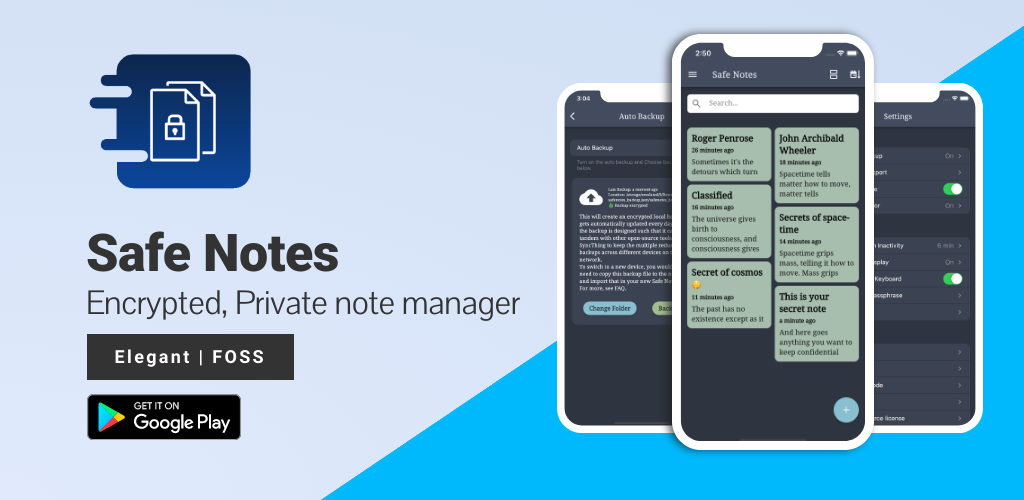
Safe Notes ist ein Sicherheitsprojekt, das darauf abzielt, einen verschlüsselten, privaten Notizmanager bereitzustellen, der lokal funktioniert und Notizen vor verschiedenen Bedrohungsakteuren schützt.

Englischer Projektschnappschuss. Aktuelle Inhalte auf GitHub.








Screenshots • Description • Features • Installation and updates • Contribution • Privacy Policy • License
Website • Reporting a Bug • FAQ • Press
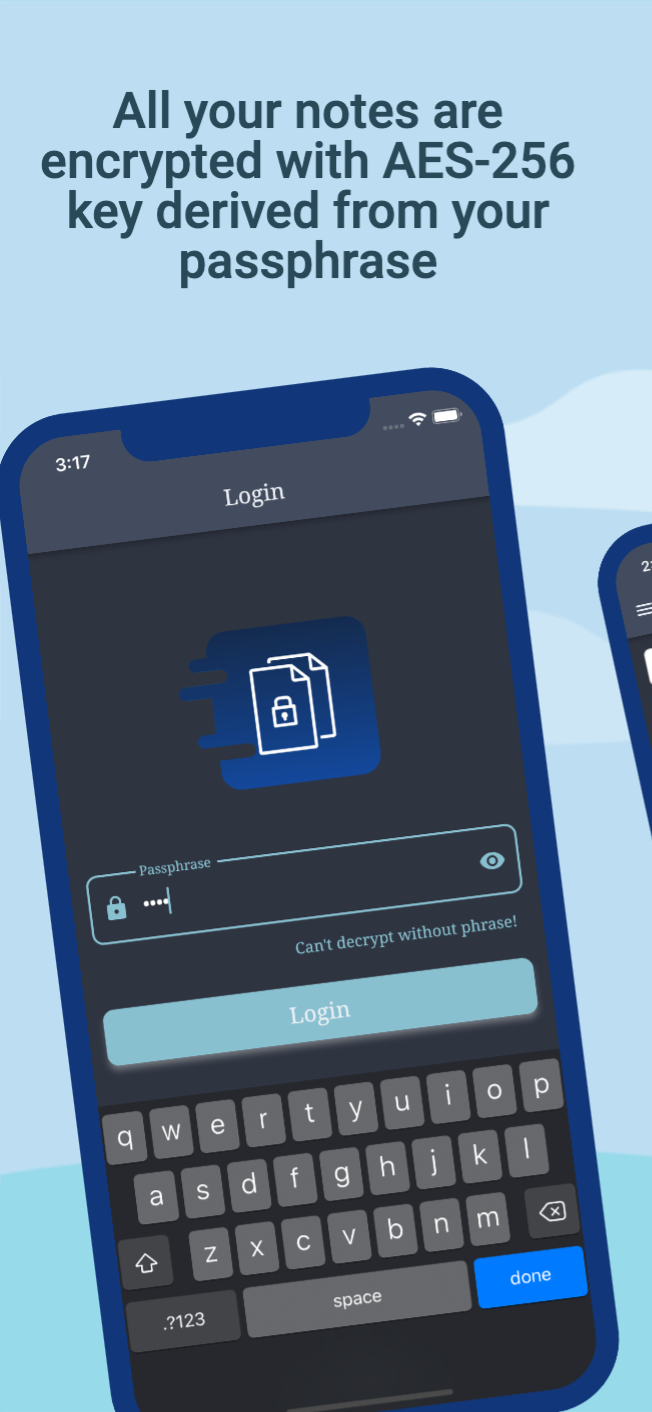
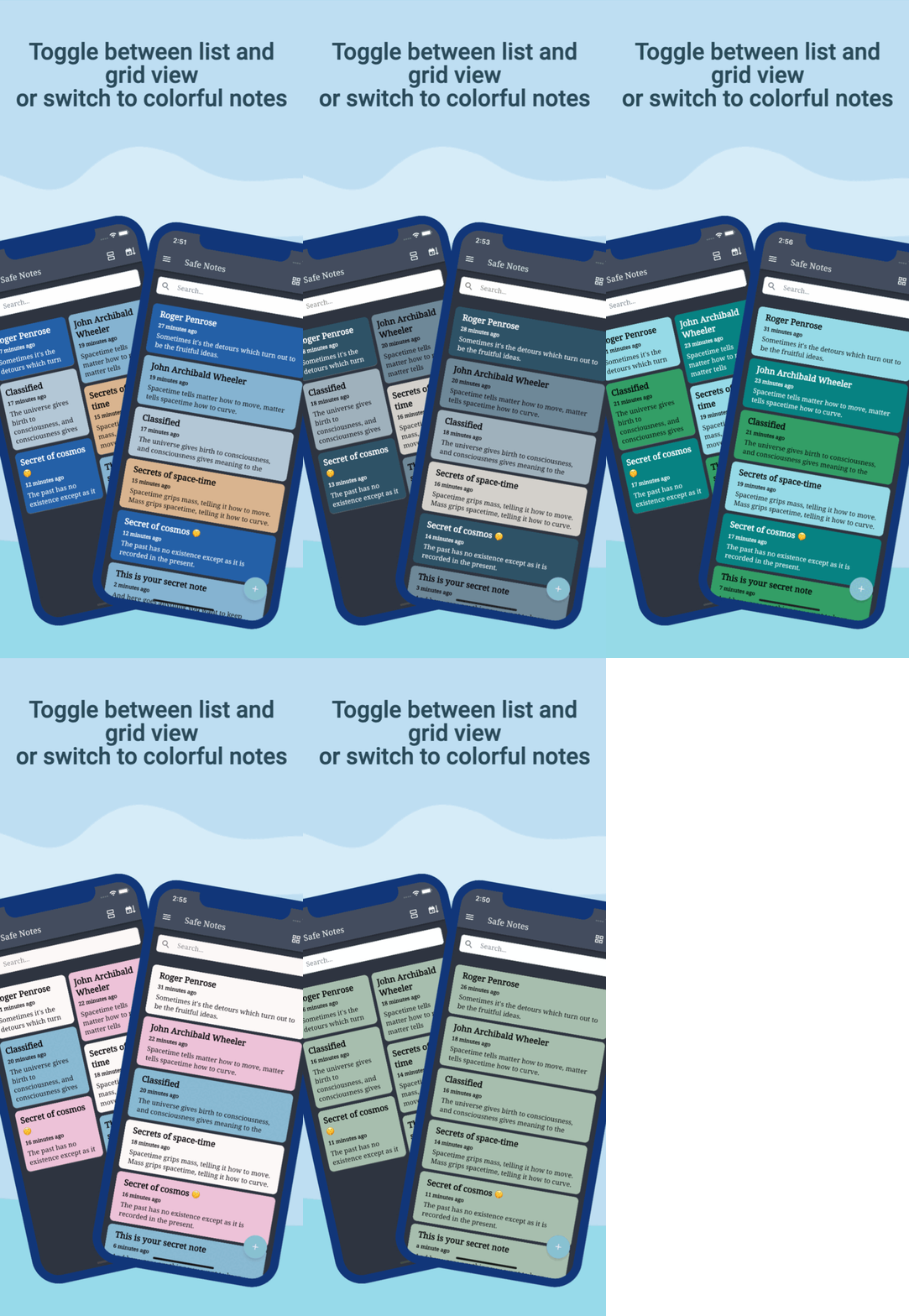
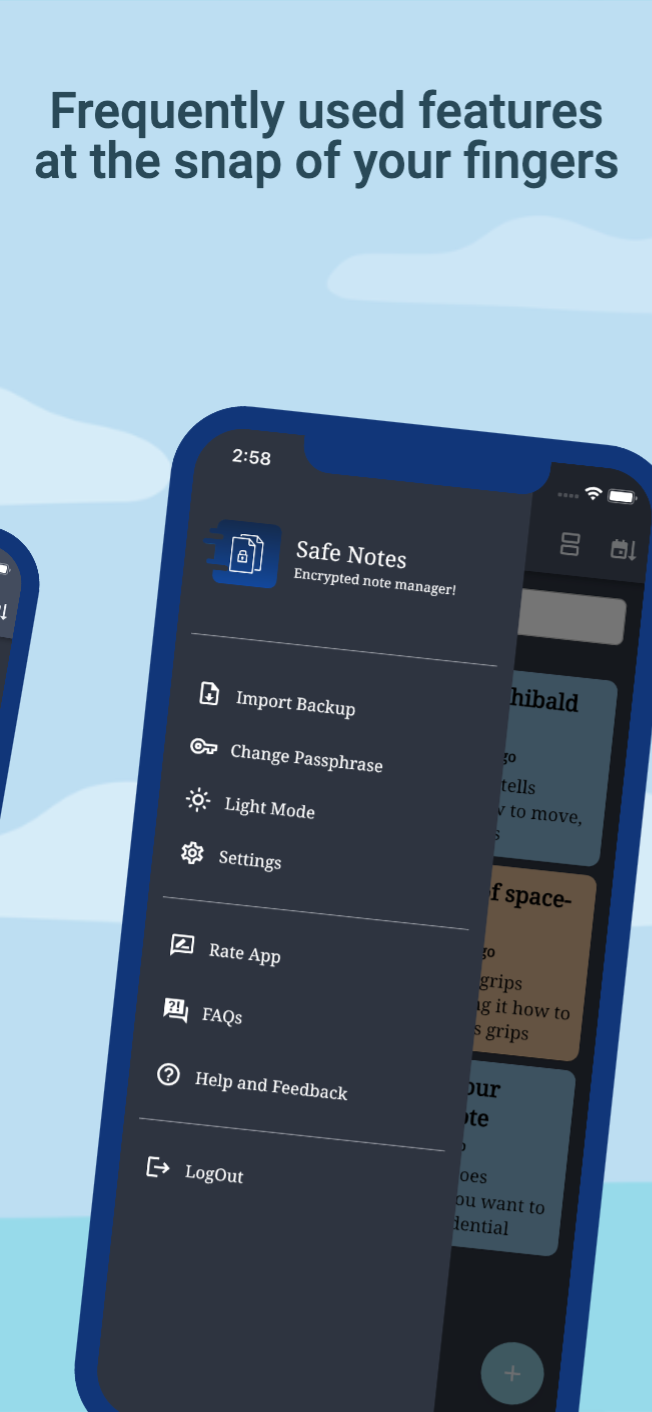
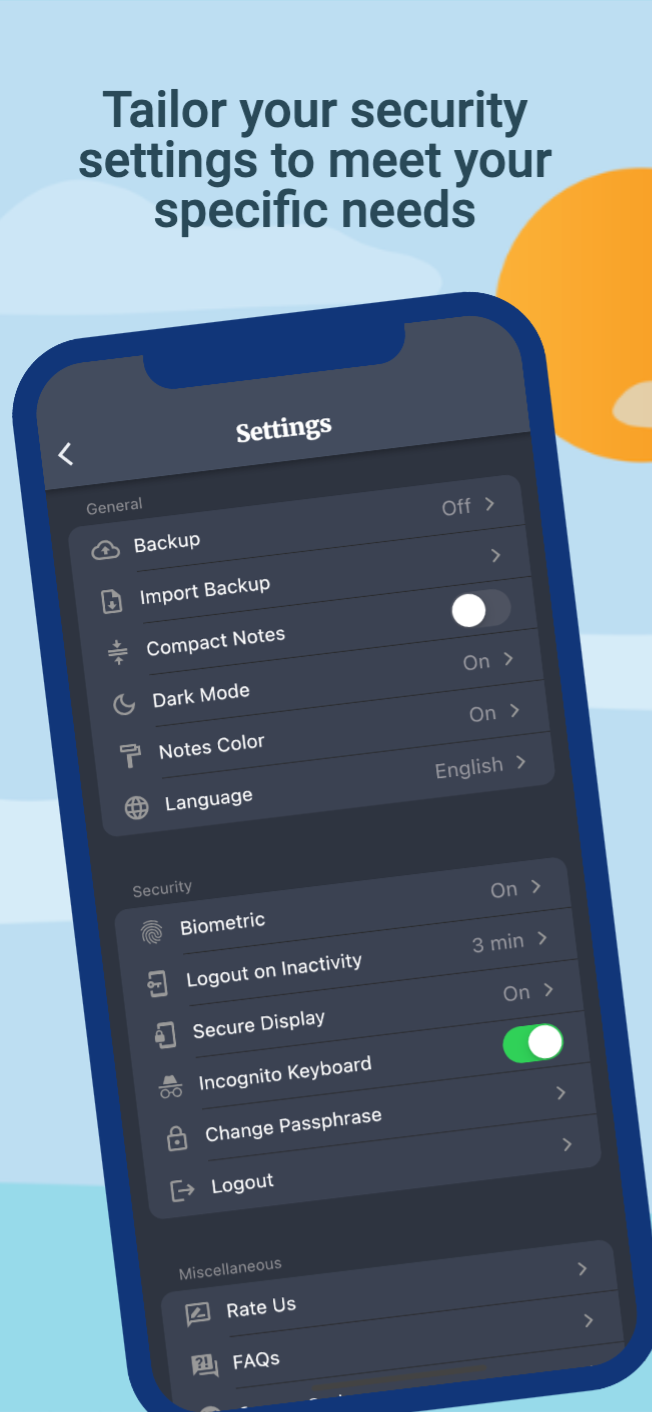
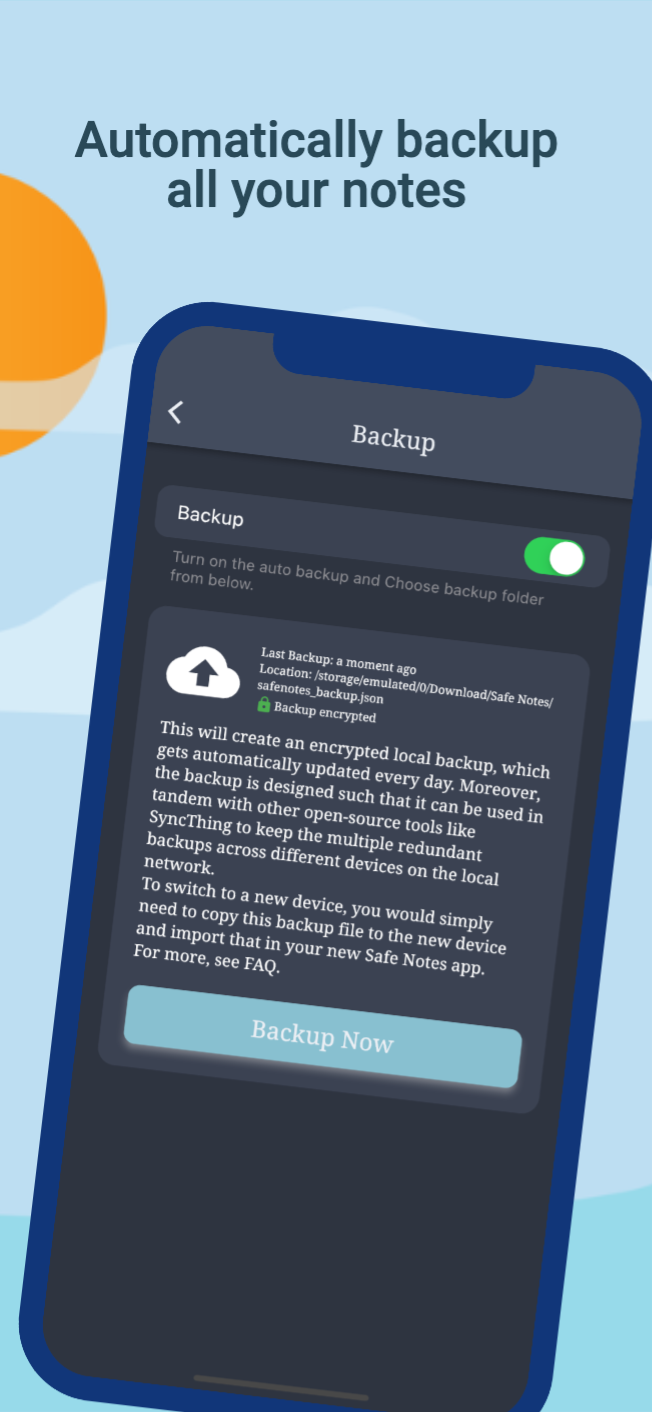
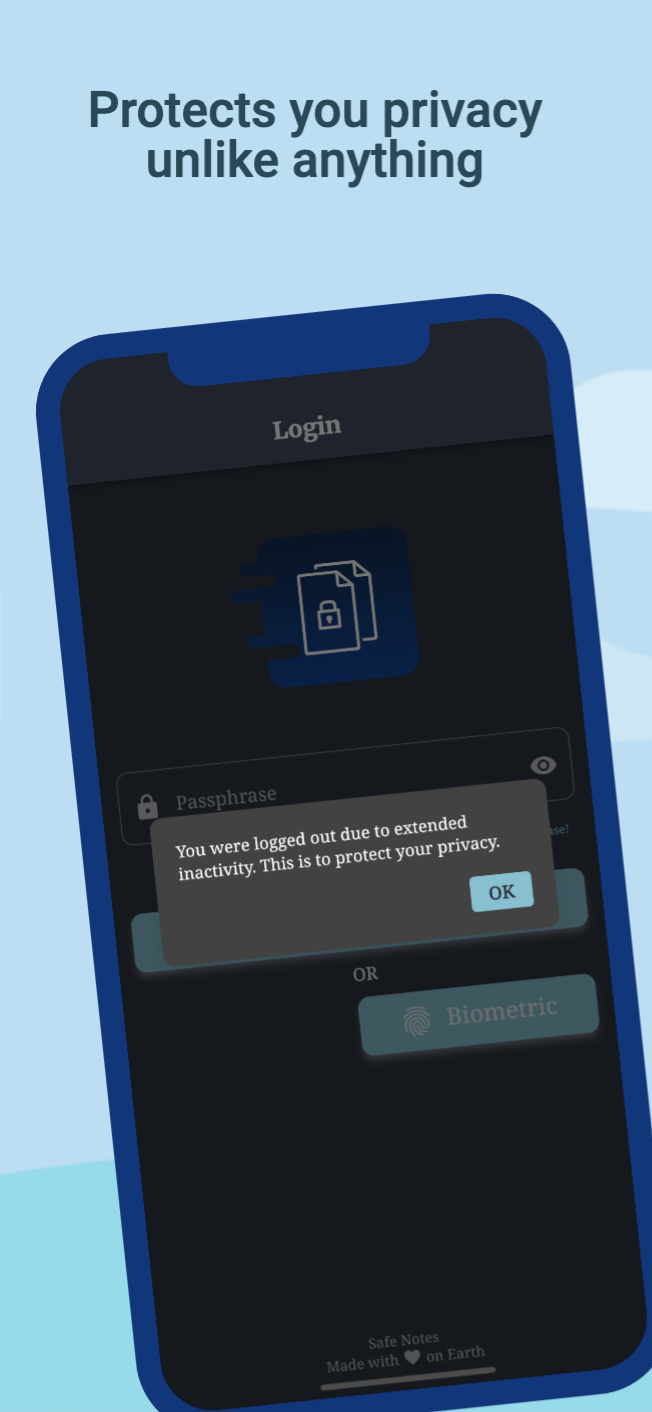
Safe Notes is a privacy-focused note manager which provides an inbuild encrypted storage. It imploys rigorously tested AES-256 encryption standard to store user notes. All the notes are stored locally on the user's device. Contrary to the ongoing frenzy of "move everything to cloud" we believe in "localization of user data" giving you the control of your data and not some third-party cloud service provider. We know you gotta change your device once in a while that's why Safe Notes also provides a secure migration facility, which allows you to export and import your notes without having to compromise the sanctity of your data. Word of advice, keep your passphrase long and secret. May encryption protect us all!
[!IMPORTANT] With great security comes the great responsibility of remembering the passphrase!
[!WARNING] Some security features cannot be guaranteed to work if you are using a rooted device.
You can install Safe Notes using one of the following methods:
We recommend method 1 or 2 for most users. Building a debug APK using method 4 excludes a key entirely. Signing keys help ensure that a user isn't tricked into installing a malicious update to an app.
Whether you have ideas, design changes, code cleaning, or real heavy code changes, help is always welcome.
The more is done the better it gets!
If you'd like to get involved, check our contribution notes.
Help translate Safe Notes on Hosted Weblate

The Safe Notes project aims to provide a encrypted, private, anonymous experience for local note storage. The app doesn't send any outbound requests neither does it receives any inbound requests. Hence, it doesn't collect any data whatsoever. You can find the document here.

Safe Notes is Free Software: You can use, study share and improve it at your will. Specifically GNU General Public License as published by the Free Software Foundation, either version 3 of the License, or (at your option) any later version.
| Weblate is helping with continuous localization as part of their ongoing support for libre software projects. |
|---|
Erstellen Sie beeindruckende und leistungsstarke Modalseiten. Material, Cupertino iOS 13 oder erstellen Sie Ihre eigene Art
Internationale und lokale Anpassung Ihrer Flutter-Apps einfach und schnell, dieses Paket vereinfacht den Internationalisierungsprozess.
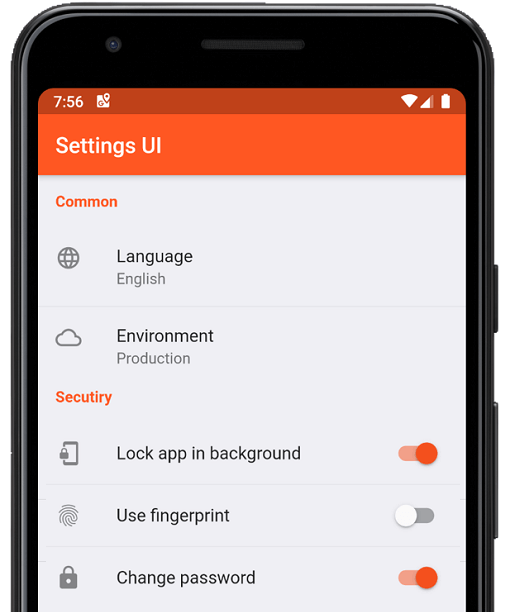
Erstellen Sie in Minuten native Einstellungen für Ihre Flutter-App. Verwenden Sie einzelne Schnittstellen zum Erstellen
Eine nützliche Bibliothek zum Erstellen von unscharfen Zeitstempeln. (z. B. "vor 15 Minuten")
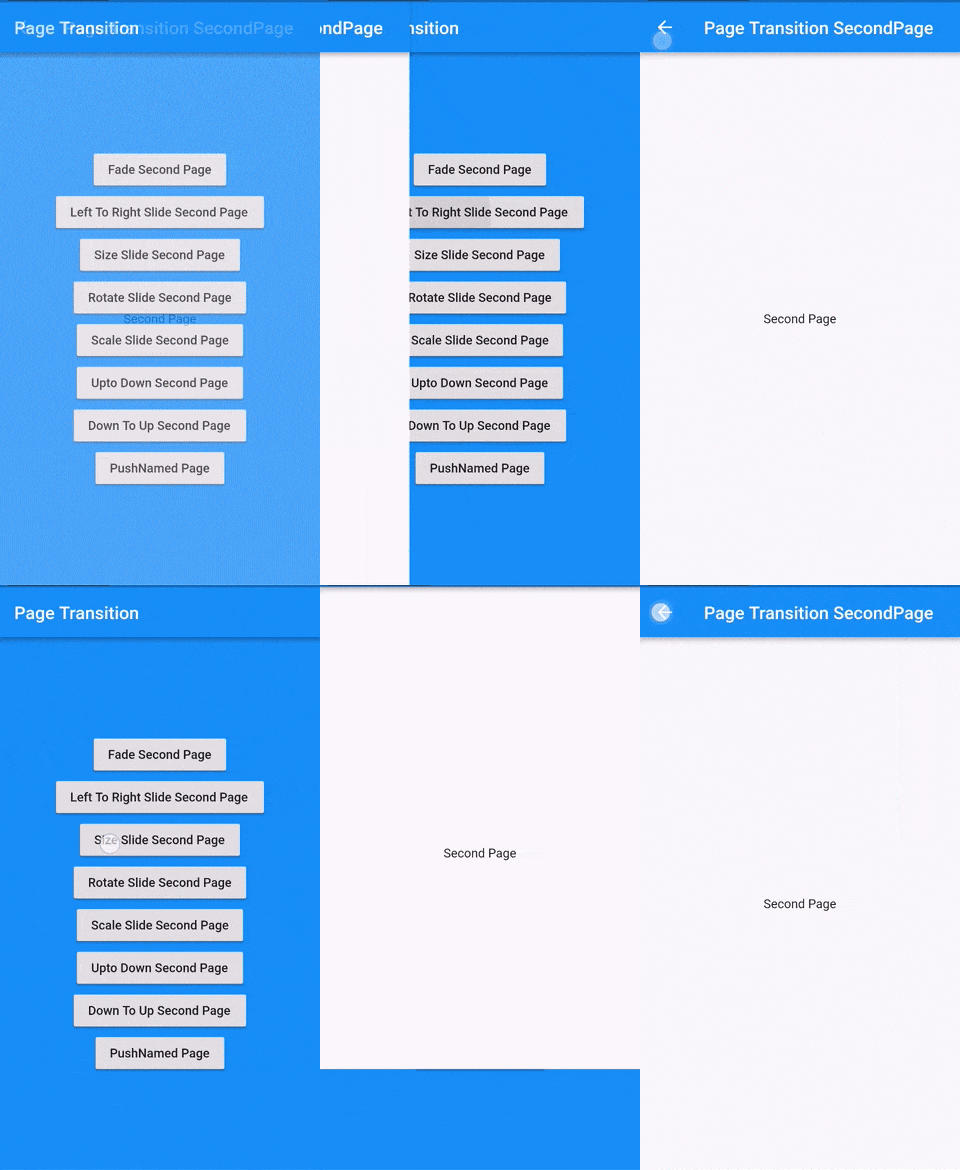
Flutter-Seitenübergangspaket, das den Übergang zur zweiten Seite ist
Führen Sie Code aus, nachdem die erste Layout-Phase Ihres Widgets abgeschlossen wurde, also nachdem der erste Frame angezeigt wurde.
Ein Satz hochwertiger APIs über PointyCastle für die bidirektionale Kryptografie.
Organisieren Sie Ihre Dart-Importe automatisch
Hilft Ihnen, die Bundle-ID und den Anwendungsnamen Ihres Flutter-Projekts für die Plattformen iOS, Android, MacOS und Linux zu ändern oder umzubenennen
Material Design-Symbole, die von der Community für Flutter entworfen wurden
Prüft fehlende, unterförderte, überforderte und nicht verwendete Abhängigkeiten.
Leiten Sie den Benutzer zur Authentifizierungsseite weiter, wenn die Anwendung innerhalb von "x" Minuten keine Benutzerinteraktion erhält oder im Hintergrund ausgeführt wird.
Abhängigkeiten 37 Einträge
{"sdk":"flutter"}^1.2.0^3.0.0^3.0.3^1.0.6^10.0.1^3.0.1^5.0.0^8.0.0+1^9.0.0^0.7.0^0.18.1^2.1.2^2.1.1^2.1.0^7.0.7296^2.1.0^3.0.0^2.0.9^1.9.0^2.0.2^11.3.0^6.0.3^3.0.2^2.0.2^2.0.6^2.1.0+1^3.3.0^2.0.0^6.1.5{"git":{"url":"https://github.com/keshav-space/safenotes-nord-theme.git","ref":"main"}}{"sdk":"flutter"}^0.13.1^2.2.11^4.6.0^3.0.0^3.0.2Nach Anwendungsfall filtern, Aktivität vergleichen und vor der Nutzung das Originalprojekt prüfen.
“A repository is the most basic element of GitHub.”
GitHub Docs — About repositories ↗