
 v0.1.3
gallery_zoom_slides
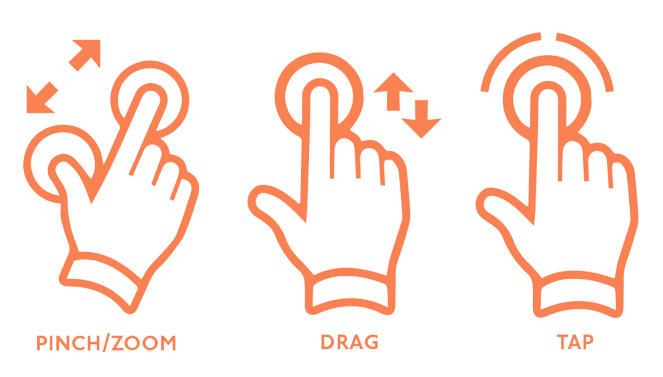
Image zooming effects like Image pan gesture, pinch zoomin-zoomout, double tap zoomin-zoomout
17Likes 21130-day downloads110Pub points
AndroidiOSWebmacOSWindowsLinux
Dharini17/gallery_zoom_slides open-source repository details.
English project snapshot. Visit GitHub for the latest content.
Image zoomin & zoomout functionality
|
|

|

|

|

|

|

|
In your pubspec.yaml file within your Flutter Project:
dependencies:
  gallery_zoom_slides: 0.1.2
            import 'package:gallery_zoom_slides/gallery_zoom_slides.dart';

            Navigator.push(context, MaterialPageRoute(builder: (context)=>
                    galleryZoomSlides(

                        //required fields
                        arrayImages:  const [
                        "https://i.ibb.co/C78HbbR/xl-d-pista-oraganza-s-deklook-original-imags3a5bguzakgq.webp",
                        "https://i.ibb.co/jH1SBF4/xl-d-pista-oraganza-s-deklook-original-imags3a5kf7tngq8.webp",
                        "https://i.ibb.co/hZ0By5W/xl-d-pista-oraganza-s-deklook-original-imags3a5pjsfs98c.webp",
                        "https://i.ibb.co/Dt5qBV3/xl-d-pista-oraganza-s-deklook-original-imags3a5xd7ctjvt.webp"
                        ],

                        //Optional fields
                        //.theme1, .theme2, .theme3, .theme4, .theme5, .theme6
                        zoomTheme: ZoomTheme.theme2,
                        selectedImagePosition: 1,
                        selectedThumbnailColor: Colors.blue,
                    )
              )
            );
        ...
NOTE : Images taken only for demo purpose

Dependency list 5 items
{"sdk":"flutter"}^3.3.0^3.0.0{"sdk":"flutter"}^2.0.0Start with your use case, compare repository activity, and check the original project before adopting it.
“A repository is the most basic element of GitHub.”
GitHub Docs — About repositories ↗