Search packages, repositories and app categories

gallery_zoom_slides cover
Package detailsv0.1.3

gallery_zoom_slides

Image zooming effects like Image pan gesture, pinch zoomin-zoomout, double tap zoomin-zoomout

AndroidiOSWebmacOSWindowsLinux
30-day downloads
211
Likes
17
Pub points
110

Install package

flutter pub add gallery_zoom_slides

Package Overview

Package selection guidance compiled from public package information, community data, and project usage.

gallery_zoom_slides is a Flutter package that enables interactive image zooming and panning with intuitive gestures such as pinch-to-zoom, double-tap to zoom in/out, and drag-to-pan. Designed for image galleries, it enhances user experience by allowing smooth, responsive manipulation of images across multiple platforms. The package integrates seamlessly into Flutter apps and supports Android, iOS, Web, macOS, Windows, and Linux. It's ideal for showcasing high-resolution images with rich visual interaction.

Use cases

  • Image gallery applications
  • E-commerce product detail views
  • Digital art or photo exhibition apps
  • Interactive documentation or manuals
  • Educational content with detailed visuals

Key features

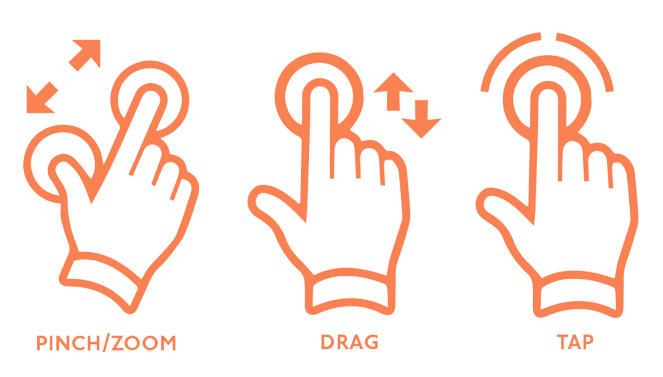
  • Pinch-to-zoom in/out
  • Double-tap to zoom in/out
  • Drag-to-pan navigation
  • Cross-platform compatibility
  • Smooth gesture responsiveness
  • Minimal setup required

Suitable for

  • Developers building image-heavy apps
  • Apps requiring interactive image exploration
  • Projects targeting multiple platforms
  • UI designers seeking gesture-rich interactions

Considerations

  • May require performance optimization for large images
  • Limited customization options for gesture behavior
  • Not suitable for non-image content
  • Best used with high-resolution assets
  • Requires proper handling of image loading states
Original README

Original README snapshot from the linked source repository. Visit the repository for the latest content.

gallery_zoom_slides

Image zoomin & zoomout functionality

Features

  • Pan gesture
  • Pinch zoomin & zoomout
  • Double tap zoomin - zoomout
  • With 6 different themes

Installation

In your pubspec.yaml file within your Flutter Project:

dependencies:
  gallery_zoom_slides: 0.1.2

Usage


            import 'package:gallery_zoom_slides/gallery_zoom_slides.dart';
            
            Navigator.push(context, MaterialPageRoute(builder: (context)=>
                    galleryZoomSlides(
                    
                        //required fields                 
                        arrayImages:  const [
                        "https://i.ibb.co/C78HbbR/xl-d-pista-oraganza-s-deklook-original-imags3a5bguzakgq.webp",
                        "https://i.ibb.co/jH1SBF4/xl-d-pista-oraganza-s-deklook-original-imags3a5kf7tngq8.webp",
                        "https://i.ibb.co/hZ0By5W/xl-d-pista-oraganza-s-deklook-original-imags3a5pjsfs98c.webp",
                        "https://i.ibb.co/Dt5qBV3/xl-d-pista-oraganza-s-deklook-original-imags3a5xd7ctjvt.webp"
                        ],
                        
                        //Optional fields
                        //.theme1, .theme2, .theme3, .theme4, .theme5, .theme6
                        zoomTheme: ZoomTheme.theme2,
                        selectedImagePosition: 1,
                        selectedThumbnailColor: Colors.blue,
                    )
              )
            );
        ...


NOTE : Images taken only for demo purpose

Categories

Dependencies

Dependency list 2 items

Source repository

Projects using this package

No data available yet.