

 v1.3.4
tutorial_coach_mark
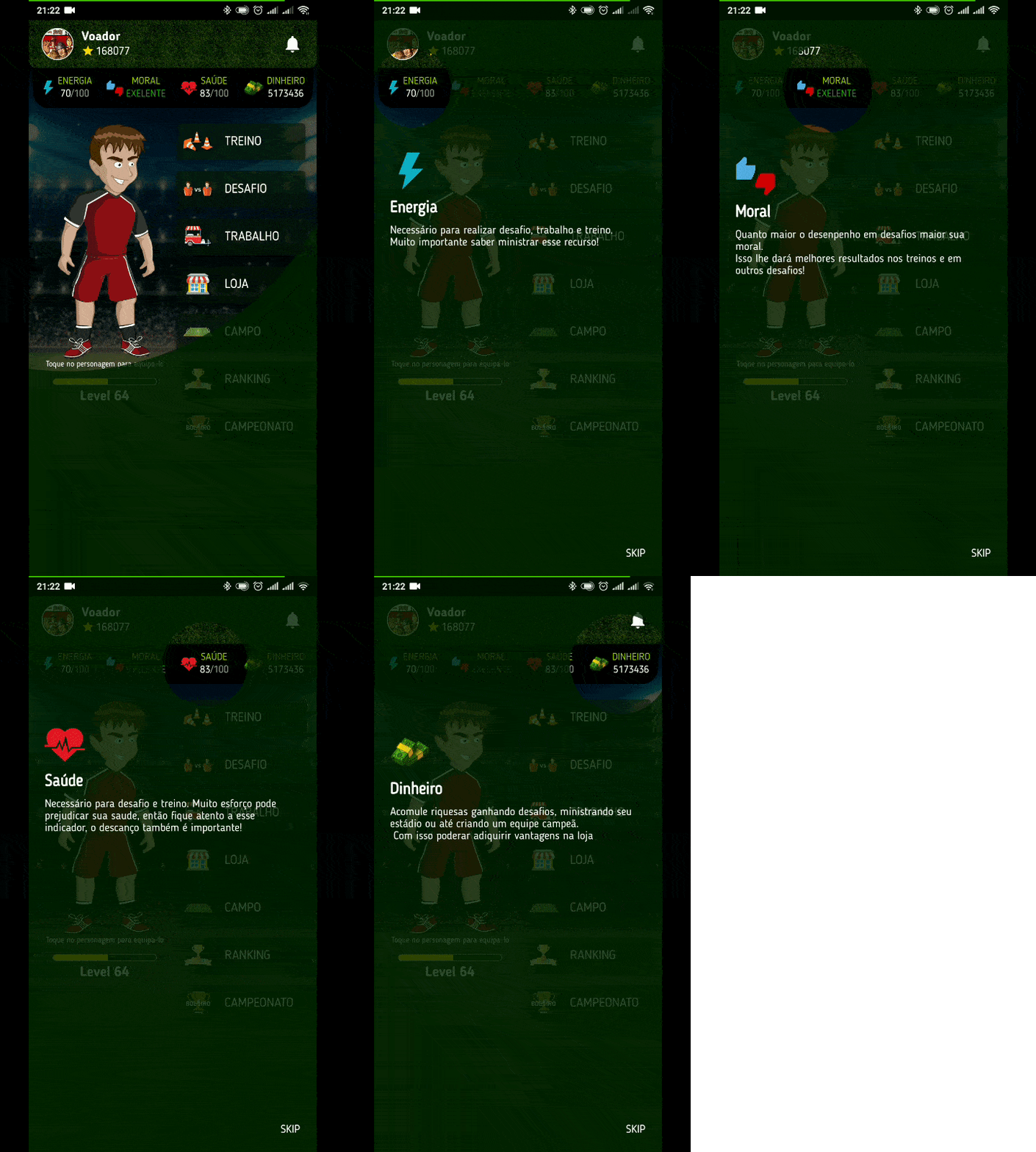
Guide that helps you to present your app and its features in a beautiful, simple and customizable way. Tutorial | Guide | Coach.
1.6KLikes 203K30-day downloads150Pub points
AndroidiOSWebmacOSWindowsLinux
Provides a simple and intuitive interface for controlling Liquid Galaxy.

English project snapshot. Visit GitHub for the latest content.
Welcome to the Liquid Galaxy KISS App! This Flutter application provides a simple and intuitive interface for controlling Liquid Galaxy. With a focus on simplicity and ease of use, this app aims to streamline the user experience for interacting with Liquid Galaxy. This App was developed for the Flutter KISS App contest conducted by GDG LLeida on 18th January,2024. This app was developed by Shaunak Nagrecha
Before running the Liquid Galaxy KISS App locally, ensure that you have the Flutter SDK installed on your machine. If you haven't installed Flutter yet, follow the steps outlined in the Flutter installation guide.
Clone the repository:
git clone https://github.com/LiquidGalaxyLAB/lg-kiss-app.git
Navigate to the project directory:
cd lg-kiss-app
Fetch dependencies:
flutter pub get
Connect your device or start an emulator.
Run the app:
flutter run
This command will build and run the Liquid Galaxy KISS App on your connected device or emulator.
Follow the instructions given here to install and setup Liquid Galaxy in either multi-device rigs or virtual machines. For virtual machine setup follow this video or this document.
After this, go to the app Settings Page and under Connection and Settings fillup the required details and click on CONNECT TO LG and all done.
We welcome feedback, bug reports, and contributions to enhance the Liquid Galaxy KISS App. Feel free to open issues or submit pull requests through the GitHub repository.
Happy navigating with Liquid Galaxy KISS App! 🌐✨
Guide that helps you to present your app and its features in a beautiful, simple and customizable way. Tutorial | Guide | Coach.
SSH and SFTP client written in pure Dart, aiming to be feature-rich as well as easy to use.
Dependency list 11 items
^8.1.0{"sdk":"flutter"}^8.1.1^2.8.2^2.3.6^1.0.2^3.0.0^1.2.11{"sdk":"flutter"}^9.1.0^2.0.0Start with your use case, compare repository activity, and check the original project before adopting it.
“A repository is the most basic element of GitHub.”
GitHub Docs — About repositories ↗