


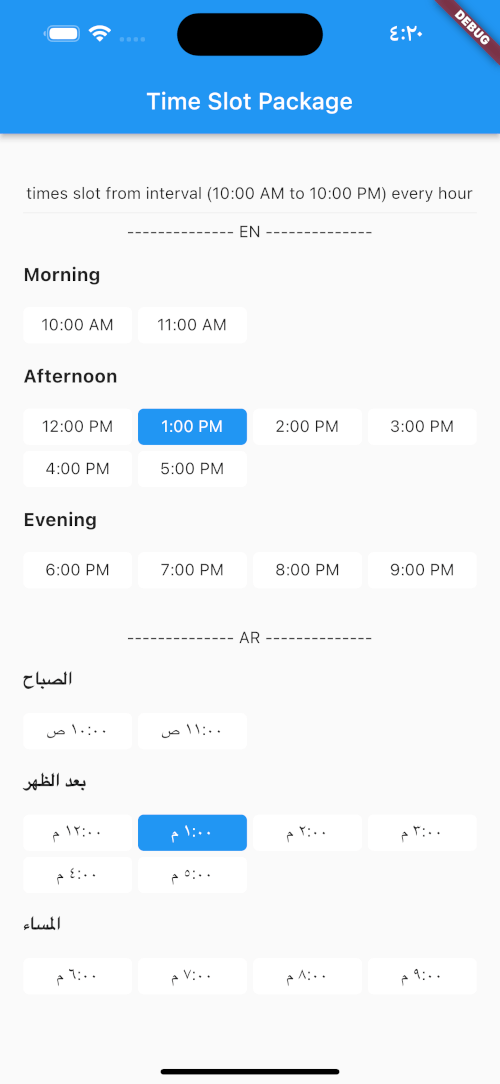
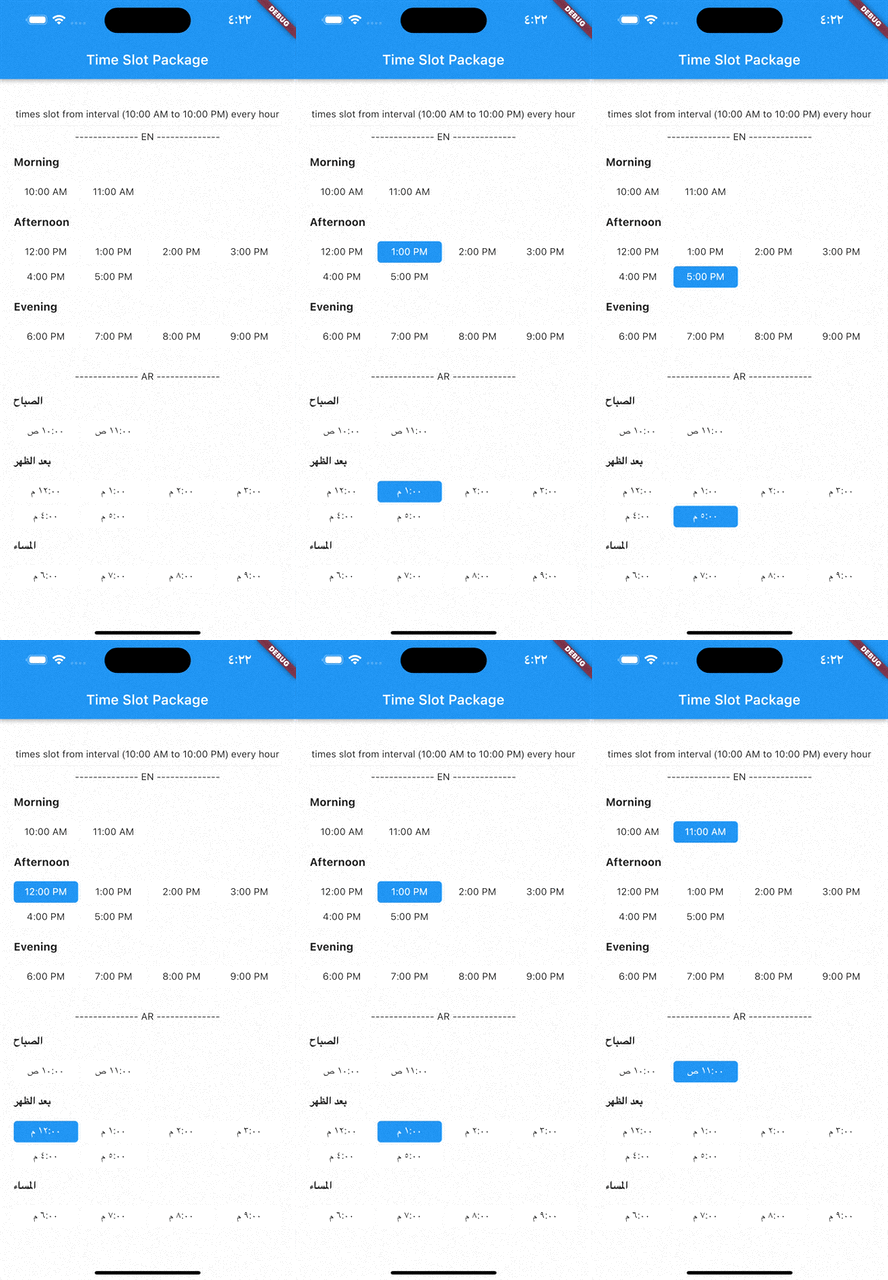
 v1.0.2
time_slot
A new Flutter package which helps in creating time slots with given time interval or list of date times and get day part name of time.
32Likes 63230-day downloads140Pub points
AndroidiOSWebmacOSWindowsLinux
A new Flutter package which helps in creating time slots with given time interval or list of date times and get day part name of time, and this package allow localization ar and en.

English project snapshot. Visit GitHub for the latest content.
A new Flutter package which helps in creating time slots with given time interval or list of date times and get day part name of time, and this package allow localization ar and en.
pubspec.yaml file:dependencies:
time_slot: any
$ pub get
time_slot.dart file in your appimport 'package:time_slot/time_slot.dart';
DayPartController
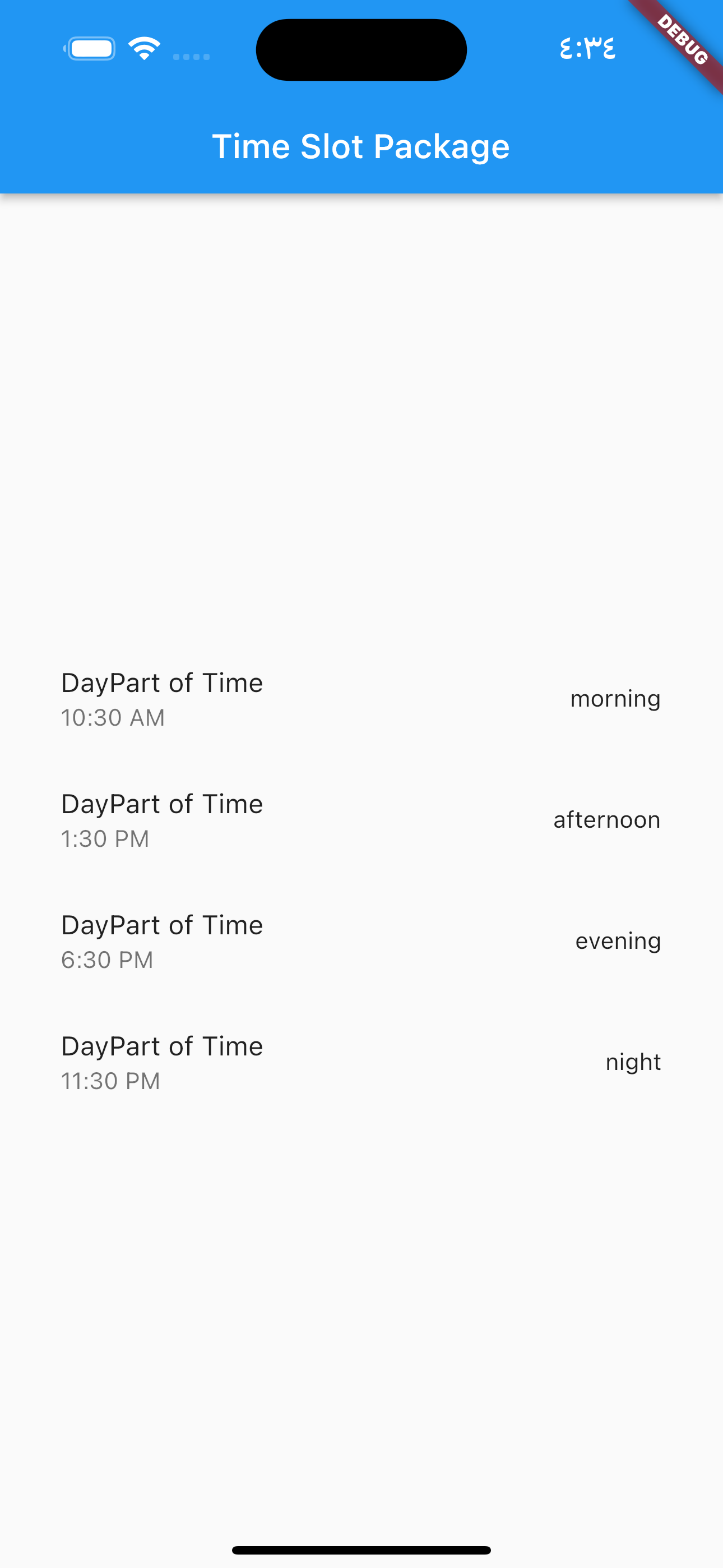
DayPartController dayPartController = DayPartController();
to get day part of time
  DayParts dayPart = dayPartController.getDayPartOfTime(
    time: DateTime(2023, 1, 1, 10, 30),
  ); ///  DayParts.morning
to get day part name from DayParts
  DayParts dayPart = dayPartController.getDayPartName(dayPart: dayPart),);
  /// morning
to build time slot grid view from interval (10:00 AM to 10:00 PM) every hour
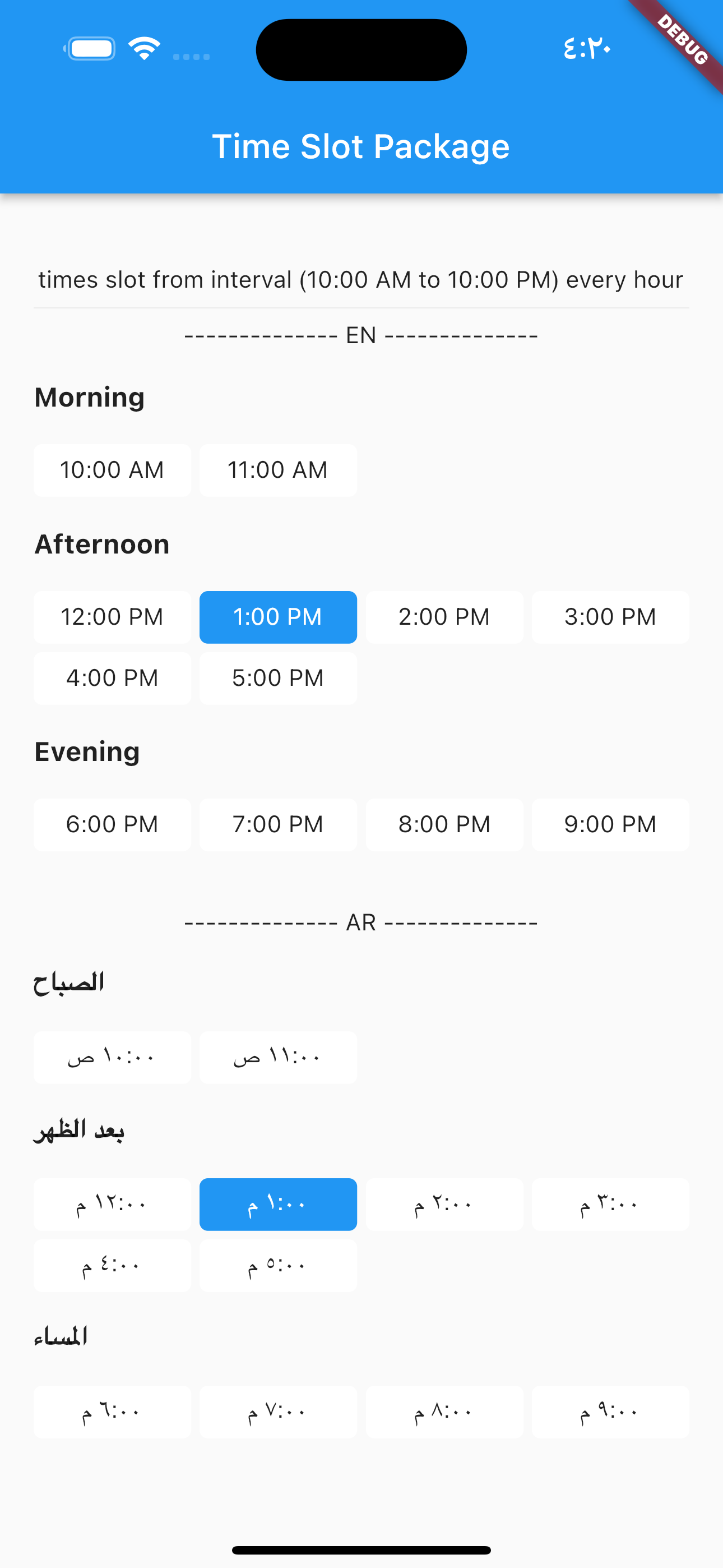
            TimesSlotGridViewFromInterval(
                locale: "en",
                initTime: selectTime,
                crossAxisCount: 4,
                timeSlotInterval: const TimeSlotInterval(
                  start: TimeOfDay(hour: 10, minute: 00),
                  end: TimeOfDay(hour: 22, minute: 0),
                  interval: Duration(hours: 1, minutes: 0),
                ),
                onChange: (value) {
                  setState(() {
                    selectTime = value;
                  });
                },
              ),
locale = "ar",
                TimesSlotGridViewFromInterval(
                locale: "ar",
                initTime: selectTime,
                crossAxisCount: 4,
                timeSlotInterval: const TimeSlotInterval(
                  start: TimeOfDay(hour: 10, minute: 00),
                  end: TimeOfDay(hour: 22, minute: 0),
                  interval: Duration(hours: 1, minutes: 0),
                ),
                onChange: (value) {
                  setState(() {
                    selectTime = value;
                  });
                },
              ),
to build time slot grid view from list date.
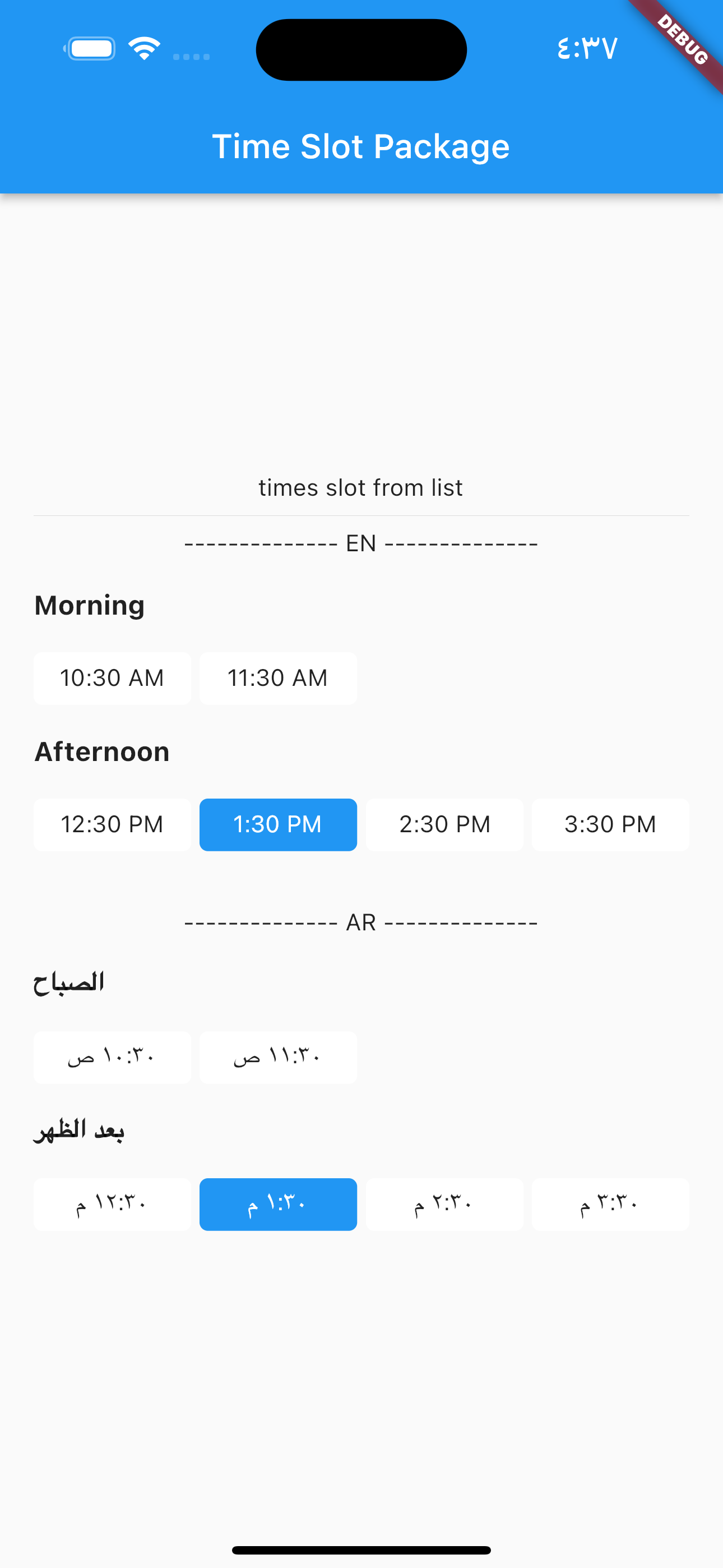
            TimesSlotGridViewFromList(
                locale: "en",
                initTime: selectTime,
                crossAxisCount: 4,
                listDates: [
                  DateTime(2023, 1, 1, 10, 30),
                  DateTime(2023, 1, 1, 11, 30),
                  DateTime(2023, 1, 1, 12, 30),
                  DateTime(2023, 1, 1, 13, 30),
                  DateTime(2023, 1, 1, 14, 30),
                  DateTime(2023, 1, 1, 15, 30)
                ],
                onChange: (value) {
                  setState(() {
                    selectTime = value;
                  });
                },
              ),
locale = "ar",
                TimesSlotGridViewFromList(
                locale: "ar",
                initTime: selectTime,
                crossAxisCount: 4,
                listDates: [
                  DateTime(2023, 1, 1, 10, 30),
                  DateTime(2023, 1, 1, 11, 30),
                  DateTime(2023, 1, 1, 12, 30),
                  DateTime(2023, 1, 1, 13, 30),
                  DateTime(2023, 1, 1, 14, 30),
                  DateTime(2023, 1, 1, 15, 30)
                ],
                onChange: (value) {
                  setState(() {
                    selectTime = value;
                  });
                },
              ),
Dependency list 4 items
{"sdk":"flutter"}^0.19.0{"sdk":"flutter"}—Start with your use case, compare repository activity, and check the original project before adopting it.
“A repository is the most basic element of GitHub.”
GitHub Docs — About repositories ↗