v11.0.0
very_good_analysis
Lint rules for Dart and Flutter used internally at Very Good Ventures.
774Likes 1.4M30-day downloads160Pub points
AndroidiOSWebmacOSWindowsLinux
Ejimo - Comprehensive emoji and symbol picker.

English project snapshot. Visit GitHub for the latest content.
Find and copy unicode characters, emoji, kaomoji and symbols with Ejimo.
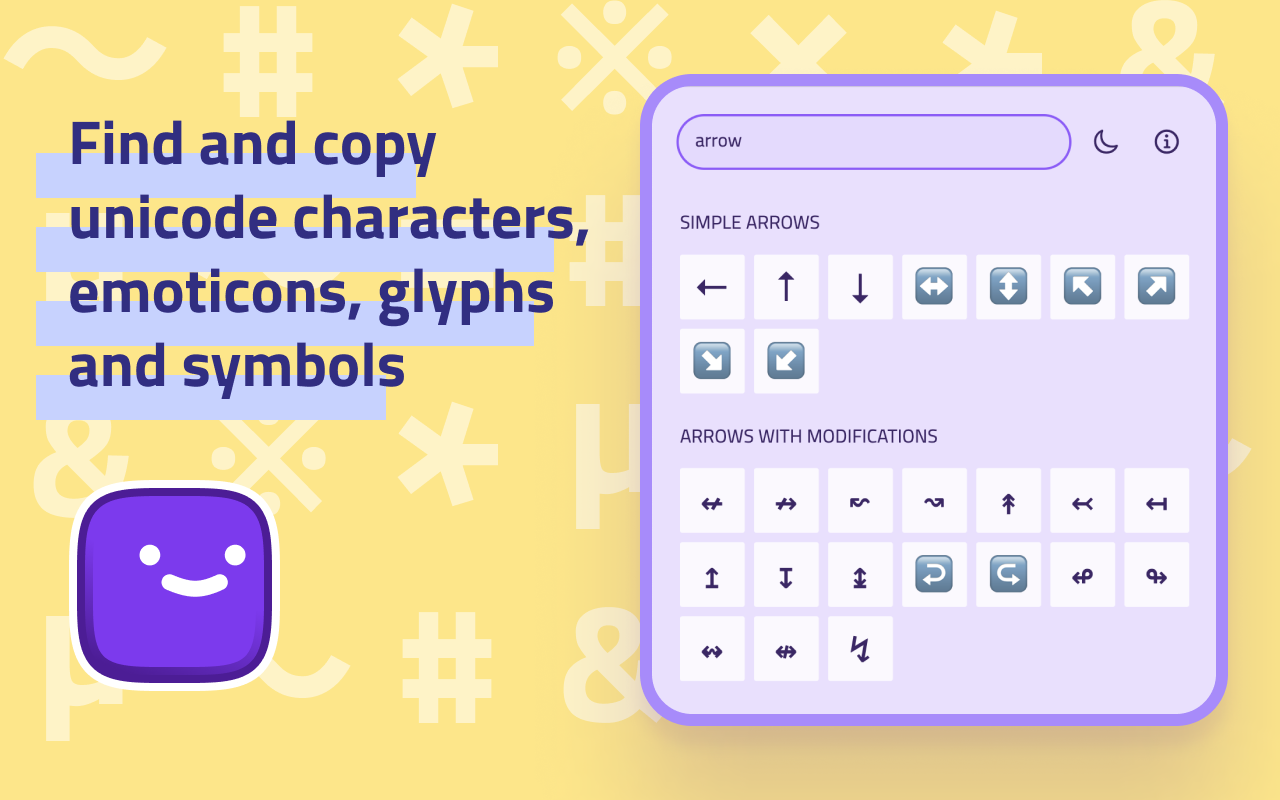
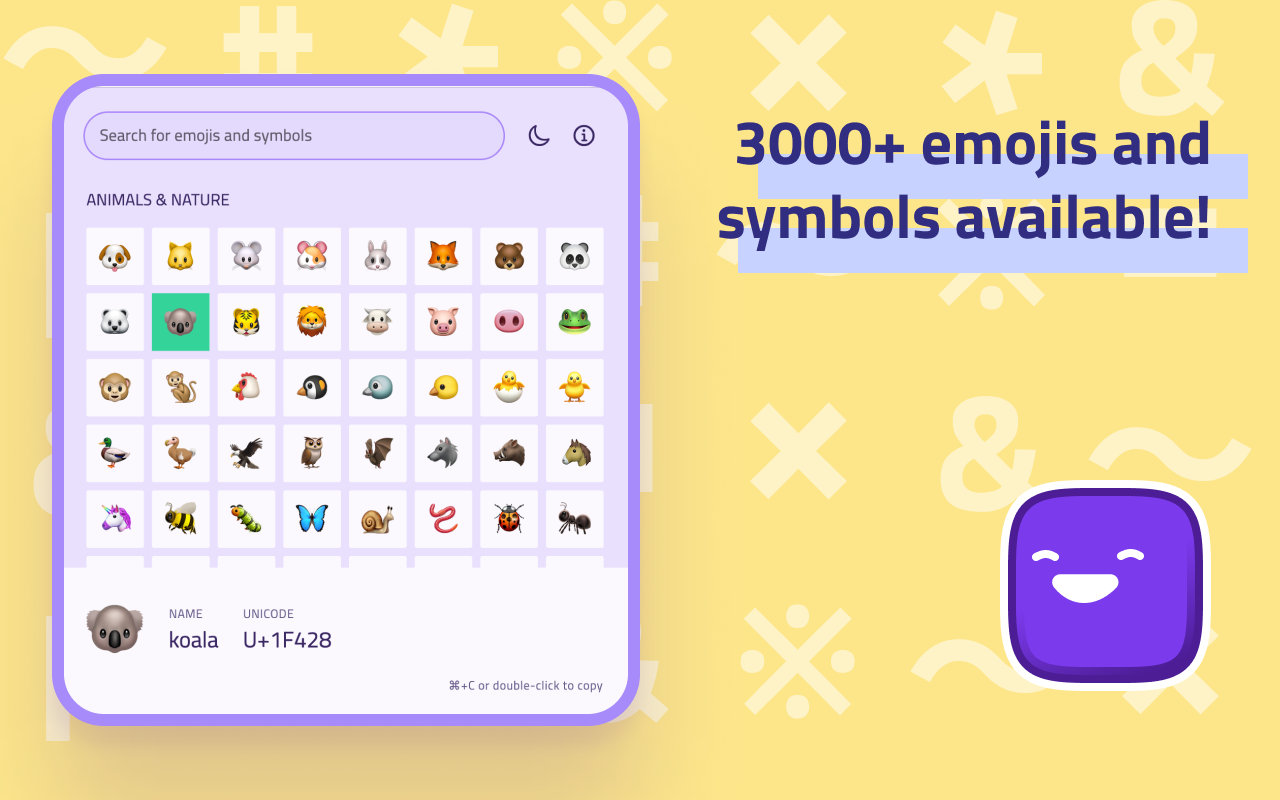
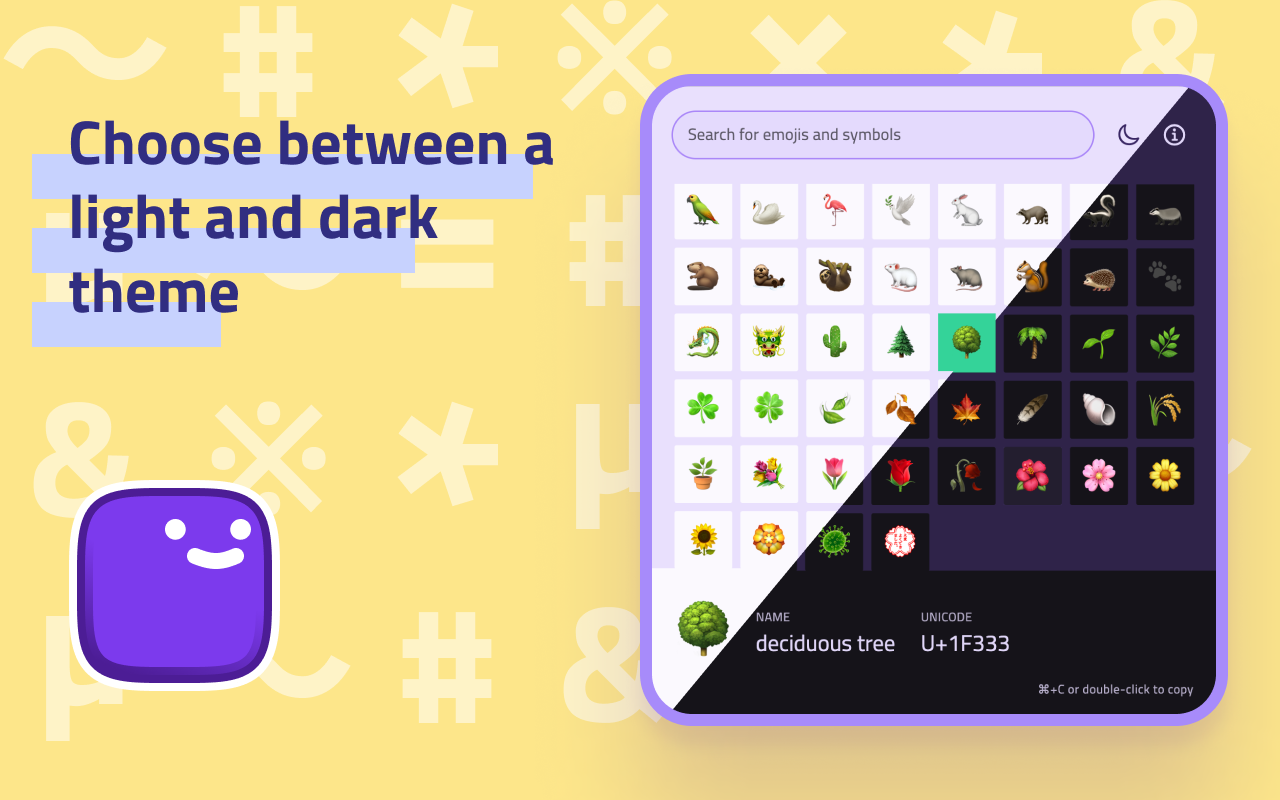
Ejimo is a comprehensive emoji and symbol picker that puts every character you need at your fingertips. Whether you're a designer, developer or writer, Ejimo makes it easy to find the missing character you need. With over 3000 emojis and symbols available, Ejimo is the perfect tool for any project, social media strategy, article and presentation.
😊 1800+ emojis and 17000+ symbols available: smileys 😃, people 👥, animals 🐿️, food 🍄, objects 💡, arrows ⇒, letterŠ, punctuation ⁈, and many more!
✏️️ Copy and paste easily: Just select the emoji or symbol you want, and copy it to your clipboard. It’s that easy!
🔍 Fast search experience: Type any word or keyword, and Ejimo will show you all the matching emoji and symbols.
☀️ Choose between a light and dark theme to match your mood or style.
✈️ Work offline: Ejimo doesn't require an internet connection, so you can use it anytime, anywhere.
🕶️ Privacy-friendly: Ejimo doesn't collect any personal information from you or from your use of the app. Your privacy is important and respected.
⌨️ Use keyboard shortcuts to work faster:
It works on all desktop and mobile operating systems: Ejimo is available on macOS 🍏, Windows 🪟, Linux 🐧, iOS 📱 and Android 🤖. Oh, and Web 🌐 too!
Available (for free) on the:
Or from the releases page.
Ejimo is developed with Flutter. It works on all desktop and mobile operating systems (macOS, Windows, Linux, iOS, Android).
Note: The app was developed and tested with Flutter stable.
Setup, how to run and build: https://docs.flutter.dev/desktop
Created by @albemala (Twitter)
Lint rules for Dart and Flutter used internally at Very Good Ventures.
Immutable lists, sets, maps, and multimaps, which are as fast as their native mutable counterparts. Extension methods and comparators for native Dart collections.
A command-line tool that simplifies the task of updating your Flutter app's launcher icon.
An extremely easy-to-use method call debouncer package for Dart/Flutter.
An implementation of the popular fuzzywuzzy package in Dart, to suit all your fuzzy string matching/searching needs!
A Blazingly Fast way to configure your awesome flutter project to be production ready.
Dependency list 27 items
{"sdk":"flutter"}^2.0.8^11.1.0^9.0.0{"git":{"url":"https://github.com/albemala/flutter_data_storage.git","ref":"3.6.0"}}^8.4.0^8.0.2^1.0.8^0.2.12^0.0.1+2^1.2.0^2.0.3^1.1.0^1.18.0^9.0.0{"git":{"url":"https://github.com/albemala/flutter_utils.git","ref":"2.0.4"}}^9.13.0{"sdk":"flutter"}^1.0.4^10.0.0^10.2.0^2.11.1^3.0.3^1.10.1^1.6.0^1.9.0^3.16.13Start with your use case, compare repository activity, and check the original project before adopting it.
“A repository is the most basic element of GitHub.”
GitHub Docs — About repositories ↗