
v0.3.8
scrollable_positioned_list
A list with helper methods to programmatically scroll to an item.
2KLikes 668K30-day downloads140Pub points
AndroidiOSWebmacOSWindowsLinux
A simple timer for your workouts, built with Flutter!

A list with helper methods to programmatically scroll to an item.
A flutter plugin for Text to Speech. This plugin is supported on iOS, macOS, Android, Web, & Windows.
 v2.1.2
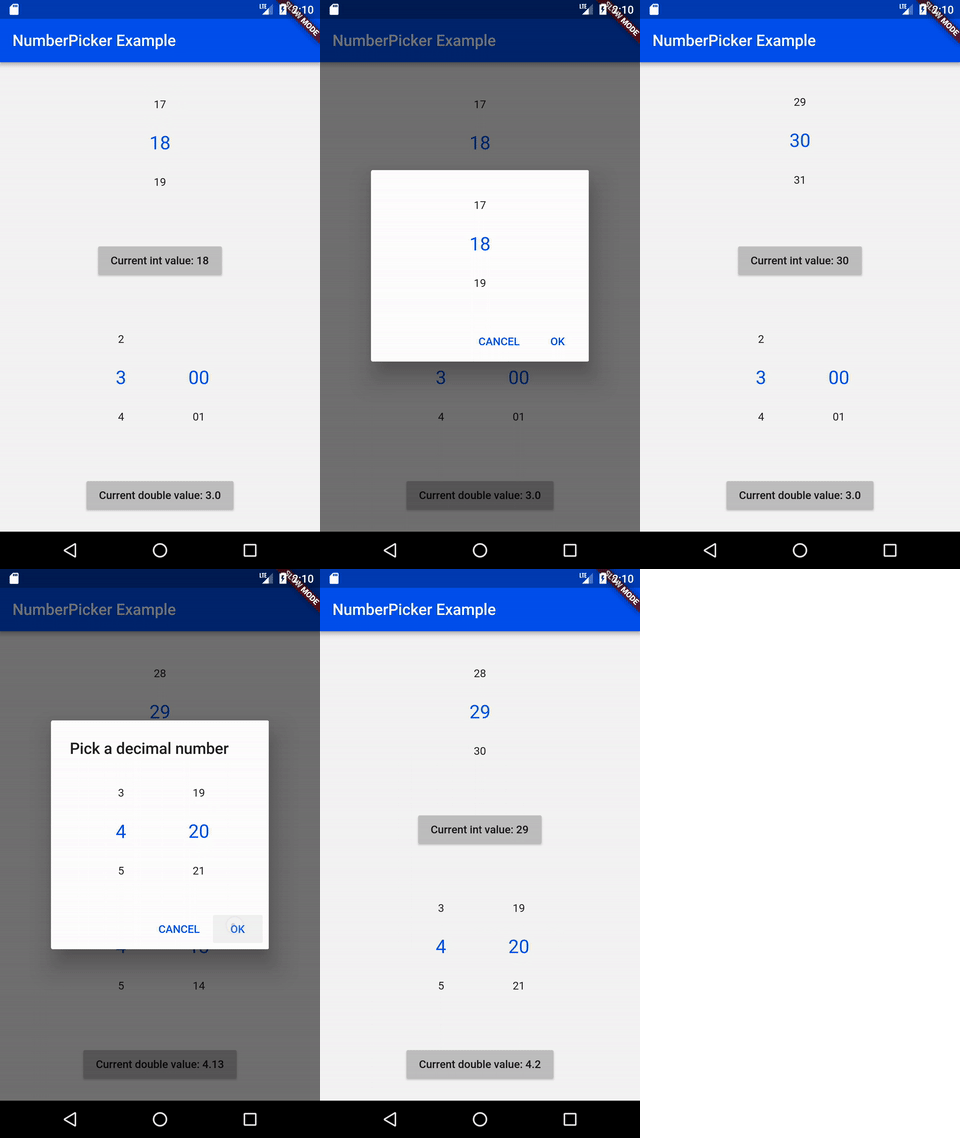
NumberPicker is a widget allowing user to choose numbers by scrolling spinners.
Easily restart your application from scratch, losing any previous state
intl_utils is a dart library that generates Dart localization code from ARB file. Generated code relies on Intl library.
A tool to generate detail and better OSS license list using pubspec.yaml/lock files.
Dialogs for picking and saving files in Android and in iOS.
helps sort flutter,dart pubspec.yaml dependecies alphabetically.
 v3.0.0
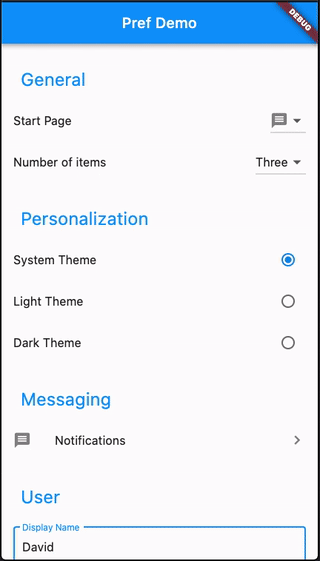
Create Preference Screens easily with advanced features and sub-pages
A Library Package that utilizes the plugin, shared_preferences, to store and read an app’s preferences in both the Android and the iOS platform.
^1.18.0^1.7.0{"sdk":"flutter"}^3.0.2{"sdk":"flutter"}^2.4.0^1.1.1^4.0.2^8.2.5^0.19.0^4.9.0^2.1.2^1.8.0^2.1.3^2.8.0^4.1.0+3^6.1.2^0.3.8^9.0.0^2.4.1^6.2.6^4.4.0^1.2.5^2.4.11^0.13.1^4.0.0^3.0.2^2.8.7^6.8.0^1.0.5English project snapshot. Visit GitHub for the latest content.
Contributors Forks Stargazers Issues MIT License Übersetzungsstatus ko-fi GitHub Workflow Status (branch) GitHub release (latest SemVer) F-Droid
A simple timer for your workouts, built with Flutter!
Get it on F-Droid
Get it on GitHub
NOTE: Due to the process of releasing updates on F-Droid, the version there can be outdated for a few days. The version on GitHub will always be the latest. Keep in mind, that the F-Droid and GitHub versions are not compatible with each other. If you switch, you will loose ALL your data. You need to backup your workouts to keep them.
You can export individual workouts or create an export of all your workouts and import them later. You can also transfer them to another device.
See the open issues for a list of proposed features (and known issues).
Contributions are what make the open source community such an amazing place to learn, inspire, and create. Any contributions you make are greatly appreciated.
git checkout -b feature/AmazingFeature)git commit -m 'Add some AmazingFeature')git push origin feature/AmazingFeature)flutter pub getflutter pub global activate script_runnerscr buildflutter build apk or run using your IDEDistributed under the MIT License. See LICENSE for more information.