

 v1.3.0
animated_splash_screen
The easiest way to create your animated splash screen in a fully customizable way.
777Likes 10.6K30-day downloads150Pub points
AndroidiOSWebmacOSWindowsLinux
The easiest way to create your animated splash screen in a fully customizable way.

English project snapshot. Visit GitHub for the latest content.
Check it out at Pub.Dev


I've been maintaining quite many repos these days and burning out slowly. If you could help me cheer up, buying me a cup of coffee will make my life really happy and get much energy out of it.

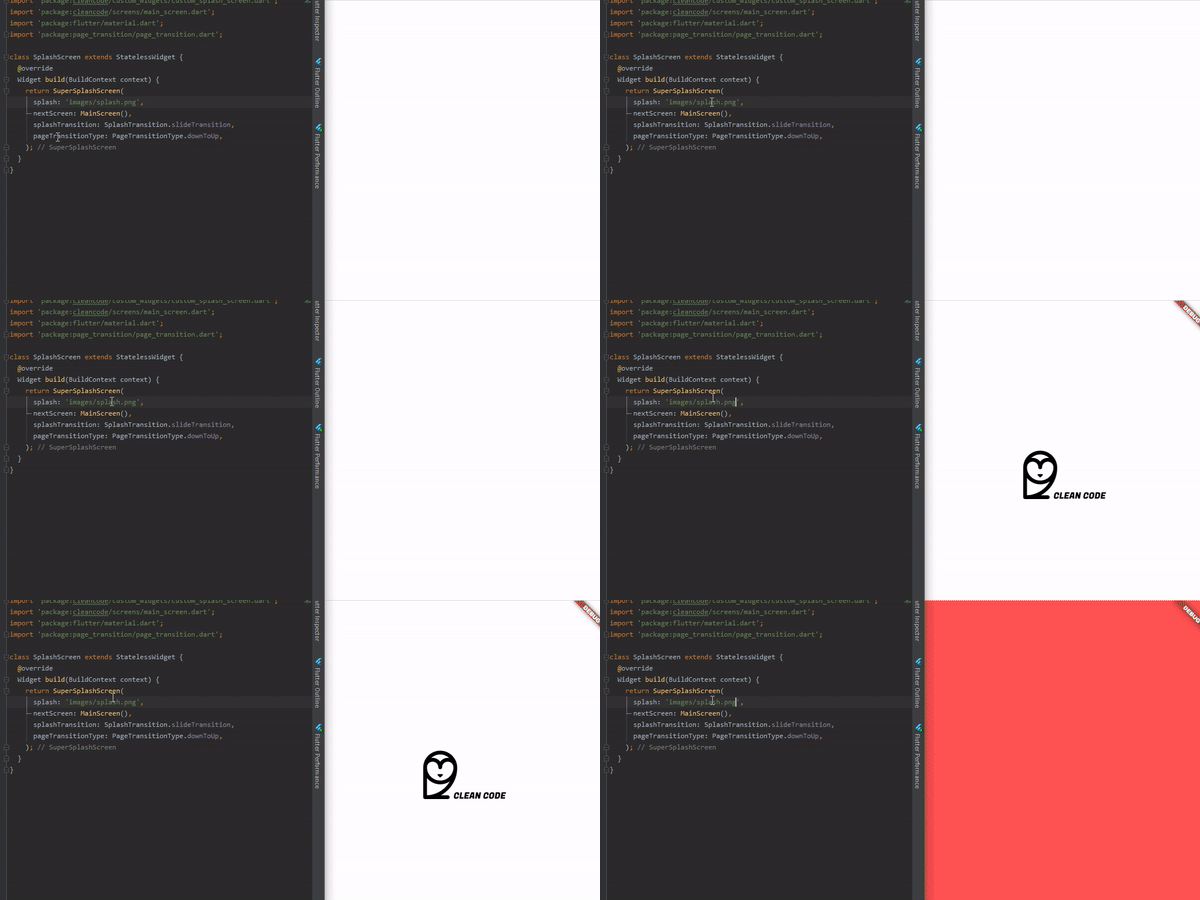
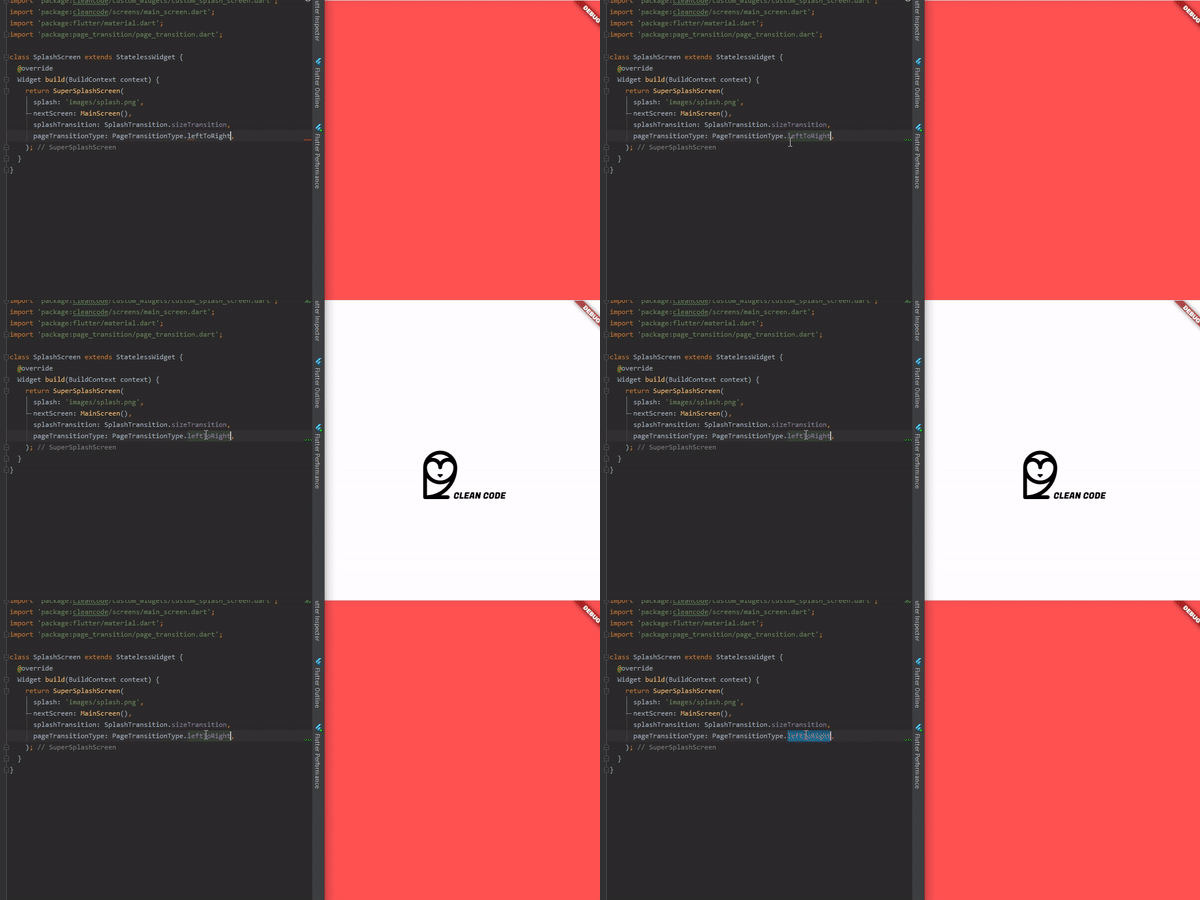
To use is simple, just do this:
@override
  Widget build(BuildContext context) {
    return AnimatedSplashScreen(
      splash: 'images/splash.png',
      nextScreen: MainScreen(),
      splashTransition: SplashTransition.rotationTransition,
      pageTransitionType: PageTransitionType.scale,
    );
  }
Here, you can pass:
enum SplashTransition {
  slideTransition,
  scaleTransition,
  rotationTransition,
  sizeTransition,
  fadeTransition,
  decoratedBoxTransition
}
enum PageTransitionType {
  fade,
  rightToLeft,
  leftToRight,
  upToDown,
  downToUp,
  scale,
  rotate,
  size,
  rightToLeftWithFade,
  leftToRightWithFade,
}
AnimatedSplashScreen({
    Curve curve = Curves.easeInCirc,
    Future Function() function, // Here you can make something before change of screen
    int duration = 2500,
    @required dynamic splash,
    @required Widget nextScreen,
    Color backgroundColor = Colors.white,
    Animatable customTween,
    bool centered = true,
    SplashTransition splashTransition = SplashTransition.fadeTransition,
    PageTransitionType pageTransitionType = PageTransitionType.downToUp,
 })
Here you can do something that will return your next screen, ex:
AnimatedSplashScreen.withScreenFunction(
  splash: 'images/splash.png',
  screenFunction: () async{
    return MainScreen();
  },
  splashTransition: SplashTransition.rotationTransition,
  pageTransitionType: PageTransitionType.scale,
)
Dependency list 4 items
{"sdk":"flutter"}^2.0.9^1.9.0{"sdk":"flutter"}Start with your use case, compare repository activity, and check the original project before adopting it.
“A repository is the most basic element of GitHub.”
GitHub Docs — About repositories ↗