Search packages, repositories and app categories

animated_splash_screen cover
Package detailsv1.3.0

animated_splash_screen

The easiest way to create your animated splash screen in a fully customizable way.

AndroidiOSWebmacOSWindowsLinux
30-day downloads
10.6K
Likes
777
Pub points
150

Install package

flutter pub add animated_splash_screen

Package Overview

Package selection guidance compiled from public package information, community data, and project usage.

A Flutter package that simplifies the creation of animated splash screens with full customization. It allows developers to design engaging onboarding experiences using animations, transitions, and custom widgets. The package supports multiple platforms including Android, iOS, Web, macOS, Windows, and Linux, ensuring consistent behavior across devices. With minimal setup and intuitive configuration, it’s ideal for apps needing a polished first impression. The source code is open and actively maintained.

Use cases

  • App onboarding screens
  • Branding introduction
  • Loading state visualization
  • Custom animation transitions
  • Cross-platform splash screens

Key features

  • Fully customizable animations
  • Support for multiple platforms
  • Easy integration with Flutter
  • Configurable duration and delays
  • Built-in transition effects
  • Open-source and well-documented

Suitable for

  • Beginner Flutter developers
  • Apps requiring branded splash screens
  • Projects with cross-platform needs
  • Developers wanting quick setup
  • UI-focused app launches

Considerations

  • Requires understanding of basic Flutter animations
  • May increase initial build size slightly
  • Animation complexity should match performance goals
  • Not suitable for static splash screens
  • Best used with lightweight content
Original README

Original README snapshot from the linked source repository. Visit the repository for the latest content.

Animated Splash Screen

Check it out at Pub.Dev

Do it your way

Assets image

ezgif com-video-to-gif (1)

Custom Widget

ezgif com-video-to-gif (4)

Url image

ezgif com-video-to-gif (3)

IconData

ezgif com-video-to-gif (2)

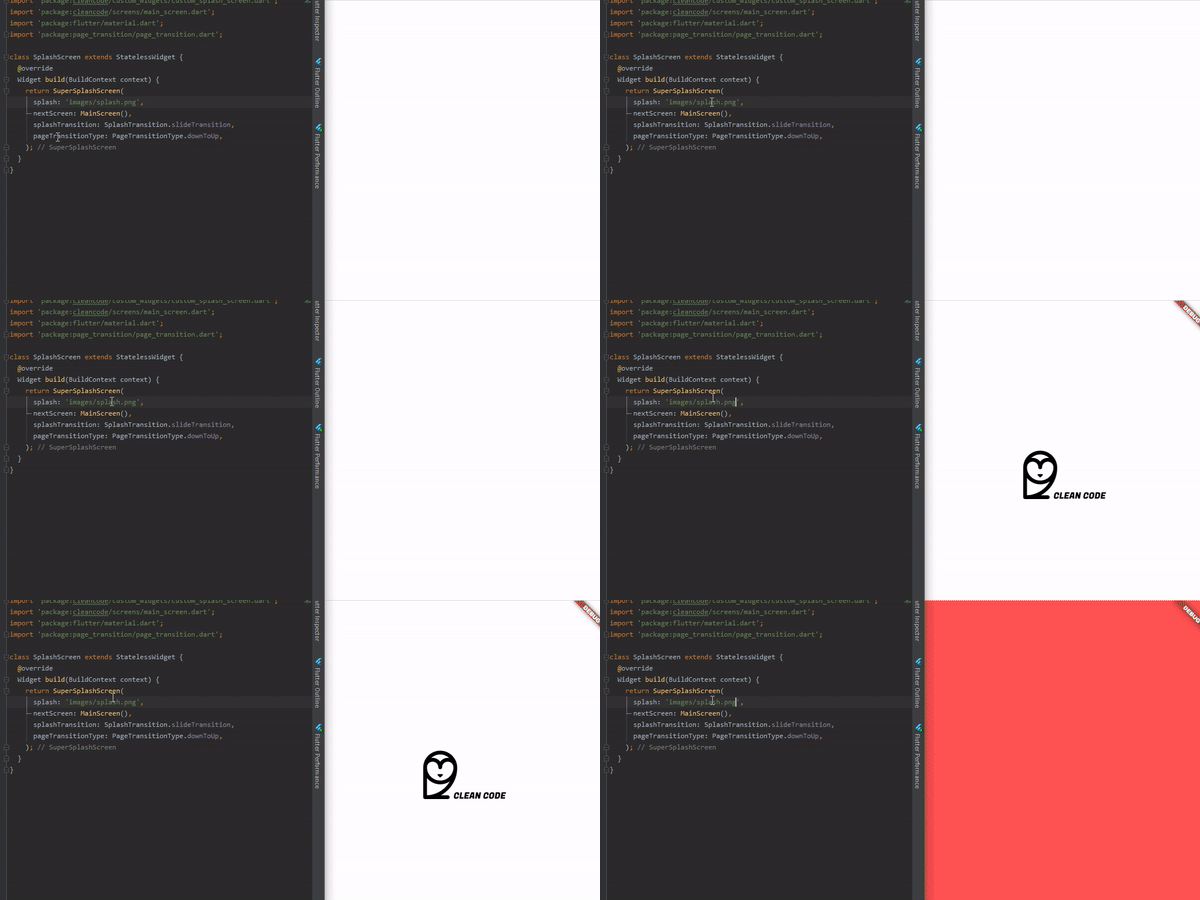
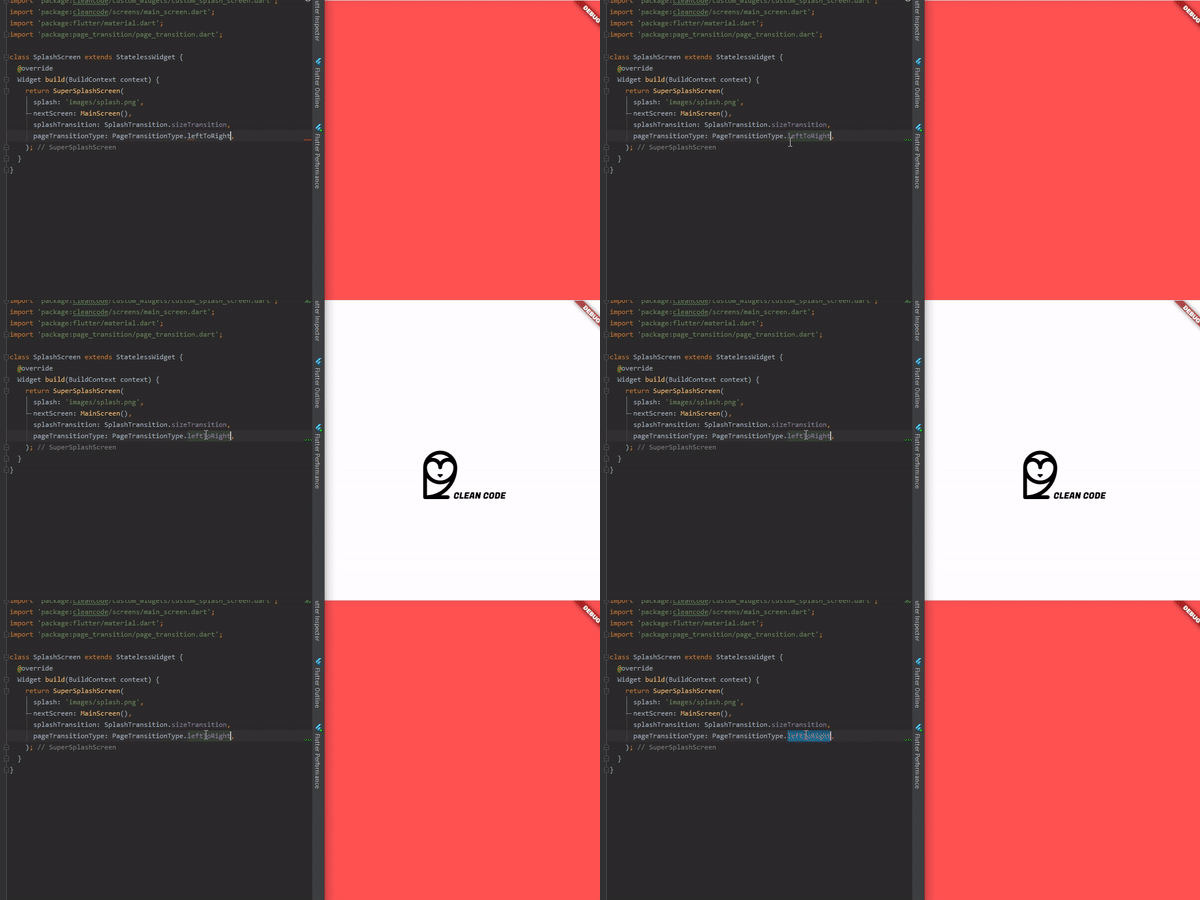
Or just change PageTransition and/or SplashTransition

ezgif com-video-to-gif (5)

Help Maintenance

I've been maintaining quite many repos these days and burning out slowly. If you could help me cheer up, buying me a cup of coffee will make my life really happy and get much energy out of it.

Buy Me A Coffee

Getting Started

To use is simple, just do this:

@override
  Widget build(BuildContext context) {
    return AnimatedSplashScreen(
      splash: 'images/splash.png',
      nextScreen: MainScreen(),
      splashTransition: SplashTransition.rotationTransition,
      pageTransitionType: PageTransitionType.scale,
    );
  }
Splash Parameter

Here, you can pass:

  • String with assets route;
  • String with your url Image, don't forget of pass tag like this "[n]www.my-url.com/my-image.png";
  • IconData;
  • Widget;
SplashTransition
enum SplashTransition {
  slideTransition,
  scaleTransition,
  rotationTransition,
  sizeTransition,
  fadeTransition,
  decoratedBoxTransition
}
PageTransitionType
enum PageTransitionType {
  fade,
  rightToLeft,
  leftToRight,
  upToDown,
  downToUp,
  scale,
  rotate,
  size,
  rightToLeftWithFade,
  leftToRightWithFade,
}
Others:
AnimatedSplashScreen({
    Curve curve = Curves.easeInCirc,
    Future Function() function, // Here you can make something before change of screen
    int duration = 2500,
    @required dynamic splash,
    @required Widget nextScreen,
    Color backgroundColor = Colors.white,
    Animatable customTween,
    bool centered = true,
    SplashTransition splashTransition = SplashTransition.fadeTransition,
    PageTransitionType pageTransitionType = PageTransitionType.downToUp,
 })

With Future Screen

Here you can do something that will return your next screen, ex:

AnimatedSplashScreen.withScreenFunction(
  splash: 'images/splash.png',
  screenFunction: () async{
    return MainScreen();
  },
  splashTransition: SplashTransition.rotationTransition,
  pageTransitionType: PageTransitionType.scale,
)

Categories

Dependencies

Dependency list 1 items

Source repository

Projects using this package