 v35.1.42
syncfusion_flutter_pdfviewer
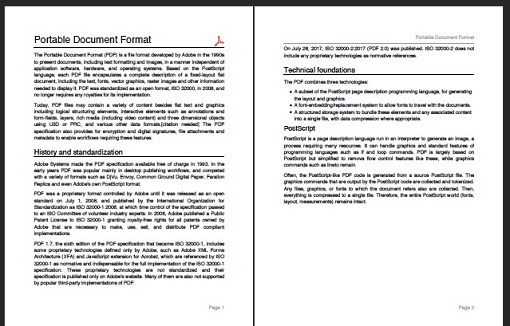
Flutter PDF Viewer library is used to display a PDF document seamlessly and efficiently.
1.2KLikes 243K30-day downloads140Pub points
AndroidiOSWebmacOSWindowsLinux
In this application, we can perform some actions like subtraction, addition, multiplication, and division. And by selecting any of these, you will receive a PDF with the answer key to your MCQ or question!

English project snapshot. Visit GitHub for the latest content.
Mathematics Flutter is a collection of mathematical functions and tools that can be used in a variety of applications. The project includes functions for performing basic arithmetic operations (addition, subtraction, multiplication, division), working with matrices, calculating statistical measures, and more. Additionally, the project supports generating multiple choice questions (MCQ) and question-with-answer PDFs, quizzes, web, and PWA support for desktop.
You can try a live demo of Mathematics Flutter at https://j-j-gajjar.github.io/Mathematics/
To get started with this project, follow these steps:
flutter pub get to install the required dependencies.


Contributions are welcome and encouraged! If you find a bug, have a suggestion for improvement, or want to add a feature, feel free to submit a pull request or open an issue.
Flutter PDF Viewer library is used to display a PDF document seamlessly and efficiently.
A pdf producer for Dart. It can create pdf files for both web or flutter.
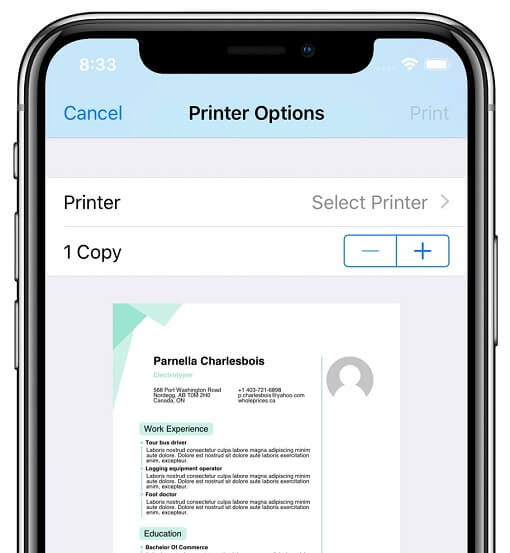
Plugin that allows Flutter apps to generate and print documents to compatible printers on Android, iOS, macOS, Windows, and Linux, as well as web print.
A 'dart:html' that works in all platforms, including Flutter and server-side. Eases cross-platform development and HTML / XML processing.
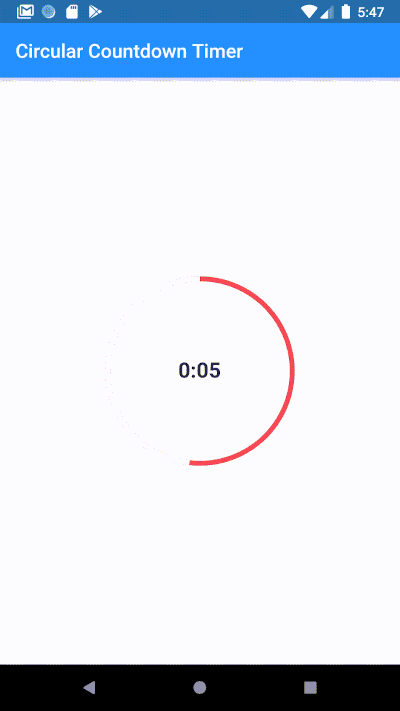
Make an animated circular countdown using Circular Countdown Timer.
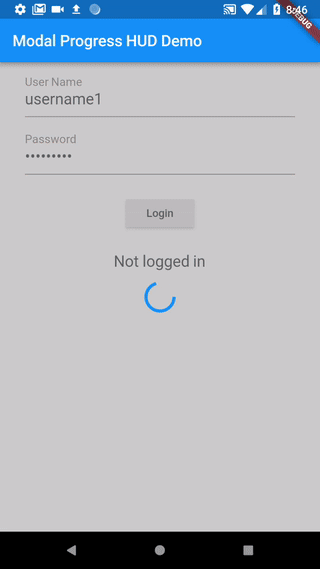
A modal progress indicator widget with Sound Null Safety. A fork of https://github.com/mmcc007/modal_progress_hud
Dependency list 11 items
{"sdk":"flutter"}^1.0.4^10.1.0^3.8.1^2.0.10^29.1.38^5.14.2^0.5.1^2.0.8^0.2.1{"sdk":"flutter"}Start with your use case, compare repository activity, and check the original project before adopting it.
“A repository is the most basic element of GitHub.”
GitHub Docs — About repositories ↗