v3.1.0+1
isar
Extremely fast, easy to use, and fully async NoSQL database for Flutter.
2.5KLikes 3.9K30-day downloads130Pub points
AndroidiOSWebmacOSWindowsLinux
Simple Flutter app to learn Japanese writing systems Hiragana, Katakana and Kanji.

English project snapshot. Visit GitHub for the latest content.
Simple Flutter app to learn Japanese writing systems Hiragana, Katakana and Kanji.
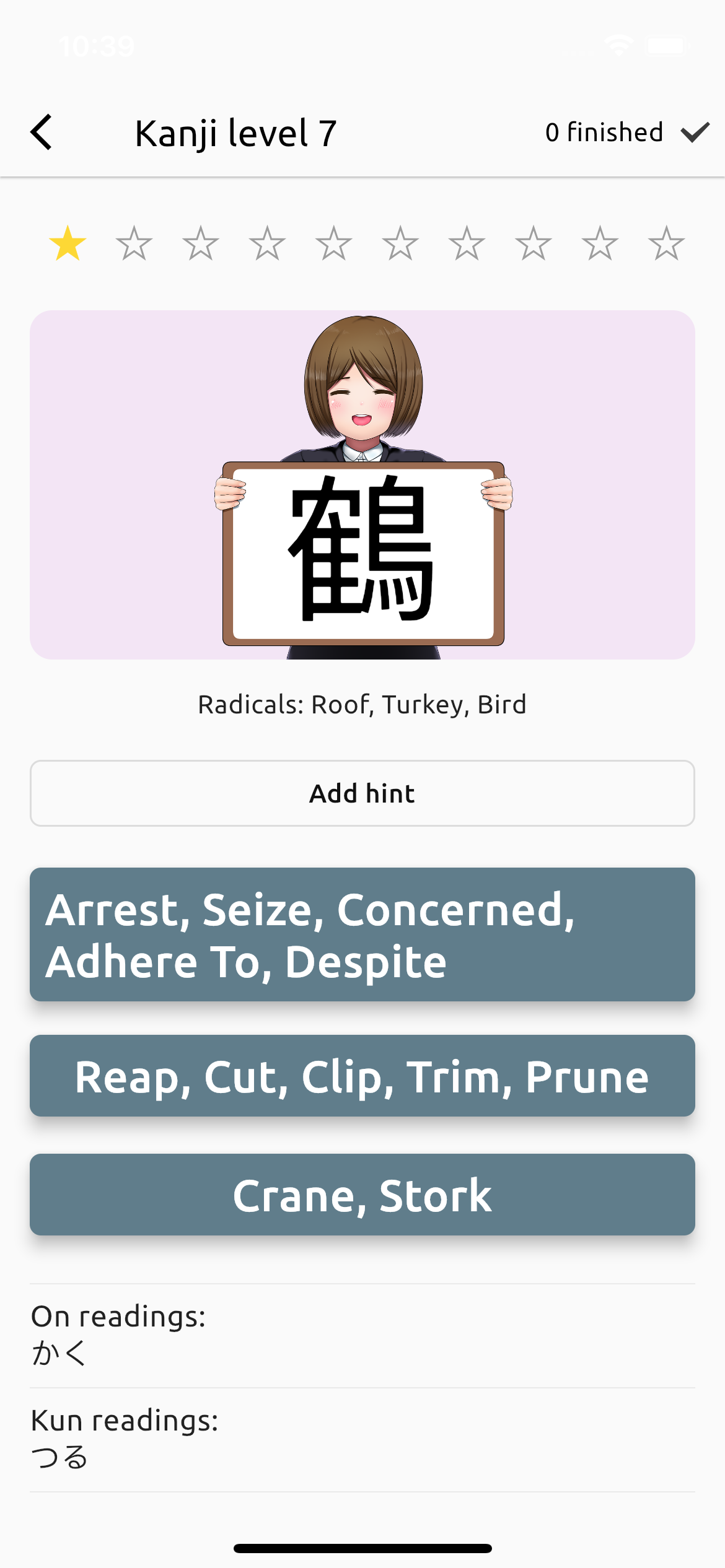
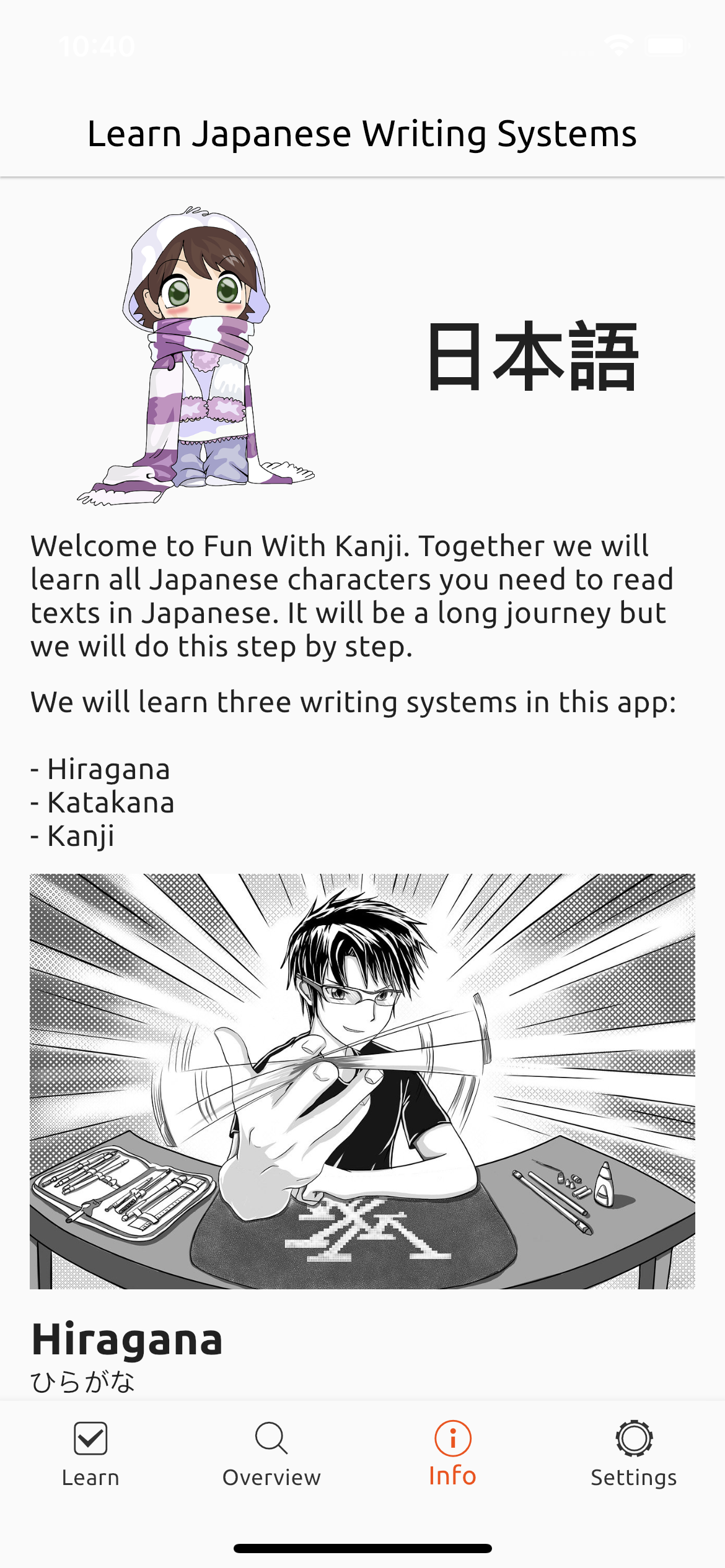
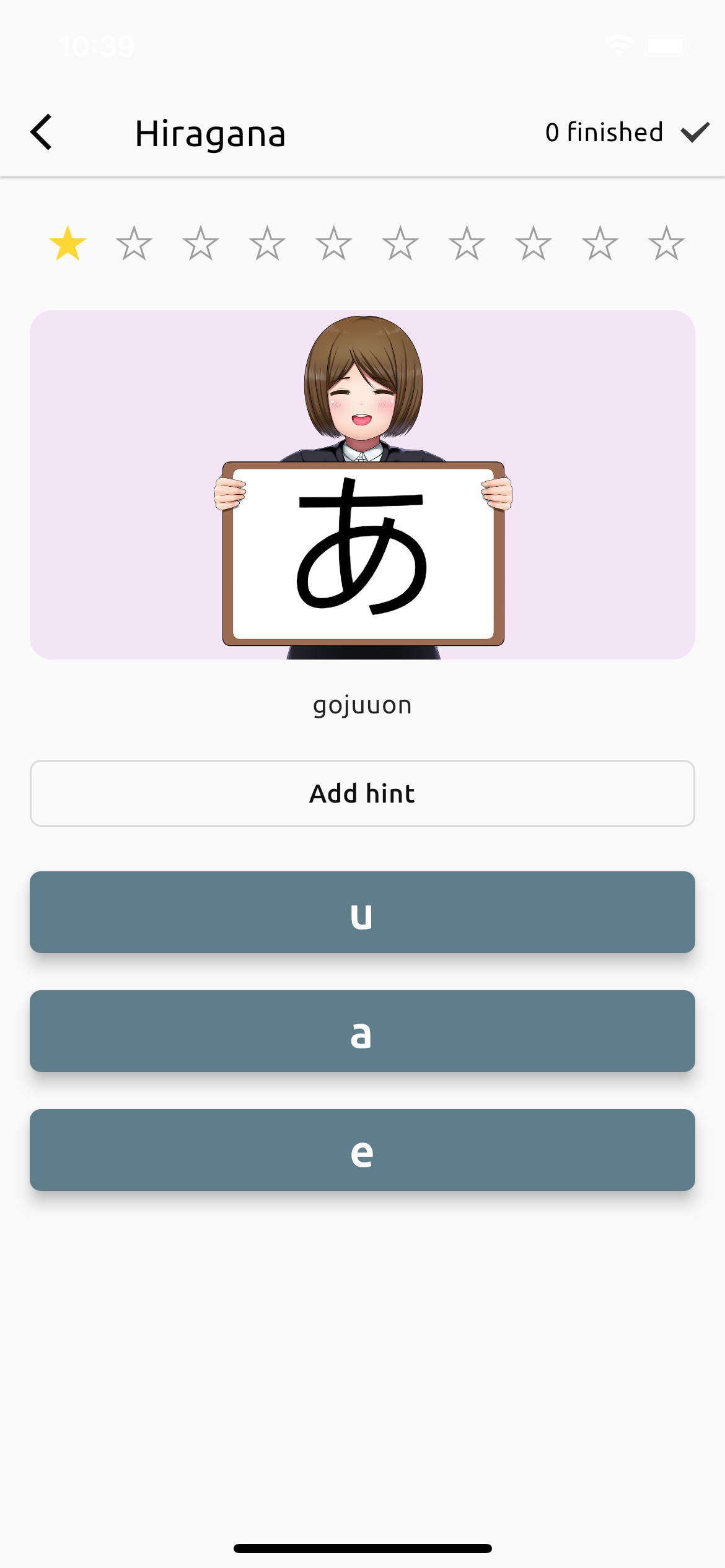
With Fun With Kanji you are able to learn all common used Japanese characters. All starts with Hiragana, Katakana and their special cases and combinations. After this you learn the Kanji Radicals and then you are ready to start with the 2136 Jōyō-Kanji. You no longer need 4 different apps to learn them!
The app also contains a dictionary and a full-text search over all characters.
Fun With Kanji is open source under Mozilla Public License 2.0. Contributions and new translations are always welcome <3.
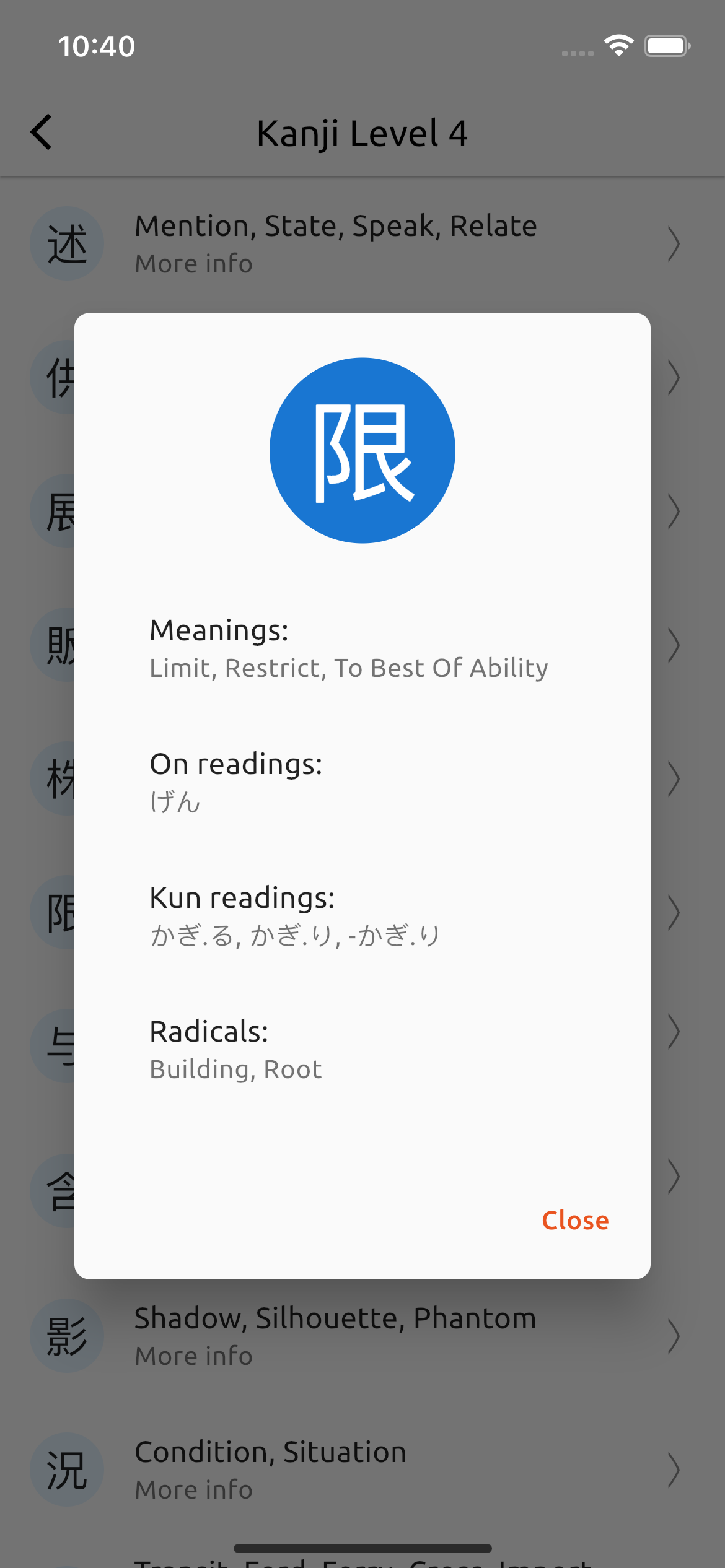
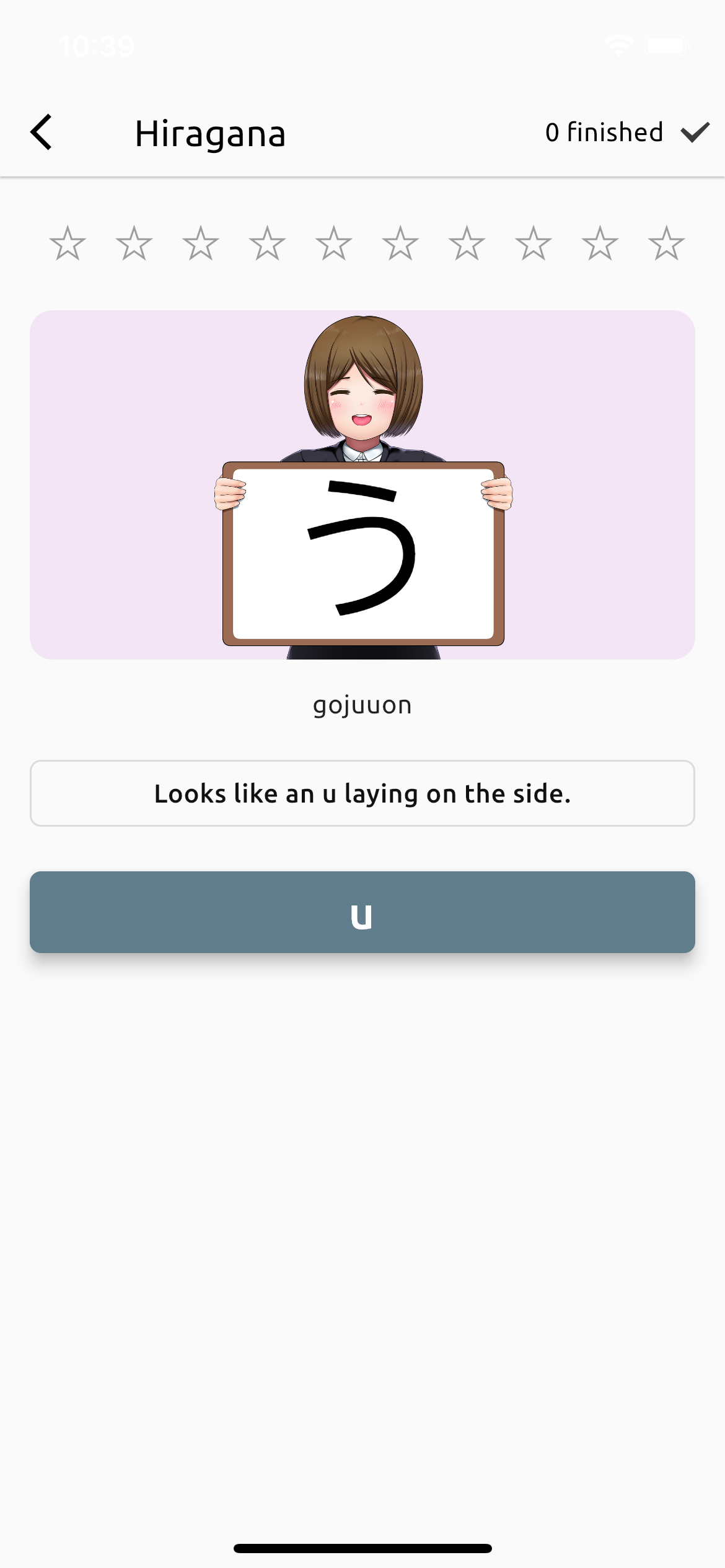
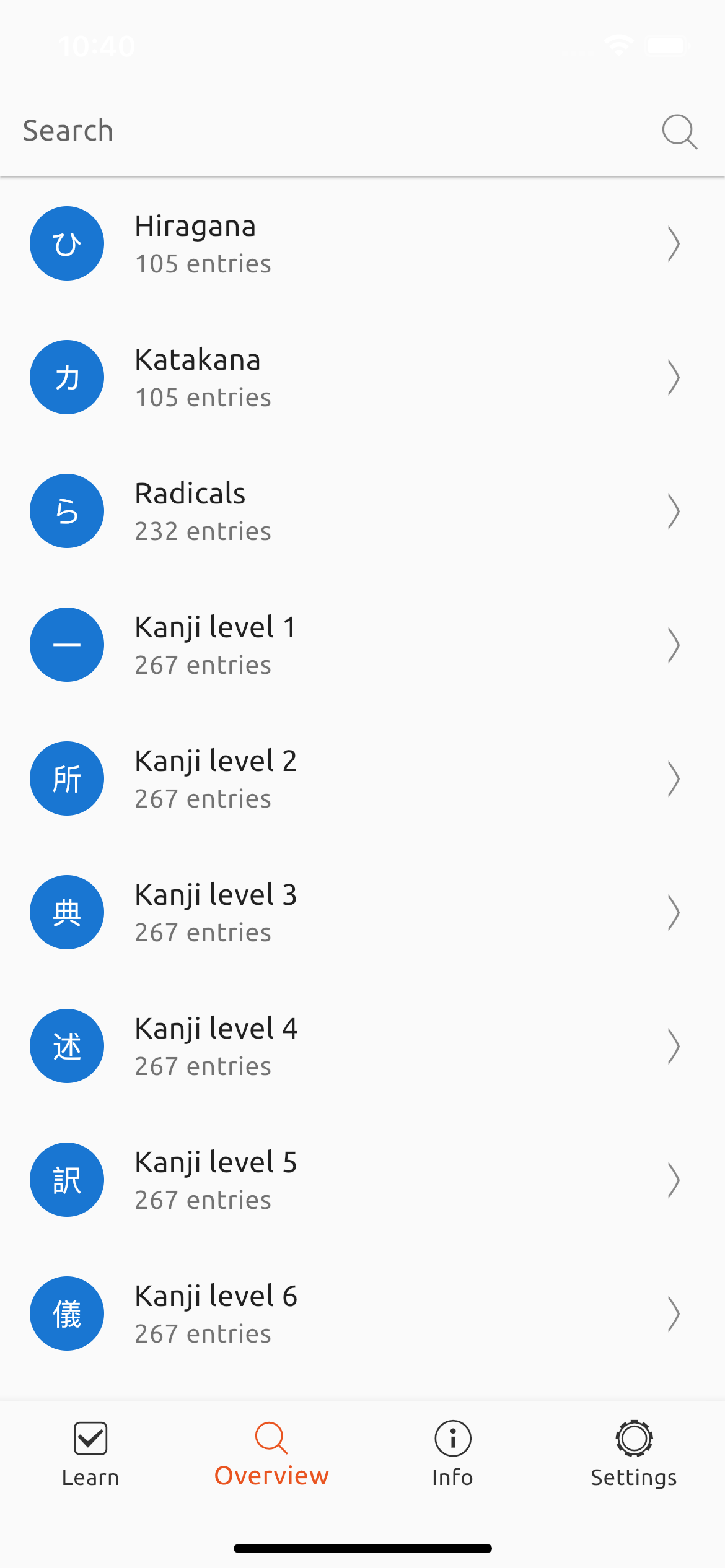


Install Flutter and run with:
flutter run
Import translator package and run this script:
import 'dart:io';

import 'package:translator/translator.dart';

void main() async {
  const language = 'de';
  for (var i = 1; i <= 8; i++) {
    print('Load Kanji Level $i');
    final radicalsFile = File('assets/data/kanji_level_$i.json');
    final radicals = jsonDecode(radicalsFile.readAsStringSync()) as List;

    final translator = GoogleTranslator();
    for (final radical in radicals) {
      final input = radical['meanings'].join(', ');
      print('Translate: ${radical['kanji']} (ID: ${radical['id']}) $input ...');
      try {
        final translated =
            await translator.translate(input, from: 'en', to: language);
        radical['meanings'] = translated.text.split(', ');
      } catch (e, s) {
        print('Translation failed! Stop here!');
        print(e);
        print(s);
        break;
      }
    }

    print('Write to output file...');
    final outputFile = File('assets/data/kanji_level_${i}_${language}.json');
    await outputFile.writeAsString(jsonEncode(radicals));
    print('Finished!');
  }
}
Extremely fast, easy to use, and fully async NoSQL database for Flutter.
Code generator for the Isar Database. Finds classes annotated with @Collection.
Automatically organize your dart imports
A Flutter plugin provides TTS (Text-To-Speech) Service.
Interface to provide a way to save files on the device in Flutter.
Dependency list 22 items
{"sdk":"flutter"}{"sdk":"flutter"}any^1.0.2^6.0.2^3.1.0+1^3.1.0+1^0.9.34^6.0.20^2.0.15^1.4.0^0.2.3^2.0.15^1.16.0^5.3.3any{"sdk":"flutter"}^2.0.2^3.1.0+1any^0.13.1^4.6.0Start with your use case, compare repository activity, and check the original project before adopting it.
“A repository is the most basic element of GitHub.”
GitHub Docs — About repositories ↗