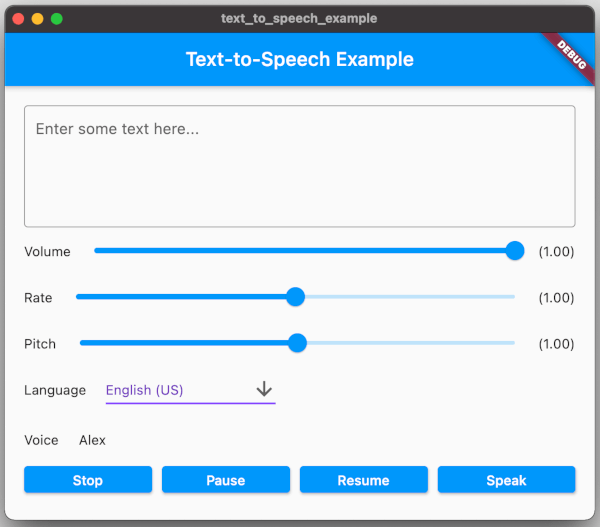
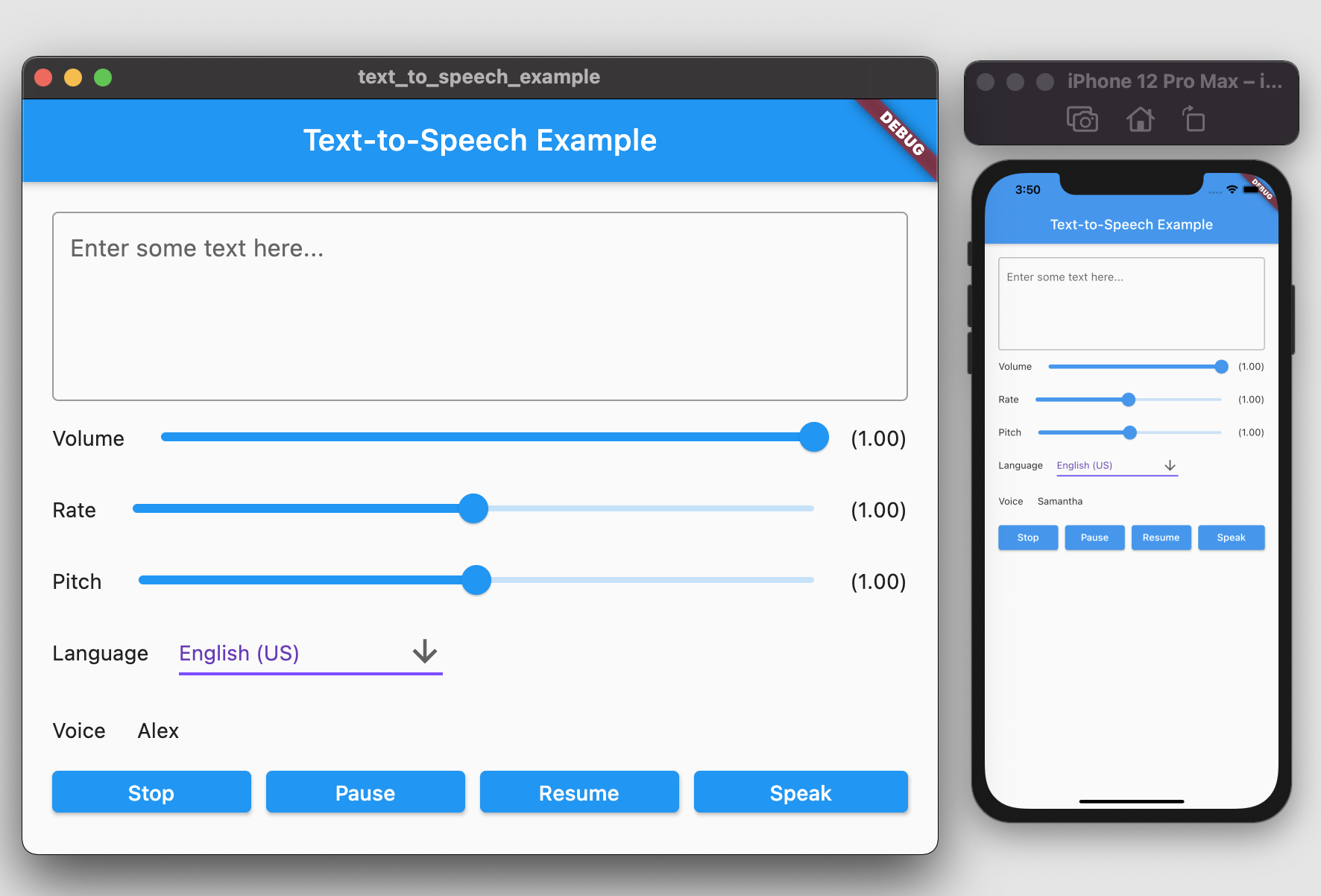
Package selection guidance compiled from public package information, community data, and project usage.
A Flutter plugin that enables Text-to-Speech (TTS) functionality across Android, iOS, Web, and macOS. It allows apps to convert text into natural-sounding speech, supporting voice playback with customizable settings like language, pitch, and rate. Ideal for accessibility features, voice assistants, and interactive learning apps. The plugin integrates seamlessly with Flutter’s ecosystem and is maintained on GitHub for community contributions.
Use cases
Accessibility features
Voice-guided navigation
Interactive learning apps
Audio feedback in apps
Reading assistance tools
Key features
Cross-platform support
Customizable speech parameters
Simple API integration
Supports multiple languages
Real-time text conversion
Suitable for
Developers building accessible apps
Educational app creators
Voice assistant integrations
Apps requiring audio feedback
Considerations
Requires platform-specific permissions
Limited voice selection on some platforms
Web support may vary by browser
Performance depends on device TTS engine
Language availability depends on OS
Original README
Original README snapshot from the linked source repository. Visit the repository for the latest content.
Text To Speech
A Flutter plugin provides TTS (Text-To-Speech) Service. This plugin aims to offer the most of TTS API feature from iOS, Android, web, and macOS.
Getting Started
To use this plugin, add text_to_speech as a dependency in your pubspec.yaml file:
dependencies:text_to_speech:^0.2.3
Installation
Android
Minimum SDK version: 21
Applications targeting SDK 30 (Android 11) need to declare TextToSpeech.Engine.INTENT_ACTION_TTS_SERVICE in the queries elements of Android Manifest (See Android documentation).
String text = "Hello, Good Morning!";
tts.speak(text);
Set Volume
Volume range: 0-1 where 0 is silence, and 1 is the maximum volume (the default behavior).
double volume = 1.0;
tts.setVolume(volume);
Set Rate
Rate range: 0-2.
1.0 is the normal and default speech rate. Lower values slow down the speech (0.5 is half the normal speech rate). Greater values accelerate it (2.0 is twice the normal speech rate).
double rate = 1.0;
tts.setRate(rate);
Set Pitch
Pitch range: 0-2.
1.0 is the normal pitch, lower values lower the tone of the synthesized voice, greater values increase it.
double pitch = 1.0;
tts.setPitch(pitch);
Set Language
Accepting locale tag name of specific language, e.g. 'en-US'. You can retrieve list of supported language using getLanguage function.
String language = 'en-US';
tts.setLanguage(language);
Get Languages
Provide list of supported language codes in locale tag name format, e.g. 'en-US'. You can get display name for specific language code
String language = 'en-US';
tts.setLanguage(language);
Get Voice
We can get all available voices or get voices of specific language. This function will returns particular voice name.