
 v1.1.0
lindi_sticker_widget
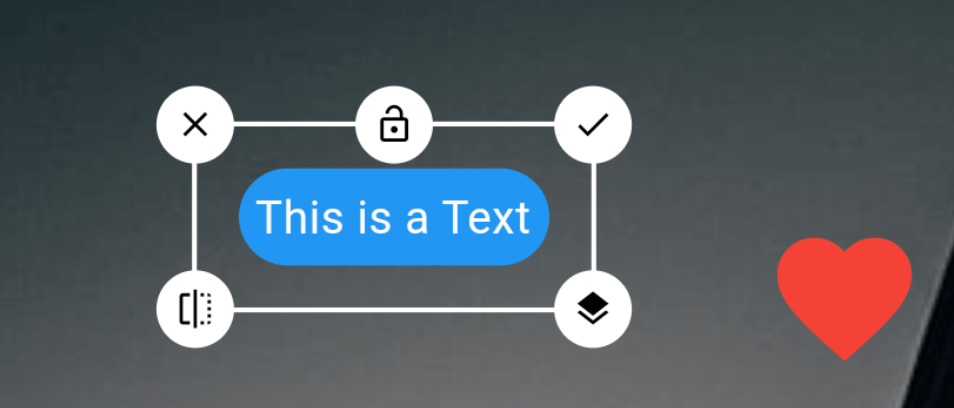
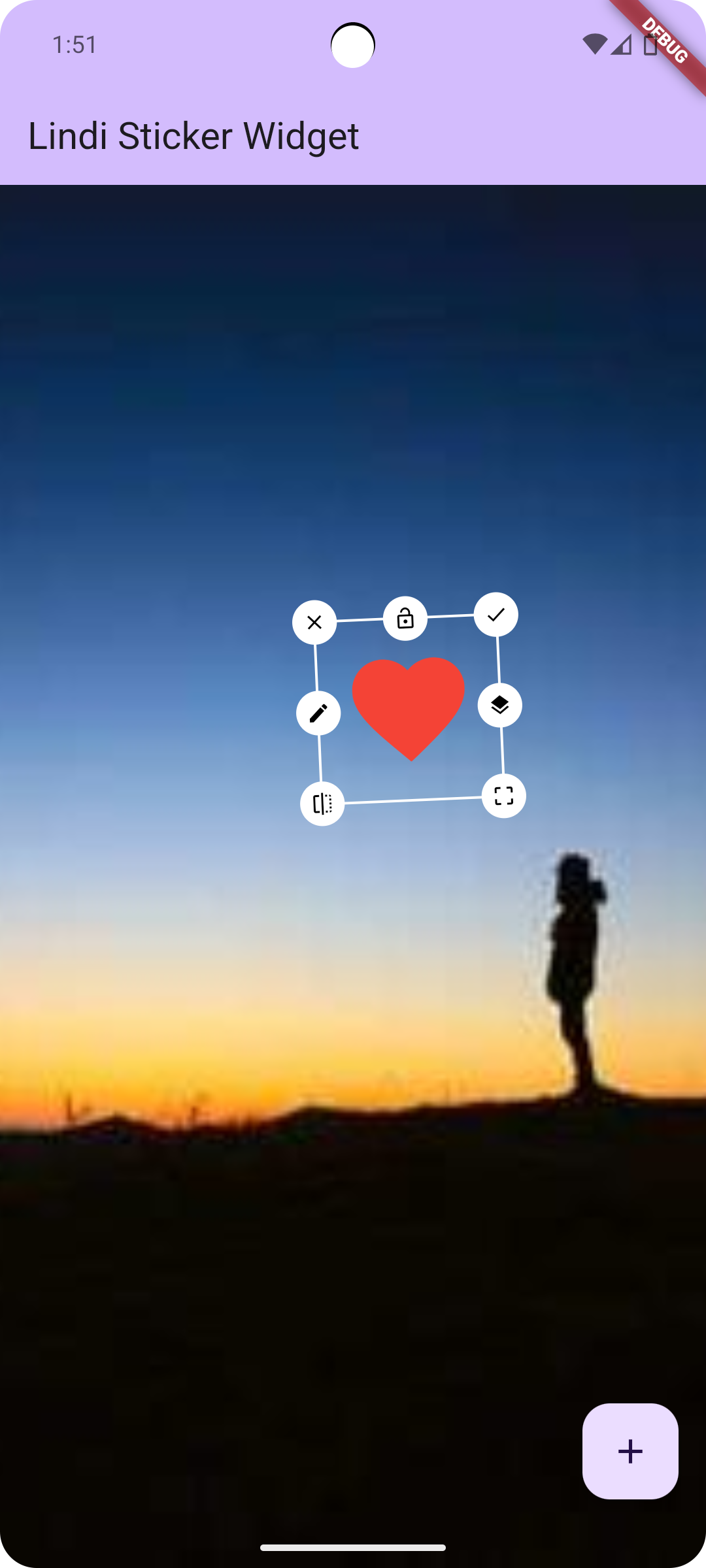
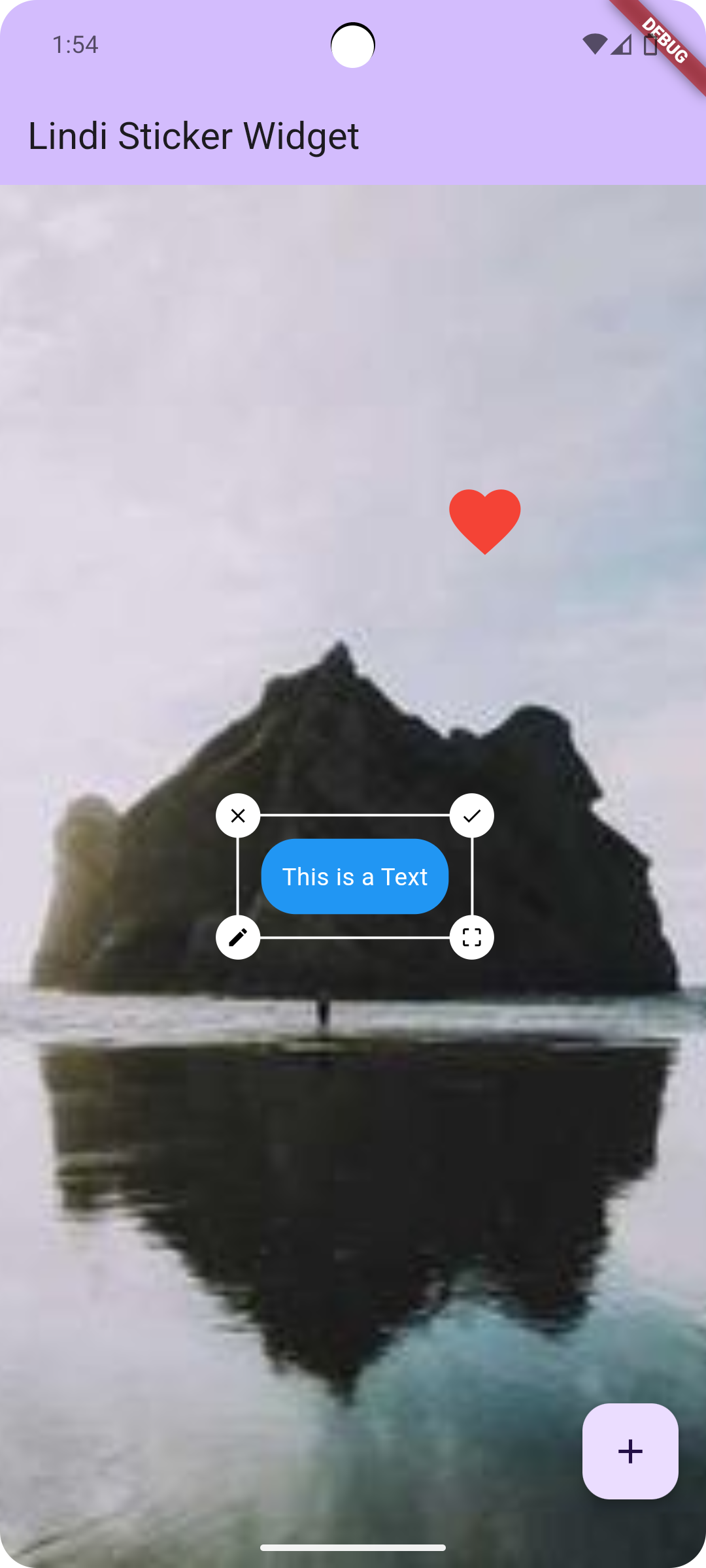
Lindi Sticker Widget is a flutter plugin to flip, rotate, resize, move, delete, edit any widgets.
54Likes 1.6K30-day downloads150Pub points
AndroidiOSWebmacOSWindowsLinux
Lindi Sticker Widget is a flutter plugin to flip, rotate, resize, move, delete, edit any widgets.
English project snapshot. Visit GitHub for the latest content.
Rotate
Resize
Move
Layer Update (Change Stack position)
Edit
Delete
Flip
Lock

Add this to dependencies in your app's pubspec.yaml
lindi_sticker_widget : latest_version
Sample code to integrate can be found in example/lib/main.dart.
Customize the controller as you like!
LindiController controller = LindiController(
  borderColor: Colors.white,
  icons: [
    LindiStickerIcon(
        icon: Icons.done,
        alignment: Alignment.topRight,
        onTap: () {
          controller.selectedWidget!.done();
        }),
    LindiStickerIcon(
        icon: Icons.lock_open,
        lockedIcon: Icons.lock,
        alignment: Alignment.topCenter,
        type: IconType.lock,
        onTap: () {
          controller.selectedWidget!.lock();
        }),
    LindiStickerIcon(
        icon: Icons.close,
        alignment: Alignment.topLeft,
        onTap: () {
          controller.selectedWidget!.delete();
        }),
    LindiStickerIcon(
        icon: Icons.edit,
        alignment: Alignment.centerLeft,
        onTap: () {
          controller.selectedWidget!
              .edit(const Icon(Icons.star, size: 50, color: Colors.yellow));
        }),
    LindiStickerIcon(
        icon: Icons.layers,
        alignment: Alignment.centerRight,
        onTap: () {
          controller.selectedWidget!.stack();
        }),
    LindiStickerIcon(
        icon: Icons.flip,
        alignment: Alignment.bottomLeft,
        onTap: () {
          controller.selectedWidget!.flip();
        }),
    LindiStickerIcon(
        icon: Icons.crop_free,
        alignment: Alignment.bottomRight,
        type: IconType.resize
    ),
  ],
);
LindiStickerWidget(
    controller: controller,
    child: SizedBox(
        width: double.infinity,
        height: double.infinity,
        child: Image.network('https://picsum.photos/200/300', fit: BoxFit.cover)
    ),
)
controller.add(
    Text('Hello World')
);
controller.onPositionChange((index) {
  print("widgets size: ${controller.widgets.length}, current index: $index");
});
Uint8List? image = await controller.saveAsUint8List();
 |
 |
|---|
If you found this project useful, then please consider giving it a :star: on Github and sharing it with your friends via social media.

Dependency list 4 items
{"sdk":"flutter"}^2.1.0{"sdk":"flutter"}^2.0.0Start with your use case, compare repository activity, and check the original project before adopting it.
“A repository is the most basic element of GitHub.”
GitHub Docs — About repositories ↗