Search packages, repositories and app categories

lindi_sticker_widget cover
Package detailsv1.1.0

lindi_sticker_widget

Lindi Sticker Widget is a flutter plugin to flip, rotate, resize, move, delete, edit any widgets.

AndroidiOSWebmacOSWindowsLinux
30-day downloads
1.6K
Likes
54
Pub points
150

Install package

flutter pub add lindi_sticker_widget

Package Overview

Package selection guidance compiled from public package information, community data, and project usage.

Lindi Sticker Widget is a Flutter plugin that enables interactive manipulation of any widget, allowing users to flip, rotate, resize, move, delete, and edit widgets dynamically. Designed for intuitive user interaction, it enhances UI flexibility by turning widgets into draggable, transformable elements. Ideal for applications requiring dynamic content placement, such as digital whiteboards, design tools, or interactive learning apps. The plugin supports multiple platforms including Android, iOS, Web, macOS, Windows, and Linux, ensuring cross-platform consistency.

Use cases

  • Interactive whiteboard applications
  • Digital design and annotation tools
  • Educational apps with movable elements
  • User-generated content interfaces
  • Collaborative editing platforms

Key features

  • Drag and drop widget movement
  • Real-time rotation and scaling
  • Flip and edit widget content
  • Delete or remove widgets interactively
  • Cross-platform support across all major OS

Suitable for

  • Developers building interactive UIs
  • Design tool creators
  • Educational app developers
  • Collaborative application builders
  • UI prototyping enthusiasts

Considerations

  • May require performance optimization for complex layouts
  • Limited documentation available
  • Potential complexity in managing state for many widgets
  • Not ideal for static or read-only interfaces
  • Requires careful handling of gesture conflicts

Original README

Original README snapshot from the linked source repository. Visit the repository for the latest content.

lindi_sticker_widget

Features

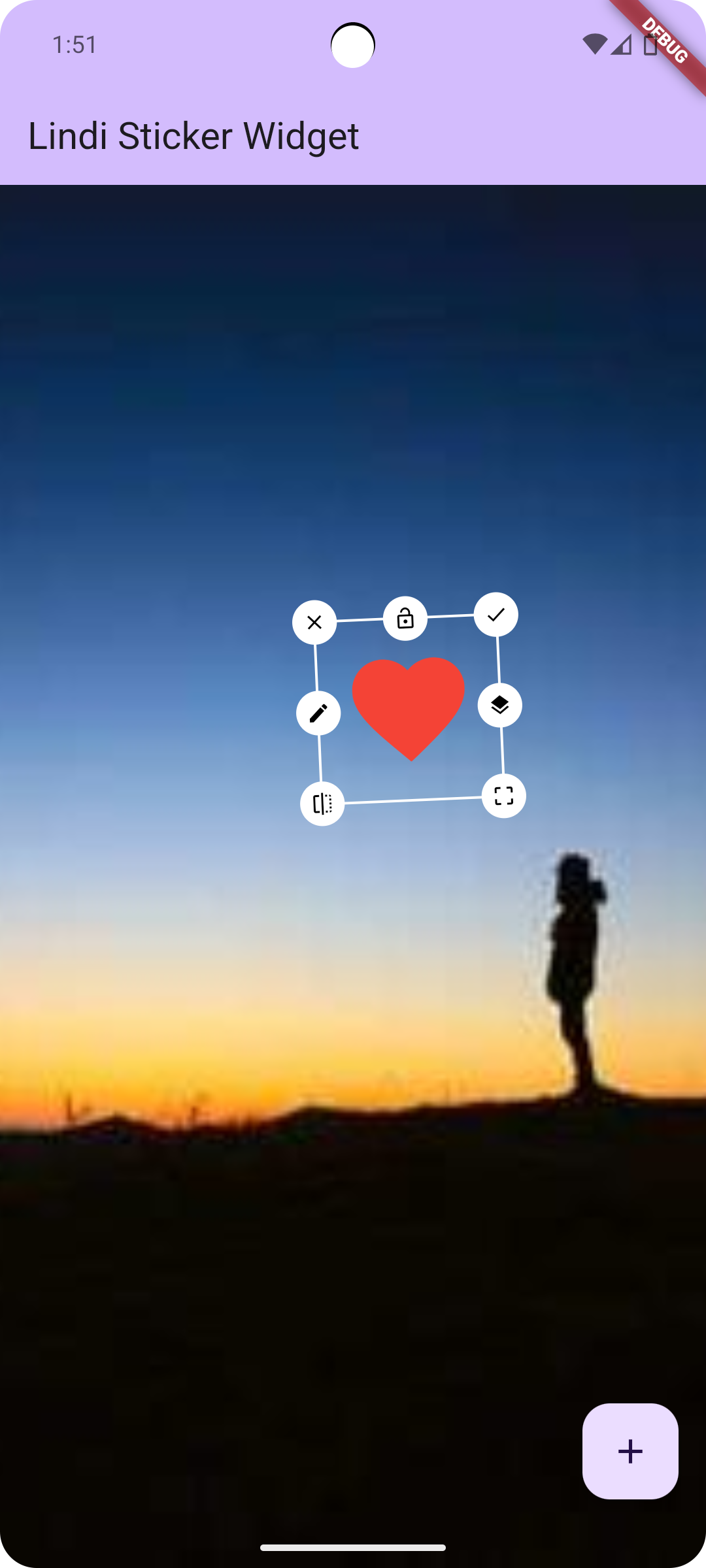
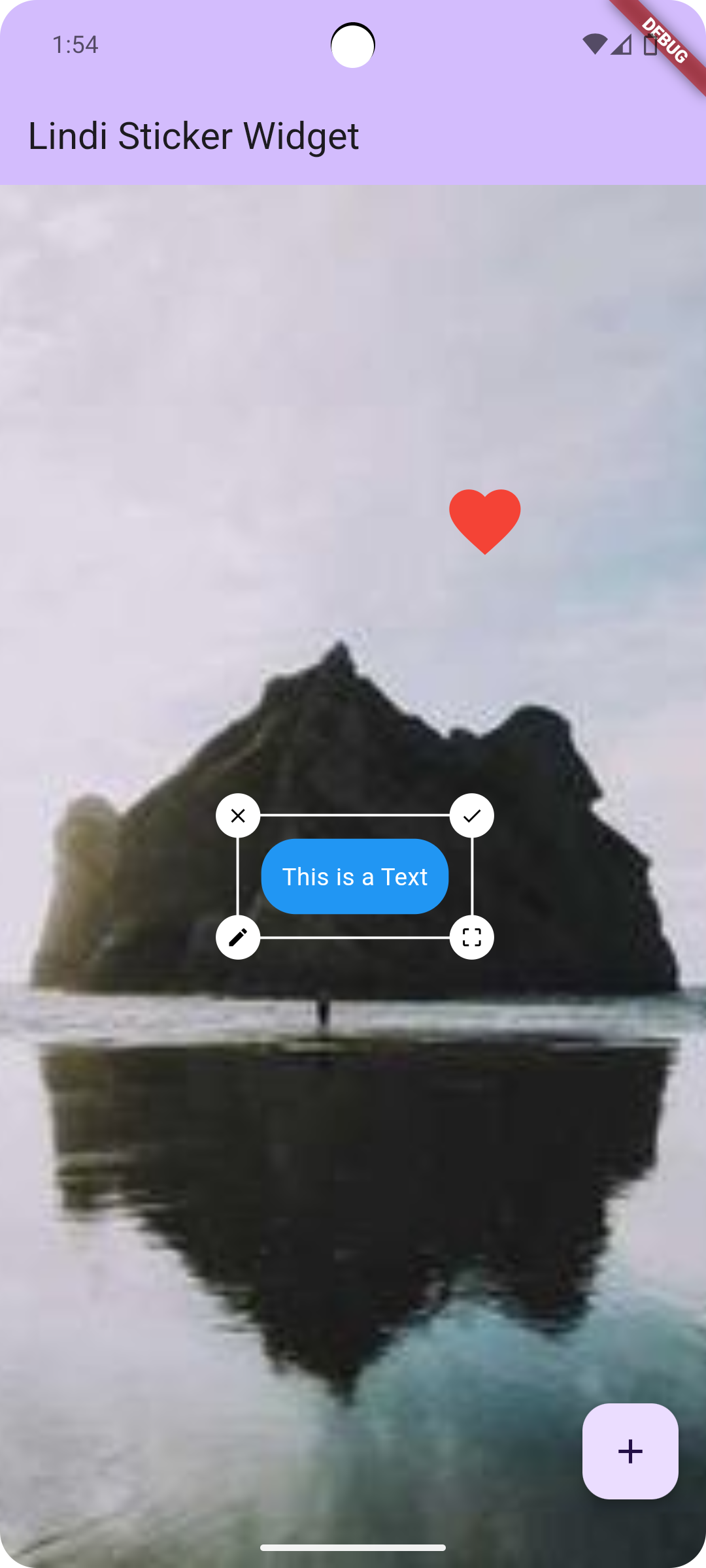
  Rotate
  Resize
  Move
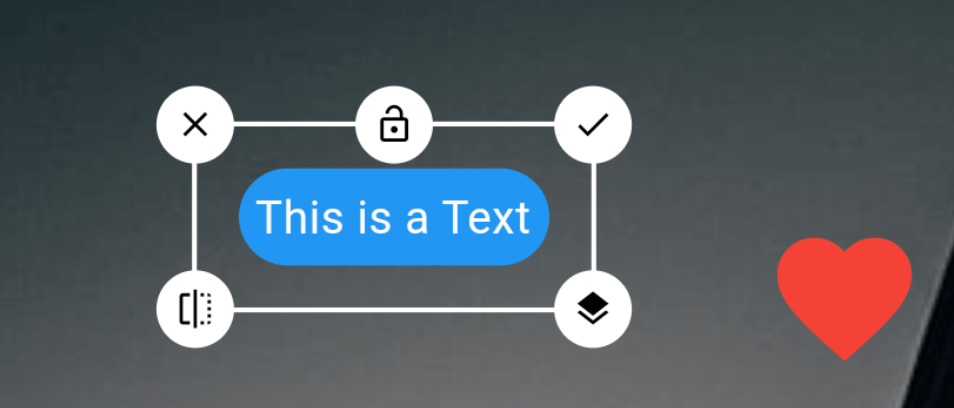
  Layer Update (Change Stack position)
  Edit
  Delete
  Flip
  Lock

Getting started

pub package

Add this to dependencies in your app's pubspec.yaml

lindi_sticker_widget : latest_version

Usage

Sample code to integrate can be found in example/lib/main.dart.

LindiController

Customize the controller as you like!

LindiController controller = LindiController(
  borderColor: Colors.white,
  icons: [
    LindiStickerIcon(
        icon: Icons.done,
        alignment: Alignment.topRight,
        onTap: () {
          controller.selectedWidget!.done();
        }),
    LindiStickerIcon(
        icon: Icons.lock_open,
        lockedIcon: Icons.lock,
        alignment: Alignment.topCenter,
        type: IconType.lock,
        onTap: () {
          controller.selectedWidget!.lock();
        }),
    LindiStickerIcon(
        icon: Icons.close,
        alignment: Alignment.topLeft,
        onTap: () {
          controller.selectedWidget!.delete();
        }),
    LindiStickerIcon(
        icon: Icons.edit,
        alignment: Alignment.centerLeft,
        onTap: () {
          controller.selectedWidget!
              .edit(const Icon(Icons.star, size: 50, color: Colors.yellow));
        }),
    LindiStickerIcon(
        icon: Icons.layers,
        alignment: Alignment.centerRight,
        onTap: () {
          controller.selectedWidget!.stack();
        }),
    LindiStickerIcon(
        icon: Icons.flip,
        alignment: Alignment.bottomLeft,
        onTap: () {
          controller.selectedWidget!.flip();
        }),
    LindiStickerIcon(
        icon: Icons.crop_free,
        alignment: Alignment.bottomRight,
        type: IconType.resize
    ),
  ],
);
Integrate LindiStickerWidget
LindiStickerWidget(
    controller: controller,
    child: SizedBox(
        width: double.infinity,
        height: double.infinity,
        child: Image.network('https://picsum.photos/200/300', fit: BoxFit.cover)
    ),
)
Add Widget to LindiStickerWidget
controller.add(
    Text('Hello World')
);
Get index of selected widget
controller.onPositionChange((index) {
  print("widgets size: ${controller.widgets.length}, current index: $index");
});
Save LindiStickerWidget as Uint8List
Uint8List? image = await controller.saveAsUint8List();

Screenshots

Image Image

:heart: Found this project useful?

If you found this project useful, then please consider giving it a :star: on Github and sharing it with your friends via social media.

Categories

Dependencies

Dependency list 1 items

Source repository

Projects using this package

No data available yet.