v0.257.0
lucide_icons
A Lucide icon library package for Flutter applications. Fork of Feather Icons, open for anyone to contribute icons.
123Likes 171K30-day downloads45Pub points
AndroidiOSWebmacOSWindowsLinux
A beautifully designed, customizable calculator app with a soft, modern neumorphic style. Built in Flutter for Android and iOS.

English project snapshot. Visit GitHub for the latest content.
A beautifully designed, customizable calculator app with a soft, modern neumorphic style. Built in Flutter for Android and iOS.

Download:

iOS: Due to App Store restrictions, sideloading is required, checkout Sideloadly or AltStore for more info about sideloading.
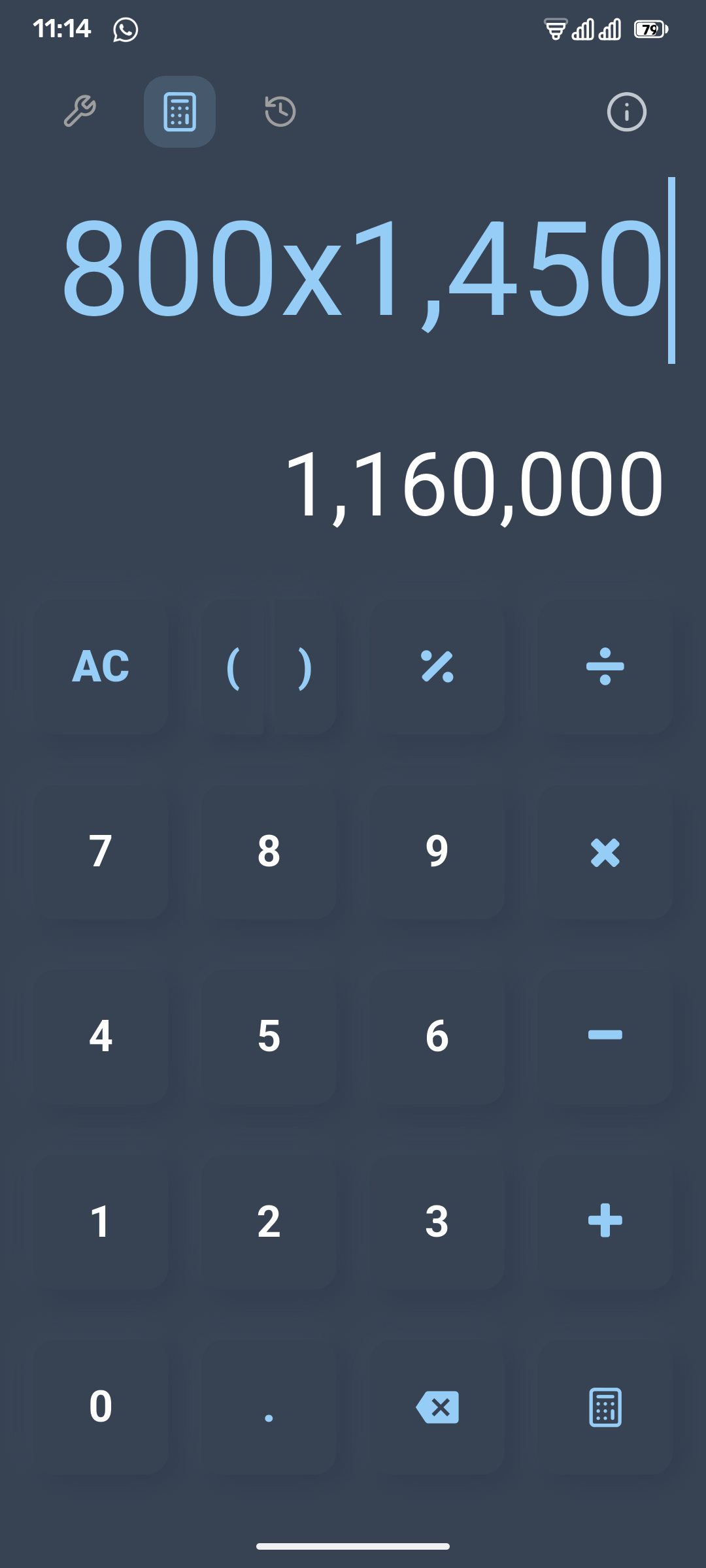
|
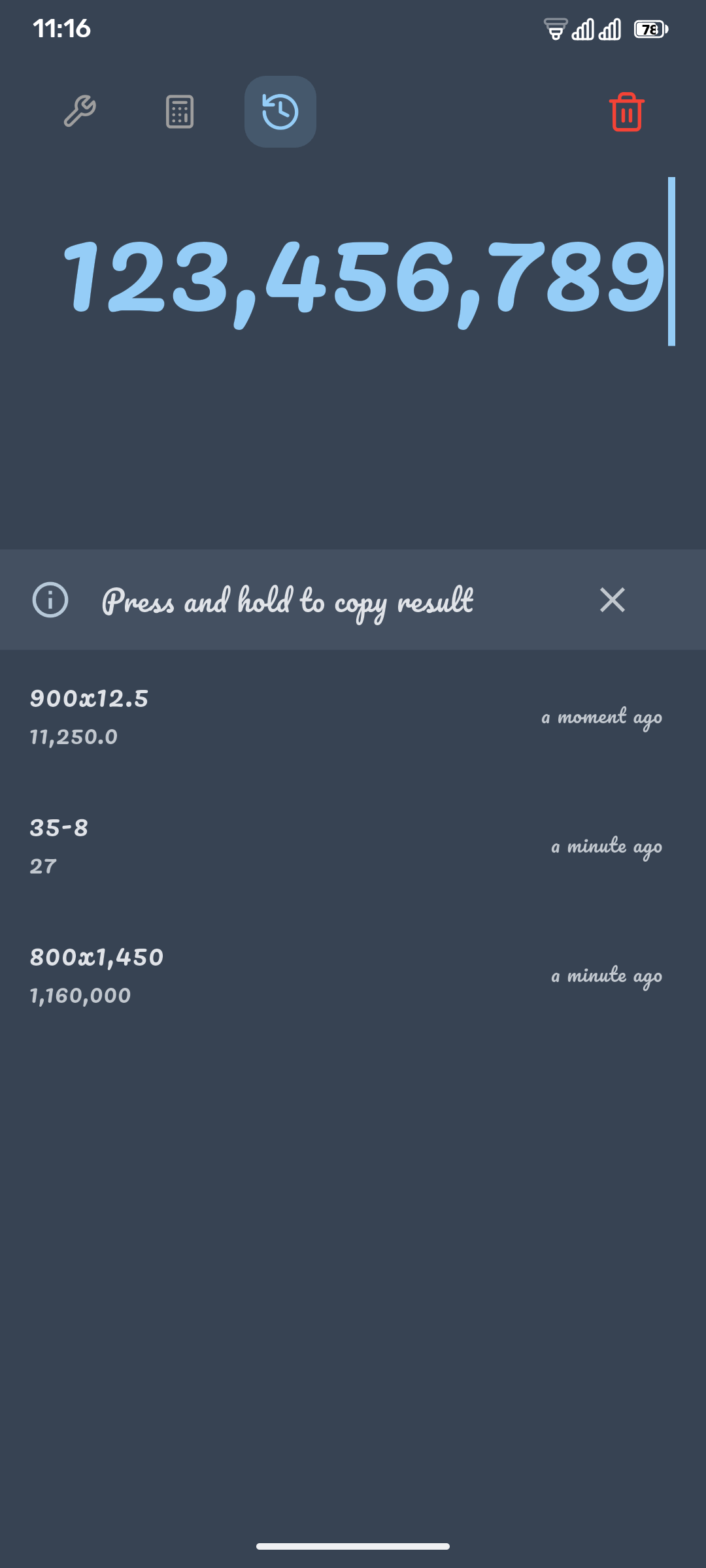
|
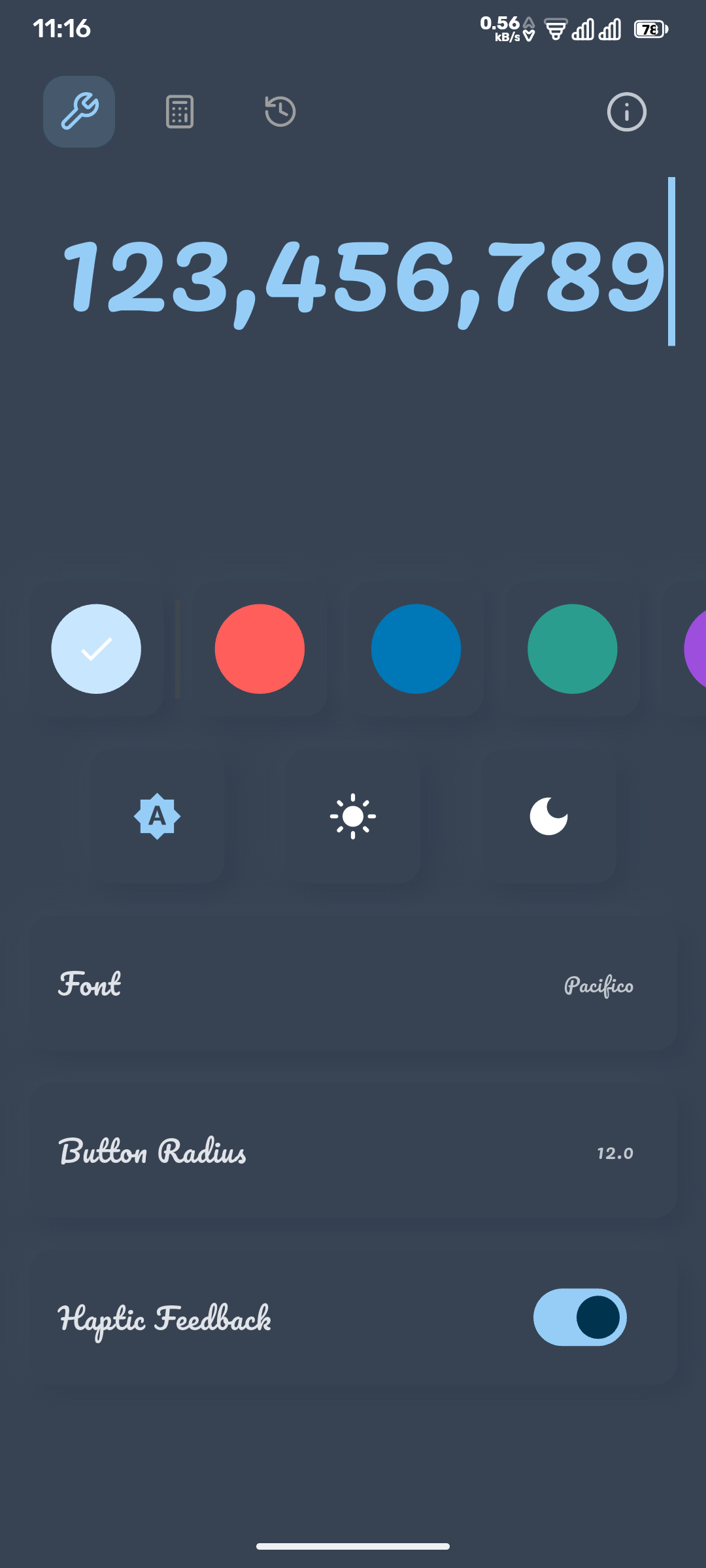
|
Clone the repository:
git clone https://github.com/mllrr96/Neumorphic-Calculator.git
Navigate into the project directory:
cd Neumorphic-Calculator
Install dependencies:
flutter pub get
Run the app:
flutter run
Contributions are welcome! Please fork the repository and submit a pull request with your improvements.
This project is open source and available under the MIT License.
For any inquiries or suggestions, please feel free to email me at [ragheb.github@gmail.com](mailto:ragheb.github@gmail.com).
A Lucide icon library package for Flutter applications. Fork of Feather Icons, open for anyone to contribute icons.
Guide that helps you to present your app and its features in a beautiful, simple and customizable way. Tutorial | Guide | Coach.
A library for parsing and evaluating mathematical expressions, supporting real numbers, vectors, and basic interval arithmetic.
Flutter TextField widget that automatically resizes text field to fit perfectly within its bounds.
A Flutter Plugin to retrieve and listen to the system's accent color. Supports Android, iOS, Web, Windows, macOS, and Linux.
A package that helps you work with fractions and mixed fractions.
Dependency list 25 items
{"sdk":"flutter"}^1.0.6^3.0.0^3.0.0^6.2.1^2.2.3^2.0.5^2.2.3^0.20.2^6.3.0^5.0.2^3.7.0^2.4.0^4.0.0^1.2.11^3.1.2^3.0.0^4.7.2^1.2.1^0.257.0^0.14.4^8.3.0{"sdk":"flutter"}^5.0.0—Start with your use case, compare repository activity, and check the original project before adopting it.
“A repository is the most basic element of GitHub.”
GitHub Docs — About repositories ↗