Package selection guidance compiled from public package information, community data, and project usage.
A Flutter package that provides an address search field with autocomplete functionality using a reference. It enables users to quickly input and select addresses, making it ideal for applications requiring location-based services such as calculating directions between two points. The package integrates seamlessly into forms and maps, enhancing user experience by reducing manual typing errors. It is designed for developers seeking a lightweight solution for address input in location-aware apps.
Use cases
Finding locations on a map
Calculating routes between destinations
Enhancing form inputs with address suggestions
Building delivery or ride-sharing apps
Integrating geolocation in travel apps
Key features
Autocomplete address input
Reference-based address lookup
Lightweight and easy to integrate
Supports location-based routing
Simple API for address selection
Suitable for
Developers building navigation apps
Apps requiring address input forms
Location-aware mobile applications
Travel and logistics platforms
Map-integrated user interfaces
Considerations
Requires internet connection for address lookup
Limited to supported regions based on reference source
May need additional configuration for custom styling
Depends on external geocoding services
Not suitable for offline address resolution
Original README
Original README snapshot from the linked source repository. Visit the repository for the latest content.
Address Search Field
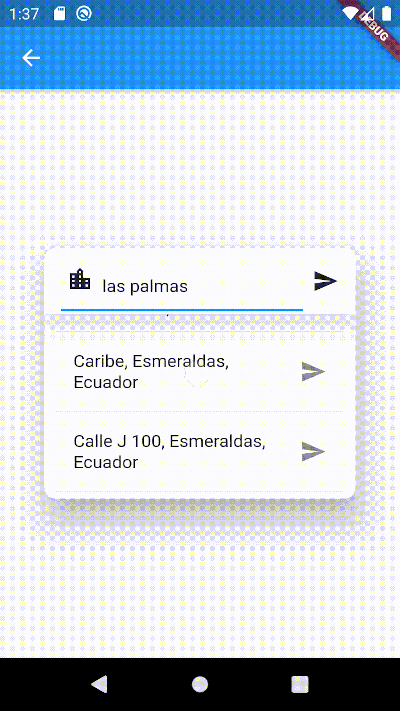
Widget builders to create 'address search widgets' which helps to autocomplete an address using a reference. They can be used to get Directions beetwen two places with optional waypoints. These widgets are made to be showed by onTap in a TextField with the showDialog function.
It uses Dio, Google Maps for Flutter, Flutter Riverpod plugins. (This last plugin is to use extended objects that can be usable with GoogleMap Widget).
On Android you'll need to add the internet permission to your Android Manifest file (located under android/app/src/main). To do so add next lines as direct child of the manifest> tag:
final geoMethods = GeoMethods(
  googleApiKey: 'GOOGLE_API_KEY',
  language: 'en',
  countryCode: 'us',
  countryCodes: ['us', 'es', 'co'],
  country: 'United States',
  city: 'New York',
);

// It will search in unite states, espain and colombia. It just can filter up to 5 countries.
geoMethods.autocompletePlace(query: 'place streets or reference');

geoMethods.geoLocatePlace(
    coords: Coords(0.10, 0.10,)
);

geoMethods.getPlaceGeometry(
    reference: 'place streets',
    placeId: 'ajFDN3662fNsa4hhs42FAjeb5n',
);

// It needs a specific region, it will search in unite states.
geoMethods.getDirections(
    origin: Address(coords: Coords(0.10, 0.10)),
    destination: Address(coords: Coords(0.10, 0.10))
);
AddressSearchBuilder
This widget can search addresses and permits you to work with them using an Address object.
AddressSearchDialog.custom provides you a widget builder with the parameters and methods to create your own AddressSearchDialog and work with the addresses information.
This widget is a simple way to get an address reference in a TextEditingController from coordinates when the AddressSearchDialog is not created into a RouteSearchBox.
Example:
Coords coords;
GeoMethods geoMethods;
TextEditingController controller;
Address initialAddress;
// using coordinates you can get an address reference to be predefined in the widget and save all the address data in a variable.AddressLocator(
coords: coords,
geoMethods: geoMethods,
controller: controller,
child: TextField(
controller: controller,
onTap: () => showDialog(
context: context,
builder: (BuildContext context) => AddressSearchDialog(
controller: controller,
geoMethods: geoMethods,
onDone: (Address address) => initialAddress = address;,
),
),
),
);
RouteSearchBox
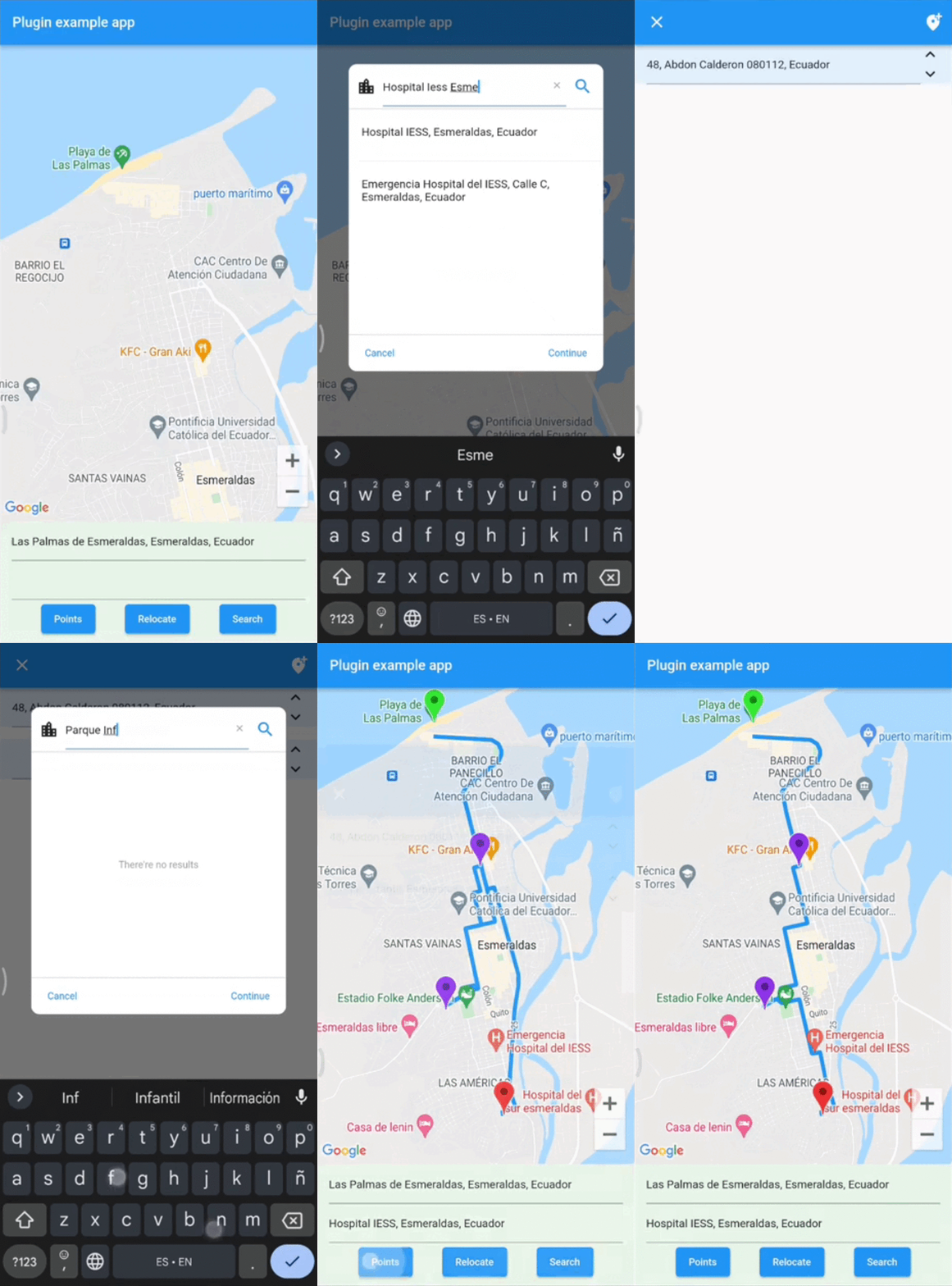
This widget helps you to works using a provider from flutter_riverpod. It permits you to work with AddressSearchDialog to search an origin Address, destination Address and optionally waypoints in a List<Address>. This widget is used to get directions from the addresses gotten by an AddressSearchDialog. provider.findRoute() function permits to set an address as origin or destination from a coordinates parameter.
A completed example of how to use this widget could be found here.