Package selection guidance compiled from public package information, community data, and project usage.
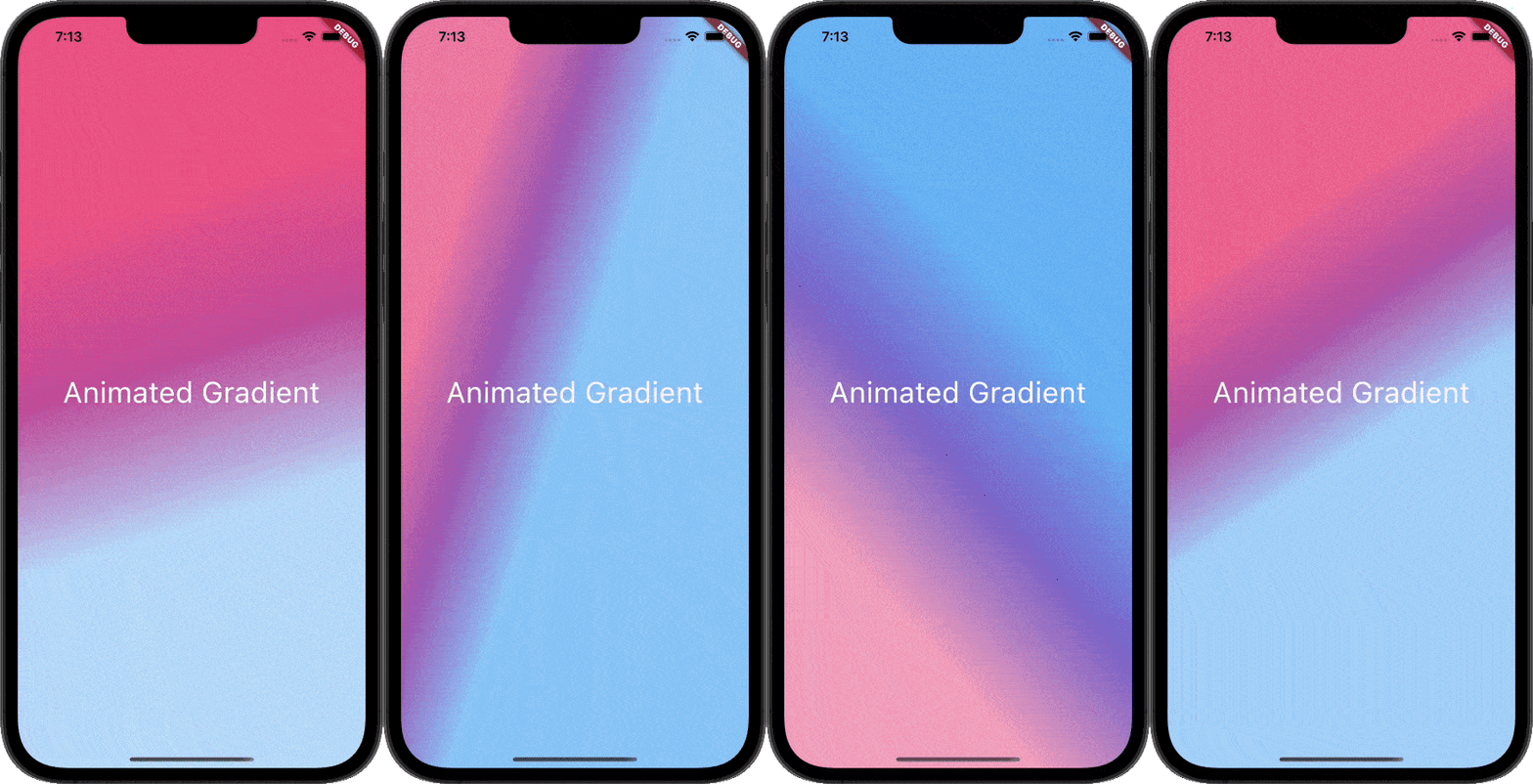
Animate Gradient is a Flutter package that simplifies the creation of animated gradients. By simply providing primary and secondary colors, developers can effortlessly generate smooth, dynamic gradient transitions across various UI elements. It supports multiple platforms including Android, iOS, Web, macOS, Windows, and Linux, making it ideal for cross-platform apps. The package handles animation logic internally, reducing boilerplate code and enabling quick integration into existing projects. Perfect for modern, visually engaging interfaces.
Use cases
Creating dynamic app backgrounds
Enhancing splash screens
Animating UI elements with color transitions
Designing interactive buttons
Building visually appealing onboarding flows
Key features
Simple color-based configuration
Smooth gradient animations
Cross-platform compatibility
Minimal setup required
Built-in animation handling
Suitable for
Flutter beginners
UI/UX designers
Cross-platform app developers
Apps requiring visual flair
Considerations
Limited customization beyond color and speed
May impact performance on low-end devices
Not suitable for complex gradient patterns
Original README
Original README snapshot from the linked source repository. Visit the repository for the latest content.
Animate Gradient
This Package lets you make animated gradients without any hassle. Just pass the primary and secondary colors and you're done.
You can do amazing effects using the alignments. For More info read the docs below.
Usage
Create your first animated gradient.
The only two required arguments are the primaryColors and secondaryColors.
| primaryColors length must greater or equal to 2.|
| secondaryColors length must be equal to primaryColors length.|