Search packages, repositories and app categories

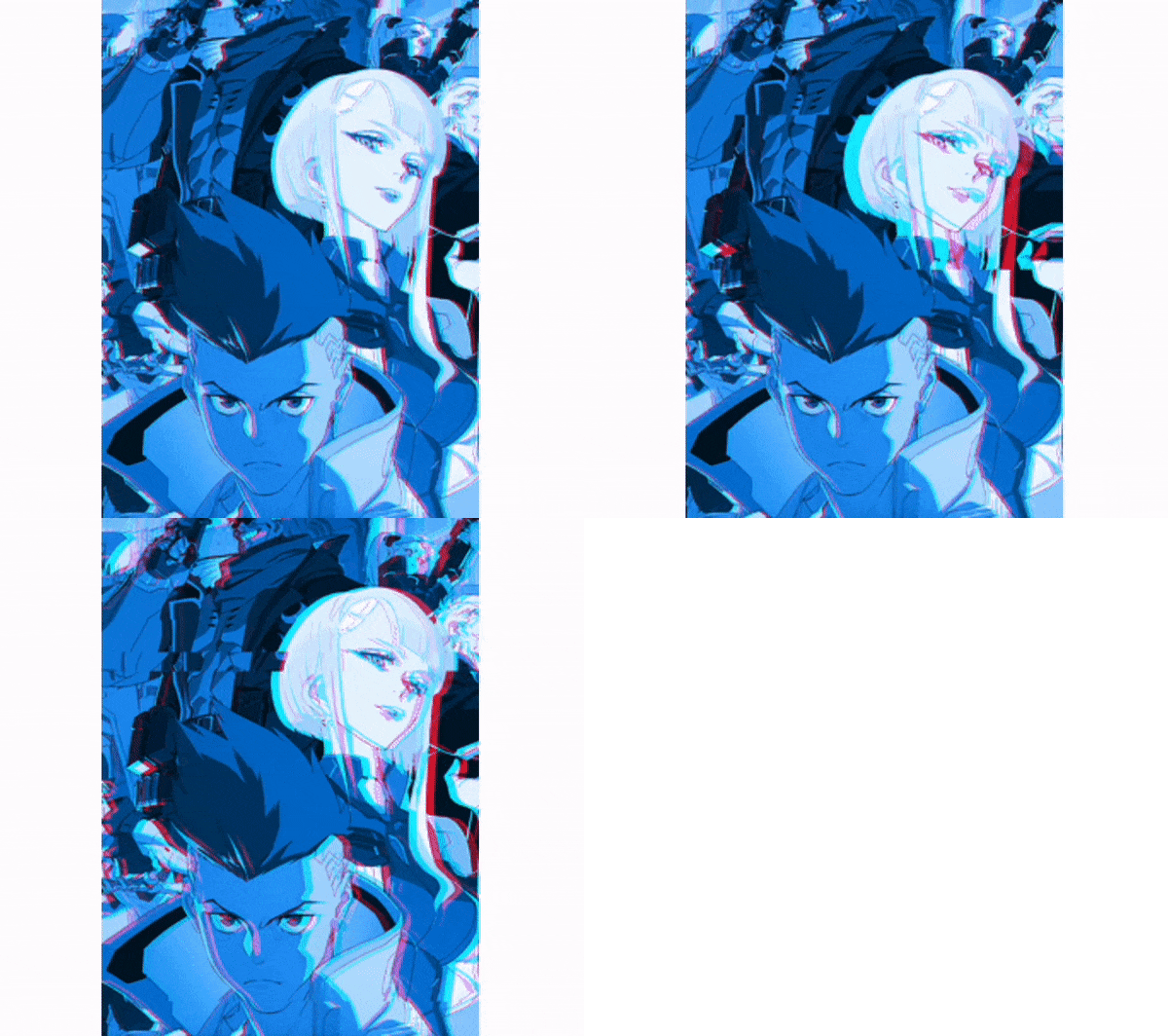
animated_glitch cover
Package detailsv3.0.0

animated_glitch

Animated Glitch is a Flutter package that allows you to easily create glitch effects and control them

AndroidiOSWebmacOSWindowsLinux
30-day downloads
713
Likes
108
Pub points
160

Install package

flutter pub add animated_glitch

Package Overview

Package selection guidance compiled from public package information, community data, and project usage.

Animated Glitch is a Flutter package designed to create dynamic glitch effects with simple integration. It enables developers to add visually striking screen distortions, pixel shifts, and color disruptions to UI elements or backgrounds. The package supports real-time control over glitch intensity, timing, and style, making it ideal for interactive apps, games, or creative interfaces. With support across all major platforms, it offers consistent performance and visual impact. Perfect for adding a futuristic or digital art aesthetic to applications.

Use cases

  • Interactive app interfaces
  • Game UI enhancements
  • Digital art displays
  • Creative animations
  • Background effects in dashboards

Key features

  • Real-time glitch control
  • Multiple glitch styles
  • Cross-platform compatibility
  • Customizable intensity and timing
  • Simple API integration
  • Shader-based rendering

Suitable for

  • UI designers seeking visual flair
  • Game developers
  • Creative app builders
  • Frontend developers
  • Experimental interface projects

Considerations

  • May impact performance on low-end devices
  • Best suited for short bursts of animation
  • Requires understanding of basic shader concepts
  • Limited customization beyond provided presets
  • Not ideal for static content

Original README

Original README snapshot from the linked source repository. Visit the repository for the latest content.

AnimatedGlitch

normalpurple cyan blue

What is animated_glitch ?

It is an open-source package for the Flutter framework that provides an animated glitching effect that can be controlled for a specified widget.

When applying the glitch effect, you have two main options: one with a shader and the other without. The choice may depend on your specific needs, such as performance, extensive customization, or visual output.

For instance, the non-shader version can accept various provided colors and generate corresponding color channels, while the non-shader version is limited to only three colors (RGB). However, the shader version typically offers better performance and a richer visual effect.

Comparison

With shader:

ezgif-3-67648a42b4

Without shader:

blue

Documentation

Playground

You can play around with the settings on a playground.

Inspired by f_glitch

Categories

Source repository

Projects using this package

No data available yet.