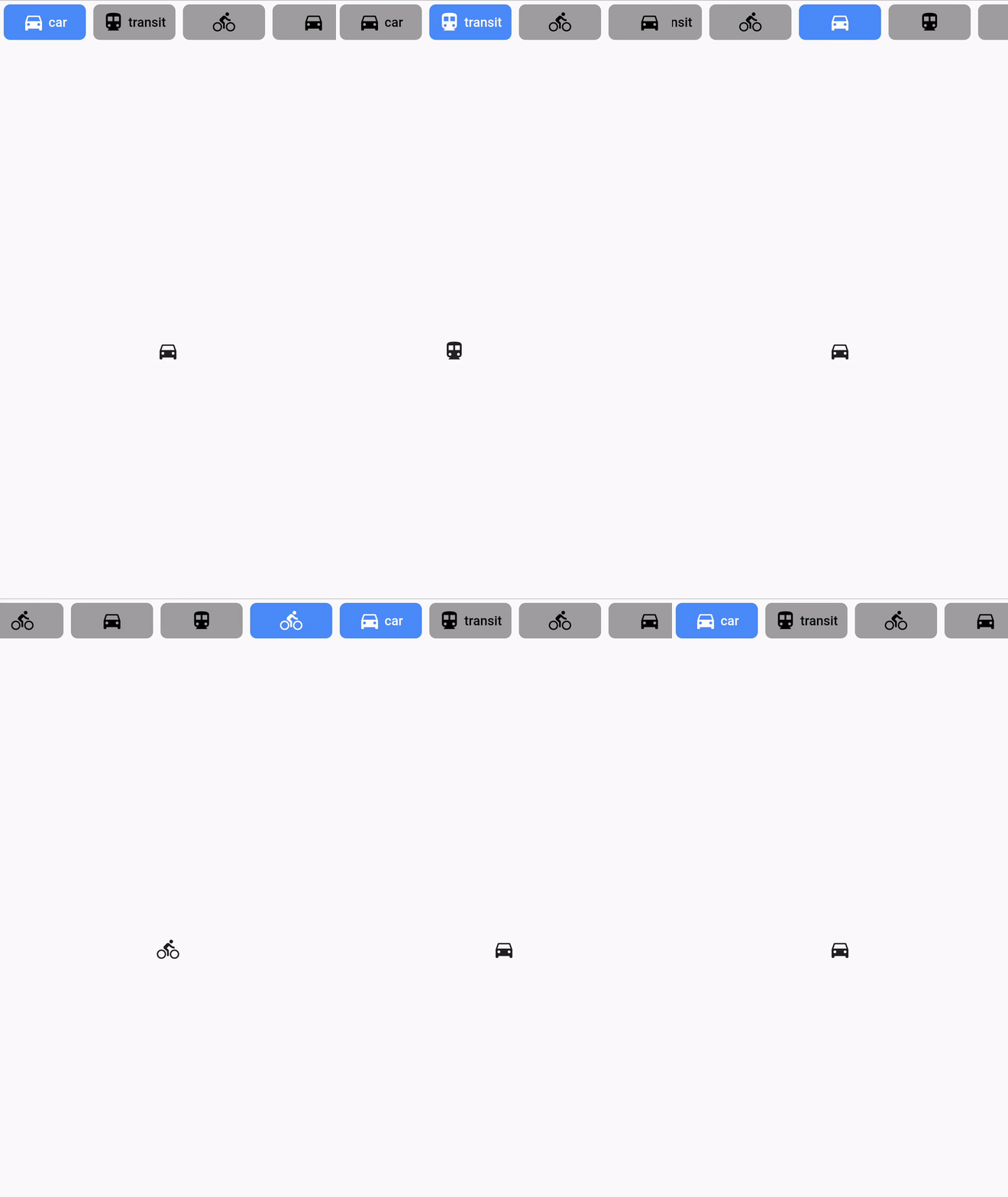
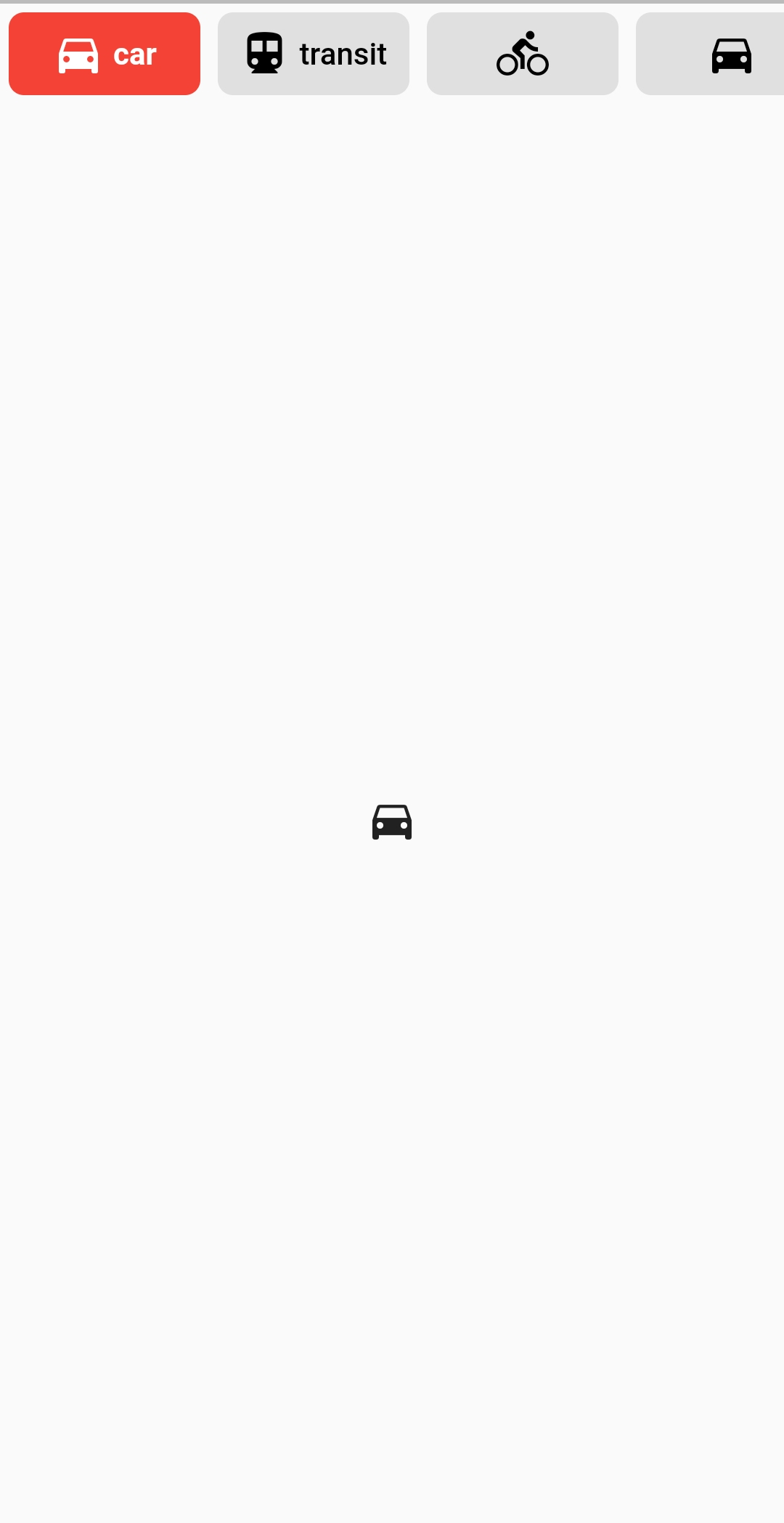
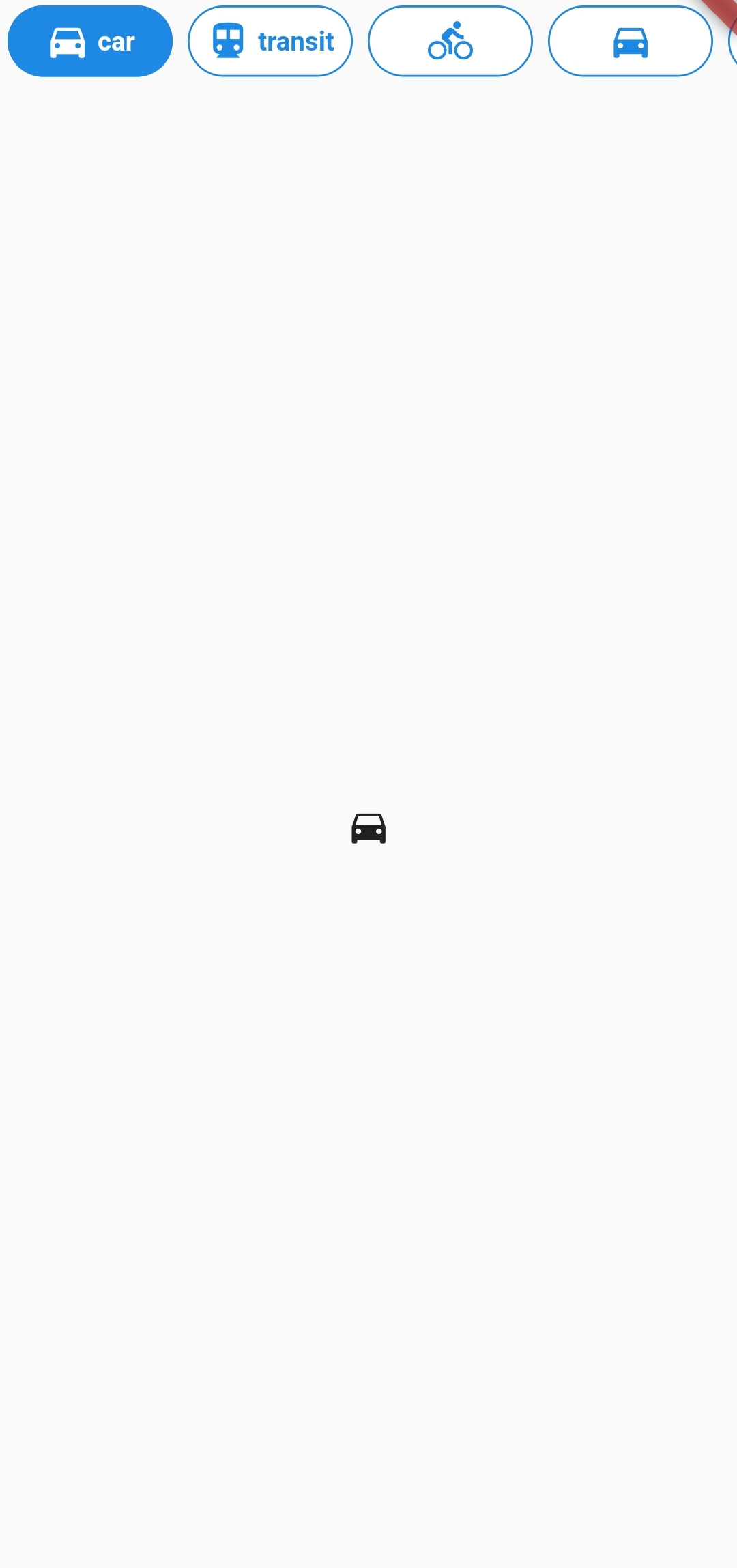
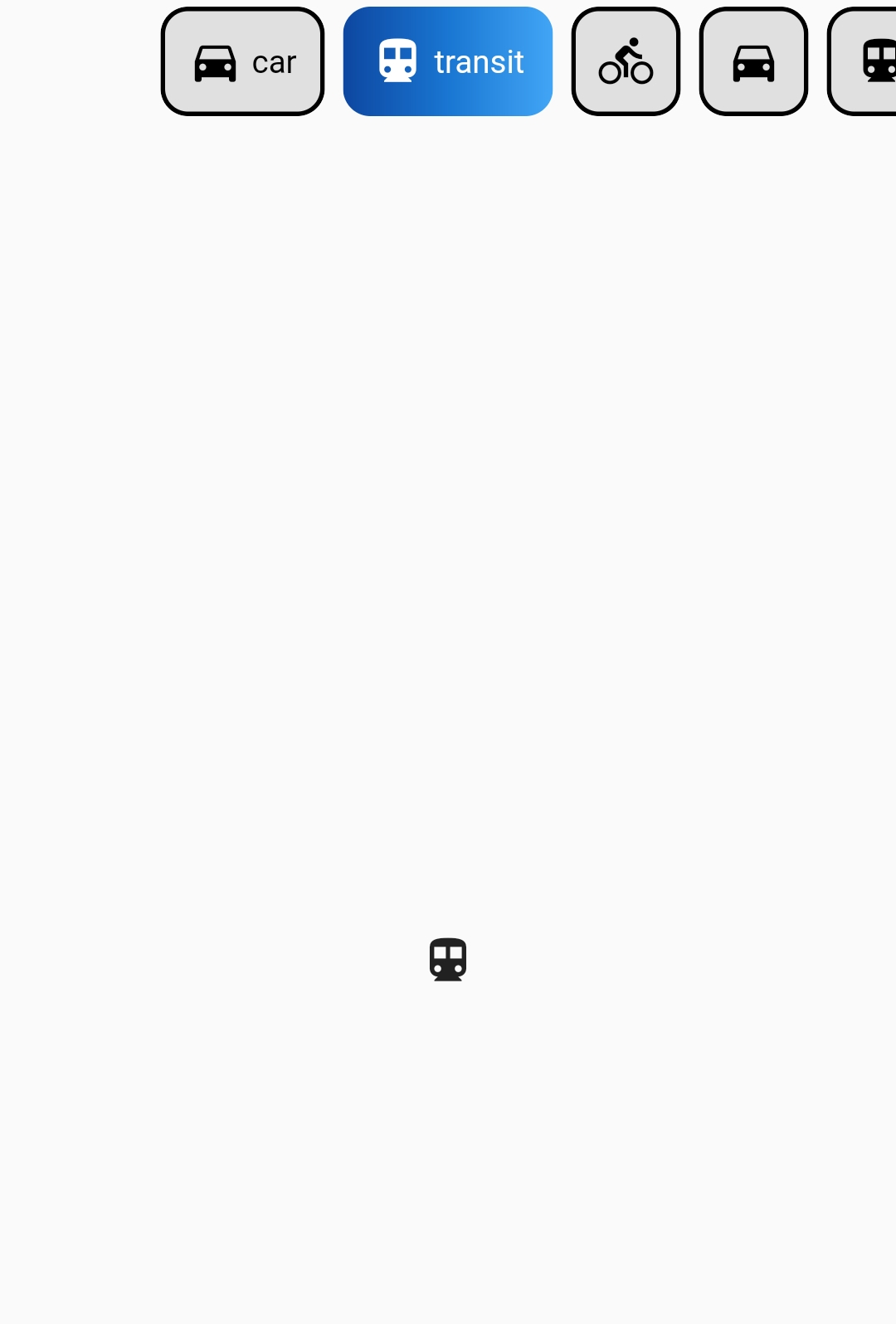
Package selection guidance compiled from public package information, community data, and project usage.
ButtonsTabBar is a Flutter package that provides a customizable TabBar where each tab label functions as a toggle button, enabling users to select and deselect options individually. It enhances navigation in apps with multiple sections by offering visual feedback for selected states. The package supports all major platforms including Android, iOS, Web, macOS, Windows, and Linux, making it ideal for cross-platform applications. Built with simplicity and flexibility in mind, it integrates seamlessly into existing Flutter projects.
Use cases
Custom tab navigation in mobile and web apps
Interactive filtering interfaces
Multi-selection tab layouts
Dynamic content switching
User preference settings
Dashboard navigation
Key features
Toggleable tab labels
Cross-platform compatibility
Customizable styling
Simple integration with Flutter
State management for selected tabs
Responsive design support
Suitable for
Developers building interactive UIs
Apps requiring multi-select tabs
Designers seeking intuitive navigation
Cross-platform Flutter projects
Prototyping rapid interface changes
Considerations
May require custom logic for complex state handling
Limited built-in animations
Not suitable for single-selection only scenarios
Requires manual handling of tab transitions
Best suited for small to medium-sized tab sets
Depends on external styling for advanced visuals
Original README
Original README snapshot from the linked source repository. Visit the repository for the latest content.
Buttons TabBar
Buttons TabBar is an open-source Flutter package that provides a tabbar where each tab indicator is a toggle button. It allows you to create interactive and customizable tab bars for your Flutter applications.
Features
✨ Each tab indicator is a toggle button
🎨 Customizable appearance and behavior
🖌️ Supports various styling options, including background color, border color, label style, icon color, and more
🚀 Smooth transition animations
📱 Works like a native TabBar
⚙️ Simple and easy to use configuration with a wide range of parameters
Installation
To use Buttons TabBar in your Flutter project, follow these steps: