Package selection guidance compiled from public package information, community data, and project usage.
ConnectionNotifier is a Flutter package that monitors internet connectivity and provides real-time updates when the connection status changes. It notifies users instantly when there's no internet access, making it ideal for apps requiring reliable network awareness. The package offers simple APIs to check connection status and listen to connectivity events across multiple platforms. It supports Android, iOS, Web, macOS, Windows, and Linux, ensuring broad compatibility. Designed for ease of use, it helps developers implement robust network handling without complex setup.
Use cases
Real-time network status monitoring
Handling offline scenarios in apps
Auto-retry logic for network requests
Displaying connection status UI elements
Ensuring data sync only when online
Improving user experience during connectivity changes
Key features
Instant connection change notifications
Simple API for checking connectivity
Cross-platform support
Lightweight and easy integration
Event-driven architecture
Built-in state tracking
Suitable for
Apps needing reliable network detection
Developers seeking minimal setup for connectivity checks
Limited to basic connectivity checks (no detailed network metrics)
Original README
Original README snapshot from the linked source repository. Visit the repository for the latest content.
Connection Notifier
A simple way to notify your user about the connection status as well as providing simple tools that help tracking the internet connection status.
Version 4.0+: Now with injectable connectivity handlers, full Navigator 2.0 support, Web support, and seamless support for modern routing solutions.
Version 4.1+: Added async connectivity check via ConnectionNotifierTools.isConnectedAsync.
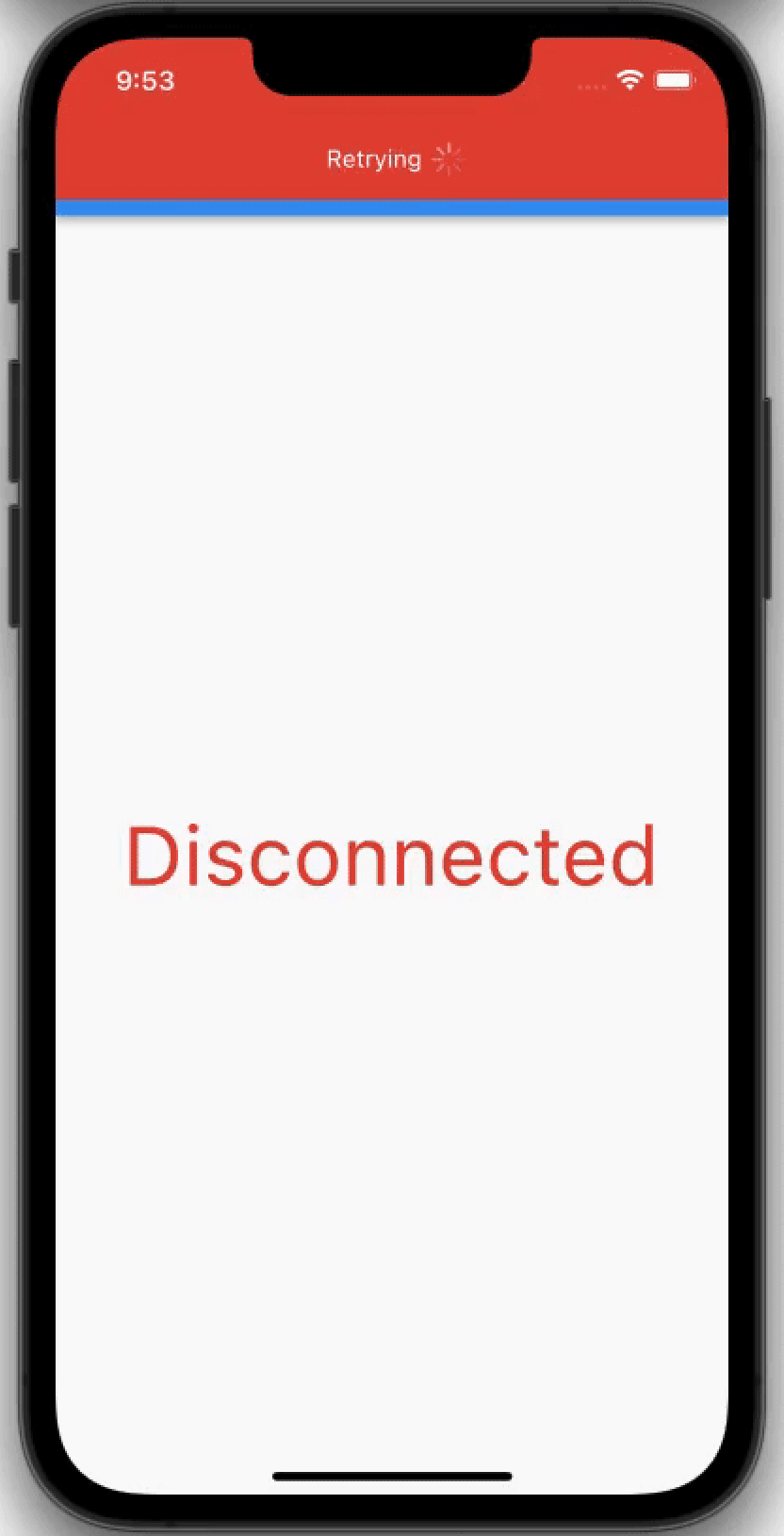
Gallery
Quick Start
Basic Usage (Without Localization)
If you don't need localization, simply wrap your MaterialApp:
Recommended Approach: Use MaterialApp Builder (Best Practice)
The easiest and most powerful way to handle localization is using the MaterialApp builder pattern. This gives you full access to the localization context:
import'package:connection_notifier/connection_notifier.dart';
import'package:easy_localization/easy_localization.dart'; // or any localization packageimport'package:flutter/material.dart';
classMyAppextendsStatelessWidget{
@overrideWidgetbuild(BuildContext context) {
returnMaterialApp(
locale: context.locale,
supportedLocales: context.supportedLocales,
localizationsDelegates: context.localizationDelegates,
// Use the builder to access localization context
builder: (context, child) => GlobalConnectionNotifier(
connectionNotificationOptions: ConnectionNotificationOptions(
alignment: Alignment.bottomCenter,
// Access localized strings with full context support
connectedText: 'connectionRestored'.tr(context: context),
disconnectedText: 'connectionLost'.tr(context: context),
),
child: child!,
),
home: constMyHomePage(),
);
}
}
Benefits:
✅ Works with any localization package (EasyLocalization, flutter_localizations, intl, etc.)
✅ Messages automatically update when language changes
✅ Full access to localization context
✅ Clean and maintainable
✅ No need for custom widgets or manual locale detection
Alternative: Custom Notification Widgets
If you need more control over the UI, create custom widgets:
// Check if connected (synchronous, last known status)bool isConnected = ConnectionNotifierTools.isConnected;
// Async live check — use when you need a guaranteed up-to-date result,// since isConnected may briefly hold stale data during a connection change.bool isOnline = awaitConnectionNotifierTools.isConnectedAsync;
// Listen to connection changesConnectionNotifierTools.onStatusChange.listen((isConnected) {
print('Connection status: $isConnected');
});
Custom Connection Handler (Inject Your Own Connectivity Source)
The package is agnostic to how connectivity is detected. By default it uses
ConnectionNotifierHandlerImpl (internet_connection_checker_plus). If you have
your own source (socket, native SDK, etc.), implement ConnectionHandler and
pass it to ConnectionNotifierTools.initialize(...).
workspace-bridge-mcp — An MCP server that bridges AI coding agents with multi-project workspaces, enabling cross-project file access, git history, and more.