
Overview
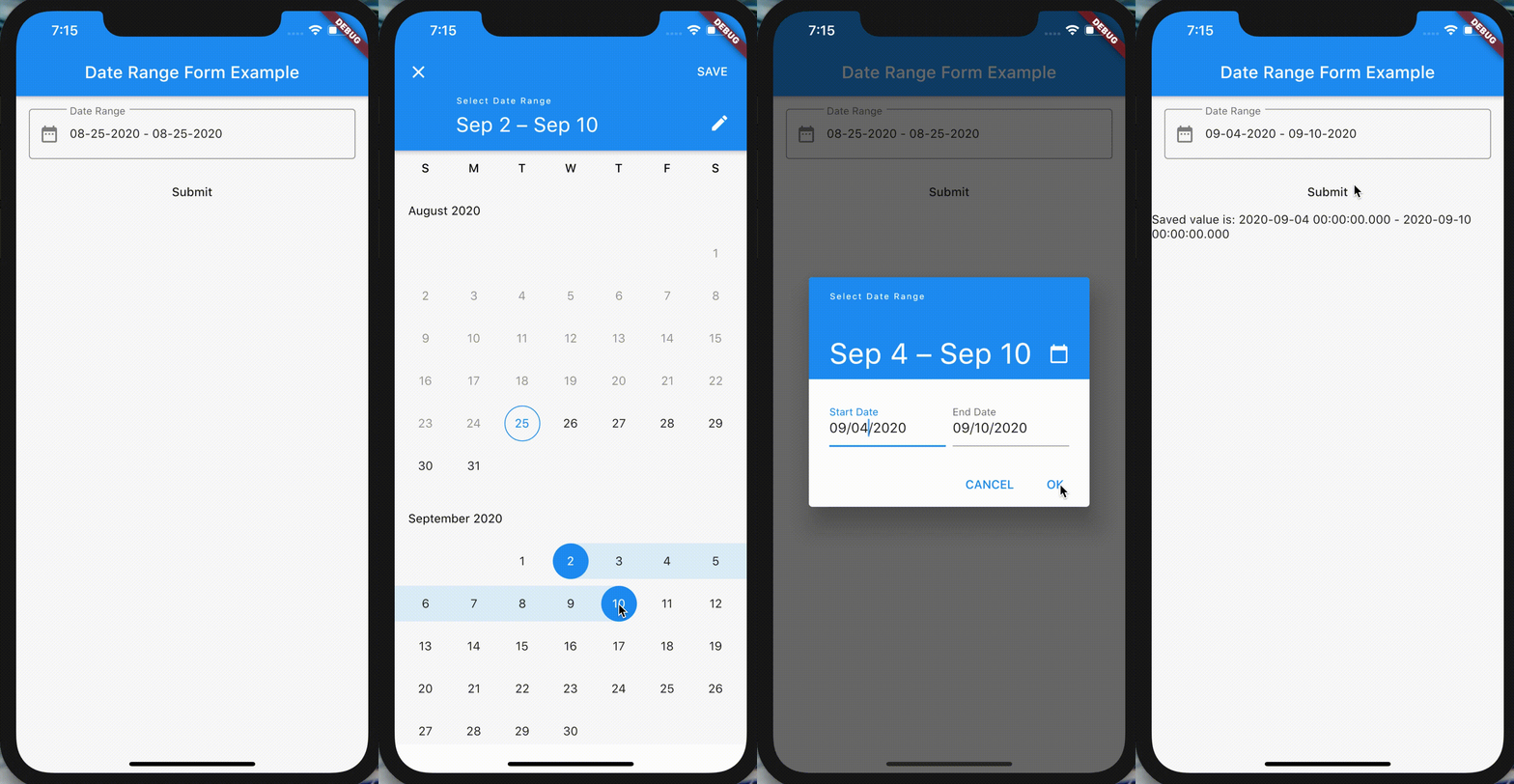
The date_range_form_field package provides a Flutter widget that integrates a date range picker into a FormField, enabling users to select a start and end date via showDateRangePicker. It simplifies form handling by managing the date range state and validating input within a form context. The widget is designed for seamless use across Android, iOS, Web, macOS, Windows, and Linux platforms, offering a consistent user experience. It supports custom styling and validation, making it ideal for forms requiring date range inputs.
Use cases
- Form inputs requiring date ranges
- Booking or reservation systems
- Event scheduling tools
- Data filtering by date range
- Reporting dashboards with date selection
- User profile setup with time constraints
Key features
- Integrates with FormField for easy validation
- Uses showDateRangePicker for intuitive selection
- Supports all major Flutter platforms
- Handles date range state automatically
- Customizable appearance and behavior
- Built-in null safety and type-safe APIs
Suitable for
- Developers building forms with date range inputs
- Applications needing date-based data filtering
- Cross-platform apps requiring consistent date pickers
- Teams prioritizing developer productivity and code simplicity
- Projects using Flutter's form architecture
Considerations
- Requires Flutter SDK 2.5 or higher
- May need additional styling for complex UIs
- Limited to date-only selection (no time)
- Depends on platform-specific date picker behavior
- Not suitable for time zone-sensitive applications without extra handling