Search packages, repositories and app categories

draw_on_path cover
Package detailsv0.0.2

draw_on_path

A Flutter package that is used to draw text or patterm along the given path.

AndroidiOSWebmacOSWindowsLinux
30-day downloads
2K
Likes
46
Pub points
160

Install package

flutter pub add draw_on_path

Package Overview

Package selection guidance compiled from public package information, community data, and project usage.

A Flutter package that enables drawing text or patterns along a specified path, offering precise control over layout and alignment. It is ideal for creating curved or custom-shaped text effects in UI designs. The package supports multiple platforms including Android, iOS, Web, macOS, Windows, and Linux, making it versatile for cross-platform applications. It integrates seamlessly with Flutter's rendering system and provides intuitive APIs for defining paths and placing content along them.

Use cases

  • Creating curved text layouts
  • Designing decorative typography
  • Building custom path-based animations
  • Enhancing UI elements with artistic text
  • Implementing label placement on shapes
  • Visualizing data along non-linear paths

Key features

  • Draw text along any custom path
  • Support for patterns and glyphs
  • Cross-platform compatibility
  • Easy integration with Flutter widgets
  • Flexible alignment and spacing options
  • High performance rendering

Suitable for

  • UI designers seeking creative text effects
  • Developers building interactive graphics
  • Applications requiring dynamic text positioning
  • Educational or visualization tools
  • Artistic or branding-focused apps

Considerations

  • Requires understanding of Path class in Flutter
  • May impact performance with complex paths
  • Limited to 2D rendering
  • Text clarity depends on path curvature
  • Not optimized for large-scale text rendering
Original README

Original README snapshot from the linked source repository. Visit the repository for the latest content.

Draw on Path

A Flutter package that is used to draw text or patterm along the given path.

Features

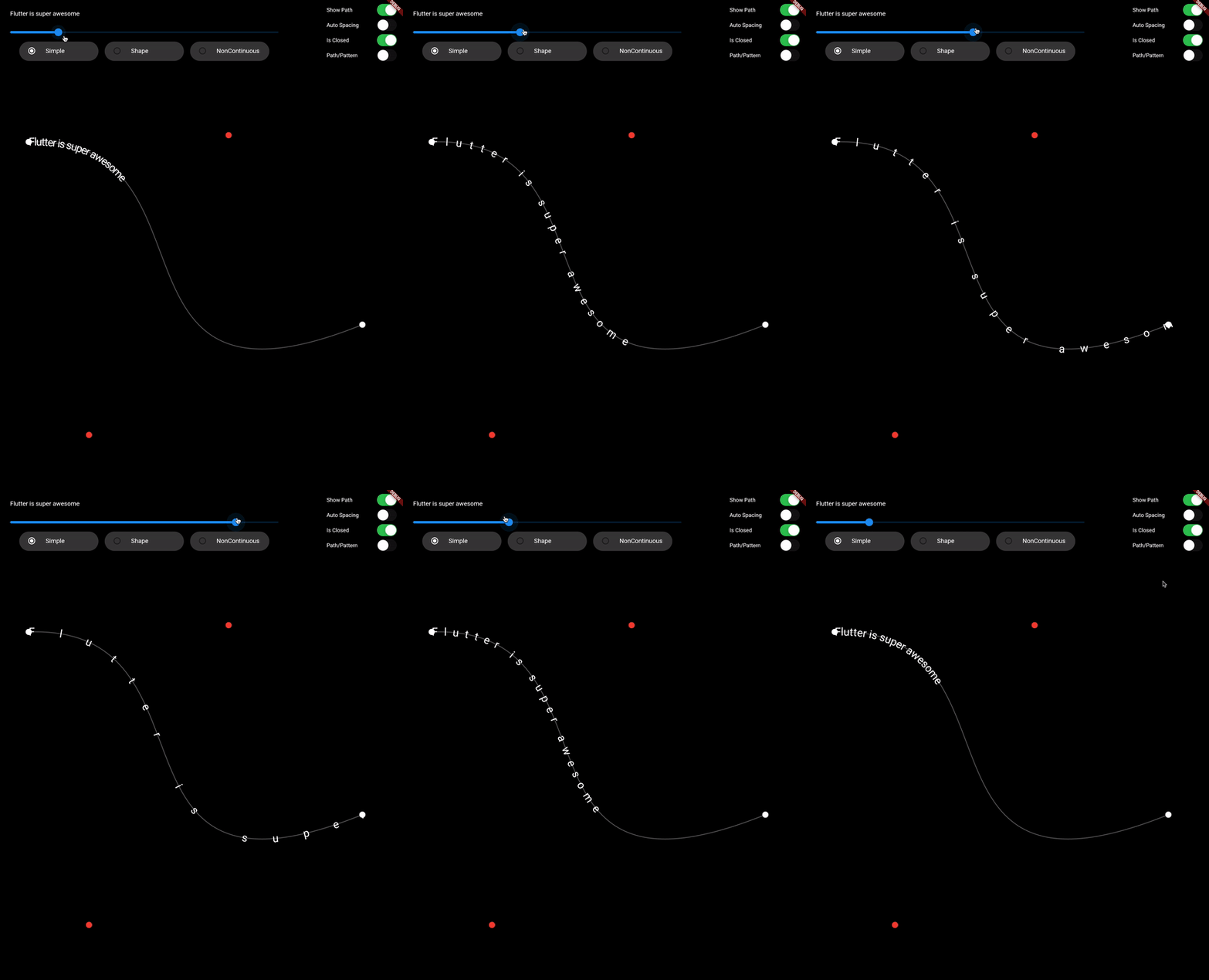
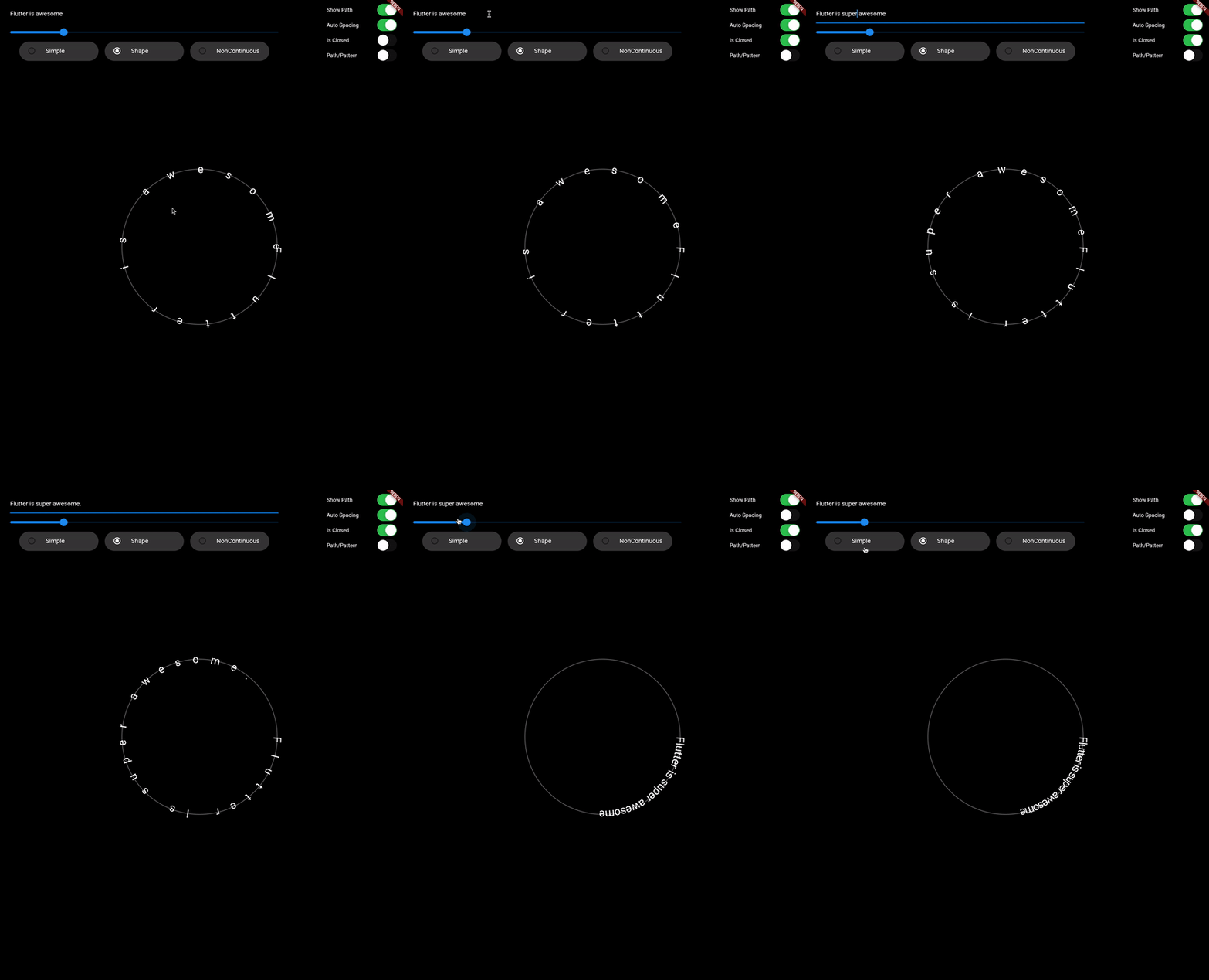
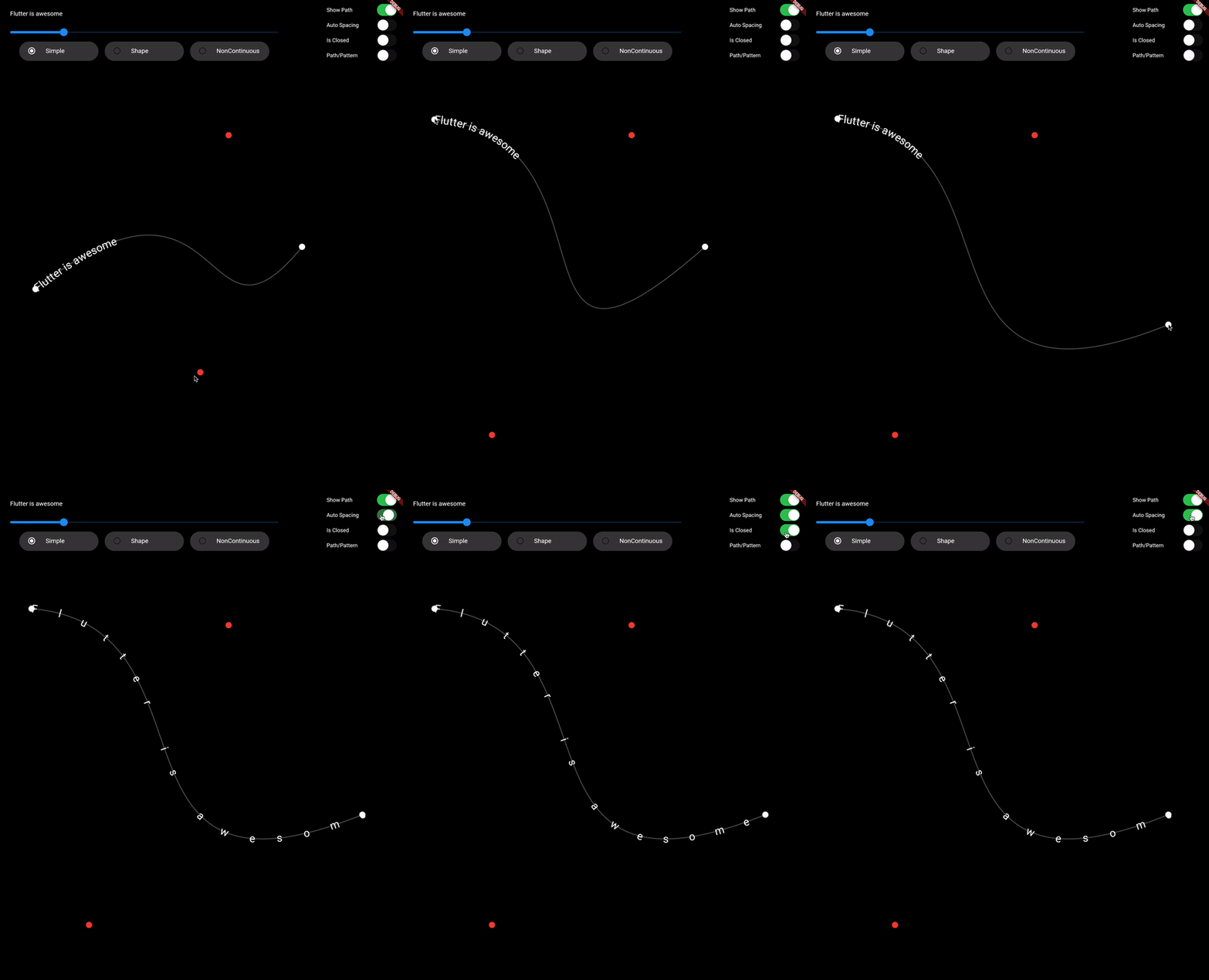
  • Draw text along path
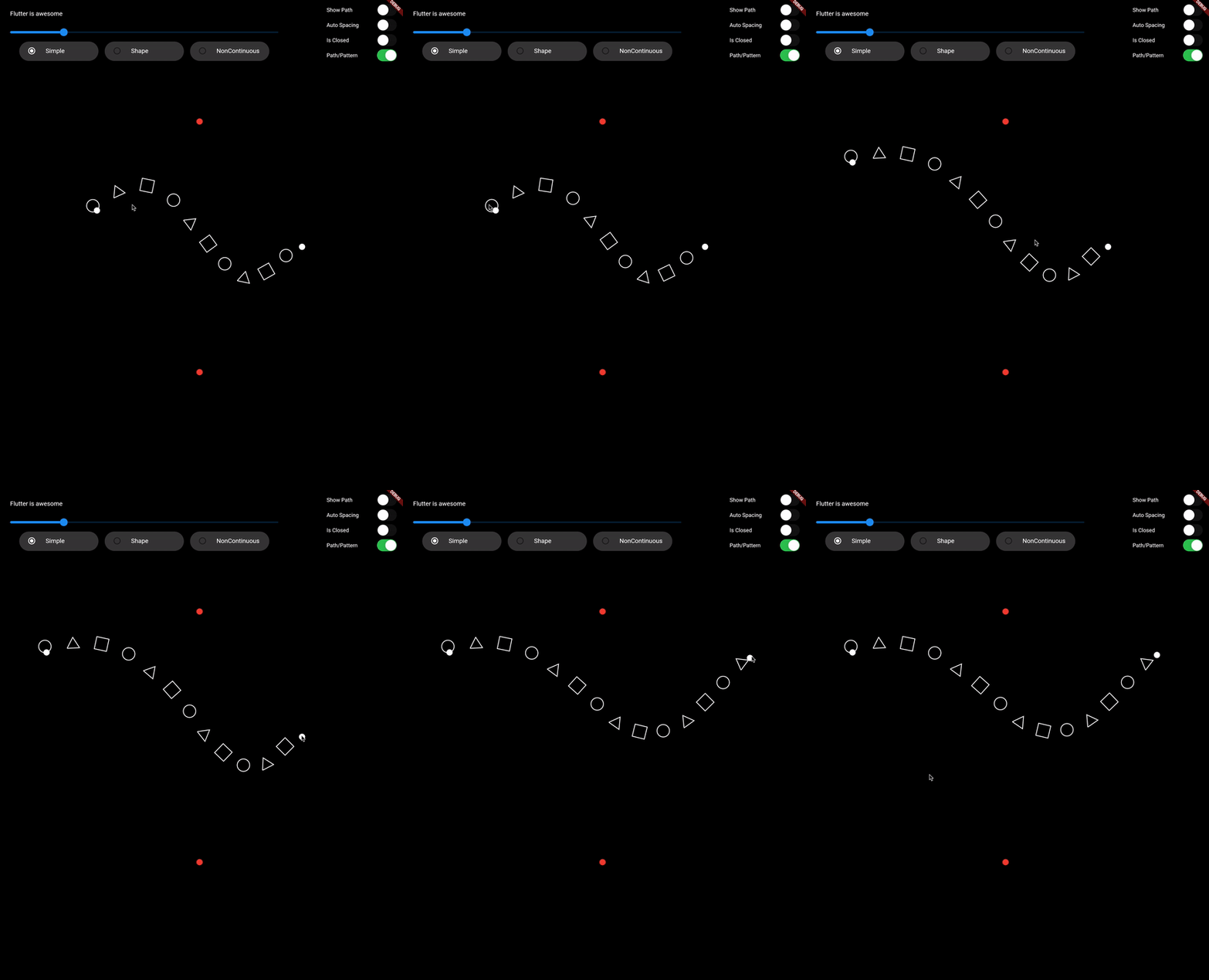
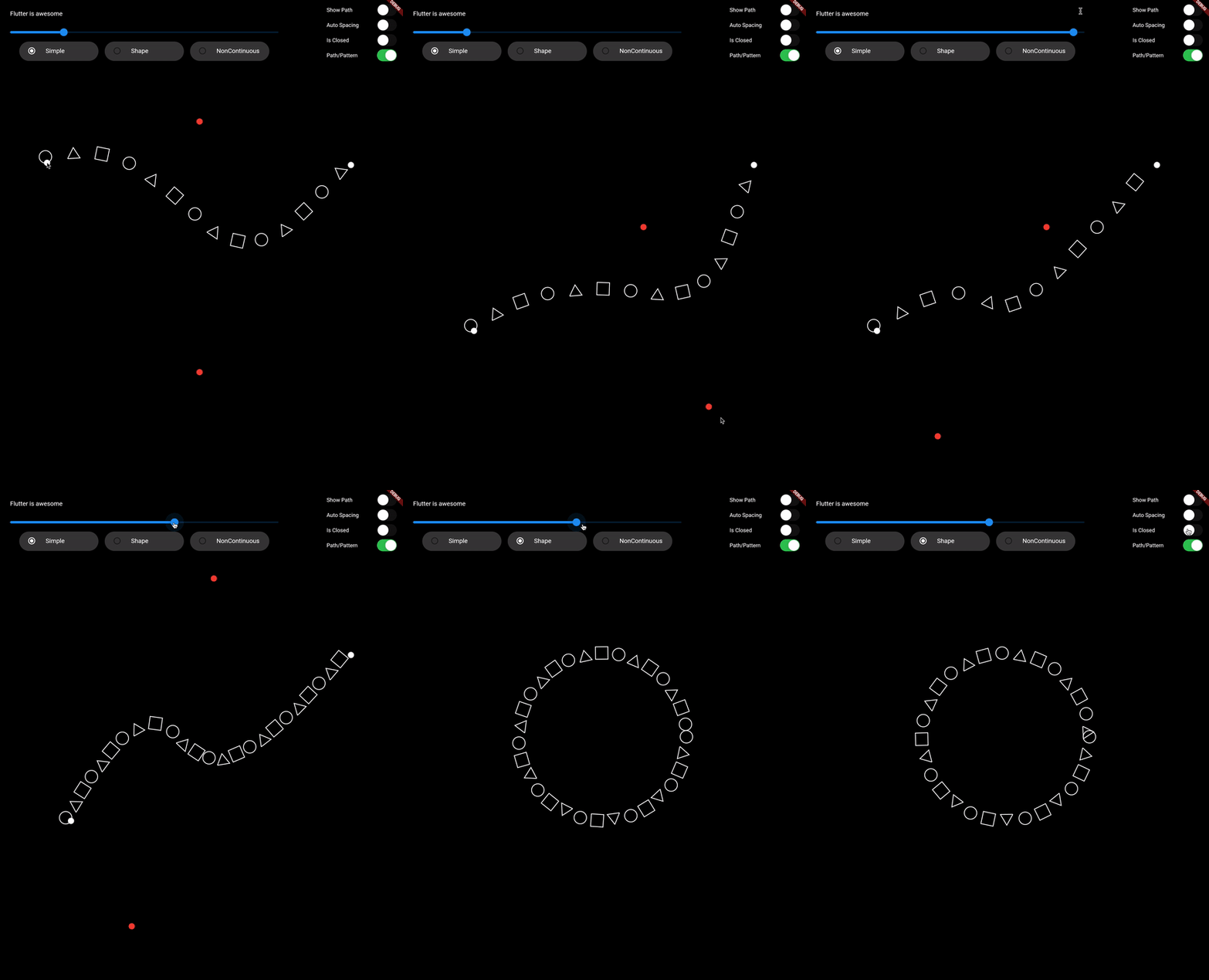
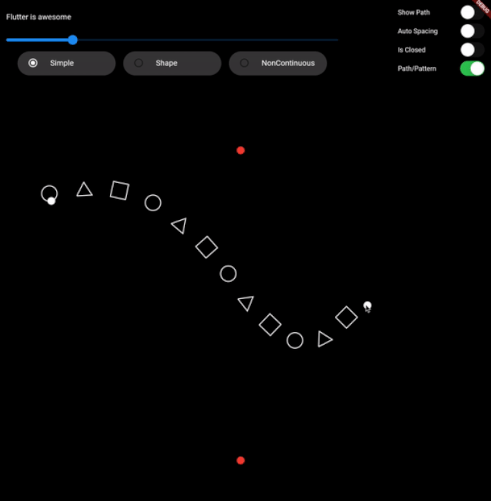
  • Draw pattern along path
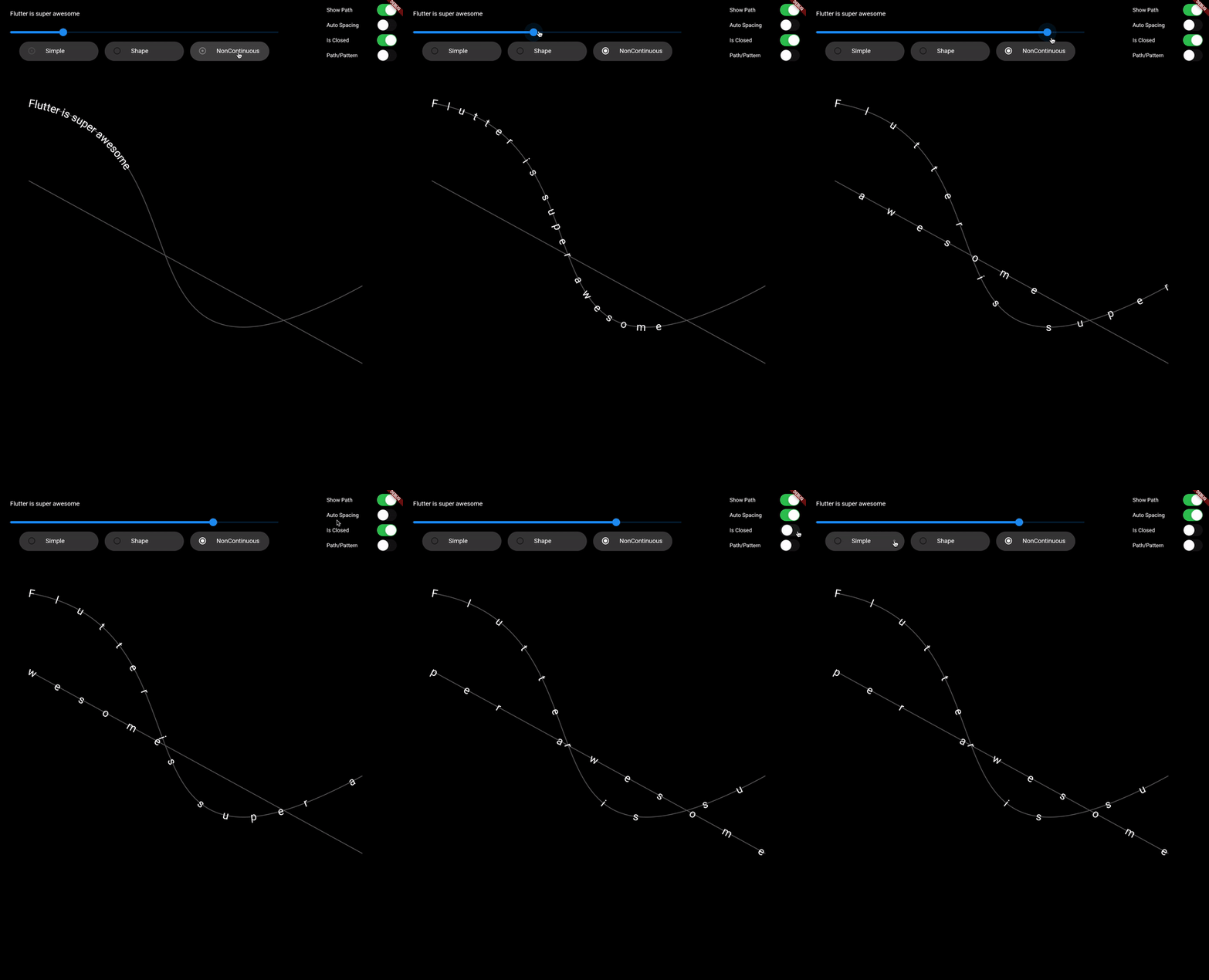
  • Support non-continuous path

Demo Video: https://youtu.be/TZAKSanD73k

Showcase

Usage

  • drawTextOnPath function is used to draw text along path.

    canvas.drawTextOnPath(text, path);
    
  • drawOnPath function is used to draw pattern along path. index can be used to draw different element at different position based on some logic. Use canvas to draw anything at position. The next position is calculated based on spacing provided.

    spacing should be greater than 0. Ideally spacing is the sum of one element width and spacing between two elements (spacing between starting points of two consecutive elements)

    canvas.drawOnPath(
        path,
        (int index, Canvas canvas, Offset position) {
          canvas.drawRect(
            Rect.fromCircle(center: position.translate(0, -16), radius: 16),
            Paint()
              ..color = Colors.white38
              ..strokeWidth = 2.0
              ..style = PaintingStyle.stroke,
          );
        },
        spacing: 70,
      );
    
  • Note: If the text (for given textStyle) is larger than the path, then it will clip extra text.

Contributing

1. Fork it (<https://github.com/himanshugarg08/draw_on_path/fork>)
2. Create your feature branch (`git checkout -b feature/fooBar`)
3. Commit your changes (`git commit -am 'Add some fooBar'`)
4. Push to the branch (`git push origin feature/fooBar`)
5. Create a new Pull Request

Categories

Source repository

Projects using this package