Search packages, repositories and app categories

Package detailsv1.0.2

drop_zone

A simple way to bring drag’n’drop to flutter web. drop_zone is commonly used for file choosing by dragging and dropping a file(s) onto a designated widget. The user can then use the dropped html file(s).

Web
30-day downloads
2.5K
Likes
46
Pub points
120

Install package

flutter pub add drop_zone

Package Overview

Package selection guidance compiled from public package information, community data, and project usage.

drop_zone is a Flutter web package that simplifies drag-and-drop functionality, enabling users to select files by dragging and dropping them onto a designated widget. It integrates seamlessly with Flutter's web platform, allowing developers to capture dropped HTML files for further processing. Ideal for file upload interfaces, it enhances user experience with intuitive gestures. The package is lightweight and focused on core drag-and-drop behavior without additional complexity.

Use cases

  • File uploads via drag and drop
  • Web-based document import
  • Interactive file selection interfaces
  • Enhanced user input for web apps
  • Drag-to-upload widgets in forms

Key features

  • Simple drag-and-drop integration
  • Supports multiple file drops
  • Works with HTML File objects
  • Lightweight and focused
  • Built for Flutter web

Suitable for

  • Web applications needing file input
  • Developers building file upload features
  • UIs requiring gesture-based interactions
  • Projects using Flutter for web only
  • Apps aiming for intuitive file selection

Considerations

  • Only available for web platform
  • Does not support mobile drag-and-drop
  • Requires handling of file data manually
  • Limited to file dropping, no custom drag types
  • No built-in file preview or validation

Original README

Original README snapshot from the linked source repository. Visit the repository for the latest content.

drop_zone

pub package License: MIT

A simple way to bring drag’n’drop to flutter web.

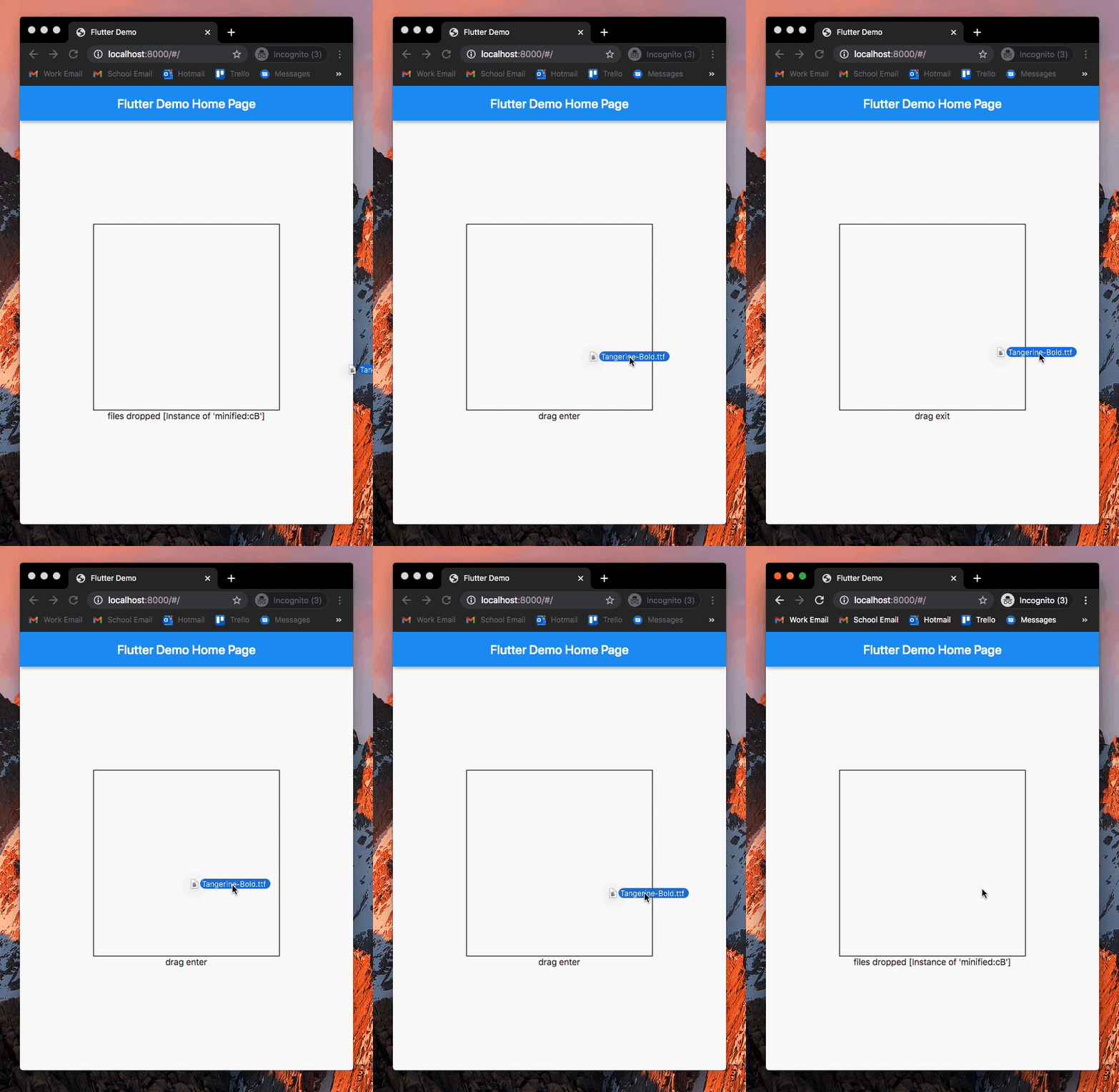
drop_zone is commonly used for file choosing by dragging and dropping a file(s) onto a designated widget. The user can then use the dropped html file(s).

Example

An example can be found in the example directory of this repository.

How to use

Add drop_zone to pubspec.yaml of your project:

dependencies:
  drop_zone: ^1.0.2

Add necessary imports and wrap any widget with DropZone() to use it as a dropzone:

import 'package:drop_zone/drop_zone.dart';
import 'dart:html' as html;

DropZone(
    onDragEnter: () {
        print('drag enter');
    },
    onDragExit: () {
        print('drag exit');
    },
    onDrop: (List<html.File> files) {
        print('files dropped');
        print(files);
    },
    child: Container(
        width: 300,
        height: 300,
    )
)

License

MIT License.

Categories

Source repository

Projects using this package

No data available yet.