Package selection guidance compiled from public package information, community data, and project usage.
FastCachedNetworkImage is a Flutter package designed to efficiently cache network images with minimal setup. It provides built-in support for customizable loading indicators, progress percentage displays, and error handling through a dedicated builder. Ideal for apps requiring fast image rendering and improved performance by reducing redundant network requests. The package supports all major platforms including Android, iOS, Web, macOS, Windows, and Linux, making it highly versatile for cross-platform development.
Use cases
Displaying images from URLs in lists
Improving app performance with image caching
Showing loading states during image fetch
Adding progress indicators for large images
Handling image load failures gracefully
Key features
Easy integration with minimal code
Support for custom loaders and error builders
Real-time download progress tracking
Cross-platform compatibility
Automatic image caching
Configurable cache size and duration
Suitable for
Apps with heavy image content
List or grid views with remote images
Developers prioritizing performance
Projects needing smooth UX during image loading
Teams building cross-platform apps
Considerations
Cache management requires manual configuration for advanced use
Large caches may impact device storage
Limited customization for cache eviction policies
Not optimized for very high-frequency image updates
May require additional memory for cached assets
Original README
Original README snapshot from the linked source repository. Visit the repository for the latest content.
Fast Cached Network Image
A flutter package to cache network image easily, with loader, error builder, and smooth fade transitions.
You can also add beautiful loaders and percentage indicators with the total and download size of the image.
Use fast_cached_network_image: 1.2.9 (without "^") for projects with Flutter SDK version < 3.27.1.
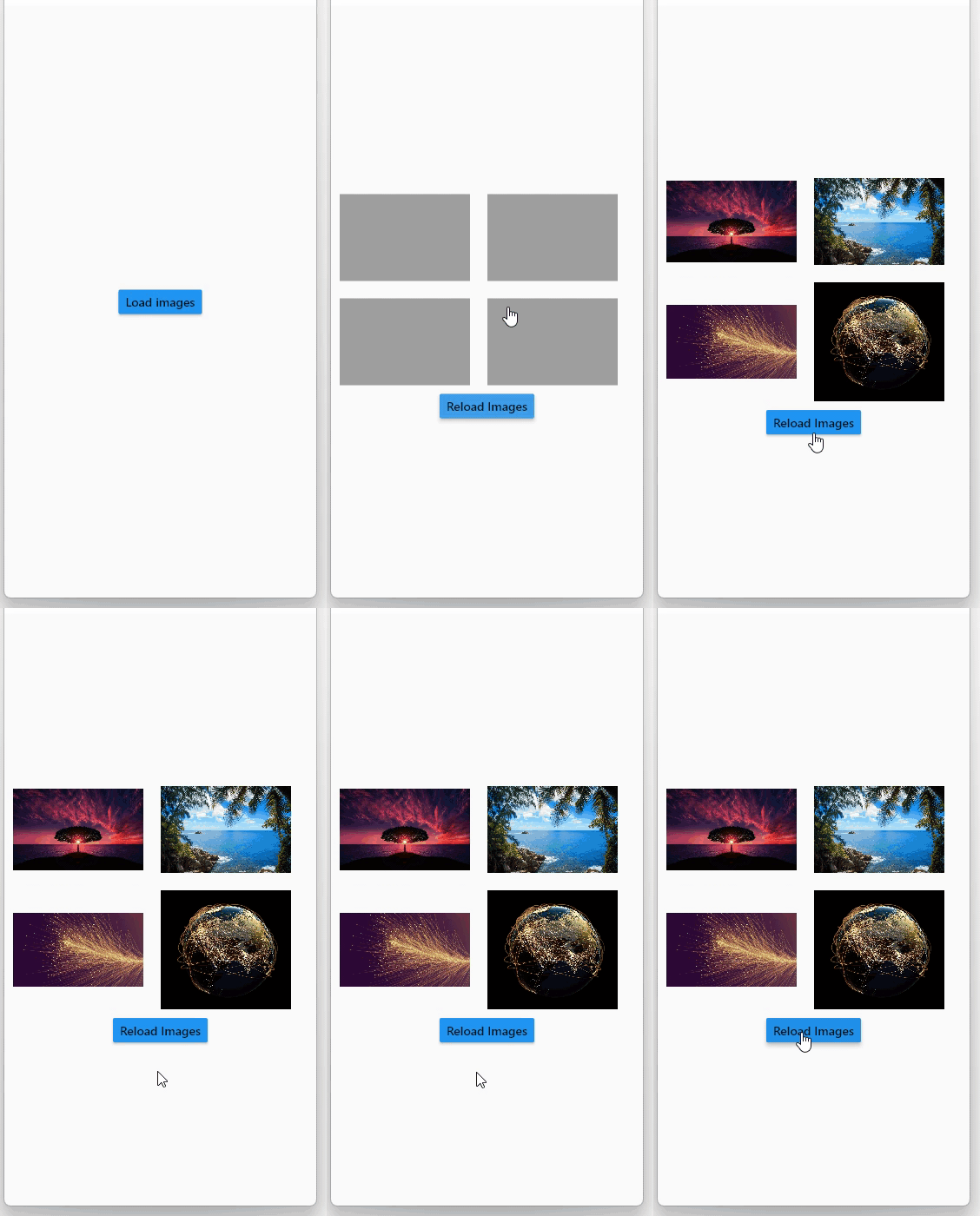
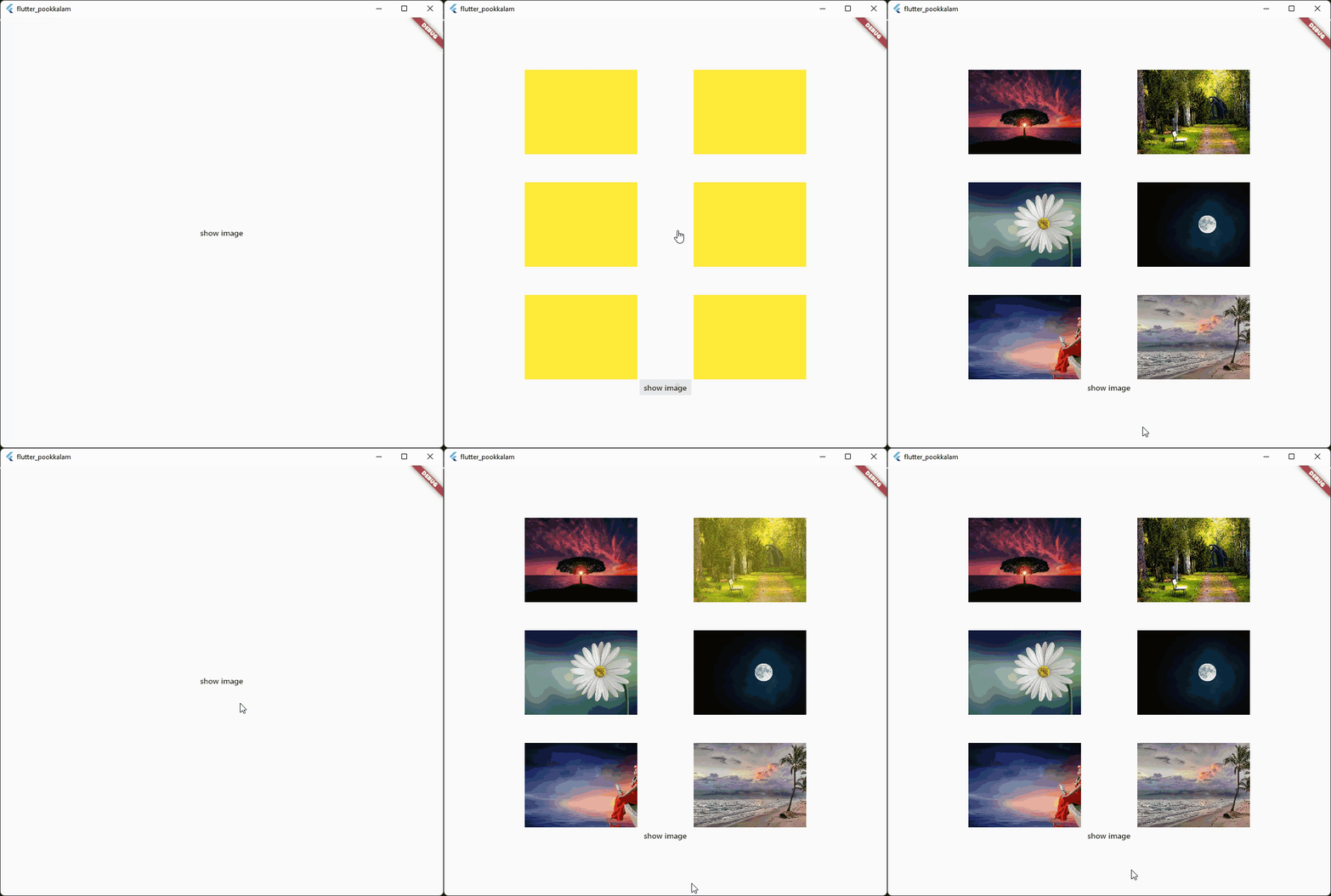
Screenshots
Use shimmer package to create a beautiful loading widget.
and then pass the storageLocation to the subDir parameter.
The clearCacheAfter property is used to set the Duration after with the cached image will be cleared. By default its set to 7 days, which means an image cached today will be deleted when you open the app after 7 days.
loadingBuilder property can be used to display a loading widget such as a shimmer. This widget will be displayed while the image is being downloaded and processed.
loadingBuilder provides a progress property which can be used to display the image download progress with the size(in bytes) of the image.
fadeInDuration: constDuration(seconds: 1);
fadeInDuration property can be use to set the fadeInDuration between the loadingBuilder and the image. Default duration is 500 milliseconds
FastCachedImageConfig.isCached(imageUrl: url));
You can pass in a url to this method and check whether the image in the url is already cached.
This method deletes the image with given url from cache.
FastCachedImageConfig.clearAllCachedImages();
This method removes all the cached images. This method can be used in situations such as user logout, where you need to
clear all the images corresponding to the particular user.
If an image had some errors while displaying, the image will be automatically re - downloaded when the image is requested again.
FastCachedImage have all other default properties such as height, width etc. provided by flutter.
If you want to use an image from cache as image provider, use



 Use


