Package selection guidance compiled from public package information, community data, and project usage.
A Flutter package that delivers customizable floating snackbars for enhanced user feedback across multiple platforms. Designed to provide a modern, animated notification experience, it supports smooth transitions and dynamic positioning. Ideal for displaying brief messages, alerts, or confirmations without interrupting the user flow. The package is lightweight and integrates seamlessly into existing projects with minimal setup. It works on Android, iOS, Web, macOS, Windows, and Linux, ensuring consistent behavior across devices.
Use cases
Displaying quick status updates
Showing confirmation messages after actions
Providing user feedback in forms
Notifying users of successful operations
Enhancing UI with animated notifications
Key features
Customizable appearance and animation
Floating, non-blocking design
Cross-platform compatibility
Easy integration with existing code
Support for multiple display positions
Suitable for
Mobile and web applications
Projects needing lightweight notifications
Developers seeking modern UI components
Apps requiring consistent feedback across platforms
UI-focused Flutter projects
Considerations
May require additional styling for complex designs
Limited to basic snackbar functionality
Performance impact with frequent usage
No built-in support for swipe-to-dismiss
Depends on platform-specific rendering behaviors
Original README
Original README snapshot from the linked source repository. Visit the repository for the latest content.
floating_snackbar
Beautiful, customizable floating snackbars / toasts for Flutter. 🚀
Keep the dead-simple one-liner you already know - or reach for variants,
positioning, theming, actions, progress bars, and context-free display when you
need them. Pure Dart, zero native code, works on every platform.
Android
iOS
Linux
macOS
Web
Windows
✅
✅
✅
✅
✅
✅
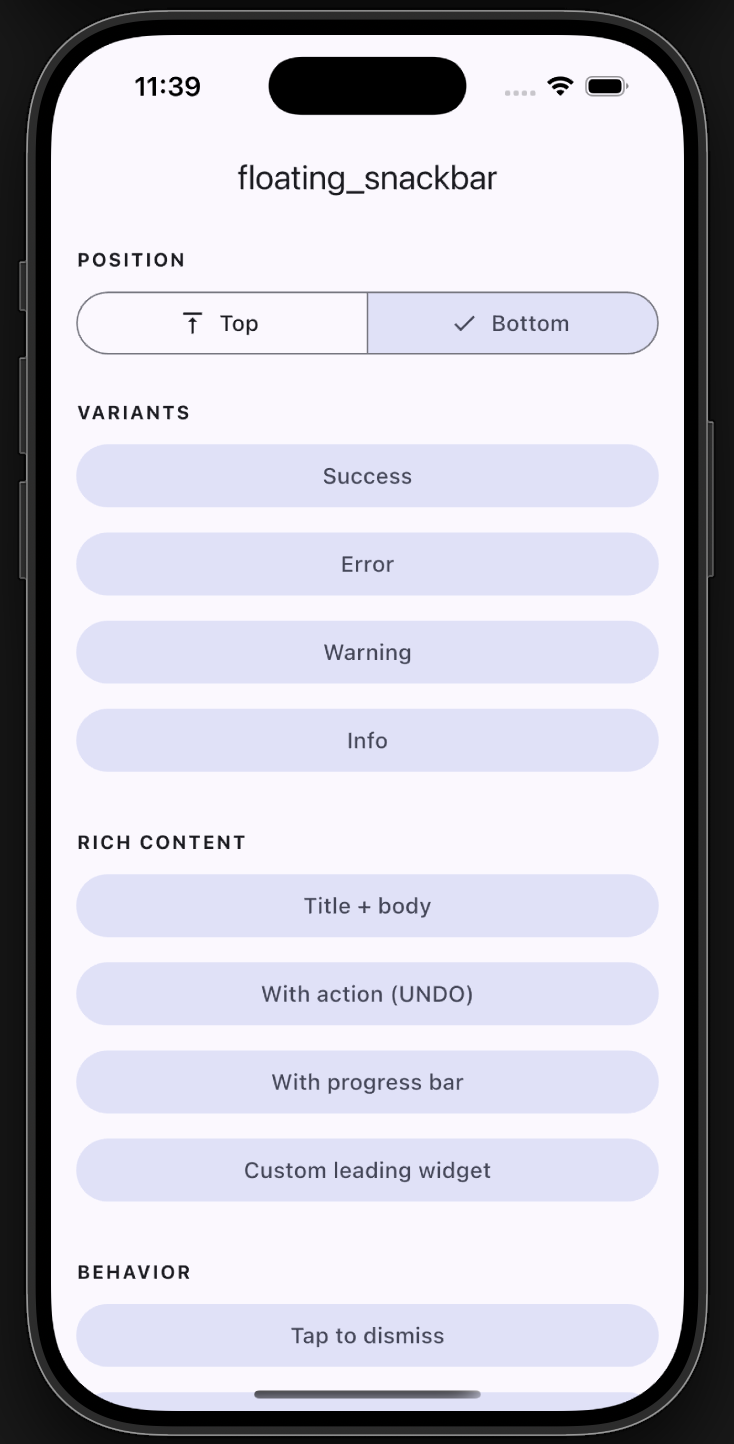
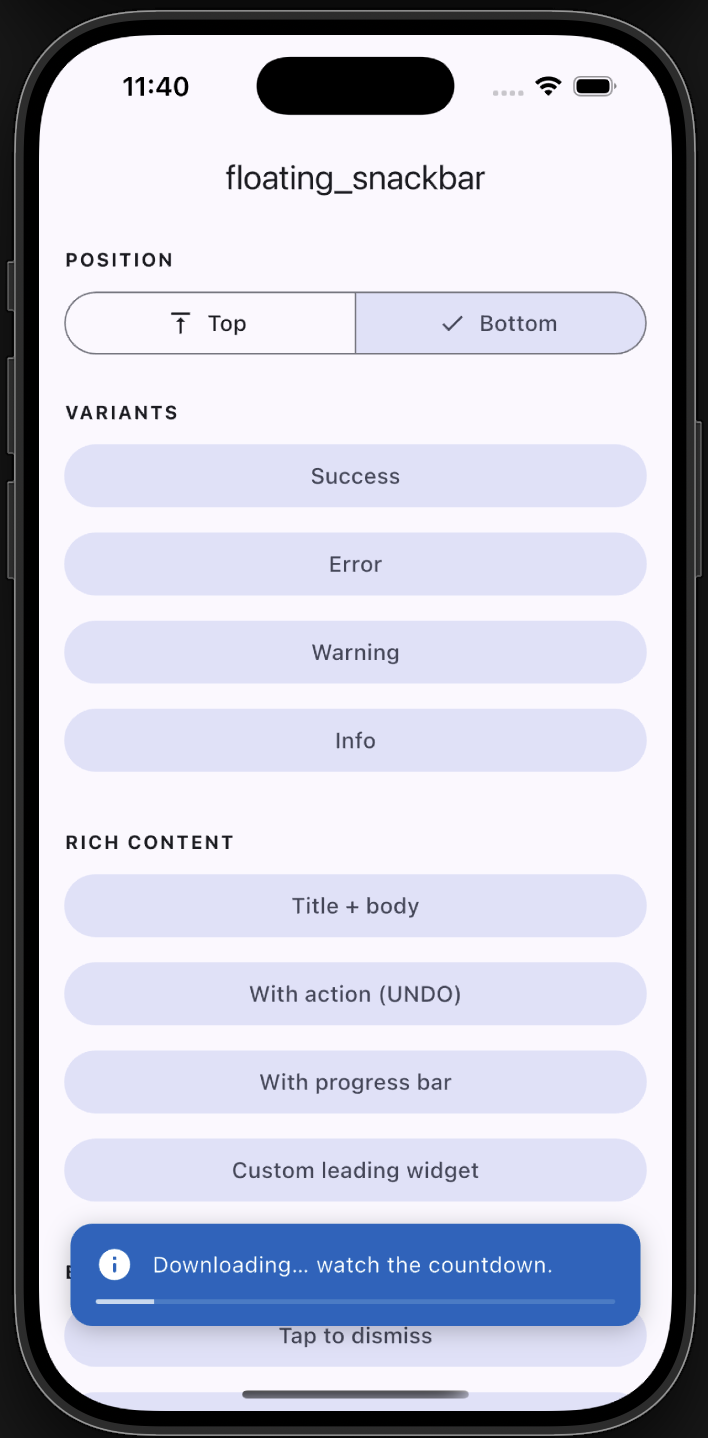
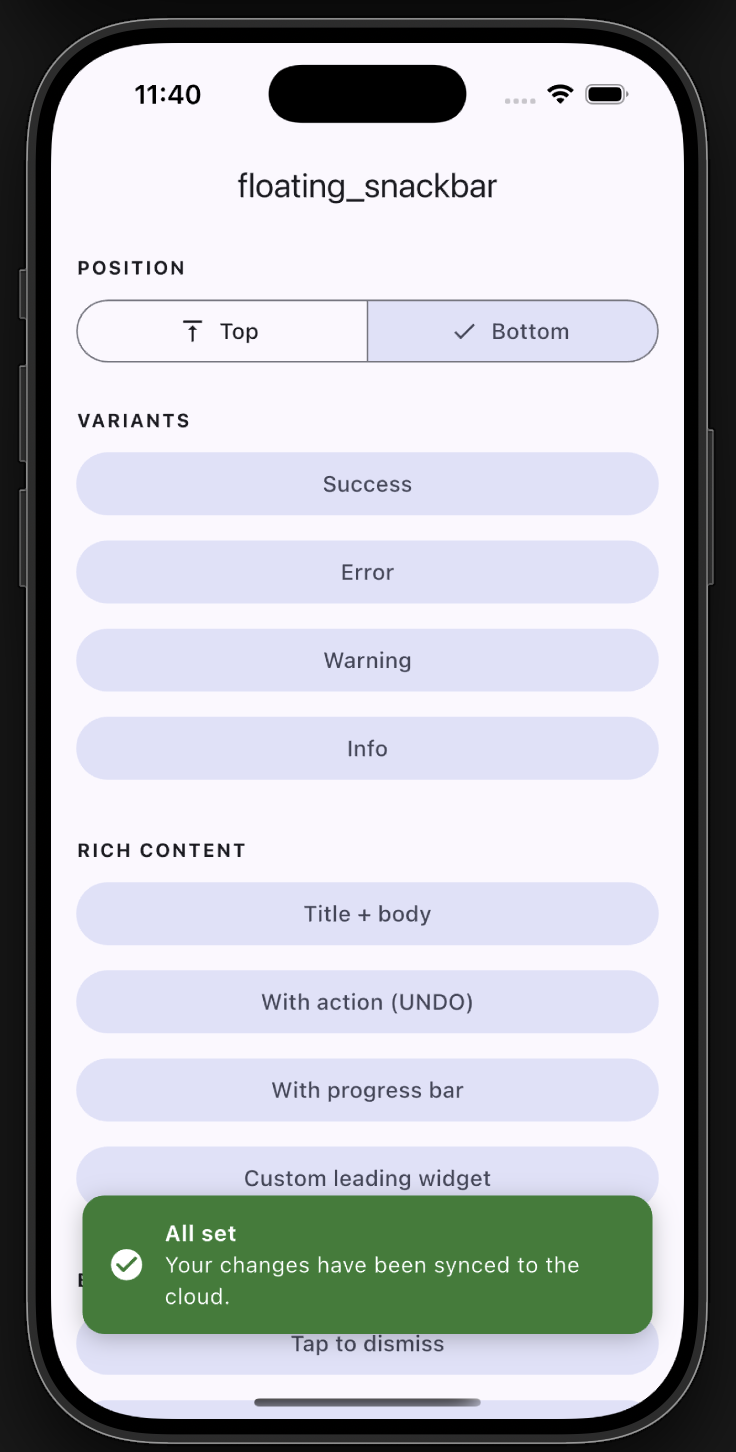
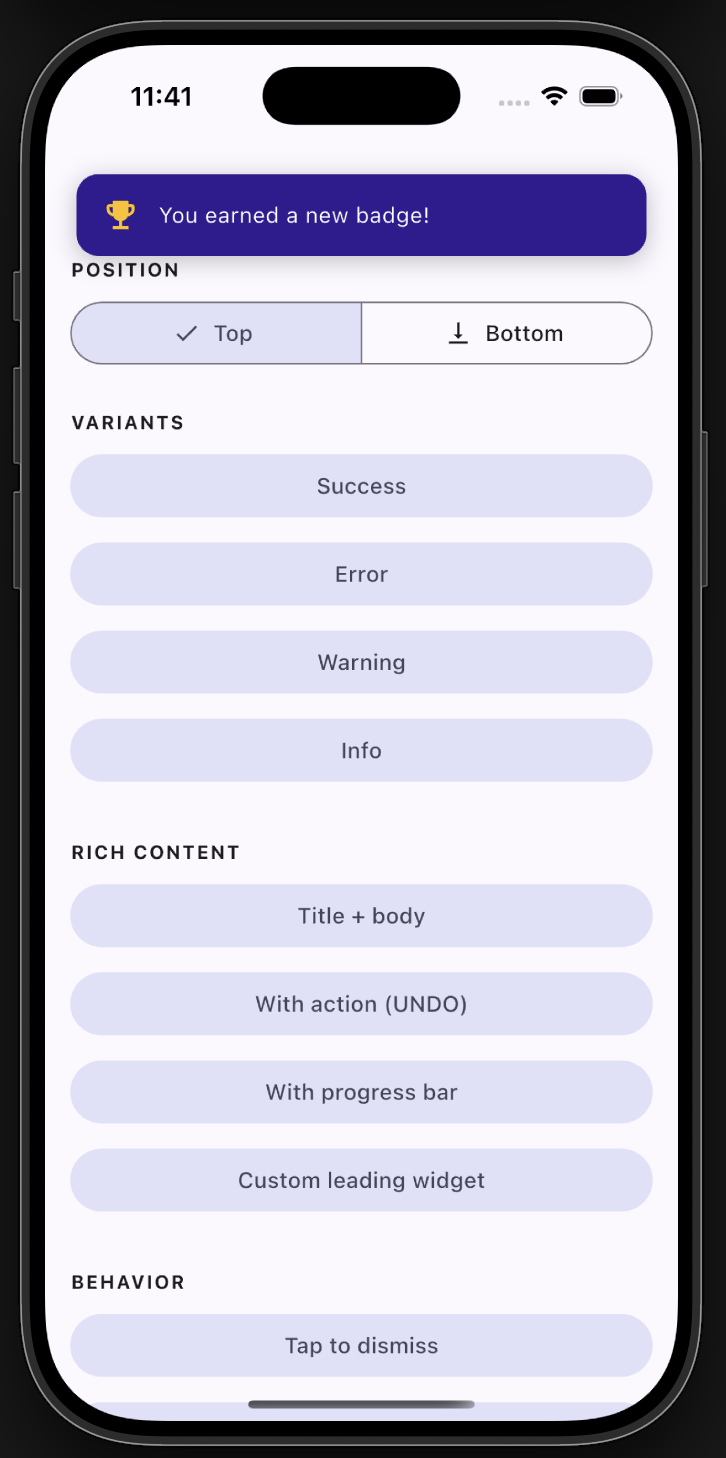
📸 Screenshots
Example app
Progress
Bottom with title
Top position
✨ Features
✅ Backward compatible - the original floatingSnackBar() still works.
floatingSnackBar(
  message: 'Hi there! I am a floating SnackBar!',
  context: context,
);
Variants
FloatingSnackBar.success(context, 'Saved successfully!');
FloatingSnackBar.error(context, 'Something went wrong.');
FloatingSnackBar.warning(context, 'Battery is running low.');
FloatingSnackBar.info(context, 'A new update is available.');
Positioning
FloatingSnackBar.success(
  context,
  'Shown at the top!',
  position: FloatingSnackBarPosition.top,
);