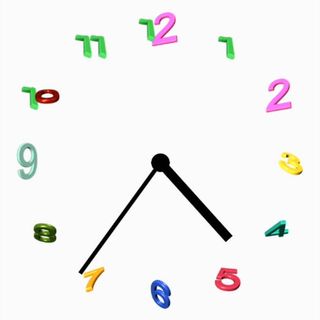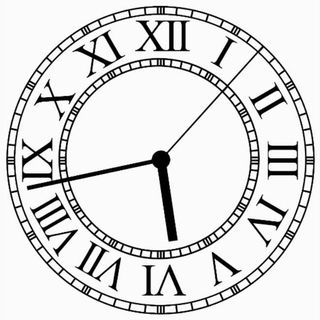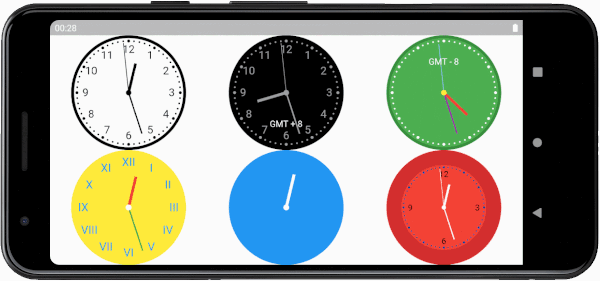
Search packages, repositories and app categories

flutter_analog_clock cover
Package detailsv1.0.3

flutter_analog_clock

A simple, highly customizable analog clock widget. This widget enables you to customize the clock's background, dial, markings, and hands.

AndroidiOSWebmacOSWindowsLinux
30-day downloads
4.1K
Likes
68
Pub points
150

Install package

flutter pub add flutter_analog_clock

Package Overview

Package selection guidance compiled from public package information, community data, and project usage.

A simple and highly customizable analog clock widget for Flutter applications. It allows developers to tailor the clock's appearance by customizing the background, dial design, markings, and hand styles. Ideal for apps requiring a classic time display with a polished look. The widget supports all major platforms including Android, iOS, Web, macOS, Windows, and Linux, ensuring consistent performance across devices. With clean code and intuitive configuration options, it’s easy to integrate into any project needing a visually appealing analog clock.

Use cases

  • Displaying real-time time in dashboard apps
  • Adding a retro or classic aesthetic to UIs
  • Creating time-tracking or meditation apps
  • Integrating into home screen widgets
  • Designing digital clocks with traditional style

Key features

  • Fully customizable background and dial
  • Configurable hand styles and colors
  • Support for multiple platform targets
  • Easy integration via pub.dev
  • Responsive design across screen sizes

Suitable for

  • Developers building time-based apps
  • UI designers seeking elegant clock components
  • Projects requiring cross-platform consistency
  • Apps with minimalist or vintage themes
  • Prototyping interactive clock interfaces

Considerations

  • May require additional styling for dark mode compatibility
  • Performance impact on high-refresh rate animations
  • Limited built-in time zone support
  • Customization may increase bundle size slightly
  • Hand animation smoothness depends on device capabilities

Original README

Original README snapshot from the linked source repository. Visit the repository for the latest content.

Flutter Analog Clock

pub package

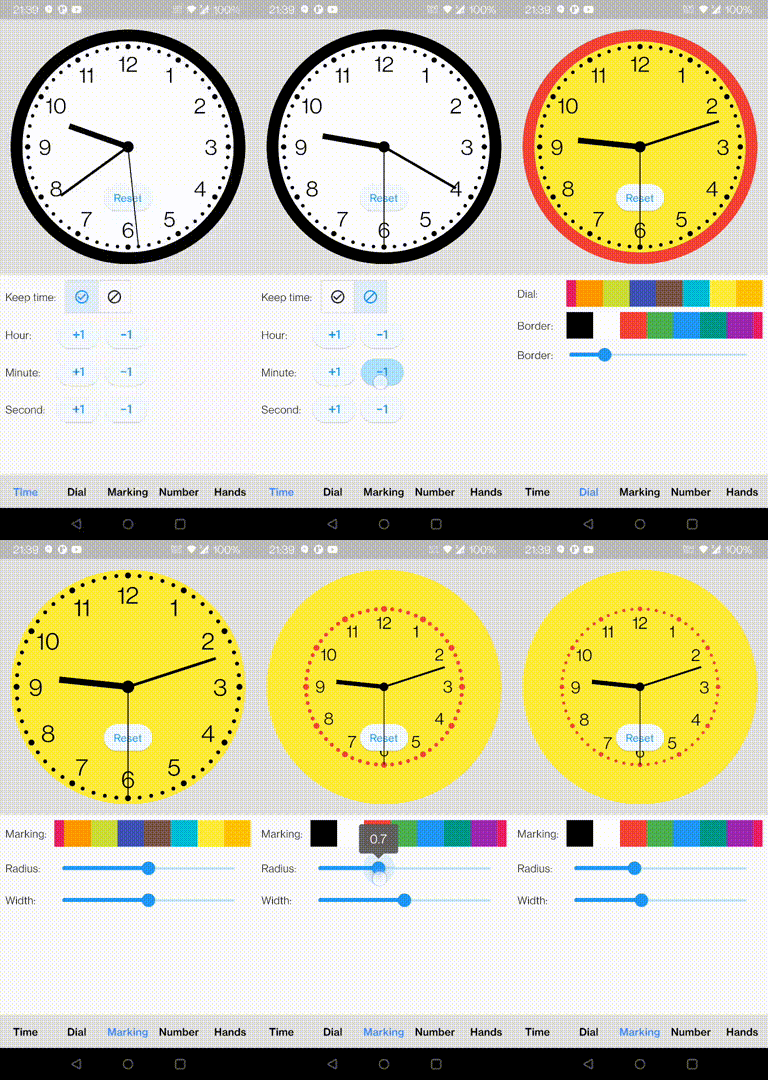
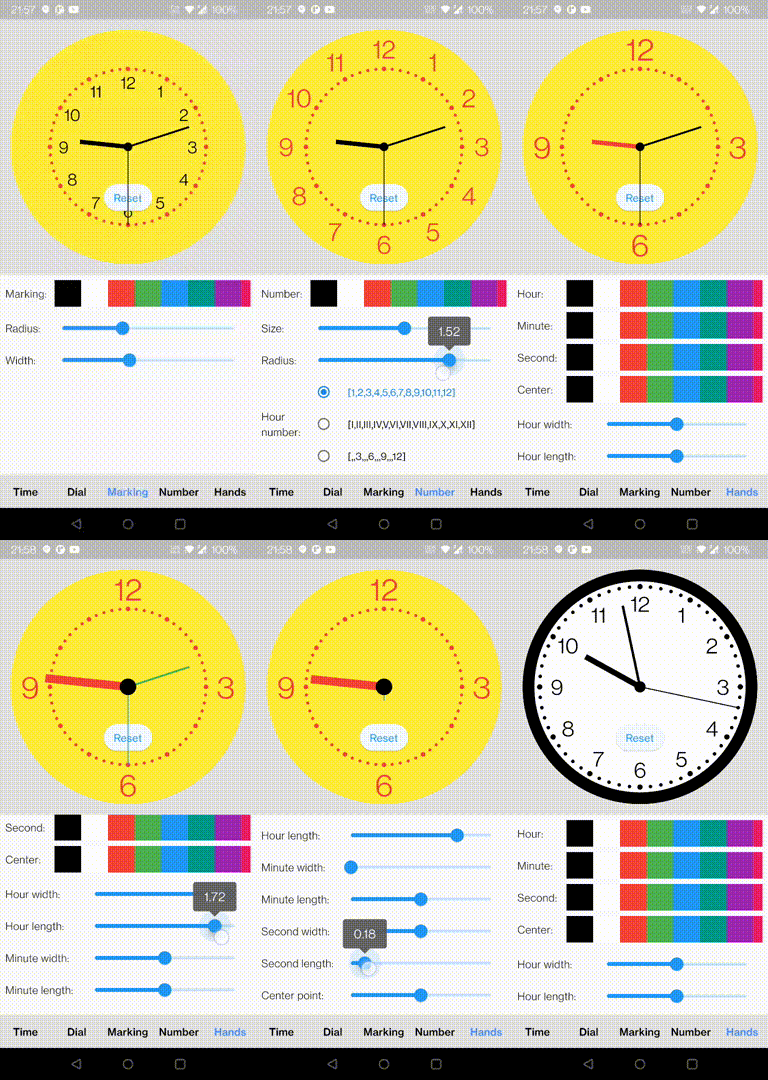
A simple, highly customizable analog clock widget. This widget enables you to customize the clock's background, dial, markings, and hands.

Install

In the pubspec.yaml of your flutter project, add the following dependency:

dependencies:
  flutter_analog_clock: ^1.0.3

In your library add the following import:

import 'package:flutter_analog_clock/flutter_analog_clock.dart';

Usage

1. Simple to use

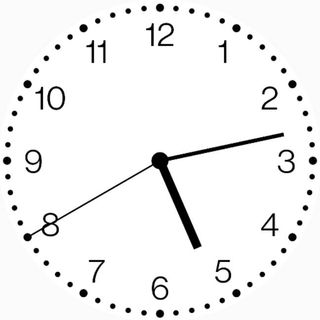
  const AnalogClock()
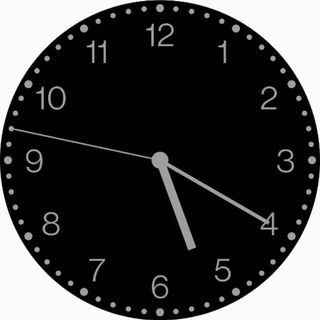
  const AnalogClock.dark()
2. Use an image as a clock face

  Container(
    decoration: const BoxDecoration(
      image: DecorationImage(image: AssetImage('assets/dial01.webp')),
    ),
    child: const AnalogClock(
      dialColor: null,
      markingColor: null,
      hourNumberColor: null,
      secondHandColor: null,
    ),
  ),
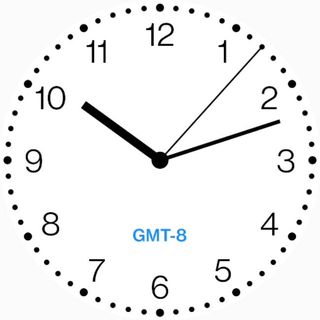
3. With a child

  AnalogClock(
    dateTime: DateTime(2022, 10, 24, 10, 12, 07),
    isKeepTime: false,
    child: const Align(
      alignment: FractionalOffset(0.5, 0.75),
      child: Text('GMT-8'),
    ),
  ),
4. Customize to use
  AnalogClock(
    dateTime: DateTime.now(),
    isKeepTime: true,
    dialColor: Colors.white,
    dialBorderColor: Colors.black,
    dialBorderWidthFactor: 0.02,
    markingColor: Colors.black,
    markingRadiusFactor: 1.0,
    markingWidthFactor: 1.0,
    hourNumberColor: Colors.black,
    hourNumbers: const ['', '', '3', '', '', '6', '', '', '9', '', '', '12'],
    hourNumberSizeFactor: 1.0,
    hourNumberRadiusFactor: 1.0,
    hourHandColor: Colors.black,
    hourHandWidthFactor: 1.0,
    hourHandLengthFactor: 1.0,
    minuteHandColor: Colors.black,
    minuteHandWidthFactor: 1.0,
    minuteHandLengthFactor: 1.0,
    secondHandColor: Colors.black,
    secondHandWidthFactor: 1.0,
    secondHandLengthFactor: 1.0,
    centerPointColor: Colors.black,
    centerPointWidthFactor: 1.0,
  )
5. Specify a time
class ExampleSpecifyTime extends StatefulWidget {
  const ExampleSpecifyTime({Key? key}) : super(key: key);

  @override
  State<ExampleSpecifyTime> createState() => _ExampleSpecifyTimeState();
}

class _ExampleSpecifyTimeState extends State<ExampleSpecifyTime> {
  final GlobalKey<AnalogClockState> _analogClockKey = GlobalKey();
  @override
  Widget build(BuildContext context) {
    return Scaffold(
      appBar: AppBar(
        title: const Text('Analog clock'),
      ),
      body: AnalogClock(
        key: _analogClockKey,
        dateTime: DateTime(2022, 10, 24, 1, 23, 45),
        isKeepTime: false,
      ),
      persistentFooterButtons: [
        ElevatedButton(
          onPressed: () {
            _analogClockKey.currentState!.dateTime = DateTime.now();
          },
          child: const Text('Now'),
        ),
        ElevatedButton(
          onPressed: () {
            _analogClockKey.currentState!.isKeepTime = true;
          },
          child: const Text('Keep time'),
        ),
      ],
    );
  }
}

You can find all custom options here:

https://github.com/conghaonet/flutter_analog_clock/blob/master/example/lib/example.dart

Categories

Source repository

Projects using this package

No data available yet.