Package selection guidance compiled from public package information, community data, and project usage.
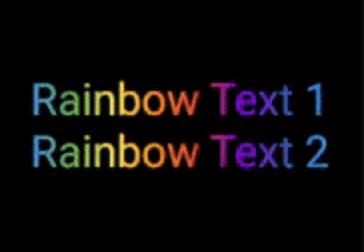
A Flutter package that enables developers to easily create animated gradient text by specifying the text content, gradient colors, and animation duration. It simplifies the process of adding visually appealing, dynamic text effects to apps across multiple platforms. The package is lightweight and integrates seamlessly into existing Flutter projects with minimal setup. Ideal for enhancing UIs with engaging typography without complex custom animations.
Use cases
Adding animated gradient titles
Creating eye-catching app headers
Enhancing splash screens
Designing interactive UI elements
Animating text in onboarding flows
Key features
Simple API with text and color inputs
Customizable animation duration
Cross-platform support
Smooth gradient transitions
Minimal boilerplate code
Suitable for
UI designers seeking visual flair
Developers building modern app interfaces
Projects requiring animated typography
Beginners learning Flutter animations
Apps with dynamic or interactive text elements
Considerations
Performance impact with many animated texts
Limited customization beyond gradient and duration
May require optimization for low-end devices
Animation behavior may vary slightly across platforms
Not suitable for static text designs
Original README
Original README snapshot from the linked source repository. Visit the repository for the latest content.
This package lets you make animated gradient texts without any hassle.
Just pass the text, colors, the duration of the animation and you're done!
Using the transform and reverse, you can achieve amazing effects.
For More info read the docs below.
Getting started
Install the package using the following command:
flutter pub add flutter_gradient_animation_text
Import the package in your dart file using the following code:
Reverse the animation.
This plays the animation backwards when a single iteration of the forward animation is completed.
You set reverse to true to enable this.
Play with colors.
It is possible to use the same color more than once to increase the area it covers.
Gold Text Example:
The following 2 Gold Text animations have different number of Colors.amber color.