Package selection guidance compiled from public package information, community data, and project usage.
A Flutter web plugin enabling users to select images and videos directly from the web browser. It provides flexible output options, returning selected media as a Widget, File, or Uint8List for seamless integration into web applications. Designed specifically for web platforms, it enhances user experience by supporting native file selection with minimal setup. The plugin is maintained by a community contributor and supports modern web standards. Ideal for apps requiring media uploads or previews in browser environments.
Use cases
Web-based photo upload forms
Video selection for content creation
Media preview before upload
User profile image customization
Interactive web galleries
Key features
Supports image and video selection
Returns media as File or Uint8List
Provides widget preview option
Optimized for web platform
Simple integration with Flutter Web
Suitable for
Flutter developers building web apps
Apps needing browser-based media input
Projects requiring lightweight media pickers
Web-only applications with media workflows
Developers seeking cross-platform consistency
Considerations
Limited to web platform only
Requires browser permission for file access
Does not support camera capture on web
May have varying behavior across browsers
Depends on external GitHub repository for updates
Original README
Original README snapshot from the linked source repository. Visit the repository for the latest content.
ImagePickerWeb
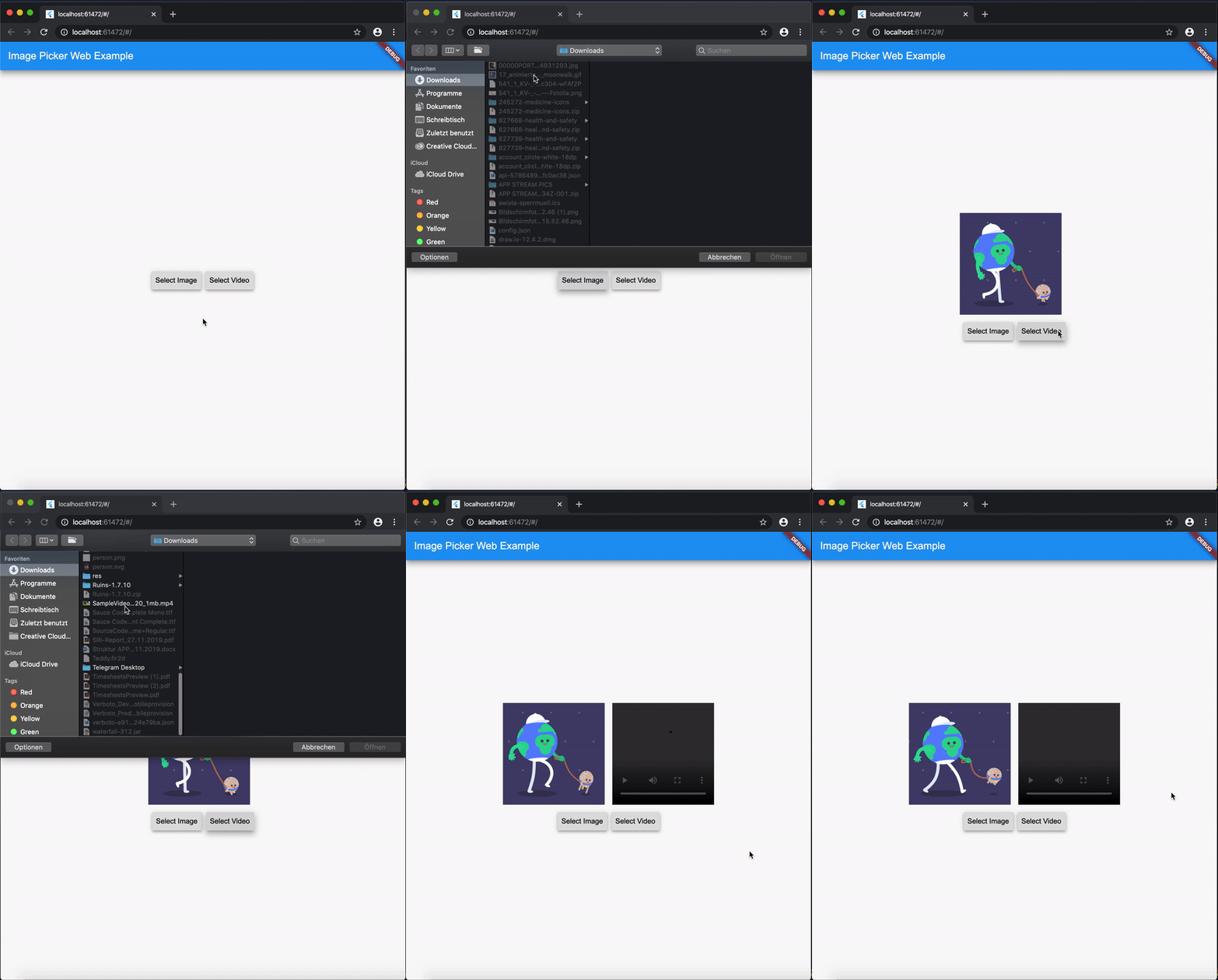
This Web-Plugin allows Flutter Web to pick images (as File, Widget or Uint8List) and videos (as File or Uint8List). Many thanks goes to AlvaroVasconcelos for the implementation of picking images in his plugin: flutter_web_image_picker
Disclaimer for Videos
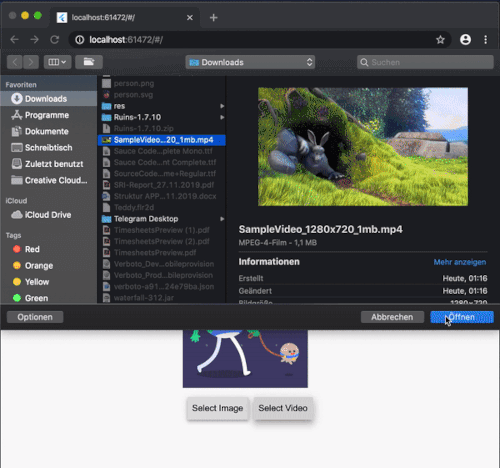
Till now [Mar. 2020] it's not possible (due to security reasons) to play a local video file (see also video_player_web). But you can retreive the file and upload them somewhere and play it as a network source.
Reminder: Don't use Uint8List retreivement for big video files! Flutter can't handle that. Pick bigger sized videos and high-resolution videos as html.File !
After you uploaded your video somewhere hosted, you can retreive the network url to play it.
MediaInfos
The methods getVideoInfo and getImageInfo are also available and you can use them to retreive further informations about your picked source.