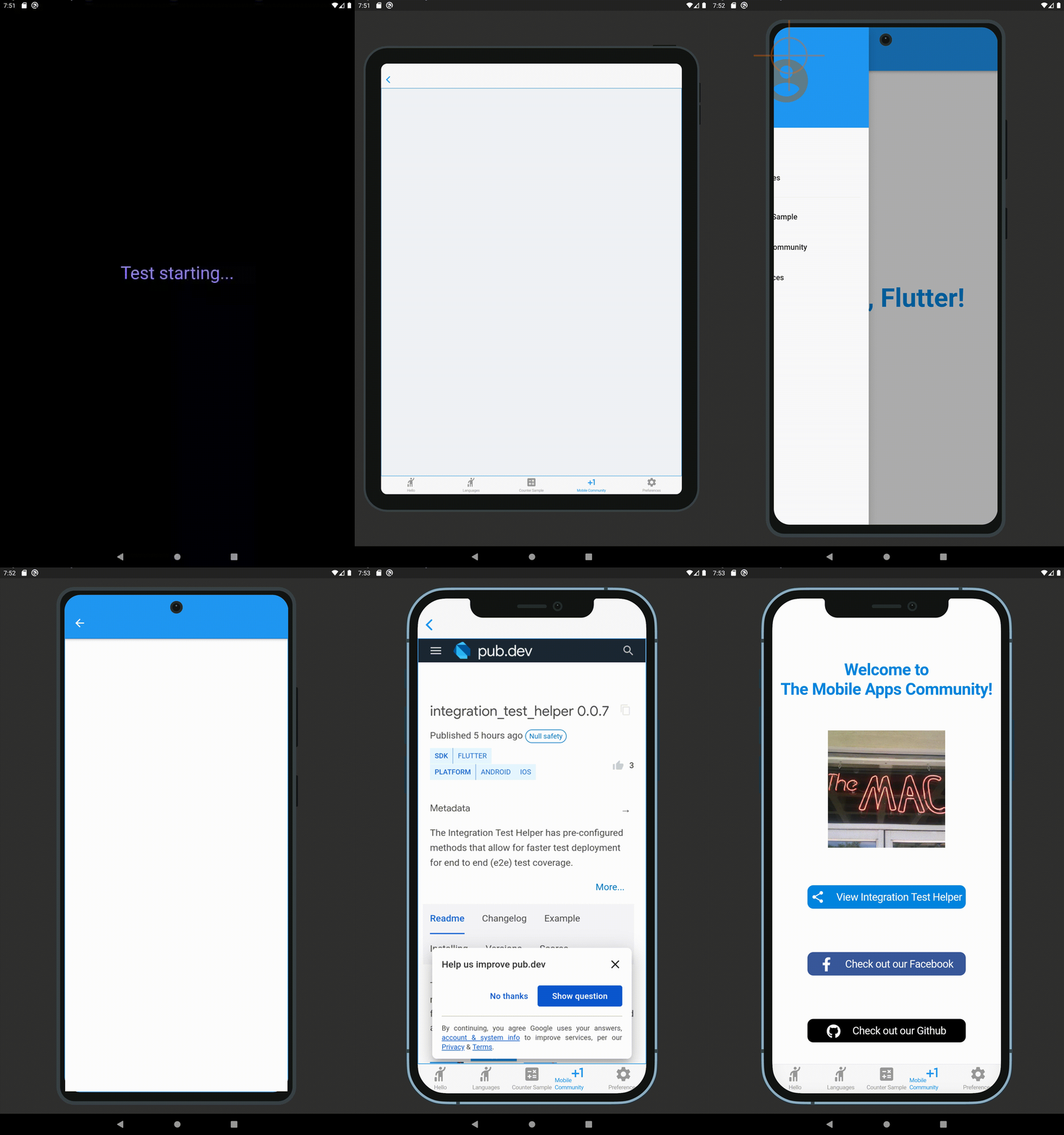
Integration Test Preview has pre-configured methods that allow for faster test deployment for end to end (e2e) test coverage (using Android and iOS platform UIs).
Package selection guidance compiled from public package information, community data, and project usage.
Integration Test Preview provides pre-configured methods to accelerate end-to-end (e2e) testing in Flutter applications using native Android and iOS UIs. It simplifies test setup and execution, enabling developers to achieve comprehensive e2e test coverage with minimal boilerplate. The package integrates seamlessly with Flutter’s integration_test framework and is designed for rapid test deployment across platforms. It supports real device and emulator testing, ensuring reliable behavior matching production environments.
Use cases
Accelerating e2e test development
Testing native platform UI interactions
Streamlining cross-platform test deployment
Validating app workflows end-to-end
Reducing test setup time
Supporting CI/CD pipelines
Key features
Pre-configured test methods
Native Android and iOS UI testing
Minimal boilerplate code
Seamless integration with integration_test
Fast test deployment
Cross-platform compatibility
Suitable for
Flutter teams focused on e2e testing
Developers seeking faster test cycles
Projects requiring native platform validation
CI/CD-driven development workflows
Teams adopting automated testing practices
Considerations
Requires Android and iOS platform setup
Limited to e2e testing scope
No support for web or desktop platforms
Dependent on integration_test framework
May require additional configuration for complex scenarios
Original README
Original README snapshot from the linked source repository. Visit the repository for the latest content.
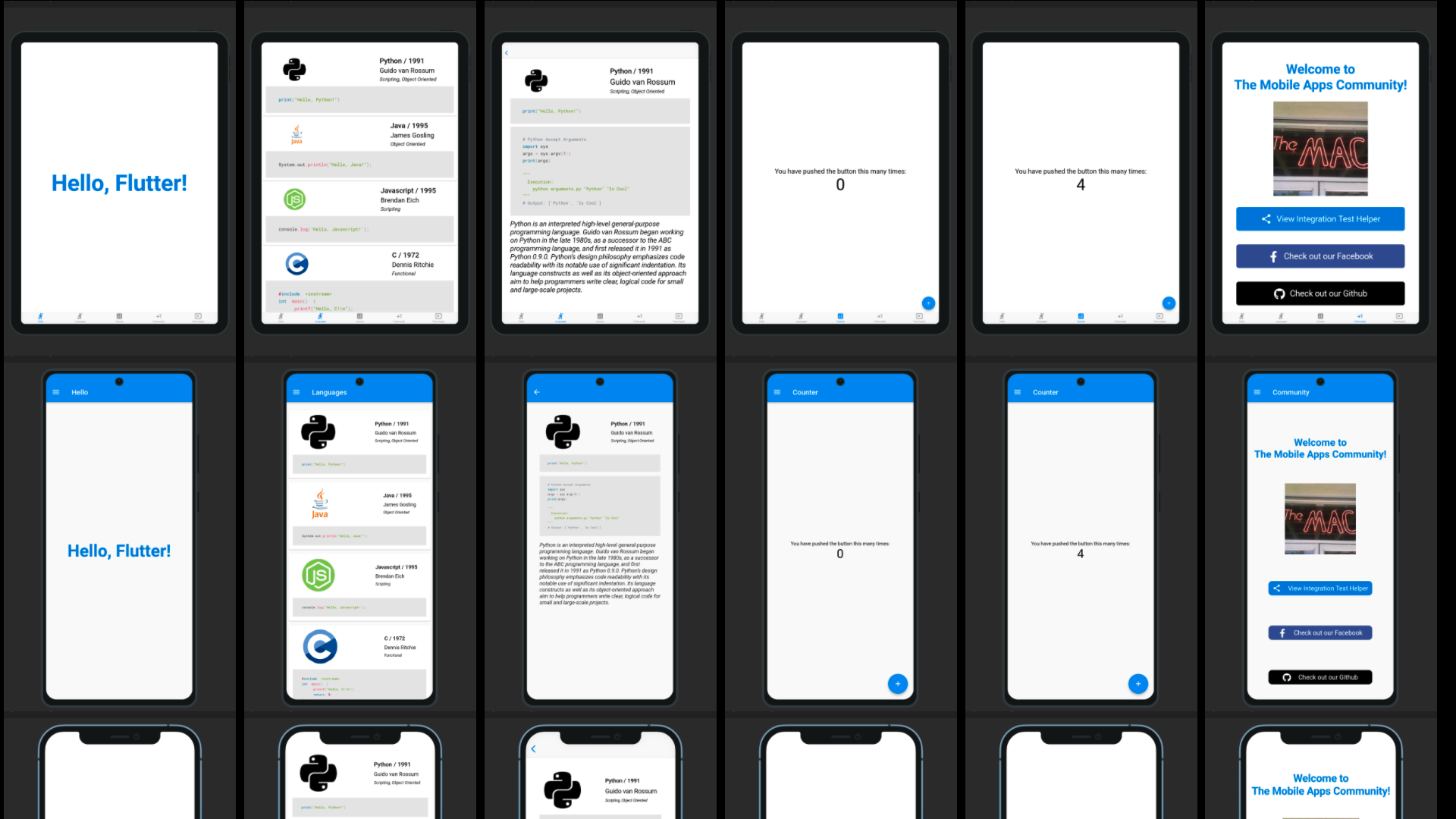
Integration Test Preview has pre-configured methods that allow for faster test deployment for end to end (e2e) test coverage (using Android and iOS platform UIs). This package is based upon the Integration Test Helper and Device Preview packages, and does much more with the combination of the two of them. It also allows for specific device size preview screenshots for the app stores, generated locally in your project path.
Features
Integration Test Preview Example
When running a test using a IntegrationTestPreview subclass, you can assign the devices that you want to test against (and take screenshots for). The following is an example of how you can test all your features end to end on multiple screen types:
import'package:flutter_test/flutter_test.dart';
import'package:integration_test_preview/integration_test_binding.dart';
import'package:device_frame/src/devices/devices.dart';
import'package:device_frame/src/info/info.dart';
import'package:example/main.dart'as app;
import'app_feature_groups.dart';
voidmain() async {
const minutesPerDevice = 3;
finalList<DeviceInfo> testDevices = [
Devices.ios.iPhone12, Devices.android.samsungGalaxyNote20, Devices.ios.iPadPro11Inches,
];
final totalExpectedDuration = Duration(minutes: testDevices.length * minutesPerDevice);
final binding = IntegrationTestPreviewBinding.ensureInitialized();
testWidgets('Testing end to end multi-screen integration', (WidgetTester tester) async {
final main = app.setupMainWidget();
final integrationTestGroups = ScreenIntegrationTestGroups(binding);
await integrationTestGroups.initializeDevices(testDevices, state: ScreenshotState.RESPONSIVE);
await integrationTestGroups.initializeTests(tester, main);
}, timeout: Timeout(totalExpectedDuration)
);
}
Reviewing the screenshot results
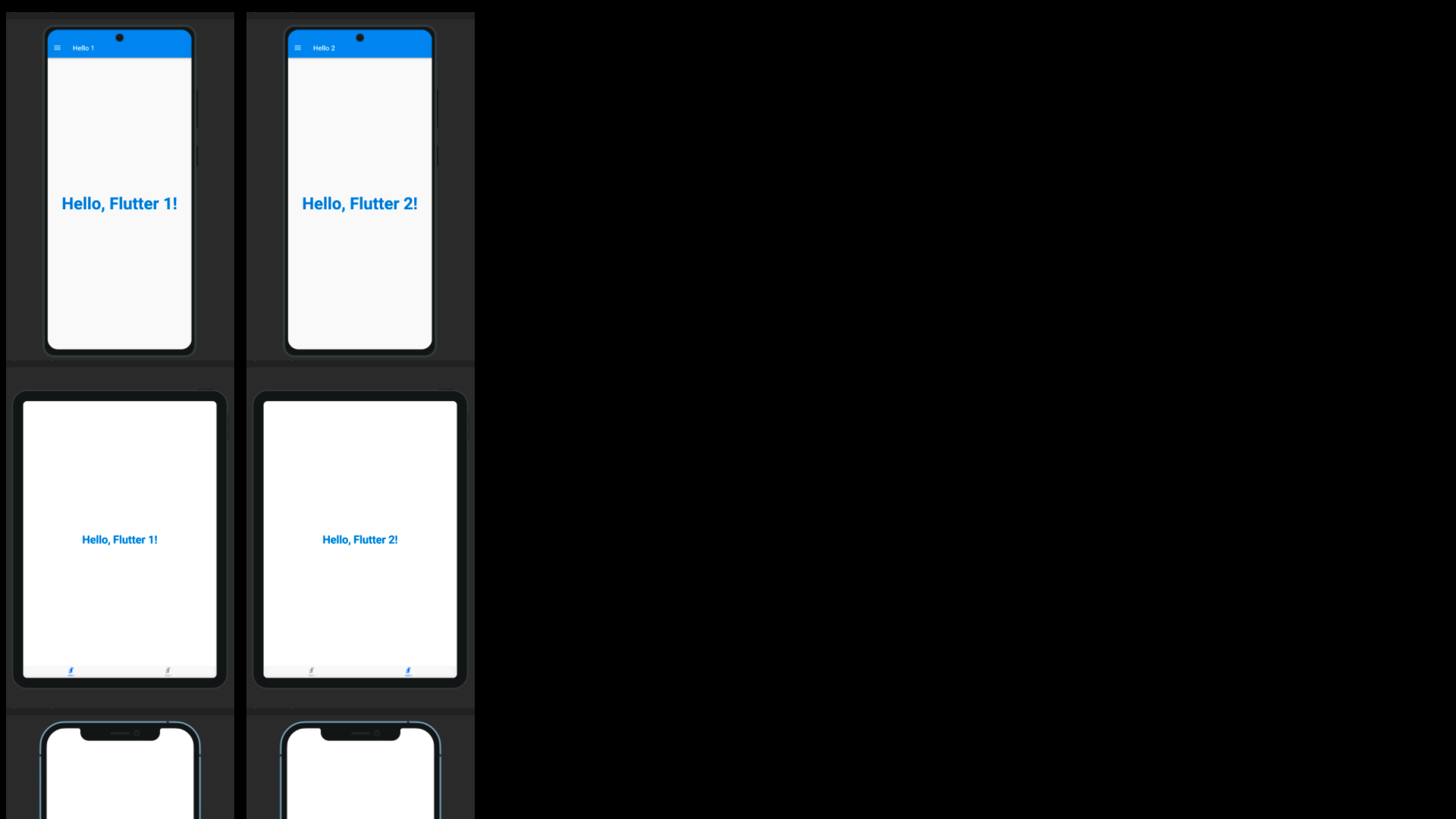
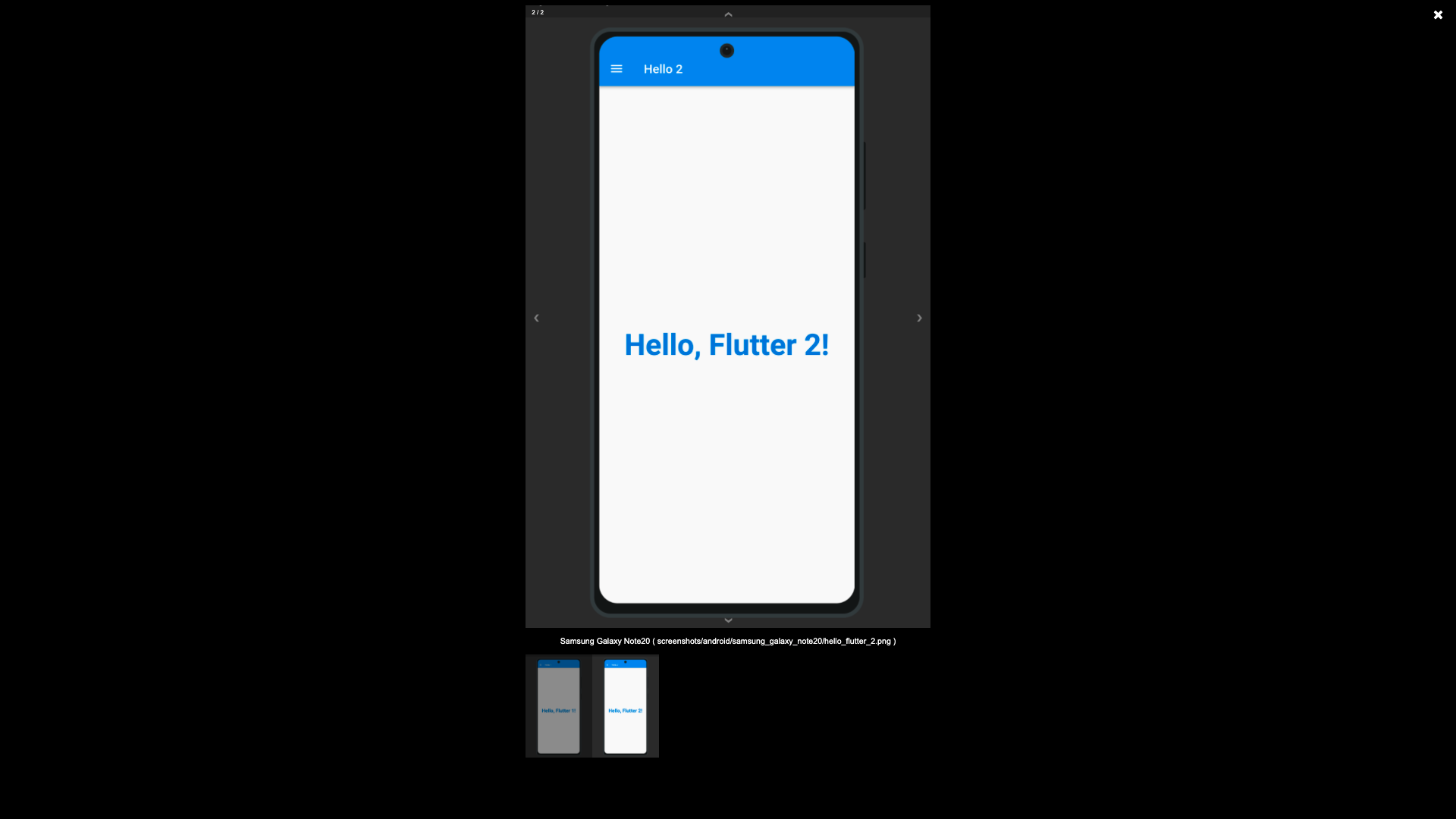
The screenshots generated using the Screenshot State, by default are written to the screenshots directory, this is possible using the test_driver/app_features_test.dart custom integrationDriver example below. The custom integrationDriver implementation allows for the generated screenshots to be displayed in an HTML page by the name of screenshots.html in your project directory.
The following file examples can be combined together (as a Hello World for the Integration Test Preview) to demonstrate how the package works. First you create a way to switch between platforms, a base Widget file that can switch between platforms (Android/iOS/etc.), create a driver file for saving to the screenshots directory, an IntegrationTestPreview subclass for grouping Widget tests against the grouped widgets.
Subclass IntegrationTestPreview (in integration_test/app_feature_groups.dart)
The Integration Test Preview supports platform specific implementations, for methods like the showHelloFlutter
method. This method uses the Drawer for Android and accomodates the Android environment UI interations. And uses
the Tab Bar for iOS and accomodates the iOS environment UI interations.