Search packages, repositories and app categories

label_marker cover
Package detailsv1.0.1

label_marker

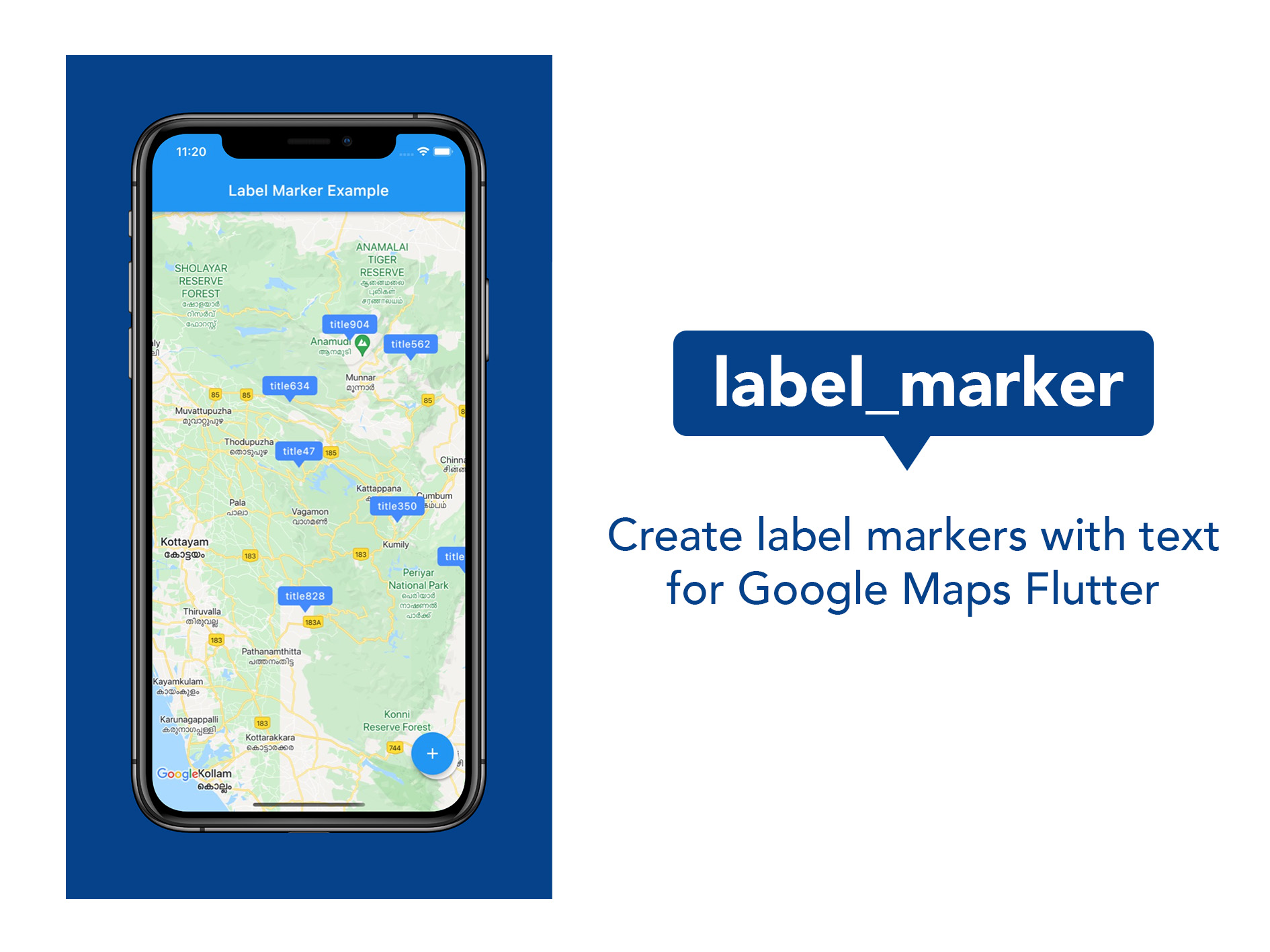
A package to create and use Google Maps marker with label text; the easiest and most efficient way.

AndroidiOSWeb
30-day downloads
1.9K
Likes
88
Pub points
150

Install package

flutter pub add label_marker

Package Overview

Package selection guidance compiled from public package information, community data, and project usage.

Label Marker is a Flutter package that simplifies the creation of Google Maps markers with custom label text. It provides an efficient and intuitive way to display labeled markers on maps, enhancing map readability without requiring complex configurations. Designed for developers seeking a lightweight solution, it integrates seamlessly with Google Maps for Flutter, supporting Android, iOS, and Web platforms. The package focuses on performance and ease of use, making it ideal for applications needing clear, text-based marker annotations.

Use cases

  • Displaying location names on maps
  • Highlighting points of interest with labels
  • Creating interactive map markers with text
  • Enhancing map UX with readable annotations
  • Building navigation or discovery apps

Key features

  • Simple API for labeled markers
  • Efficient rendering performance
  • Supports Google Maps integration
  • Cross-platform compatibility (Android, iOS, Web)
  • Minimal setup required

Suitable for

  • Developers building map-based apps
  • Projects needing labeled markers
  • Apps focused on location visualization
  • Teams prioritizing development speed
  • Frontend developers using Google Maps in Flutter

Considerations

  • Requires Google Maps API key
  • Limited to Google Maps platform
  • Dependent on Google Maps Flutter plugin
  • Not suitable for non-Google map providers
  • May require additional styling customization

Original README

Original README snapshot from the linked source repository. Visit the repository for the latest content.

A package to create and use Google Maps marker with label text; the easiest and most efficient way.

Pub Package MIT License

Features

logo

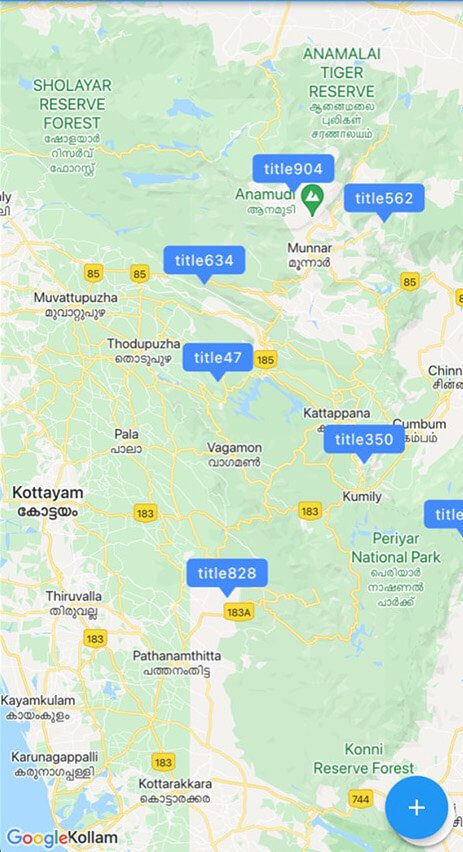
Use this package in your Flutter app to:

  • Include map marker with text in flutter app
  • Customise the background colour of the label
  • Customise the font style of the label
  • Implement any other functionality that you could do with normal markers

Getting started

  1. Do the basic setup for having Google Maps
  2. Create a Set of normal markers ( Set < Marker > ) and set it as markers parameter of Google Maps widget
  3. Import this package; label_marker, and call addLabelMarker() function on the Set of markers when you want to add a label marker.
  4. Pass a LabelMarker widget, (created by giving required parameters, ie, label, position and markerId) to the above function. (See example.)
  5. Remember to call setState using 'then' keyword on the addLabelMarker() function.

Usage

markers.addLabelMarker(LabelMarker(
    label: "TextToShow",
    markerId: MarkerId("idString"),
    position: LatLng(10.0, 11.0),
    backgroundColor: Colors.green,
    )).then((value) {
    setState(() {});
    },
);

Additional information

This was done alone and contributions are absolutely welcome. Any idea or suggestion to remove the need of setState after the function manually called, would be most appreciated.

Enjoy the package. Develop something beautiful.

Categories

Dependencies

Dependency list 1 items

Source repository

Projects using this package

No data available yet.