Package selection guidance compiled from public package information, community data, and project usage.
LoopPageView is a Flutter package that extends PageView functionality to enable seamless, endless scrolling in both directions. It wraps the standard PageView builder constructor, allowing users to create infinite scrollable lists without manual index management. Ideal for carousels, image galleries, or any UI requiring continuous navigation. The package supports all major platforms and simplifies implementation with minimal setup.
Use cases
Infinite image sliders
Continuous product carousels
Endless content feeds
Interactive onboarding screens
Dynamic data presentation
Key features
Bidirectional endless scrolling
Simple builder pattern integration
Cross-platform support
Minimal boilerplate
Automatic index handling
Suitable for
Developers building infinite scroll interfaces
UI designers needing smooth transitions
Apps with repetitive content layouts
Mobile and web applications requiring fluid navigation
Considerations
May impact performance with heavy widgets
Requires careful memory management
Not ideal for very large datasets without optimization
Limited customization beyond basic looping
Original README
Original README snapshot from the linked source repository. Visit the repository for the latest content.
loop_page_view
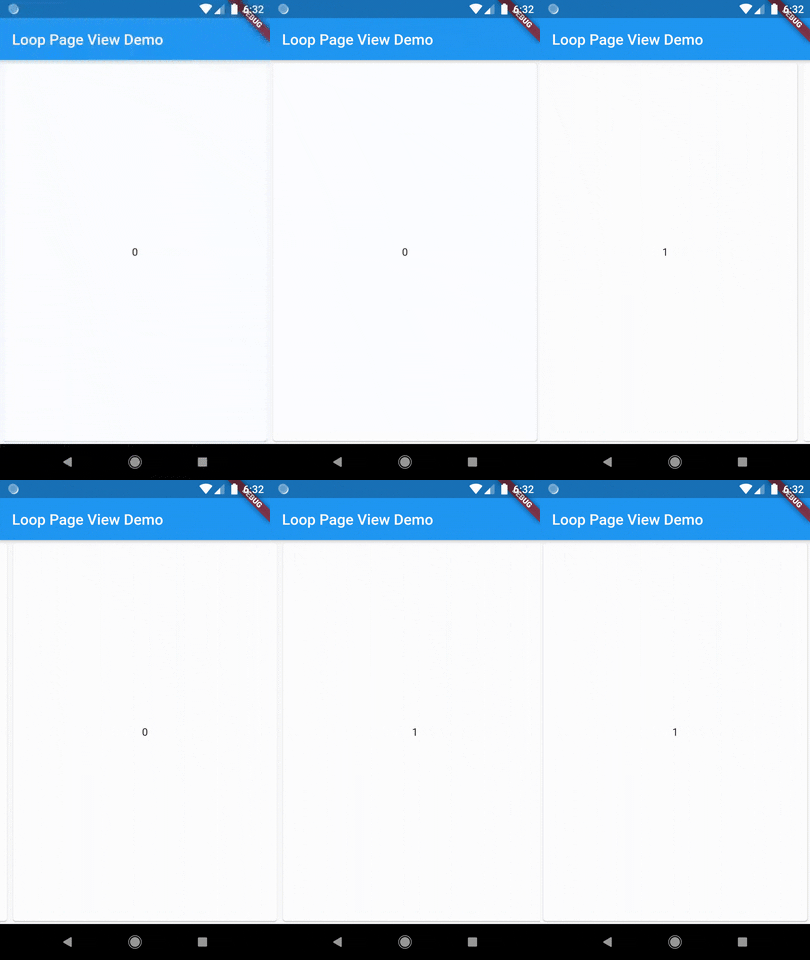
LoopPageView is an enhanced PageViewbuilder for Flutter, enabling infinite scrolling in both directions. It utilizes a customLoopPageController that supports direct animated jumps between pages and configurable scrolling and looping behavior. You can set the scrolling direction and control the start of infinite looping for precise customization
LoopPageView operates exactly like a PageViewbuilder constructor, but it always requires an item count, as well as a LoopPageController as its controller. The LoopPageController functions similarly to a PageController, but it correctly handles the endless scrolling of LoopPageView.
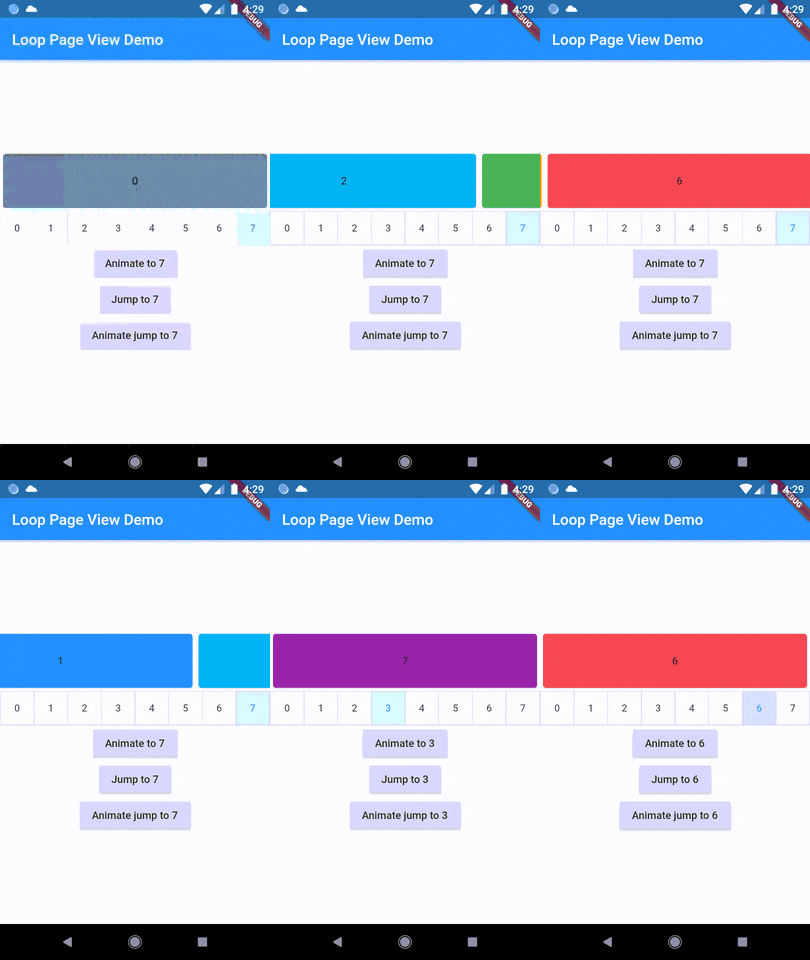
A new method, animateJumpToPage, has been added to LoopPageController. This allows it to animate a jump to any page without having to build the intervening pages, provided that viewportFraction is set to 1.0.
The direction to which the LoopPageViewController animates can be set by updating LoopPageViewController.scrollMode. LoopScrollMode.shortest animates in the direction that requires the least amount of steps. On the other hand, LoopScrollMode.forwards always animates forwards, and LoopScrollMode.backwards always animates backwards.
You can set when the infinite looping starts setting LoopPageViewContoller' LoopActivationMode with the following modes:
LoopActivationMode.immediate: This mode triggers infinite looping right from the first page, immediately after the LoopPageView is launched.
LoopActivationMode.afterFirstLoop: In this mode, infinite looping is only triggered after the first complete forward loop is performed.
LoopActivationMode.forwardOnly: This mode enables only forward infinite scrolling, preventing backward looping.