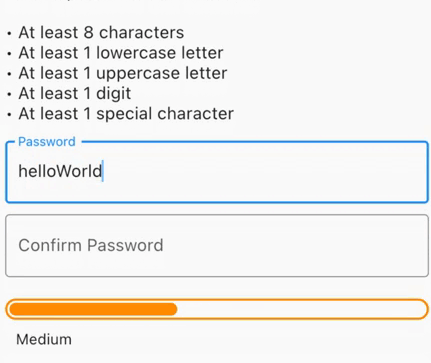
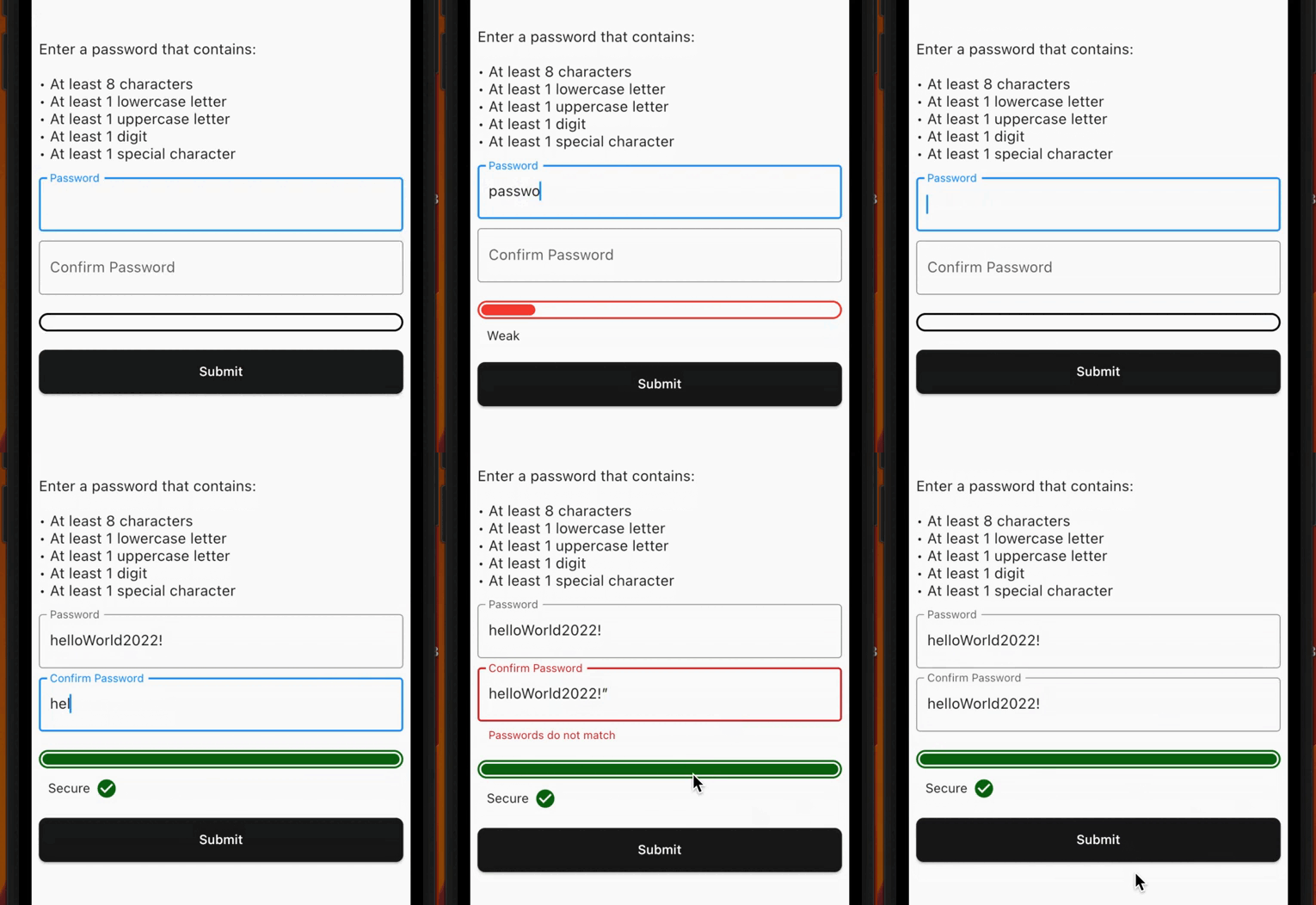
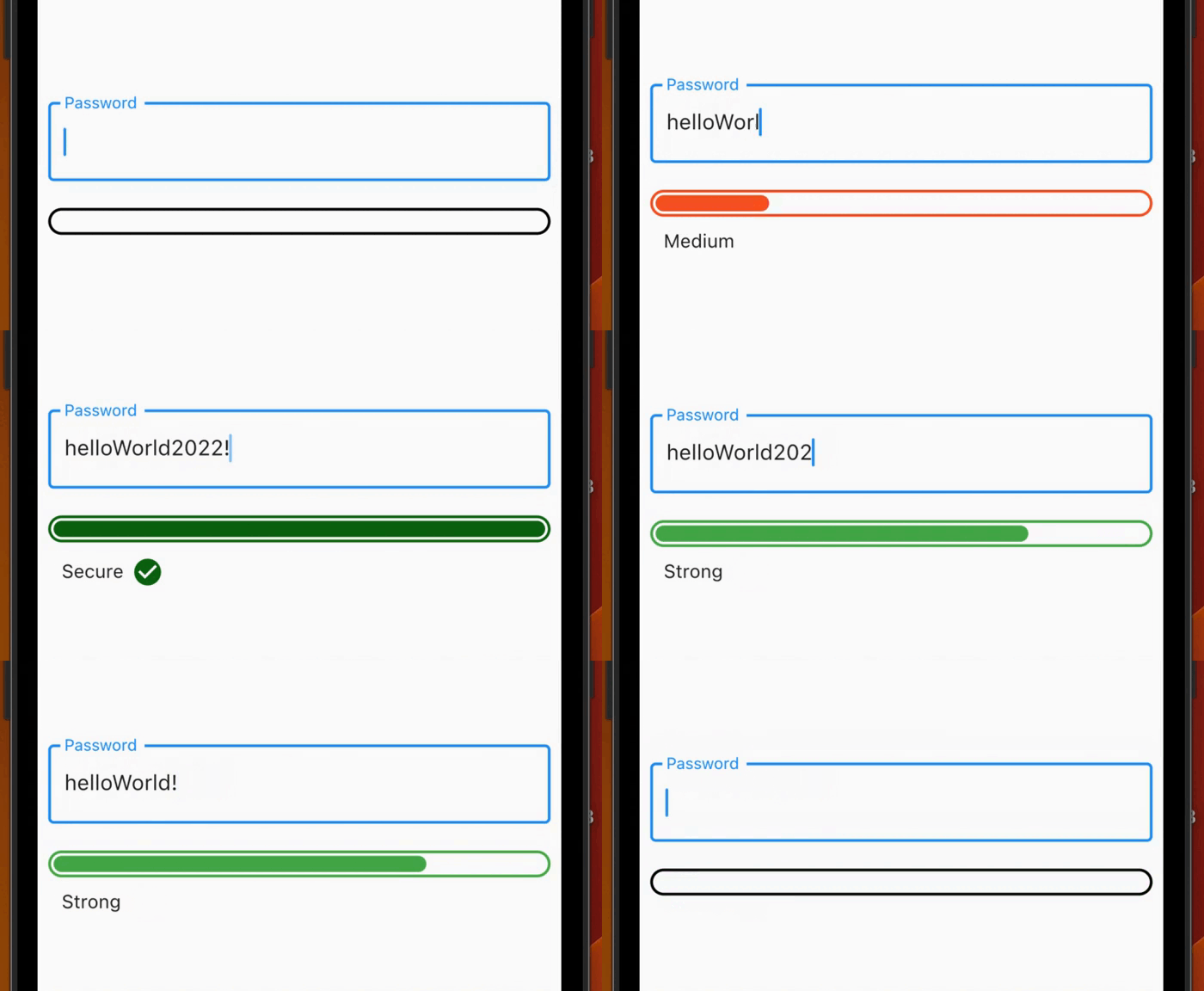
Generate secure passwords, check for exposed passwords, get visual feedback for strength or get form validation with a minimum password strength required.
Package selection guidance compiled from public package information, community data, and project usage.
A Flutter package that helps generate secure passwords, validate their strength, and check if they've been exposed in data breaches. It provides real-time visual feedback on password strength and supports form validation with customizable minimum strength requirements. Ideal for applications requiring robust authentication, it integrates seamlessly into password input fields across multiple platforms.
Use cases
Form validation with minimum strength
Real-time password strength feedback
Checking for exposed passwords
Secure password generation
Authentication flow enhancement
Cross-platform password fields
Key features
Visual strength indicators
Exposed password detection
Customizable strength thresholds
Password generation utility
Integration with form validators
Multi-platform support
Suitable for
Authentication screens
User registration forms
Security-focused apps
Password management tools
Developer teams prioritizing security
Apps requiring compliance with password policies
Considerations
Requires internet access for breach checks
May increase app size slightly
Depends on external APIs for exposure lookup
Not suitable for offline-only environments
Performance impact during real-time validation
Needs proper error handling for API failures
Original README
Original README snapshot from the linked source repository. Visit the repository for the latest content.
password_strength_checker
Generate secure passwords, check for exposed passwords, get visual feedback for password strength or get form validation with a minimum password strength required.
Check the strength of the password in a visual way, with an animation when the strength changes according to the settings given by the user.
Use it also inside a Form to get form validation!
Features
Check for exposed common password using the commonDictionary, a map with 10,000 leaked passwords!
Use the PasswordStrengthChecker to have a visual feedback.
Use the PasswordStrengthFormChecker to have a built-in TextFormField inside the widget and get form validation using a minimumStrengthRequired.
Use the PasswordGenerator class to generate a secure random password based on the input configurations (PasswordGeneratorConfiguration).
Create your custom strength to create your own rules or use the PasswordStrength default enum (see Custom Strength).
Demo
Getting started
PasswordStrengthChecker
You can use the PasswordStrengthChecker to only have a visual feedback, for example:
final passNotifier = ValueNotifier<PasswordStrength?>(null);
// ...PasswordStrengthChecker(
strength: passNotifier,
),
You can use the PasswordStrengthFormChecker to have a built-in TextFormField inside the widget and get form validation using a minimumStrengthRequired. For example:
You can use the default PasswordStrength enum to set the strength of the password, or you can create your own enum that implements PasswordStrengthItem and use it. For example:
enumCustomPassStrengthimplementsPasswordStrengthItem {
weak,
medium,
strong;
@overrideColorget statusColor => switch (this) {
CustomPassStrength.weak => Colors.red,
CustomPassStrength.medium => Colors.orange,
CustomPassStrength.strong => Colors.green,
};
@overrideWidget? get statusWidget => switch (this) {
CustomPassStrength.weak => constText('Weak'),
CustomPassStrength.medium => constText('Medium'),
CustomPassStrength.strong => constText('Strong'),
};
@overridedoubleget widthPerc => switch (this) {
CustomPassStrength.weak => 0.15,
CustomPassStrength.medium => 0.4,
CustomPassStrength.strong => 0.75,
};
staticCustomPassStrength? calculate({requiredString text}) {
// Implement your custom logic hereif (text.isEmpty) {
returnnull;
}
// Use the [commonDictionary] to see if a password// is in 10,000 common exposed password list.if (commonDictionary[text] == true) {
returnCustomPassStrength.weak;
}
if (text.length < 6) {
returnCustomPassStrength.weak;
} elseif (text.length < 10) {
returnCustomPassStrength.medium;
} else {
returnCustomPassStrength.strong;
}
}
}
Contribution
The project is open source and you can contribute to it here -> repository link