Search packages, repositories and app categories

random_text_reveal cover
Package detailsv0.0.7

random_text_reveal

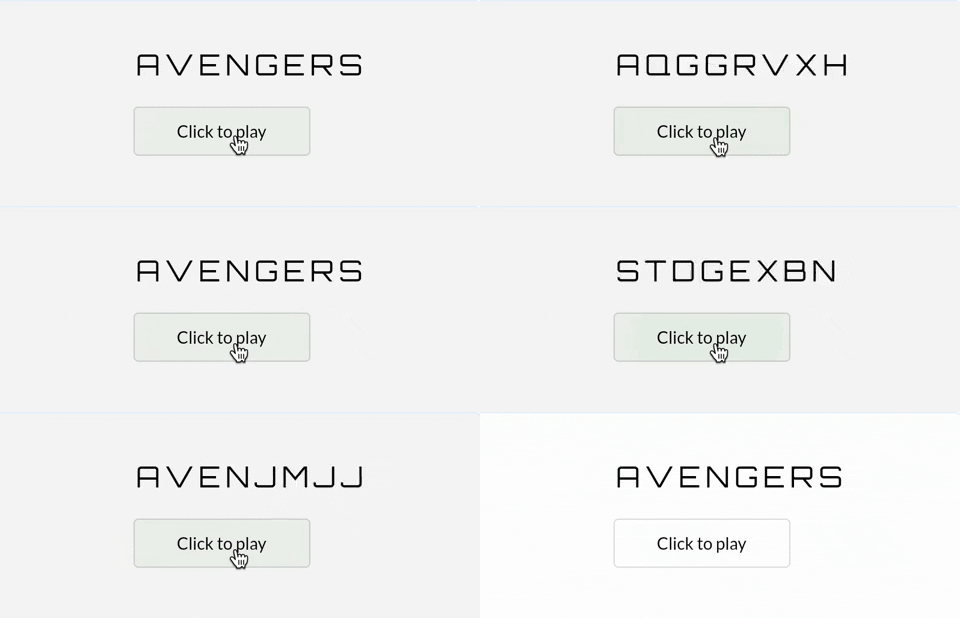
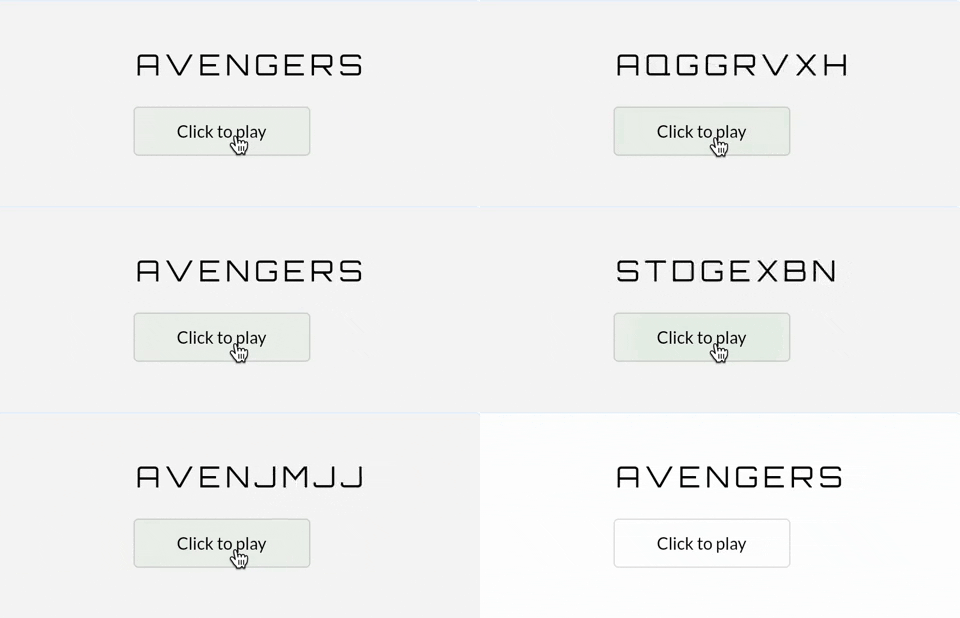
A text animation package with random text reveal effect where the text reveals itself letter by letter (used mostly in movies)

AndroidiOSWebmacOSWindowsLinux
30-day downloads
118
Likes
85
Pub points
160

Install package

flutter pub add random_text_reveal

Package Overview

Package selection guidance compiled from public package information, community data, and project usage.

A Flutter package that creates a cinematic text animation effect where characters appear one by one in a randomized sequence, mimicking the dramatic reveal style seen in movies. Ideal for titles, intros, or any UI element requiring suspenseful text display. The animation is smooth and customizable, supporting various platforms including mobile, web, and desktop. It enhances user engagement through dynamic visual storytelling.

Use cases

  • Movie-style title animations
  • Interactive app intros
  • Engaging onboarding screens
  • Dynamic UI text reveals
  • Gamified text effects

Key features

  • Letter-by-letter random reveal
  • Cinematic movie-style effect
  • Cross-platform support
  • Customizable animation speed
  • Simple integration with Flutter widgets
  • Smooth performance across devices

Suitable for

  • App developers seeking cinematic effects
  • UI/UX designers focused on visual impact
  • Projects with animated introductions
  • Educational apps with engaging content
  • Gamified applications

Considerations

  • May not suit minimalist design styles
  • Performance impact on very long texts
  • Requires careful timing for optimal effect
  • Limited customization beyond basic parameters
  • Best used sparingly to maintain impact

Original README

Original README snapshot from the linked source repository. Visit the repository for the latest content.

pub package License: MIT

Random Text Reveal

A Flutter package that helps you create animated Text widgets with Random Text Reveal Effect for all platforms.

Simple Usage

You should pass in a text value to the RandomTextReveal widget. It will automatically animate by generating random characters & slowly reveal text one by one. You can customize the text by various parameters: style, duration, randomString etc.

const RandomTextReveal(
  text: 'Random Text Reveal',
  duration: Duration(seconds: 2),
  style: TextStyle(
    fontSize: 36,
    color: Colors.blue,
    fontWeight: FontWeight.bold,
  ),
  curve: Curves.easeIn,
)

Customized Usage

You can customize the RandomTextReveal widget by overriding the default values. Using GoogleFonts package, you can make it a lot appealing

RandomTextReveal(
  key: globalKey,
  text: 'PASSWORD',
  initialText: 'Ae8&vNQ32cK^',
  shouldPlayOnStart: false,
  duration: const Duration(seconds: 2),
  style: GoogleFonts.orbitron(
    textStyle: const TextStyle(
      fontSize: 24,
      color: Colors.green,
      fontWeight: FontWeight.bold,
      letterSpacing: 8,
    ),
  ),
  randomString: Source.alphabets,
  onFinished: () {
    debugPrint('Password cracked successfully');
  },
  curve: Curves.easeIn,
  overflow: TextOverflow.ellipsis,
  maxLines: 2,
)

'random-text-reveal-preview'

Parameters
  • text: String
  • initialText: String?
  • shouldPlayOnStart: bool
  • randomString: String
  • duration: Duration
  • onFinished: VoidCallback?
  • curve: Curve
  • style: TextStyle?
  • textDirection: TextDirection?
  • locale: Locale?
  • maxLines: int?
  • overflow: TextOverflow?
  • softWrap: bool?
  • textAlign: TextAlign?
  • semanticsLabel: String?

Categories

Source repository

Projects using this package

No data available yet.