Search packages, repositories and app categories

read_pdf_text cover
Package detailsv0.3.1

read_pdf_text

This is a plugin that parses string out of pdf documents. It uses apache PDFbox and PDFKit parse the pdf document. There is only three functions so it is simple to use.

AndroidiOS
30-day downloads
6.1K
Likes
52
Pub points
140

Install package

flutter pub add read_pdf_text

Package Overview

Package selection guidance compiled from public package information, community data, and project usage.

The read_pdf_text package is a simple Flutter plugin for extracting text from PDF documents. It leverages Apache PDFBox and PDFKit under the hood to parse PDF content efficiently. With only three straightforward functions, it offers an easy-to-use interface for developers needing basic text extraction. Ideal for apps that require reading or processing text from PDFs without complex formatting needs. The plugin supports both Android and iOS platforms.

Use cases

  • Extracting text from scanned PDFs
  • Reading document content in apps
  • Parsing user-uploaded PDFs
  • Simple PDF text analysis
  • Integrating PDF content into text-based features

Key features

  • Minimal API with only three functions
  • Uses reliable PDF parsing libraries
  • Cross-platform support (Android & iOS)
  • Lightweight and easy to integrate
  • Fast text extraction from PDFs

Suitable for

  • Developers building document readers
  • Apps needing basic PDF text extraction
  • Projects with limited PDF processing requirements
  • Mobile apps handling user-submitted PDFs
  • Prototypes requiring quick PDF text access

Considerations

  • Limited to text extraction only
  • No support for images or advanced PDF features
  • Dependent on underlying PDFBox/PDFKit performance
  • May struggle with heavily encrypted or scanned PDFs
  • Does not support PDF editing or rendering
Original README

Original README snapshot from the linked source repository. Visit the repository for the latest content.

read_pdf_text

This package parses text out of PDF document and returns it as a string.

Android

On Android the plugin uses PDFbox open source library modified by Tom Roush.

iOS

The iOS plugin uses PDFKit to parse the text out of PDF documents. It requires iOS version 11 or higher.

For error like: "Could not find or use auto-linked library 'swiftObjectiveC'"

Solution can be found here: https://stackoverflow.com/a/54586937/2881394

Getting Started

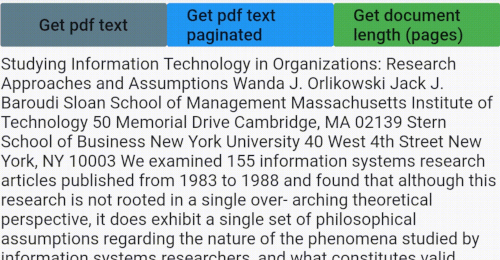
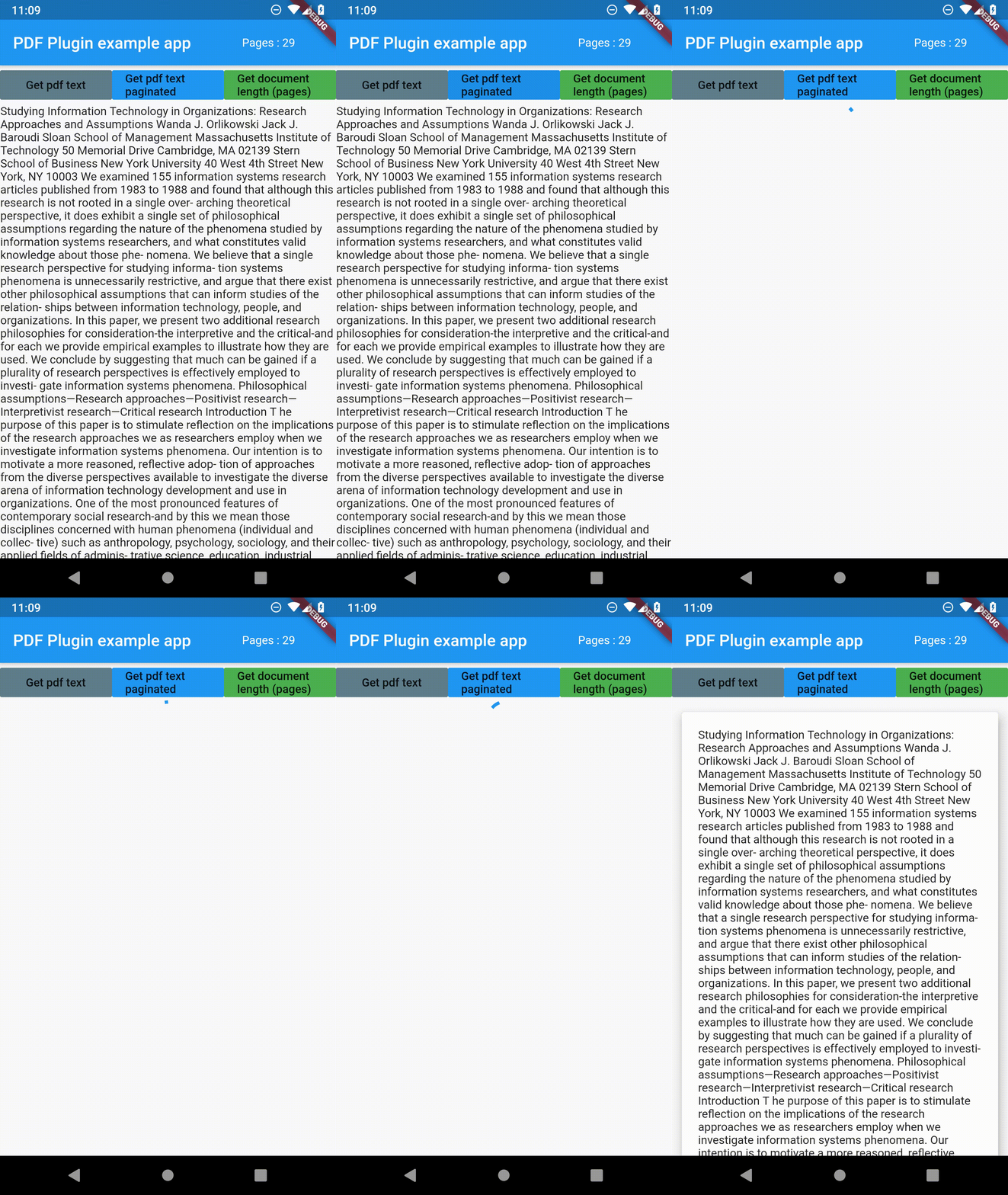
The package only has three functions getPDFtext(path), getPDFtextPaginated(path) and getPDFlength(path). Path is the file path to the PDF file you want to parse. I used file_picker package in the example to get the path of the PDF file.

Check the example for more details.

Example

read_pdf_text.gif

getPDFtext(String path)

Returns text from PDF file as a String.

    Future<String> getPDFtext(String path) async {
    String text = "";
    try {
      text = await ReadPdfText.getPDFtext(path);
    } on PlatformException {
      print('Failed to get PDF text.');
    }
    return text;
  }

getPDFtextPaginated(String path)

Returns text from PDF but in a String list, where each item is a page of the PDF file.

  Future<List<String>> getPDFtextPaginated(String path) async {
    List<String> textList = List<String>();
    try {
      textList = await ReadPdfText.getPDFtextPaginated(path);
    } on PlatformException {
      print('Failed to get PDF text.');
    }
    return textList;
  }

getPDFlength(String path)

Returns length of the document as an integer.

  Future<int> getPDFlength(String path) async {
    int length = 0;
    try {
      length = await ReadPdfText.getPDFlength(path);
    } on PlatformException {
      print('Failed to get PDF length';)
    }
    return length;
  }

I wrote an article about developing package for Flutter check it out

How to write Flutter plugin --1

Categories

Source repository

Projects using this package

No data available yet.