Package selection guidance compiled from public package information, community data, and project usage.
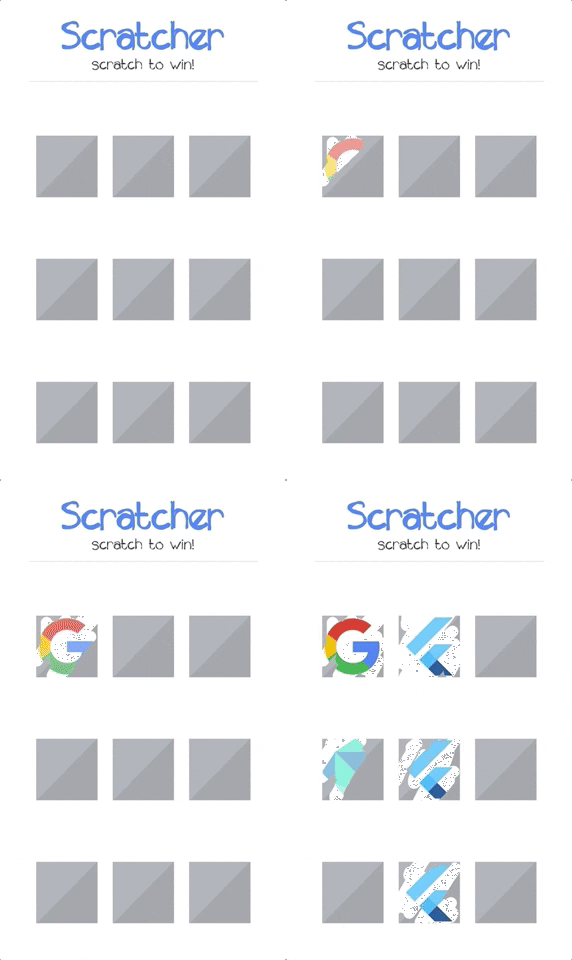
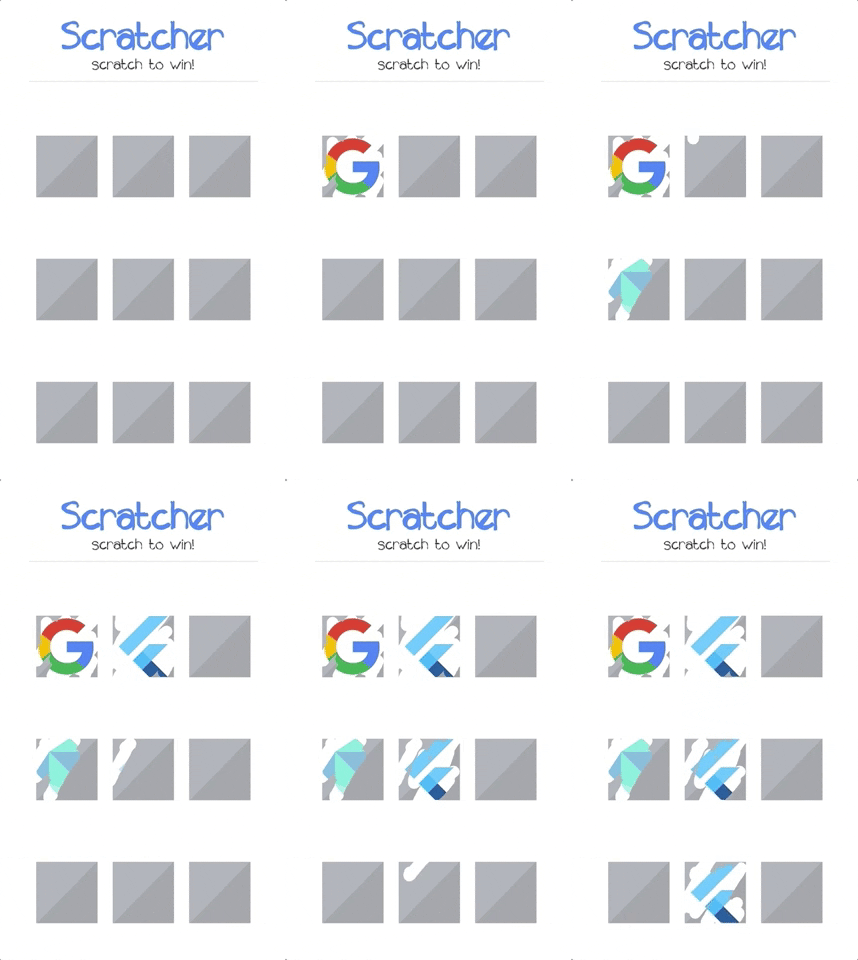
The scratcher package provides a Flutter widget that simulates a scratch card experience, temporarily hiding content until the user 'scratches' it away. It's ideal for gamified interfaces, reward systems, or surprise reveals in apps. The widget supports touch interactions across all major platforms, including mobile, web, and desktop. Customizable scratch effects and visual feedback enhance user engagement. Built with performance and ease of integration in mind, it’s perfect for developers aiming to add interactive elements without complex implementation.
Use cases
Gamified app rewards
Hidden content reveals
Interactive promotions
Digital scratch cards
User engagement features
Key features
Cross-platform support
Customizable scratch effect
Touch interaction handling
Smooth animation
Easy integration with Flutter
Configurable scratch opacity
Suitable for
App developers seeking interactive UIs
Gamification projects
Marketing campaigns with surprise elements
Educational apps with reveal mechanics
Simple reward-based applications
Considerations
May impact performance on low-end devices
Limited customization for advanced scratch patterns
Not suitable for high-security content concealment
Requires careful design for accessibility
Best used with lightweight content
Original README
Original README snapshot from the linked source repository. Visit the repository for the latest content.
scratcher
Scratch card widget which temporarily hides content from the user.
Features
Supported platforms:
Android
iOS
Web (CanvasKit only)
Cover content with full color or custom image
Track the scratch progress and threshold
Fully configurable
Getting started
First thing you need to do is adding the scratcher as a project dependency in pubspec.yaml:
dependencies:scratcher:"^2.5.0"
Now you can install it by running flutter pub get or through code editor.