Package selection guidance compiled from public package information, community data, and project usage.
The serial_communication package is an Android plugin enabling serial communication between a Flutter app and external hardware devices via available serial ports. It allows reading from and writing to these ports, facilitating direct interaction with sensors, microcontrollers, or other peripherals connected through UART/USB-to-serial interfaces. Designed specifically for Android, it provides a straightforward API for developers integrating hardware-based functionality into their apps. The package supports real-time data exchange and is ideal for IoT applications, industrial automation, and embedded system control.
Use cases
Connecting to Arduino devices
Reading sensor data in real time
Controlling industrial equipment
Integrating with USB-to-serial adapters
Building IoT monitoring systems
Key features
Supports Android only
Enables read/write operations on serial ports
Simple API for hardware integration
Real-time data transmission
Compatible with UART and USB-to-serial devices
Suitable for
IoT application developers
Hardware interface projects
Android-based industrial apps
Embedded system integrators
Prototyping with microcontrollers
Considerations
Limited to Android platform
Requires hardware compatibility
No iOS support
Needs proper permissions and device configuration
May require additional native setup for certain devices
Original README
Original README snapshot from the linked source repository. Visit the repository for the latest content.
Serial communication!
An Android Plugin for Serial Communication which allow you to read
and write the data through the available ports
The supported features are:
Listing the available serial ports on the device, including USB to serial adapters
Configuring serial ports (baud rate, stop bits, permission, ...)
Providing standard InputStream and OutputStream
Description
This PlugIn enables the communication with the
USBRS232RS485UART
Supported platforms:
Android
Video tutorial
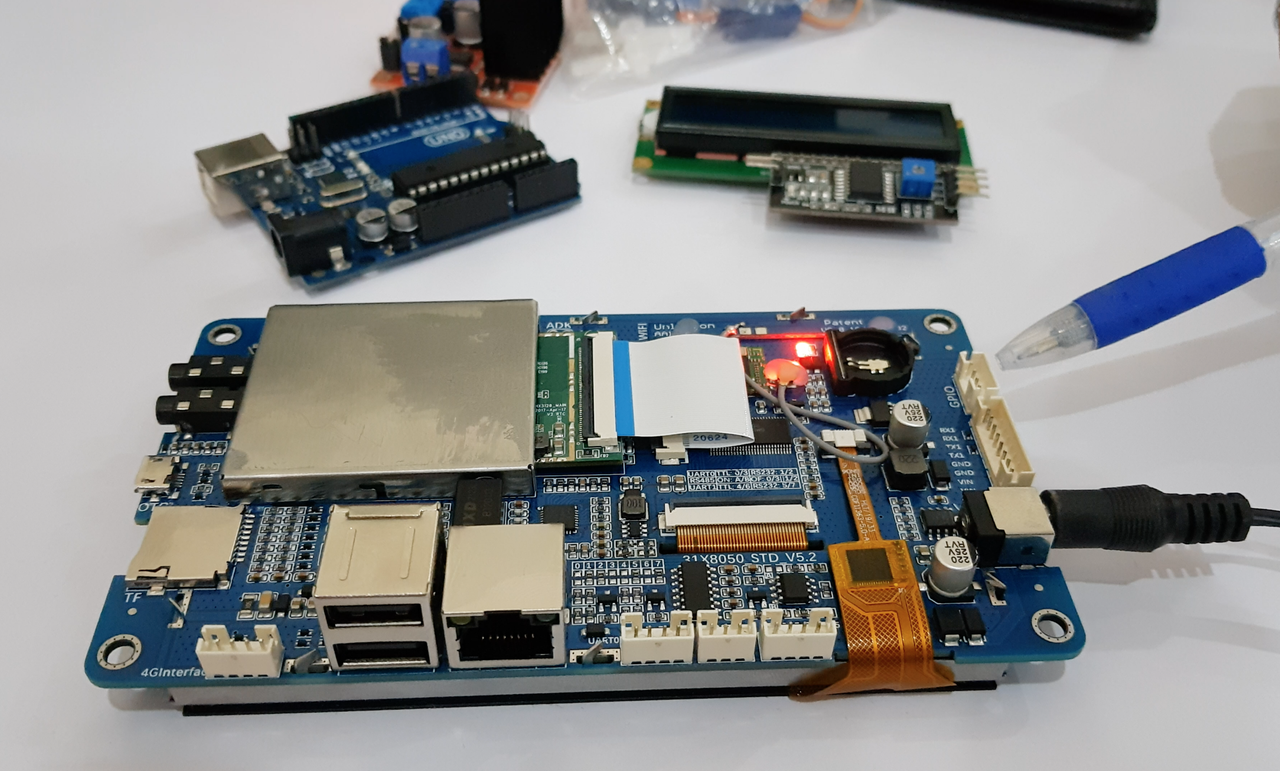
In order to completely understand you can view our sample video in which we are using an android Lcm module.
Click the image below to watch the video:
Getting Started
Add a dependency to your pubspec.yaml
dependencies:serial_communication:0.0.2
include the usbserial package at the top of your dart file.
Baud Rate
To get the Standard baud rates list
call the SerialCommunication().baudRateList
it will return the integer list of standard baud rate
Data Format
The Data format is used to convert the data type
To pass the data format in the open() method parameter
For ascii format
call the DataFormat.ASCII
For hex_String format
call the DataFormat.HEX_STRING
Contribution
Any help from the open-source community is always welcome and needed:
Found an issue?
Please fill a bug report with details.
Wish a feature?
Open a feature request with use cases.
Are you using and liking the project?
Promote the project: create an article, do a post or make a donation.
Are you a developer?
Fix a bug and send a pull request.
Implement a new feature.
Improve the Unit Tests.
Have you already helped in any way?
Many thanks from me, the contributors and everybody that uses this project!